

 microsoft
Connect PXN V3 pro steering wheel and xbox controller to hawaii/coastline environment
Question
What's your question?
How can I connect PXN v3 pro steering wheel and/ xbox controller to hawaii environment without error?
Include context on what you are trying to achieve
If I try to control the car with abovementioned controller, the steering and accel always go like this without me touching anything.
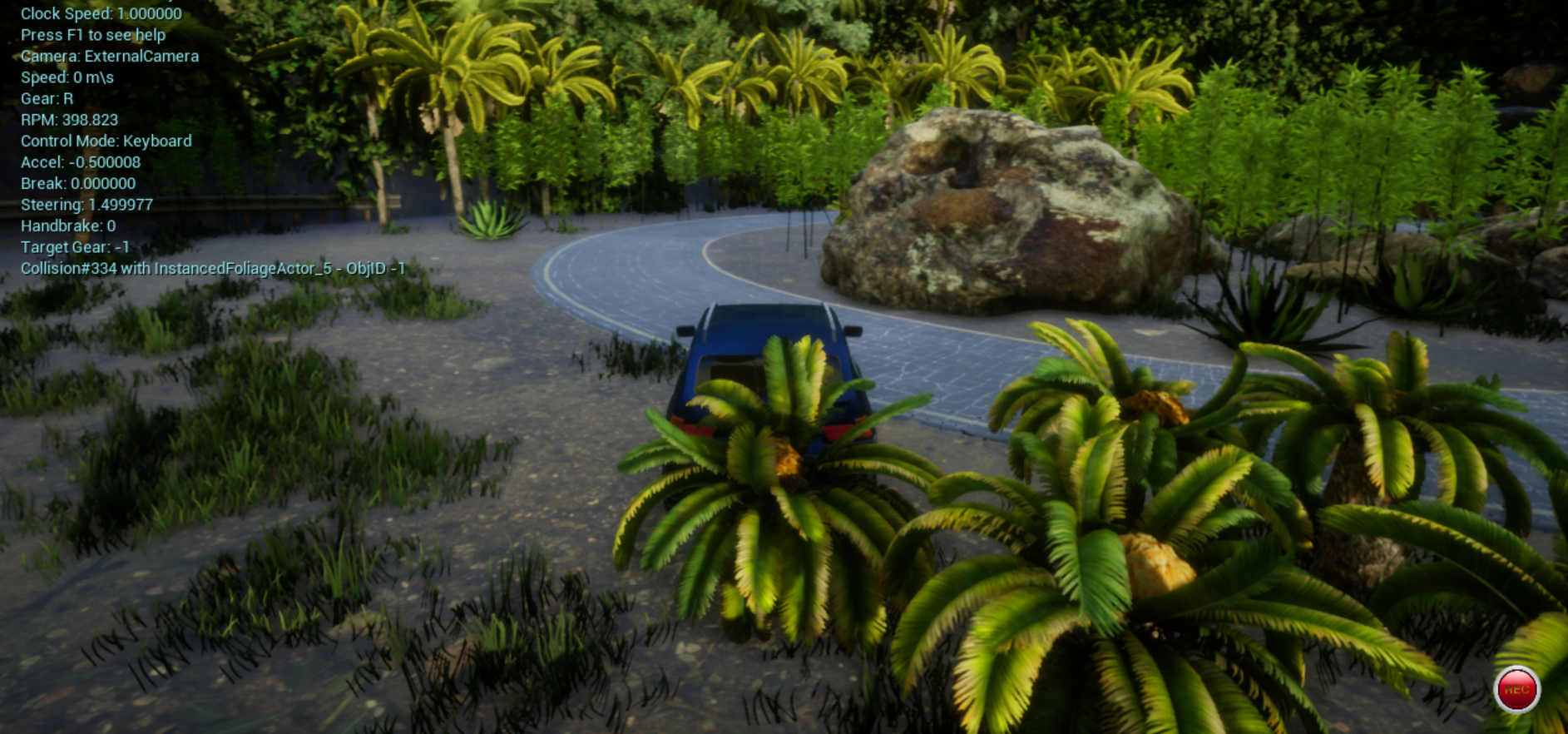
Context details
Windows, Coastline 1.7.0
Include details of what you already did to find answers
I've tried using x360ce but still getting the same error. The error only occur when I'm using hawaii environment (I think so) It works just fine when I'm using custom environment

I tested my xbox controller locally in the coastline 1.7.0 environment and it's working fine for me. If you run joy.cpl, then click on properties for either your xbox controller or steering wheel, do you see the test display respond properly to input on your controllers? Unfortunately, we don't have a PXN v3 pro steering wheel to test with, and I don't believe we currently have explicit support for this controller, so this may require a source change.

I tested my xbox controller locally in the coastline 1.7.0 environment and it's working fine for me. If you run
joy.cpl, then click on properties for either your xbox controller or steering wheel, do you see the test display respond properly to input on your controllers? Unfortunately, we don't have a PXN v3 pro steering wheel to test with, and I don't believe we currently have explicit support for this controller, so this may require a source change.
I've tried to re-download the coastline 1.7.0 and recalibrate my controller in joy.cpl. I still get the same error.
But thanks for answering :D