

 microsoft
[Designer] Make new card lists accessible with arrow keys
Related Issue
Fixes #7699
Description
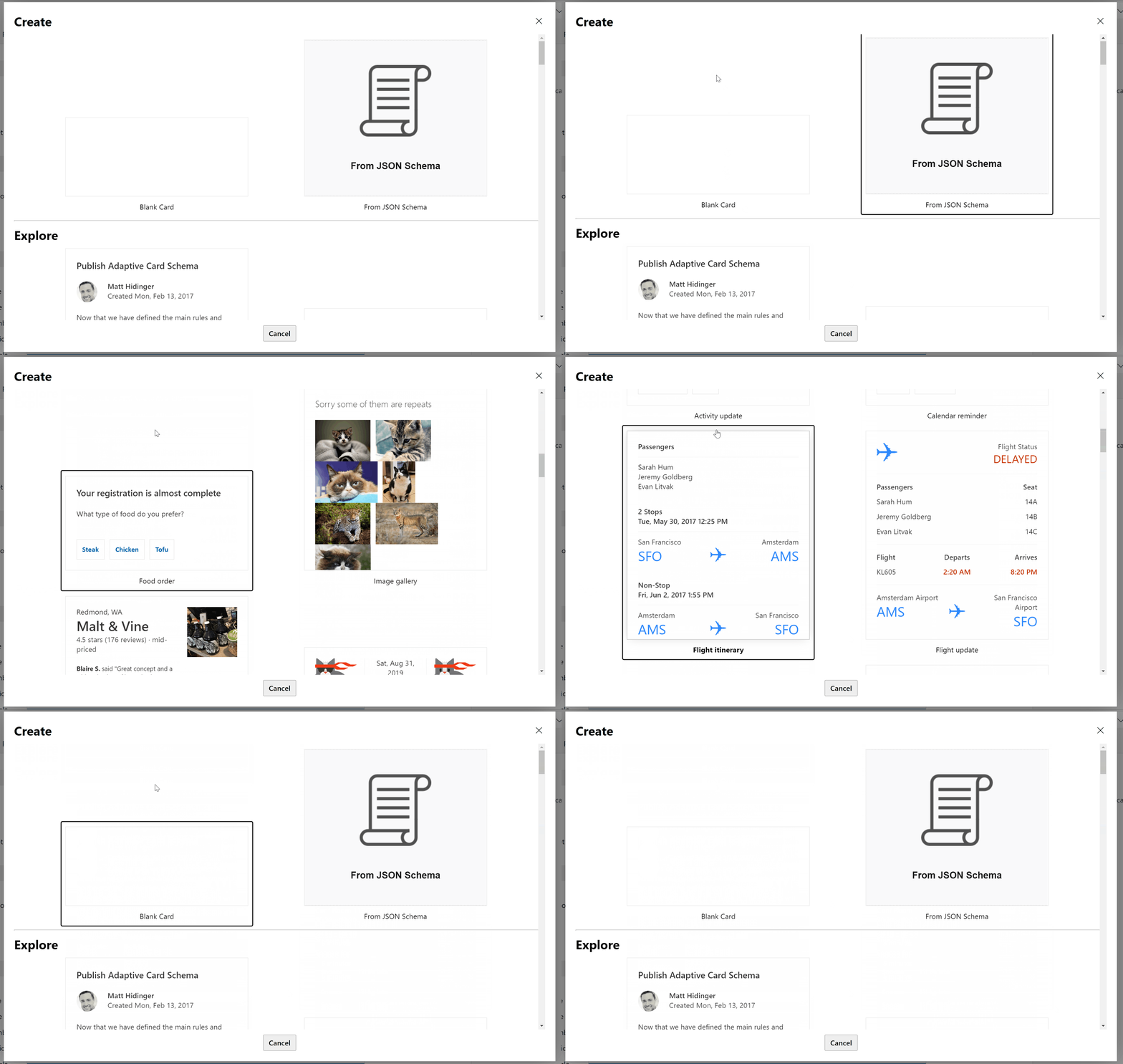
Added support for new card options to be accessible with arrow keys
How Verified
Verified manually on the Adaptive Cards designer
Microsoft Reviewers: Open in CodeFlow

Hi @anna-dingler. Thanks for helping make the AdaptiveCards JS renderer + tooling better. As additional verification, once the JS build succeeds, please go to the test site to test out your website/designer changes.

Code looks great (no notes!), but some behavioral changes we should consider:
left/right arrow should also work
- min bar is that left/up go previous and right/down go next
- stretch goal would be for up/down to navigate appropriately (e.g. if we're displaying three sample cards per row, and the user has focused the middle card on a row and then presses down, the middle card on the next row should be focused). I should note that I'm not even sure if this is easy/possible, so feel free to punt
we should allow arrowing from the top section (Blank/From Schema) to the "Explore" section
@paulcam206 I just enabled the left/right arrow keys and updated it so that you can navigate between multiple lists.
Let me know what you think!
Hi @anna-dingler. This pull request has had no recent activity for the past 5 days . Please take the necessary actions (review, address feedback or commit if reviewed already) to move this along.