

 microcks
Plans for Microcks on AWS Marketplace
We're in the process of thinking about a service offer of Microcks via AWS Marketplace.
Please let us know in comments what you'd like too see:
- Raw Microcks on EC2 ?
- Microcks as a Service on EKS or ECS ?


Hi Laurent. I tried to set up Microcks on EC2 based on the available helps but the further i went is the moment that all 4 docker compose starts up ( in fact keycloak does not but after removal of images and rerun docker compose all of them starts up - solution from issue https://github.com/microcks/microcks/issues/354) but the microcks webpage is just blank. There is no issue when i set up everything localy where all the URL point to localhost but on EC2 and with changes on docker-compose.yml URLs things getting bad.
Very old issue 29 explain a bit which URLs has to be changed https://github.com/microcks/microcks/issues/29 but since microcks.yml is not distributed anymore with the latest package it is kind of unknown for me which envoironment variables should point to the public DNS on EC2.
Would you give me some hints which one should be updated to make it work? a) KEYCLOAK_URL b) KEYCLOAK_PUBLIC_URL c) KEYCLOAK_FRONTEND_URL
This is the webpage after all 4 components are up:
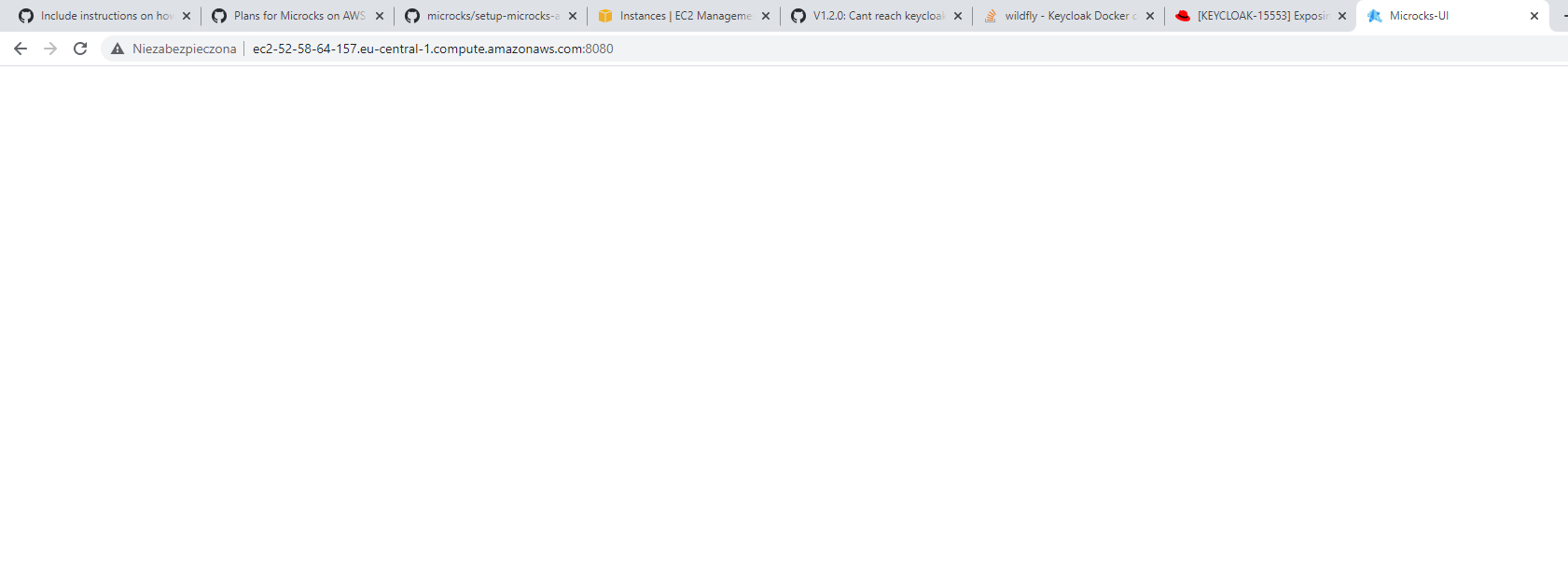
And this docker ps command:

Ports 8080 and 8180 opened in the security group.

Hi @FilipShavash
Sorry for inconvenience but things have moved a bit on Keycloak configuration in order to find the easiest and flexible configuration options ...
When looking at the current docker-compose.yml file - and in regards of EC2 install - you'll have the following property to set up:
-
KEYCLOAK_URLis used on the microcks container side and it's the URL used for reaching Keycloak container. So if running on same host with docker-compose, you should stick withhttp://keycloak:8080/auththat is using the docker network local alias, -
KEYCLOAK_PUBLIC_URLis used on the microcks container side an it's the public URL that is used in browser for OpenID authentication flow. So it should be something likehttp://<my_ec2_public_dns>:18080/authbecause Keycloak container is exposed on port18080of the host, -
KEYCLOAK_FRONTEND_URLis used on the keycloak container side to tell it the public URL used to first do the OpenID authentication. So its value must also be set tohttp://<my_ec2_public_dns>:18080/authfor same reason.
Hope it helps!
Hi @lbroudoux
Many thanks. Tried that one but unfortunetly my EC2 micro becomes irresponsive When trying to open microcks webpage after all the changes and spin up docker compose it simply goes in endless loop of waiting. there is some time before it all slow down so i can do some screenshots.
Server becomes very slow, so slow that i have to spend couple of minutes to get answer on simple command "ls".
Seems that this machine is not capable to handle the whole project or something else...... Any hints more than welcome.
Or maybe you already tried to fire up that project on some EC2 machine and have some recomendation?
Below some screenshots from docker-compose.yml and running images before i started to open web access. I am restarting that machine quite offten so public DNS is not permanent over the time - if you would be checking that one.
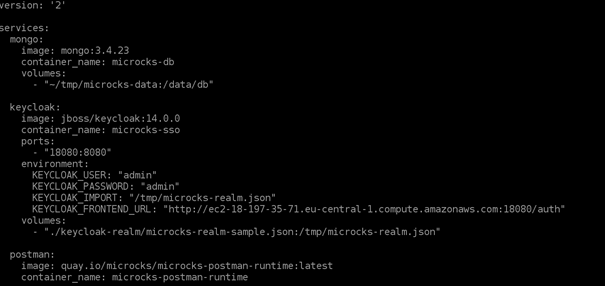
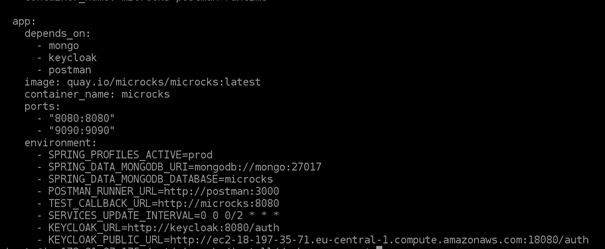

Hi @FilipShavash,
Did you also change the redirect url within the keycloak-realm/microcks-realm-sample.json? I forgot to mention that in previous response but the line 90 should also be updated to the http://<my_ec2_public_dns>:80/* value so that Keycloak know that you should be redirected to this one after login.
Indeed, redirect updated by running this command for each try and the same results: jq '.applications |= map(if .name == "microcks-app-js" then .redirectUris = [ "EC2DNSHostName:8080/*" ] else . end) | .sslRequired |= "none"' keycloak-realm/microcks-realm-sample.json.bak > keycloak-realm/microcks-realm-sample.json
More and more i play around with this EC2 micro type instances it looks like machine is too weak to handle it. It becomes responsive only after restart, when dockers are down again.
Exactly t2.micro.
This is the top -i after starting docker compose with 4 components:
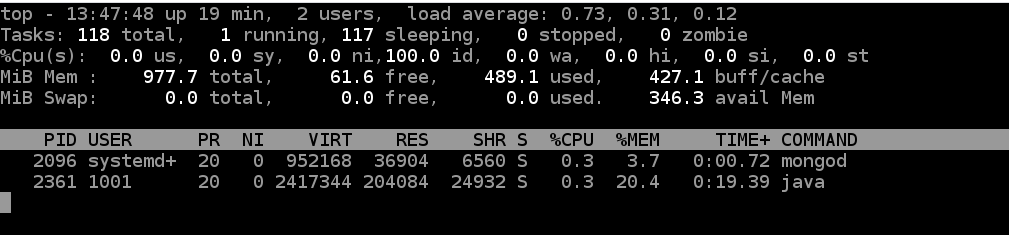
And the instance become irresponsive the moment keycloak docker is fired up. As i said to run all 4 components first i have to remove all images with "docker-compose down --rmi all" and then spin up docker compose.
This is the moment all 4 starts and then machine become unresponsive.
I let this instance work for a while with the images being up and suddenly (after a night:)) it becomes responsive but still web page for microcks stays empty. But at least i was able to grab some logs from the containers.
Microcks:
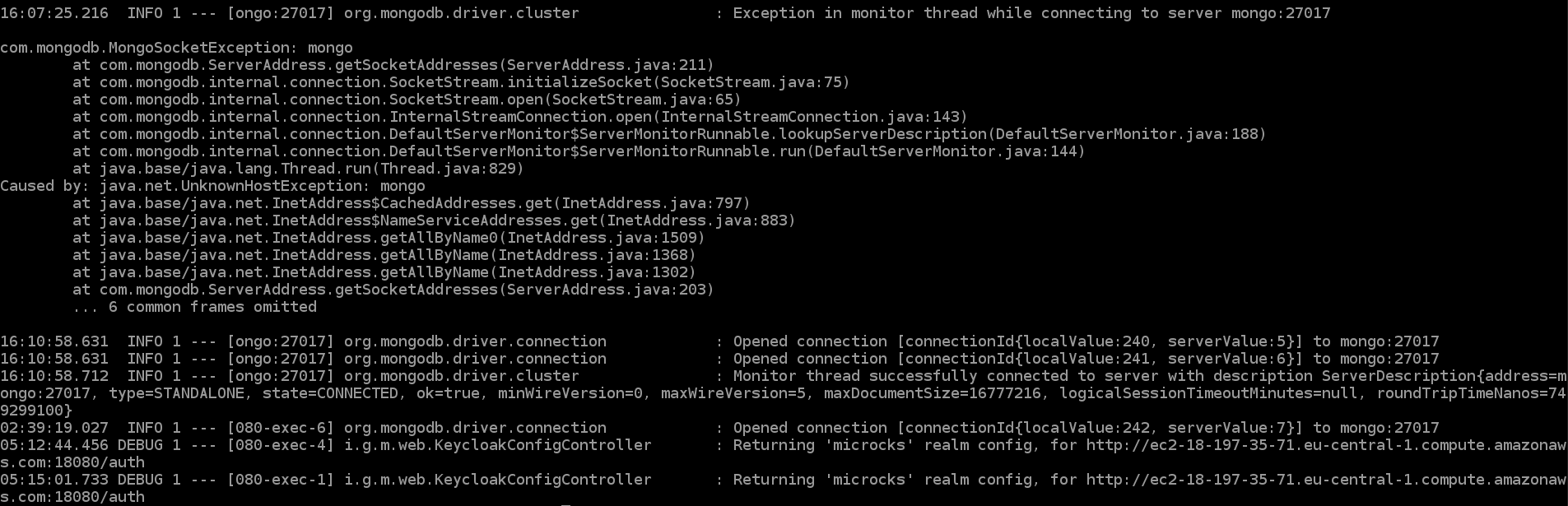
Keycloak:
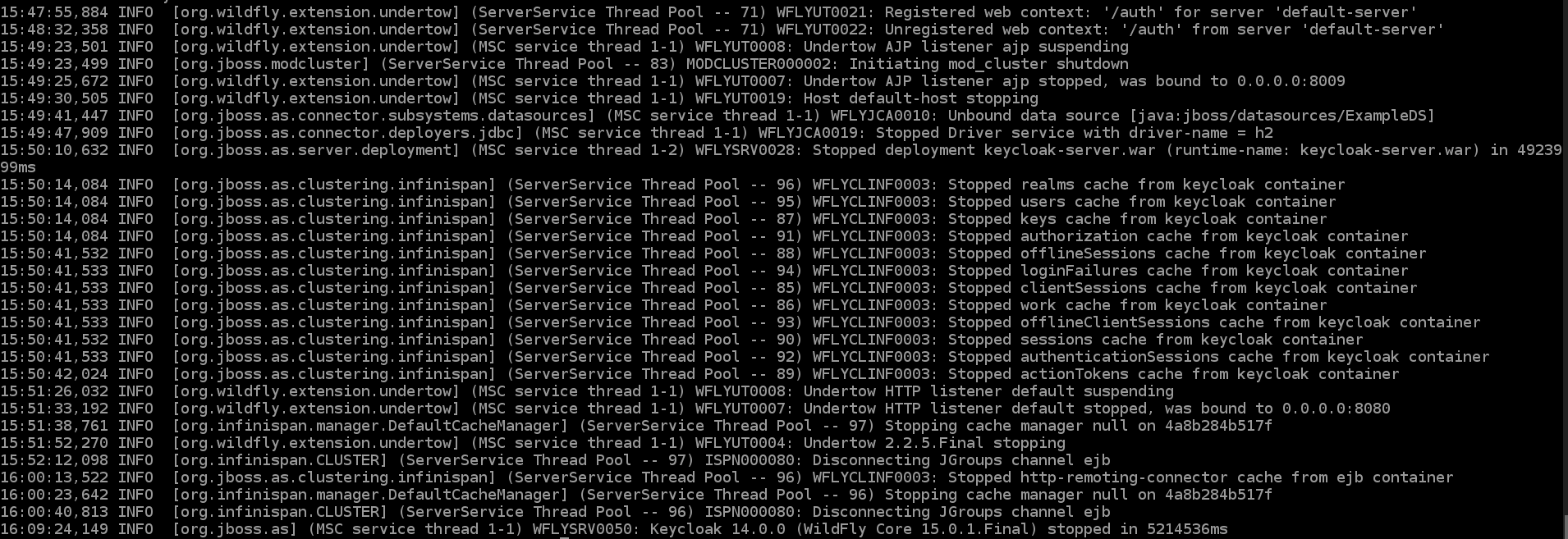
Could you check the result of the "docker ps -a" command? We should see if there is 137 code error which spot a low memory situation.
I had to restart instance again as it become inaccesible.
Stop and spin up containers and after that command docker ps -a:

But again after a while it becomes inaccesible so cannot check memory usage.
@lbroudoux I left EC2 micro being up for a couple of hours and this is what i see from "docker ps -a"

So i checked keycloak logs and quite a lot of "red" stuff is there, like:

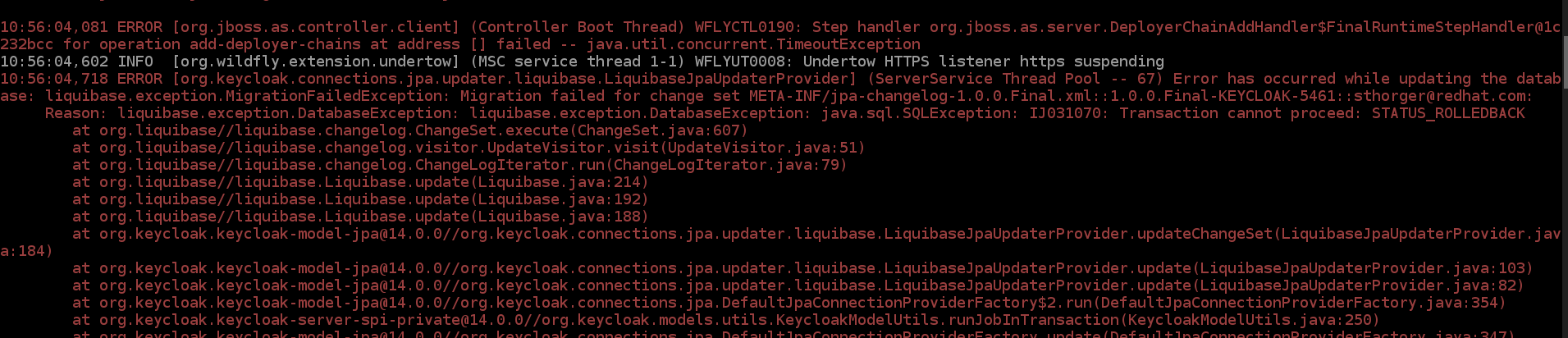

Some warnings too:
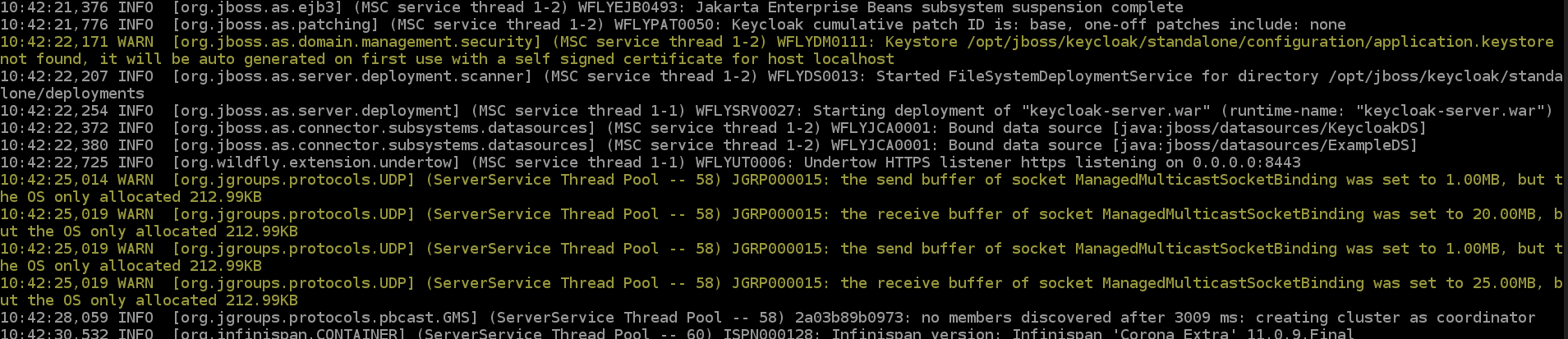
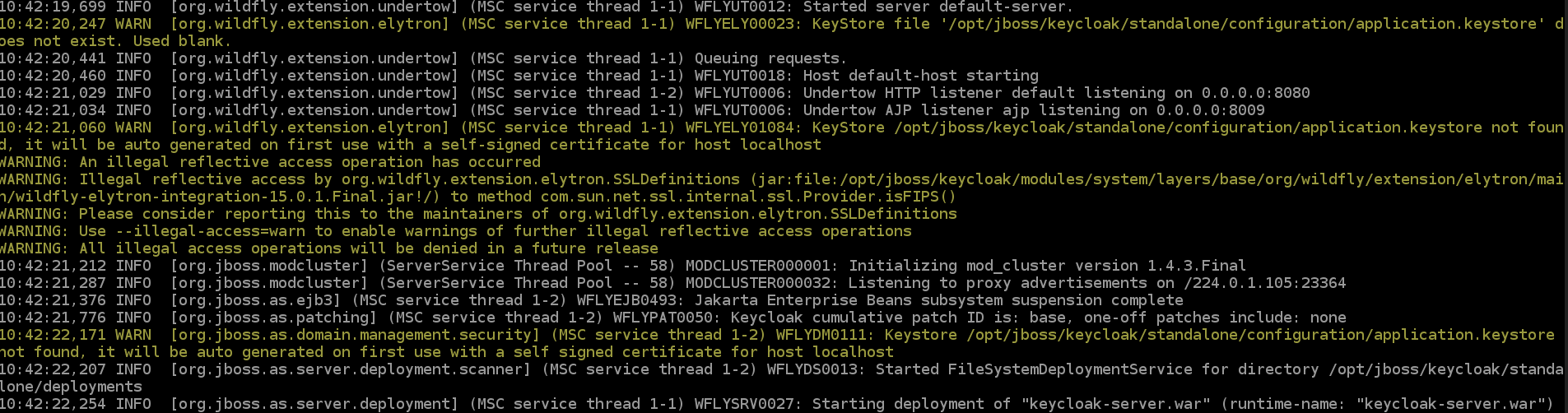
So this freeze of server might be caused by the errors coming from keyclock. I just cannot figure out how to get rid of those.
What about configuration file, mine seems not to have "keycloak.ssl-required=none". Maybe that is causing snow ball effect on the whole keycloak?

@lbroudoux attached full log from keycloak in case You would find some time to help me analyse that
What about configuration file, mine seems not to have "keycloak.ssl-required=none". Maybe that is causing snow ball effect on the whole keycloak?
ssl-required=none is inherited from the default application.properties file that is embedded into application. So you shouldn't have to redefine it.