

 mgear-dev
Plebe Daz rig alignment fails
I'm trying to use mGear to auto-rig a Gen8 character exported from Daz, but the controls for the knees are consistently coming in backwards and behind the opposite legs to where they should be; the right knee control is behind the left knee and vice versa. I'm new to mGear in general and I'm not sure if this is user error or not; the rest of the rig seems like it's properly aligned but I'm not sure how to fix this if it isn't a bug.
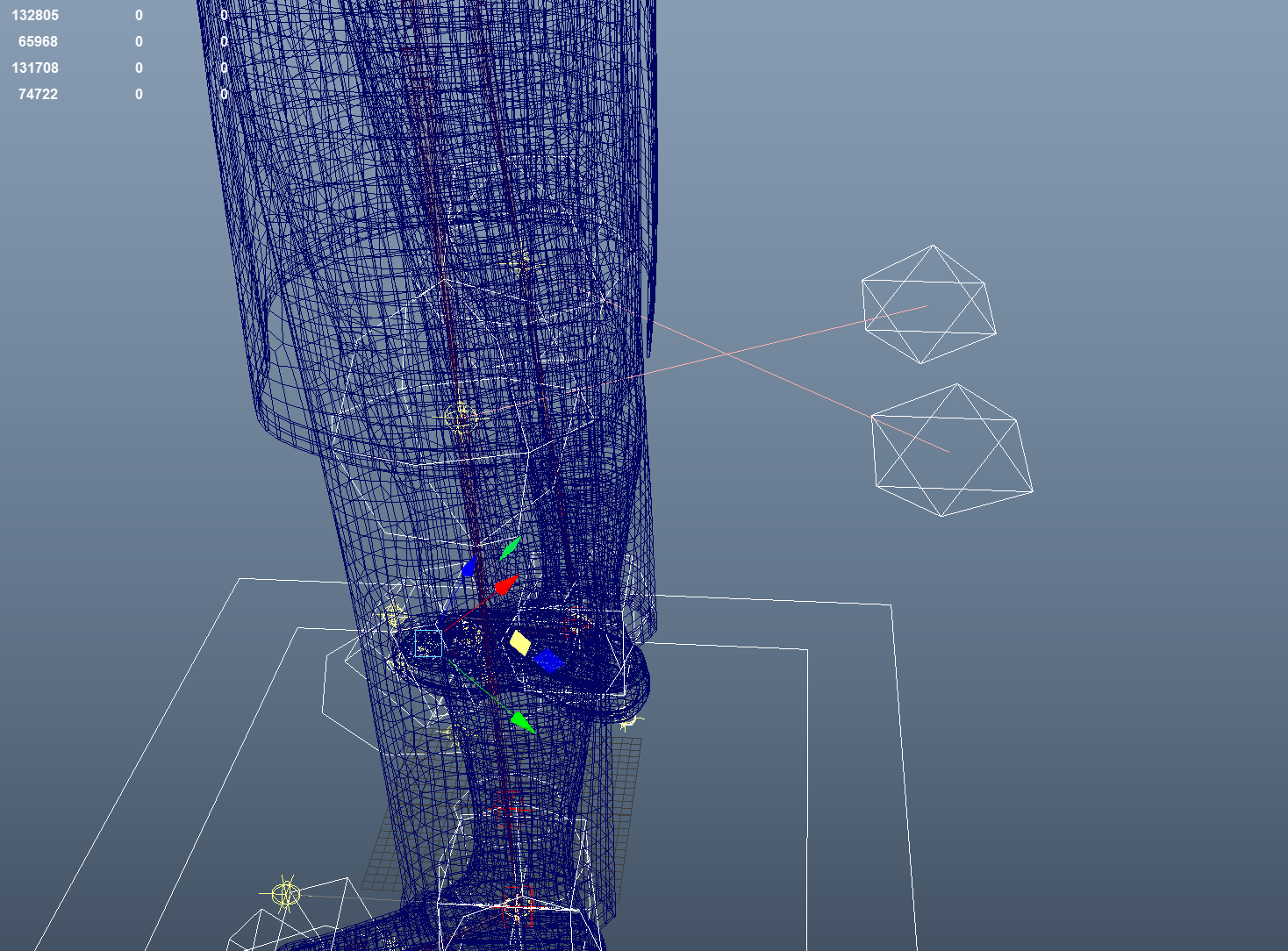

@toadstorm I think is not a plebe issue but just the default pose of the Daz character that has the leg pose with the knee flexed in the inverse direction, so the solver understands wrong the knee direction for the rig. Can you try to flex just a little the legs, so the builder understands better the knee direction?
@ragtag do you mind checking and commenting on this?

@toadstorm mGear figures out the direction of the elbows and knees based on the position of the guides, and plebes aligns the guides to the skeleton from the character maker, in this case Daz. So if the Daz skeleton has the knee either completely straight, or pointing in the wrong direction, there is now way for mGear to figure out which way it should point.
There are two workarounds for this:
- Rotate the joints that come with the Daz character slightly so the knees are pointing forward, before running the align guides. The downside of this is that the character is no longer being rigged in the bind pose.
- Move the knee guides slightly forward, before you build the rig. The mGear knee will not be in the exact same position as the Daz one, but when the Daz joints are constrained to the rig, you won't really notice it much.
Also note that you will need to align the heel and side of feet guides, as there are no joints there in the Daz rig for matching these to.
Finally, I've got a pull request pending with a bunch of updates to Plebes that will hopefully make it into future mGear releases. This update includes a short How To guide in the Plebes dialog that covers this, plus an option to transfer the skin weights from Daz or other character generators characters to the mGear joints, instead of constraining them. If you're feeling adventurous you can pick this version up from here https://github.com/ragtag/mgear4/tree/plebes but be aware that it's based on code that's in development, so there may be issues.

Thanks @ragtag for the heads up! I will merge the PR before the next hotfix release that should be before Xmas :D