

 melonDS-emu
No sound


Can you give us more details, please?
no matter what I change in the audio settings, it never plays sound
It's a bit vague to be honest, the problem could originate from one of many sources. Could you take a screenshot of your audio settings, maybe we can spot something that's off?
It's a bit vague to be honest, the problem could originate from one of many sources. Could you take a screenshot of your audio settings, maybe we can spot something that's off?
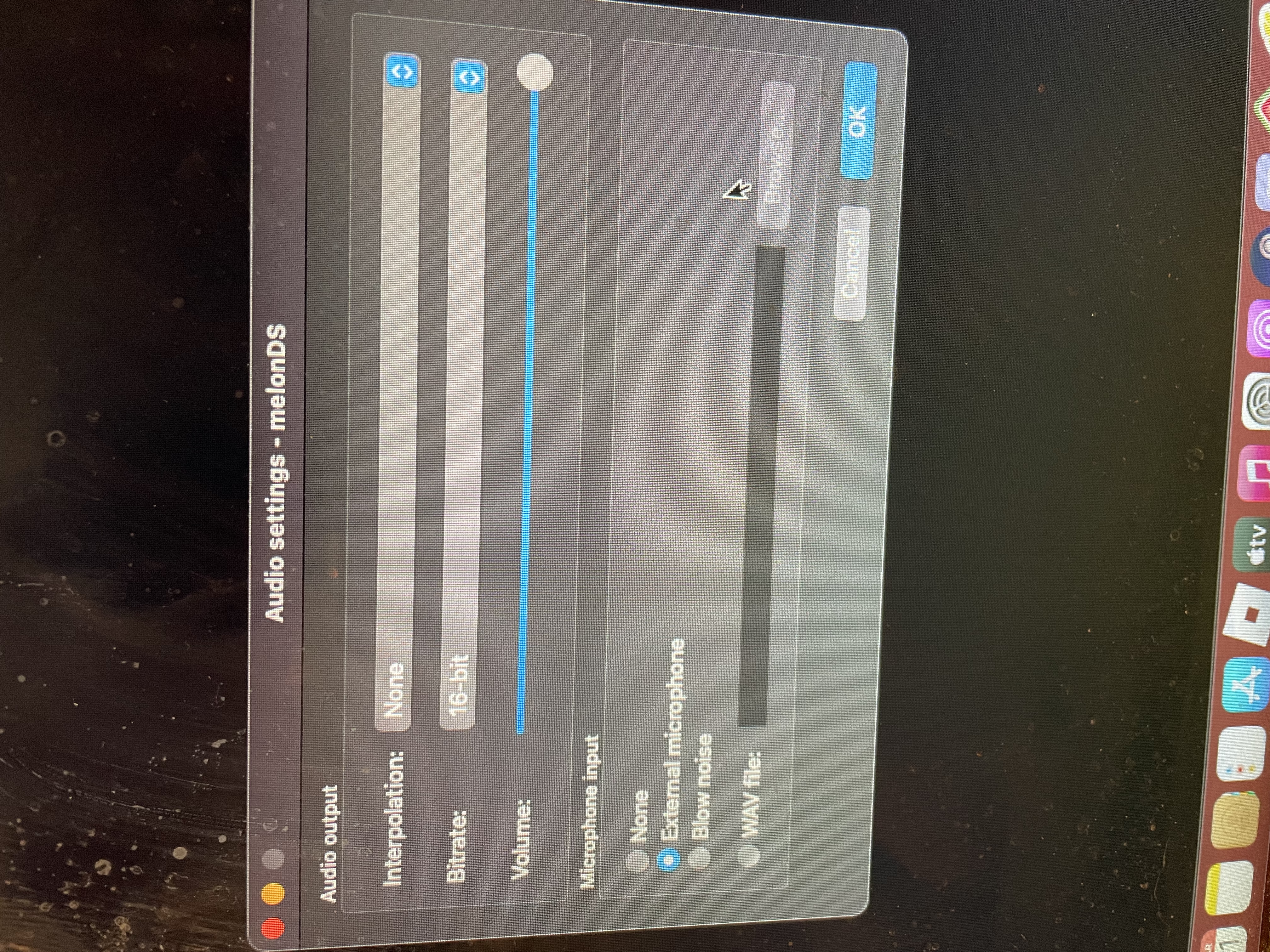
Looks fine to me, with your same settings my sound works fine. Maybe the problem is elsewhere? Perhaps the emulator is using a different sound driver than the usual, or something.
Perhaps a different cause, but I ran into a no sound issue today on Linux when I inadvertently had multiple instances of melonDS running. Enabling OpenGL crashes melonDS on my old laptop, but apparently it took a bit of time for melonDS to fully close (the crashed melonDS's had no window but were still running in the background). Look for (2) or (3), etc in the title bar of the main window as a sign that it's a duplicate instance. Also a lot of the settings will be disabled in the Config window. Easiest solution is to close all the melonDS windows and wait for around 15 seconds. Or use pkill melonDS or similar to end the process(es). In my case I also needed to rm -rf ~/.config/melonDS to clear out the OpenGL config so it would revert to software rendering.
