

 mathjax
Poor quality rendering in iPad and iPhone browser
Replace the text below with the details of the issue you are facing.
DO NOT simply erase the form and type a free-form response.
Issue Summary
The quality of rendered math is poor in Safari and Chrome in iPad and iPhone. The rendering is good in desktop environments. I'm using mathjax 3 tex-svg-full.js from CDN
Steps to Reproduce:
I'm not sure whether it the problem only on my website or others have noticed this issue. If it helps here is the link that contains some maths https://drmithileshkumar.com/notes/maths/Sets/Introduction
Any other information you want to share that is relevant to the issue being reported. Especially, why do you consider this to be a bug? What do you expect to happen instead?
Technical details:
- MathJax Version: 3.2
- Client OS: iPadOS 16
- Browser: latest chrome and safari
I am using the following MathJax configuration:
MathJax = {
...
};
and loading MathJax via
<script src="https://cdn.jsdelivr.net/npm/mathjax@3/es5/tex-svg-full

.js"></script>
Supporting information:
- Please supply a link to a (live) minimal example page, when possible.
- If your issue is with the display of the mathematics produced by MathJax, include a screen snapshot that illustrates the problem, when possible.
- Check your browser console window for any error messages, and include them here.
- Include the MathJax configuration you are using, and the script tag that loads MathJax itself.

I do not have easy access to an iOS device at the moment, so can't check this myself. But you might try switching to the CHTML output rather than SVG output and see if that helps. That is, change tex-svg-full.js to tex-chtml-full.js instead.

I can confirm that using chtml output restores the render quality. Thanks for the suggestion. Should I keep this issue open or close it? Although svg output works perfectly fine in desktop environment.
Leave it open for now, so I can check it on iOS when I get the chance. Thanks!
I have the similar behaviour with svg output in safari browser for MacOS (MacBook Pro 14'').
- switching to chtml helps, but still it could be a problem (for example, when I switch to chtml, I have slight issues with positioning of some mathjax blocks)
- there is no such a problem in a Chromium based browser (Brave) on the same machine
Safari (Version 16.2 (18614.3.7.1.5))
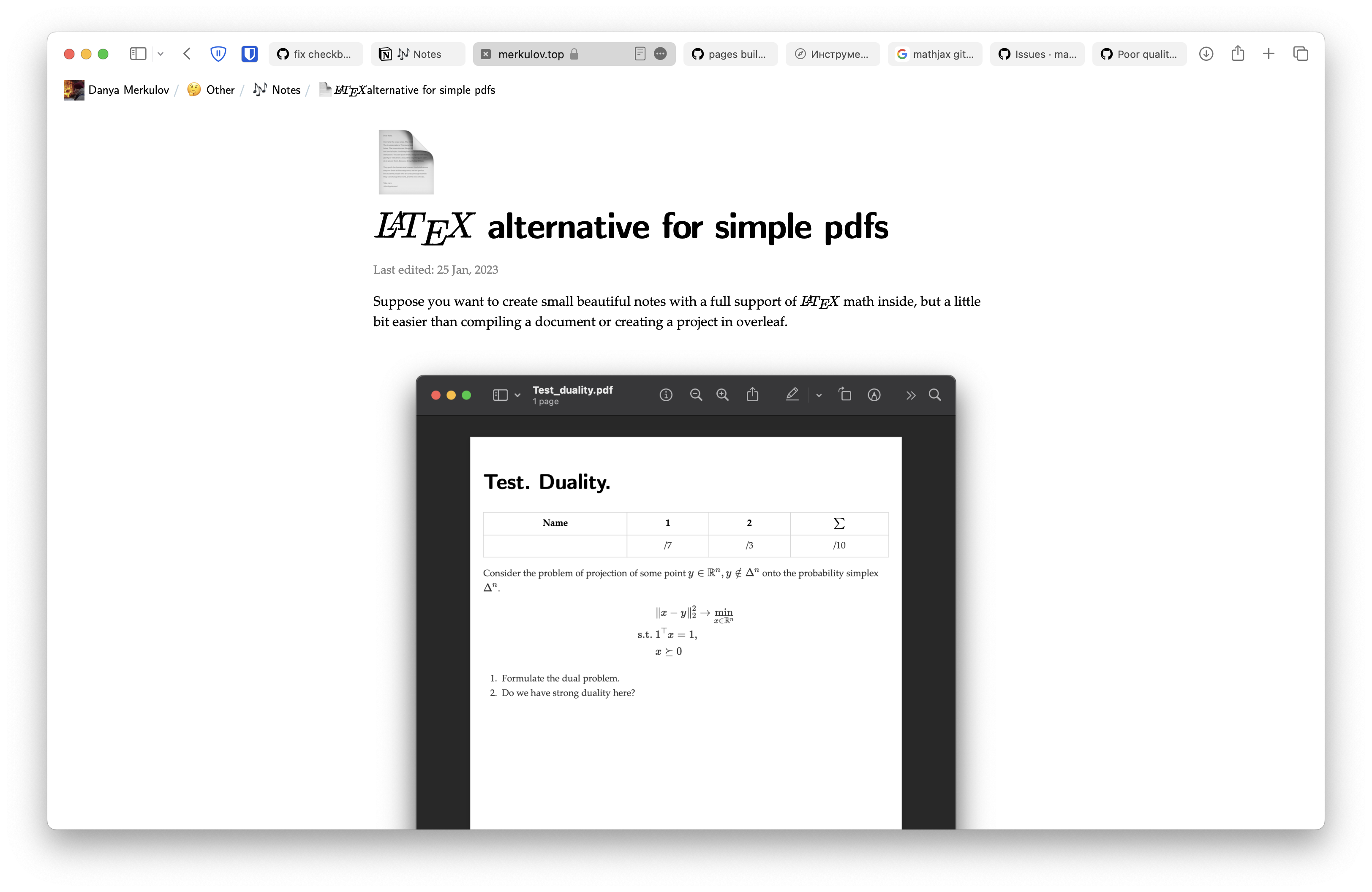
Brave (Version 1.47.171 Chromium: 109.0.5414.87 (Official Build))


Just dropping in to ask, since I'm observing this problem too, in vscode.dev for Jupyter Notebook rendered cells, on Safari for iOS (on a 2022 11" M2 iPad Air). It looks like the glyphs are being replaced with their corresponding Unicode symbols. Are there other additional fixes or workarounds that users can implement, or additional investigation and work I can provide on this issue? Would really like to share my pretty notes with the rest of my class :/
Here is a screenshot of what I'm seeing on the iPad:

@AnachronicNomad, it is not at all clear to me how to reproduce what you are doing. Can you give an actual example, not just a screen shot?
Also, this is likely not related to the issue that you have added to here. It is not even clear that you are using SVG output, which is where the original poster's issue was.