

 martpie
Gnome Tray issues
Here's tray icon with .resize({ width: 24, height: 24 }) at src/main-process/main.js:

Here's tray icon without resize function:

I believe this function shall be removed. Let tray bar decide how to resize tray icon properly.

Thank you for the report, I will try to remove it and see how things go for on other Linux DE. (I suspect the Skype thing to be the same problem as the one I wanted to solve).
For the record on Pantheon, the tray icon was not being resized automatically.

@a2nt What are you using to display trays with the latest version of Gnome? I am using Ubuntu 17.10 and cannot see any tray created.
it's vanilla Gnome Shell, Ubuntu comes with Gnome Unity by default, but u can install it using: sudo apt-get install gnome-shell
we have a discussion here, guess it's the same issue: https://github.com/Foundry376/Mailspring/issues/648 Maybe it happens cuz of Gnome scaling 200% at QHD+ display, but Slack and WebTorrent works perfectly. Looks like WebTorrent doesn't resize icons
ok, here's a list of the problems found so far:
- No tray on Ubuntu 17.10 without TopIcons gnome shell extension, when old trays are still supposed to be working
- TopIcons tray doesn't work well, you just see the icon with no context menu
- The tray icon is too small on QHD+ (because of the resize on the tray icon)
- Removing the resize screws up Gnome 2 shell based DE
Created API method at TrayManager.updateIcon(newIcon) It can be used to update tray icon like play/pause.
Also fixed Gnome-Shell issue:
Gnome icon will be resized to 24x24 like it was originally, after that of platform is Linux and gnome-shell is running tray icon will be changed to good one.
It happens in less than second so no one will notice glitch.
Right button click context menu works ok for me, there's: current song, play/pause, previous, next, show, quit
https://github.com/KeitIG/museeks/pull/388
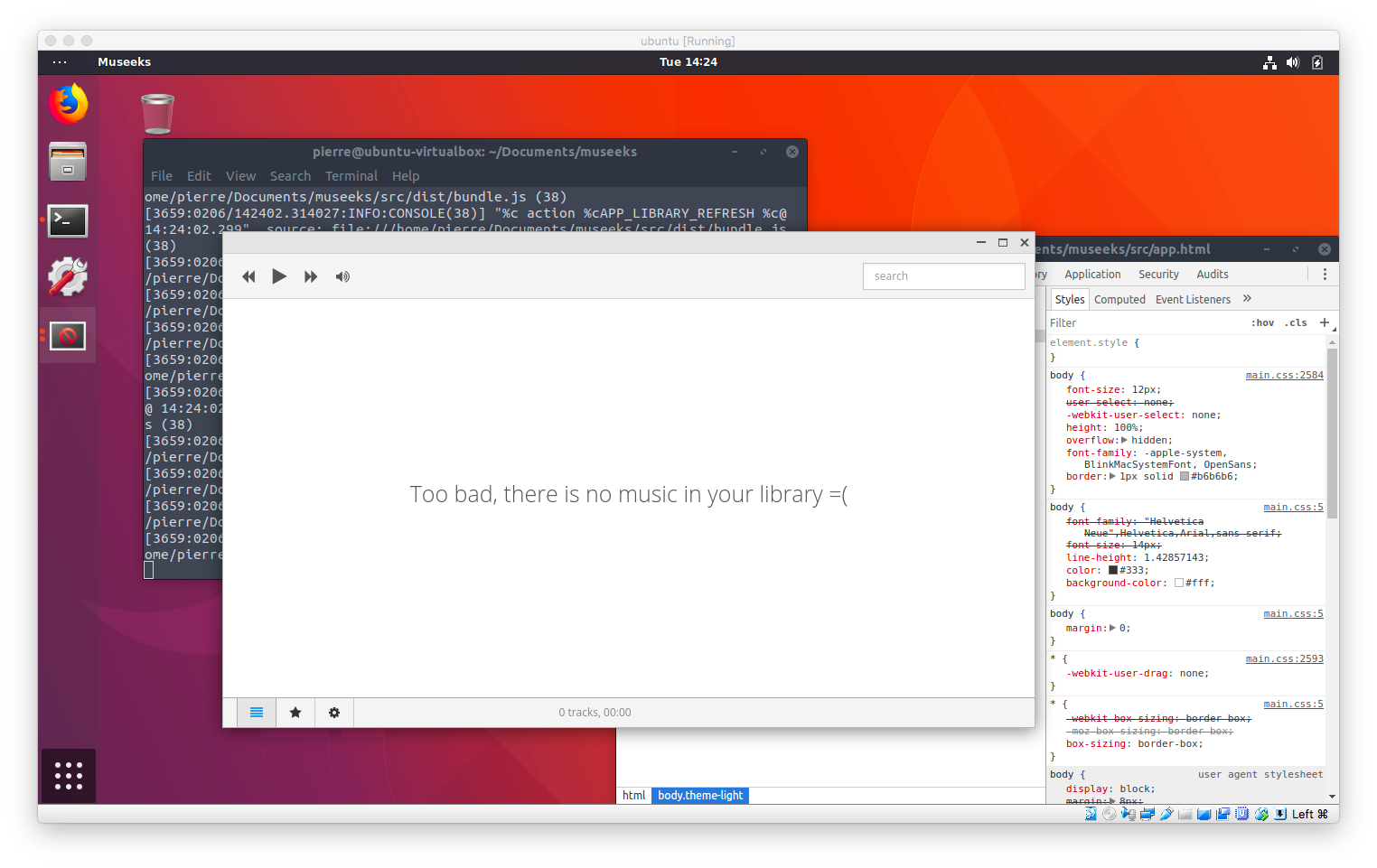
@a2nt Could you please try the hidpi branch and tell me if the Tray looks fine or not? I tested on my MacBook with Virtualbox but I see a blurry icon. I do not know if this is because of Virtualbox or not.
Sorry, I was a bit inactive these days, but I tried to find a solution that could work for everyone and all DE.
After some research, I have decided to kill the tray feature. See my rationale in #686 :)