

 markusfisch
Poor camera zoom quality in binaryeye
Hello. Today, my colleagues and I have printed many different barcodes. These were QR codes, Aztec, Data Matrix, Code128. We printed it on a Lexmark MX511de printer and on a Zebra ZD420. In the case of Lexmark, these were codes on an A4 sheet with different code scaling. In the case of the zebra, it was sticker paper measuring almost 10 cm by 10 cm.
Let's focus on QR codes here because I noticed a problem here. Binaryeye could read the QR code from up to 20 meters away. In the case of the Samsung camera application, we were able to read the QR code from 30 meters without any problems. We wanted to test whether we can scan the code from greater distances, but the lack of time and space limited our idea.
However, the difference ⅓ in the distance, or as much as 10 meters, makes a difference.
The devices we tested were Samsung Galaxy S20, Samsung A20, Xiaomi Redmi Note 9 and Zebra TC200J. The Samsung Galaxy S20 did the best in the distance scanning task and we saw the biggest difference on it.
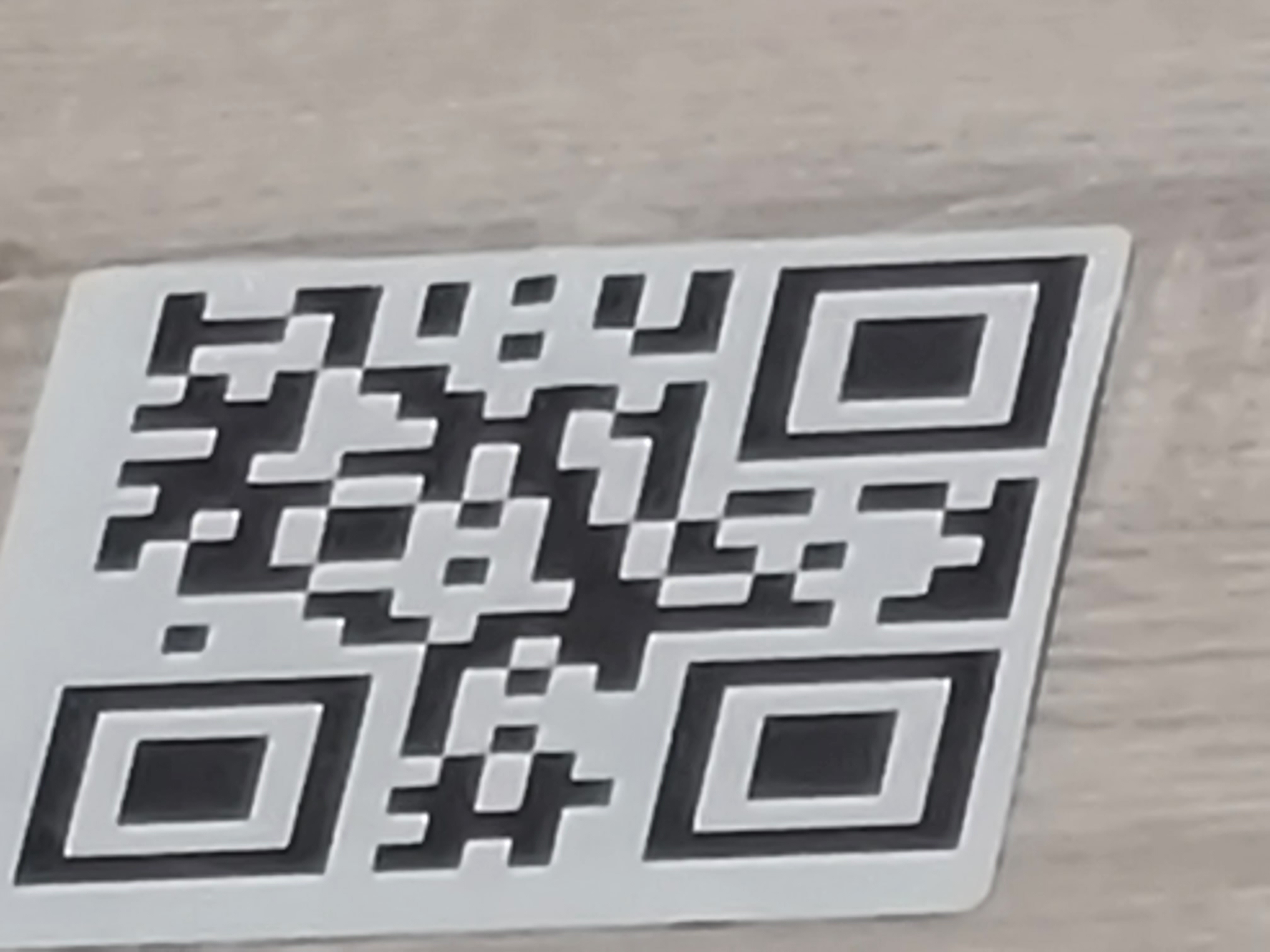
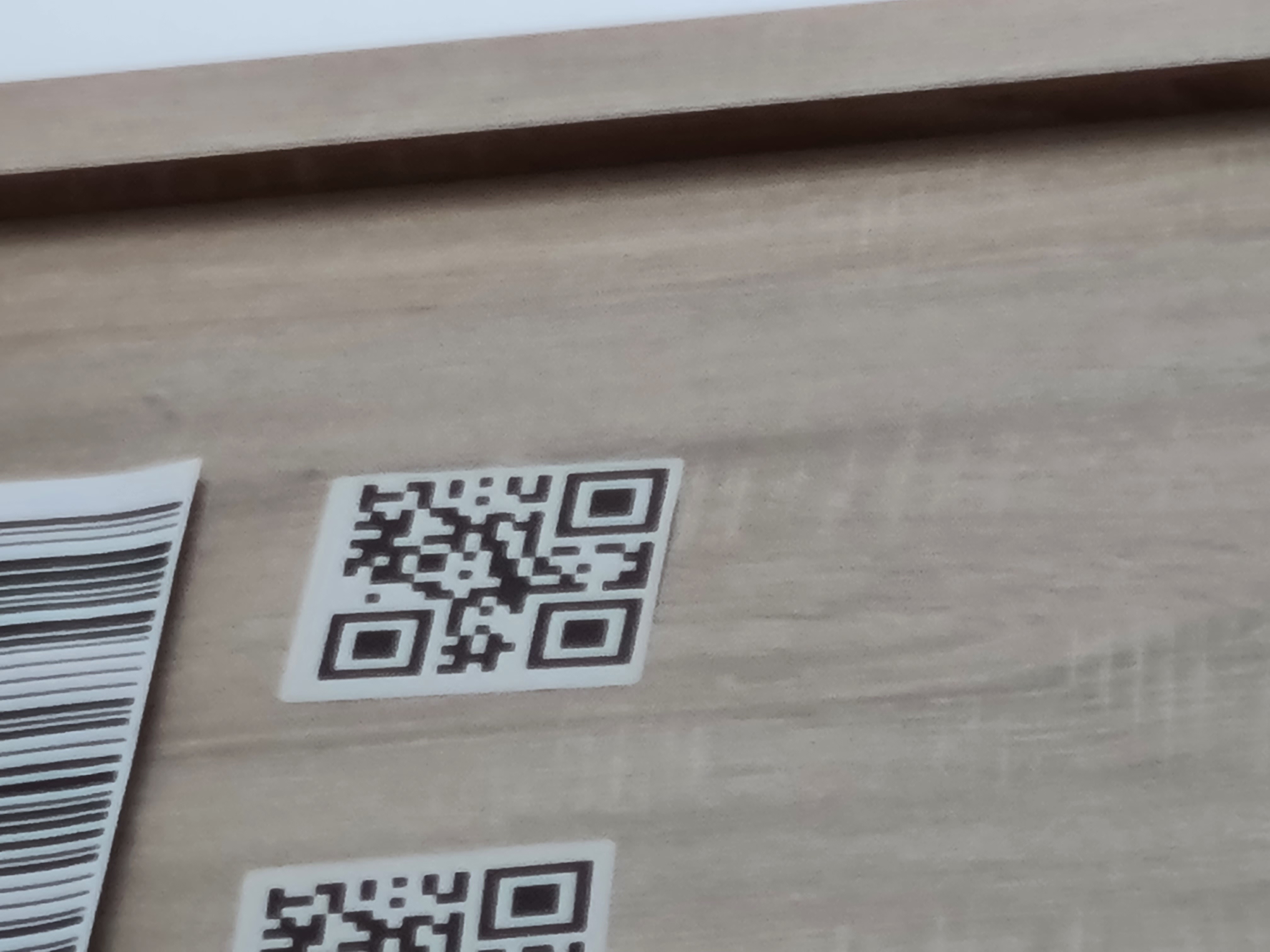
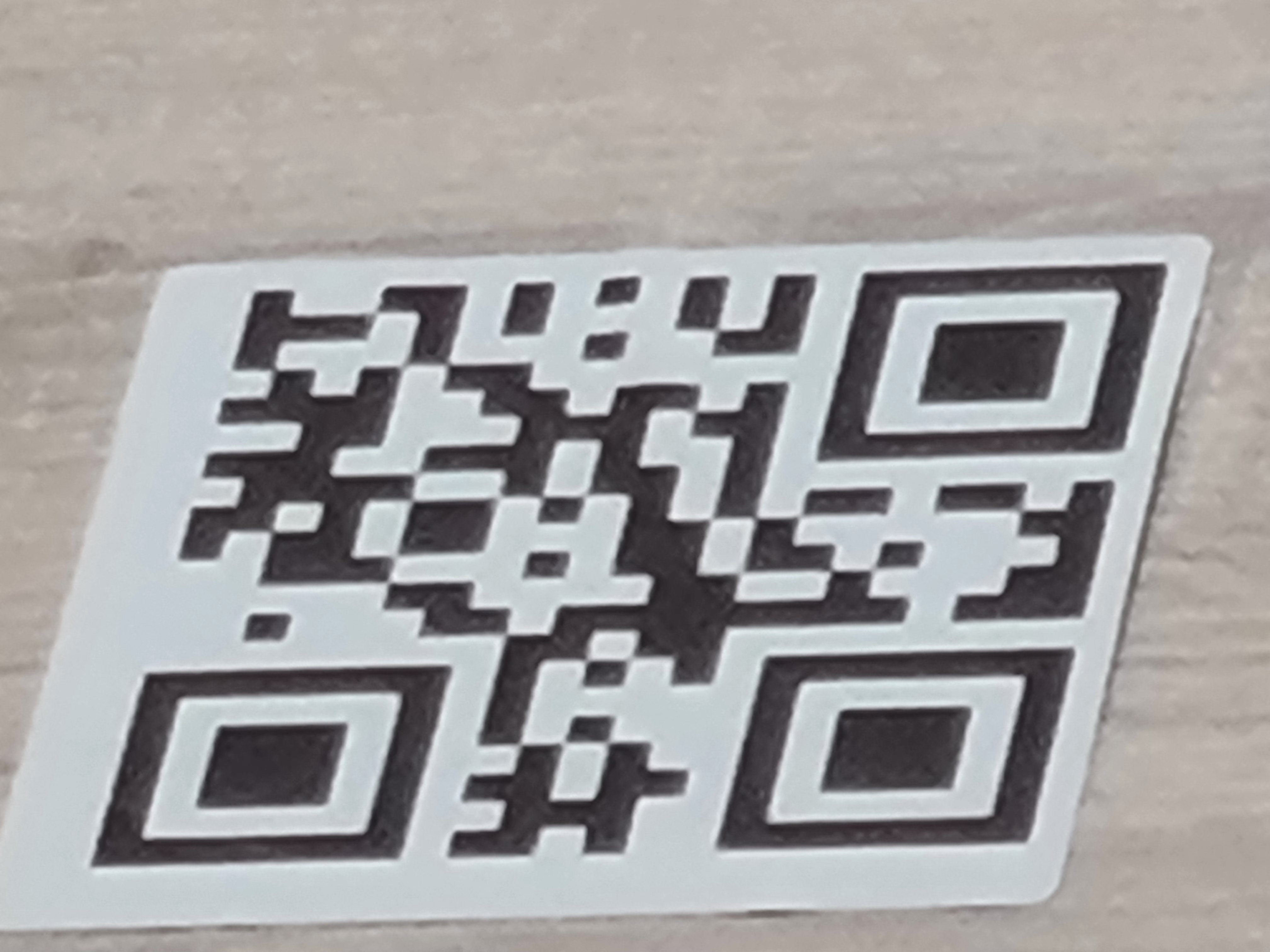
In the attachments there are photos showing the difference. The quality of the magnification is huge. and It is worth noting here that we tested it on the S20 without the ultra. On the Samsung Galaxy S20 Ultra, the difference would be even greater.
Is it possible for Binaryeye to have the same quality as Samsung camera? I still want to stay with binaryeye because it offers decoding not only QR code, which is what the Samsung application does.


Well, that's interesting 🤔 So the native camera app had a much better zoom quality than Binary Eye? Hm, of course it's always possible that the native camera app, the one of the device manufacturer, has access to specific features of the hardware. These features may not be accessible through the Android API. But this is just guessing - frankly I have no idea why there's such a big difference.
Binary Eye does use the maximum zoom value that is available in Android's (legacy) Camera API. So my first guess is that I cannot improve this. Maybe there's a way in the newer Camera2 API, but again, I don't know for sure. Will investigate.

I have looked through dozens of websites to understand this phenomenon.I found information that Samsung, above 3x magnification, starts to use a different camera than the main one. Above 3x magnification, it uses a telephoto camera. The question of what camera is binaryeye using when using zoom.
I also found a lot of information that the Samsung application uses machine learning and artificial intelligence for magnifying. From what I understand, the camera examines each previous frame and creates a corrected version of the image on that basis.
The question is to what extent software processing affects the image quality compared to another lens. It seems to me that telephoto is more important here.But I do not want to comment on this topic because I am not an expert in it. I just want to help make binaryeye better :)
Tomorrow I will try to test the QR code scanning elsewhere and at greater distances.
From what I understood from reading this article: https://www.androidpolice.com/2021/02/22/the-galaxy-s21-is-the-only-android-phone-that-doesnt-suck-at-snapchat/
With the help of the AndroidX library, it is possible to use all methods of improving the quality used in OEM applications such as Samsung Camera.
Based on my internet research, AndroidX is the new generation of camera available for all Android phones. https://developer.android.com/training/camerax Supports Androids from version 5.0
From the advantages listed on the website, it is convenient and simple for the programmer, a solution in terms of quality that matches the application types Samsung camera or Google camera etc.
What are the advantages and disadvantages to implement this solution in binaryeye?
Good question! And good research! 👍
The biggest drawback at this point would be that CameraX requires minSDK 21 which is Android 5.0 Lollipop. Now, that may sound fair enough since Lollipop came out 2014. But Binary Eye is still used on many older devices too. Of course, updating the minSDK is inevitable and it will have to happen at some point. But doing it now will exclude users (from coming updates) that can't afford a better device for a feature that's probably quite niche.
Don't get me wrong - improving the zoom capability and camera quality is really important! And I will therefore migrate Binary Eye to Camera2 (or even CameraX, which is basically just a convenience wrapper around Camera2) in the near future.
I just don't think that many people scan barcodes that far away to justify that move just yet 😉 On the other hand I don't know that for sure, of course. I certainly enjoy scanning a QR Code from a few meters away and not having to get too close. Besides, just out of curiosity, if I mask ask, what is your use case for scanning that far away?
So, compatibility with older devices is an important feature for me, especially because many other QR Code scanners have dropped support for older devices already. But that doesn't mean that Binary Eye won't evolve, of course.
I did the test. Same problem occurs on Motorola Edge 20 pro. Using the standard application (Camera), I am able to scan CODE128 from a long distance, but not with binaryeye.