

 markserv
Bug: error - I can't run `readme` anymore
I can't run readme anymore after updating node from v8 to v10...
node: v10.14.1
npm: v6.4.1
OS: MacOS Sierra
A@anthony:~/git/someproject (master) $ readme Markserv boot: starting Markserv... path.js:39 throw new ERR_INVALID_ARG_TYPE('path', 'string', path); ^
TypeError [ERR_INVALID_ARG_TYPE]: The "path" argument must be of type string. Received type object at assertPath (path.js:39:11) at Object.resolve (path.js:1088:7) at Command.flags.version.usage.option.option.option.option.option.option.action.pathToReadme
I will appreciate your help! Thank you


update !!
# Open closest README.md
$ readme --> this is not working anymore

# Open file
$ markserv README.md --> this is working
thank you
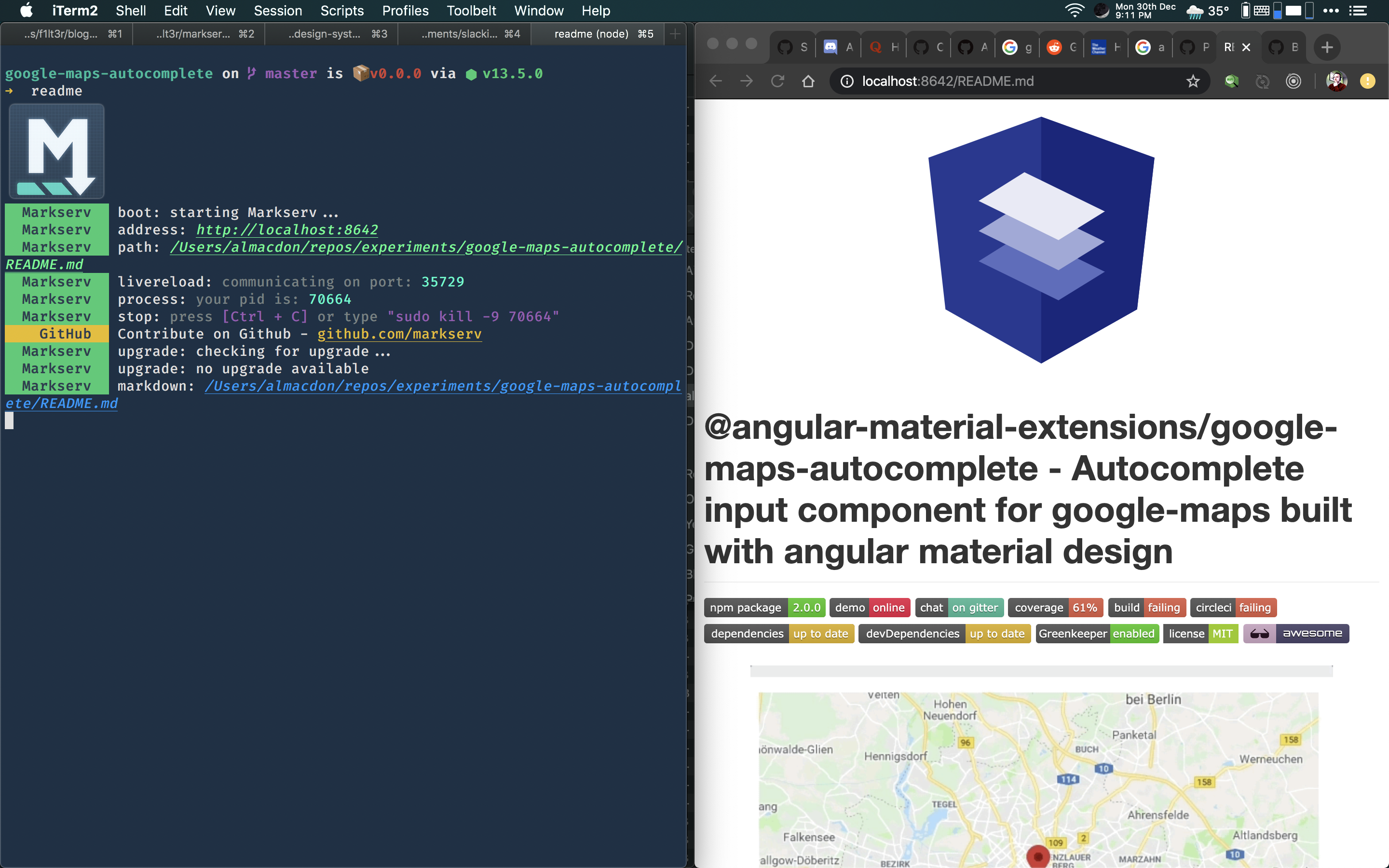
Both of these commands serve the README file for me on OSX Catalina.
-
markserv README.md -
readme
@AnthonyNahas - Are you using the latest Markserv?
readme is not working on mac even with the newest version of the lib 1.17.4

It is working here
You are getting a watch warning.
I'm wondering how many processes you have watching the same directory. I've not seen this "too many files" issue with Chokidar for a long, long time.
If you restart [reboot your machine], without opening any other apps, and just start Markserv in this directory, do things work Ok?
I'm also having this issue. Tried reloading my machine, both methods of serving the README.md file (directly and just with the readme command). Tried moving the README file to the desktop, same problem.
It's serving initially and then the server fails, always with the following error:
events.js:298
      throw er; // Unhandled 'error' event
      ^

Error: EMFILE: too many open files, watch
    at FSEvent.FSWatcher._handle.onchange (internal/fs/watchers.js:129:28)
Emitted 'error' event on FSWatcher instance at:
    at FSWatcher._handleError (/Users/harrisoncramer/.nvm/versions/node/v13.7.0/lib/node_modules/markserv/node_modules/chokidar/index.js:260:10)
    at /Users/harrisoncramer/.nvm/versions/node/v13.7.0/lib/node_modules/markserv/node_modules/chokidar/lib/nodefs-handler.js:55:5
    at Array.forEach (<anonymous>)
    at fsWatchBroadcast (/Users/harrisoncramer/.nvm/versions/node/v13.7.0/lib/node_modules/markserv/node_modules/chokidar/lib/nodefs-handler.js:54:36)
    at FSWatcher.<anonymous> (/Users/harrisoncramer/.nvm/versions/node/v13.7.0/lib/node_modules/markserv/node_modules/chokidar/lib/nodefs-handler.js:100:9)
    at FSWatcher.emit (events.js:321:20)
    at FSEvent.FSWatcher._handle.onchange (internal/fs/watchers.js:135:12) {
  errno: -24,
  syscall: 'watch',
  code: 'EMFILE',
  filename: null
}
MacOS Catalina 10.15.7 Node v13.7.0
