

 marklogic-community
Navigate back to search page - remember results
I am using 0.9 (beta) version of the data-explorer tool and here is the issue
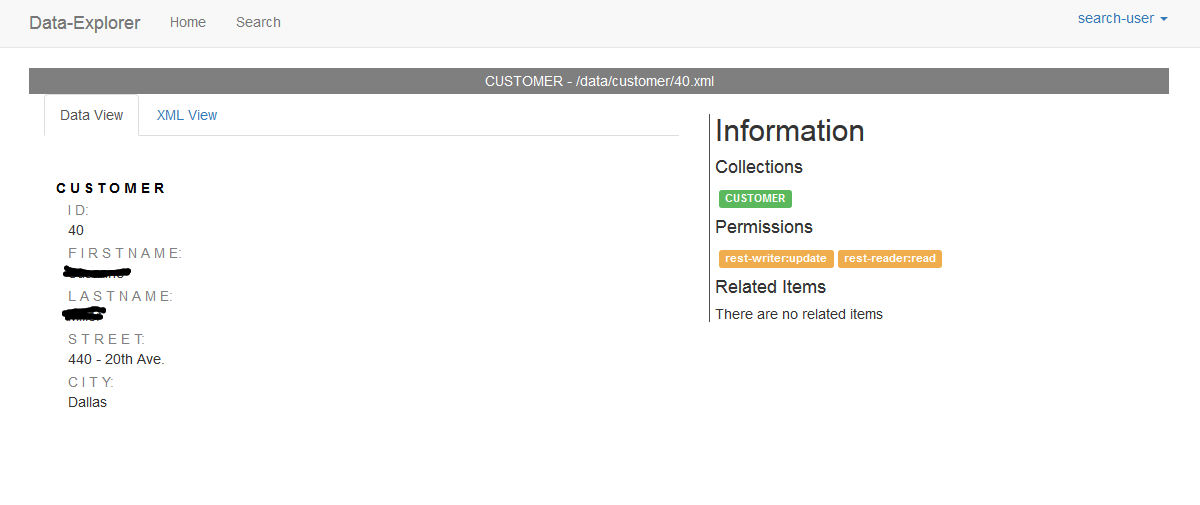
When i am on a document, I want to go back to the search page and the app needs to be remember the results. However, when clicking on search or browser back button, the selections and results are not shown and the search needs to begin all over.


AwesomeScreenshot-2018-04-23T13-53-21-126Z.zip I am attaching a video explaining the issue. In the video, I load the search page, click on a document, now i want to go back to search page and i want the UI to remember the drop down values and it is reset. @vjsaradhi
@pkumar Thanks for the update. I know this was an issue that had been fixed, but when we moved from bitbucket to github, we lost closed ticket history, so I am not sure when the fix was (before or after the beta release). We will keep the ticket open and check see if we can replicate outside of that Vijay has tried. Thanks! @Vijay, did you test against 0.9 beta or the current master?

If I remember correctly, the original logic was to intercept a user click on the browser back button from the details page and restore the search. I don't think it would ever remember when clicking on the search button from the toolbar. I would imagine this would be easy enough to add, assuming we only want it to remember when clicking search from the details page.
