

 mapnik
Line placement text not appearing in mapnik 3
I cannot see the text appear in mapnik 3
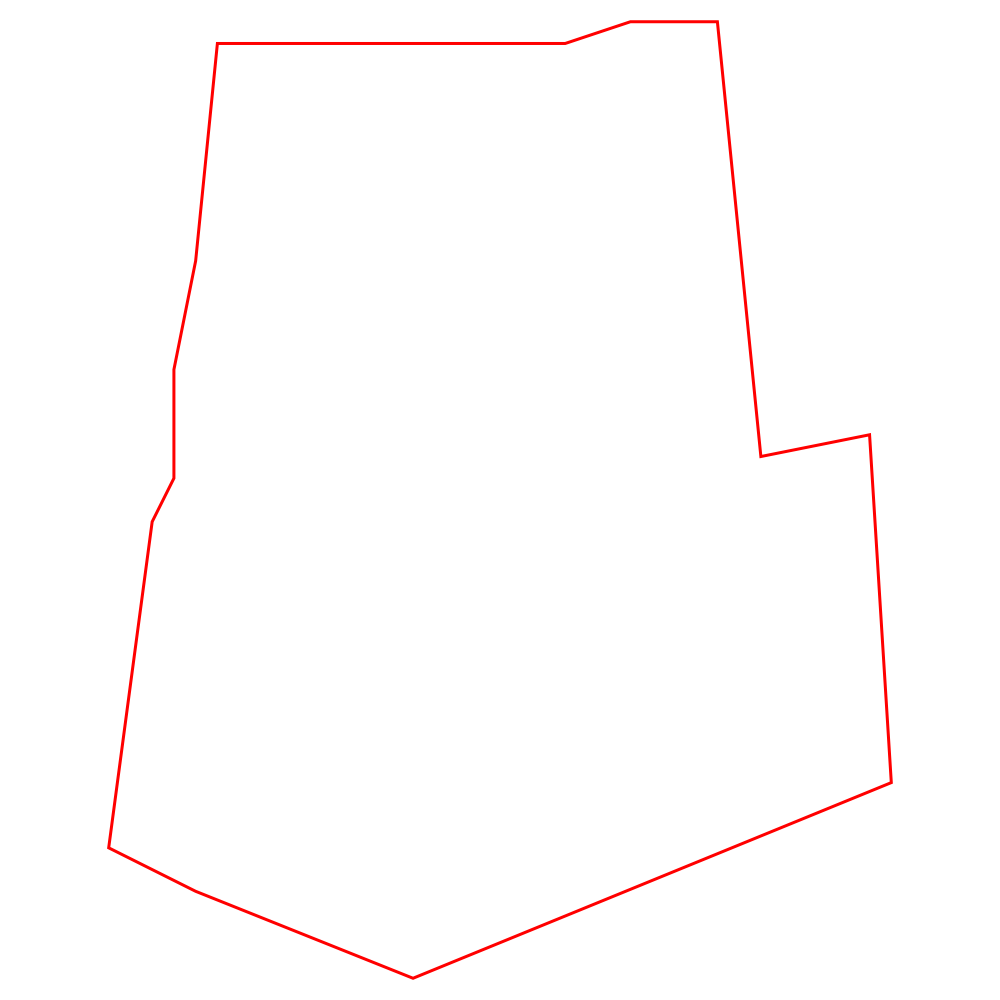
Using mapnik v2.20 works ok
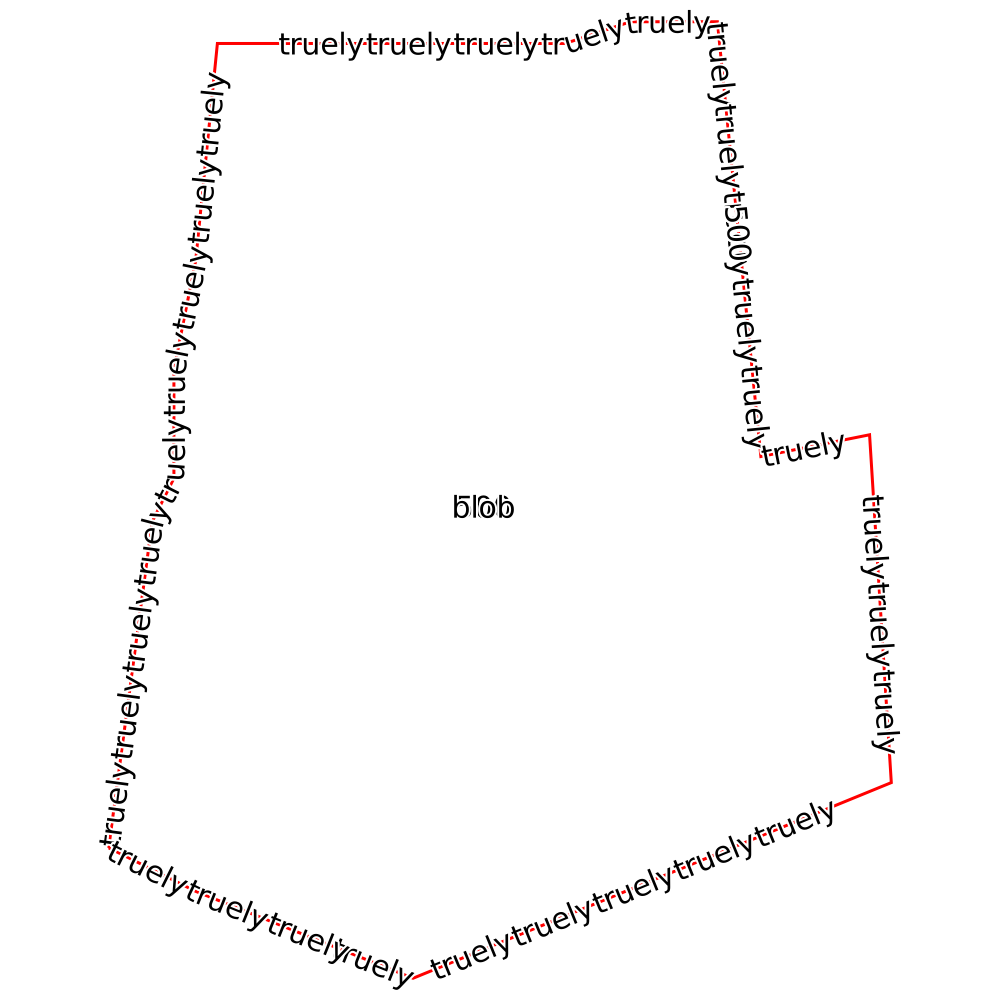
I have tried various combinations of attributes in the styling with no success.
Code to reproduce
import mapnik

site = "Polygon((337581 362223, 337581 362223, 337581 362223, 337583 362238, 337584 362240, 337584 362245, 337585 362250, 337586 362260, 337588 362260, 337593 362260, 337597 362260, 337598 362260, 337602 362260, 337605 362261, 337608 362261, 337609 362261, 337611 362241, 337616 362242, 337617 362226, 337595 362217, 337590 362219, 337585 362221, 337581 362223))"
csv = '''wkt\n"{}"'''.format(site)
site_outline = mapnik.Layer("site_outline")
site_outline.datasource = mapnik.Datasource(**{"type":"csv","inline":csv})
site_outline.srs= "+proj=tmerc +lat_0=49 +lon_0=-2 +k=0.9996012717 +x_0=400000 +y_0=-100000 +ellps=airy +datum=OSGB36 +units=m +no_defs"
site_outline.styles.append("site_outline")

map = mapnik.Map(1000, 1000)
map.srs= "+proj=tmerc +lat_0=49 +lon_0=-2 +k=0.9996012717 +x_0=400000 +y_0=-100000 +ellps=airy +datum=OSGB36 +units=m +no_defs"

map.layers.append(site_outline)
mapnik.load_map(map, "line_test.xml")

map.zoom_to_box(mapnik.Box2d(337576,362216,337622,362262))
mapnik.render_to_file(map, "test.png")
<?xml version="1.0" encoding="utf-8"?>
<!DOCTYPE Map>

<Map background-color="white" srs="+proj=tmerc +lat_0=49 +lon_0=-2 +k=0.9996012717 +x_0=400000 +y_0=-100000 +ellps=airy +datum=OSGB36 +units=m +no_defs">
   <Style name="site_outline">
    <Rule>
       <LineSymbolizer stroke="#ff0000" stroke-width="3" />
      <TextSymbolizer face-name="DejaVu Sans Book" size="30" fill="black" halo-fill="white" halo-radius="2" placement="line" allow-overlap="true">"500"
      </TextSymbolizer>
    </Rule>
  </Style>
</Map>

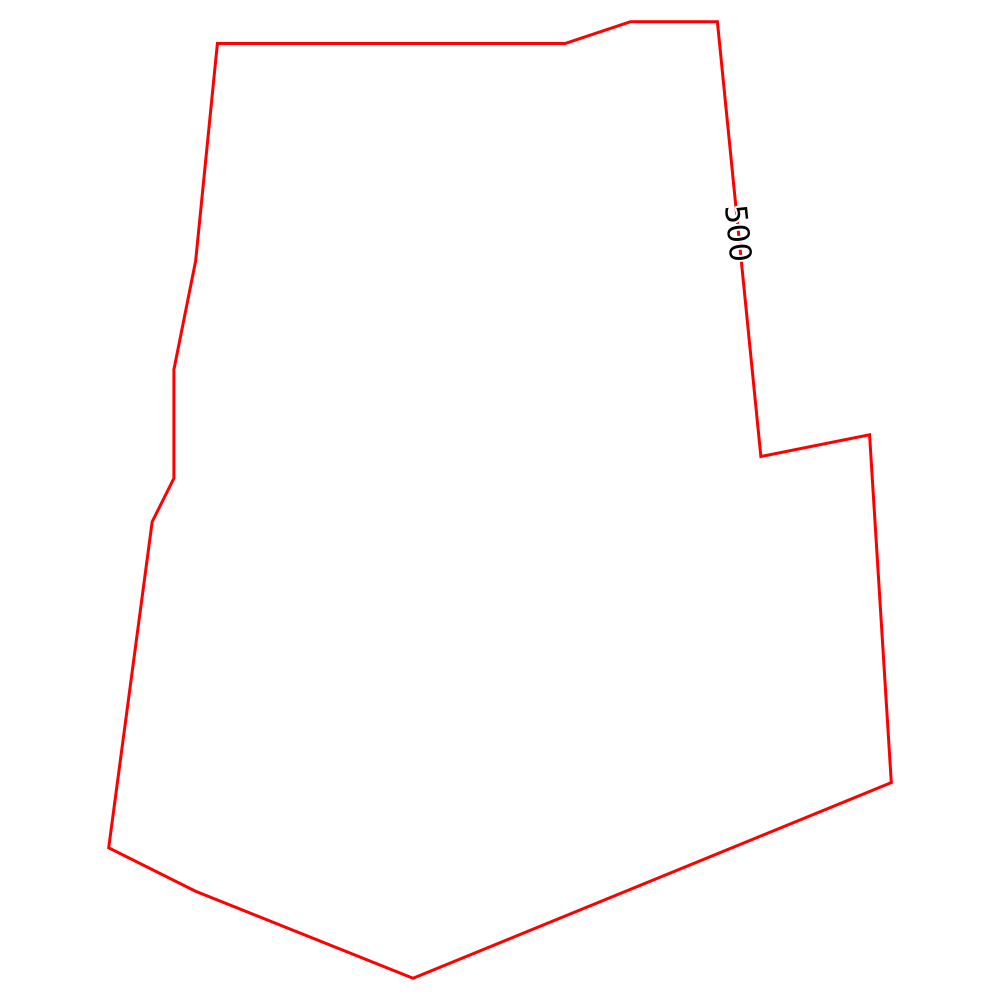
I tried your script with Mapnik 3 and got this:
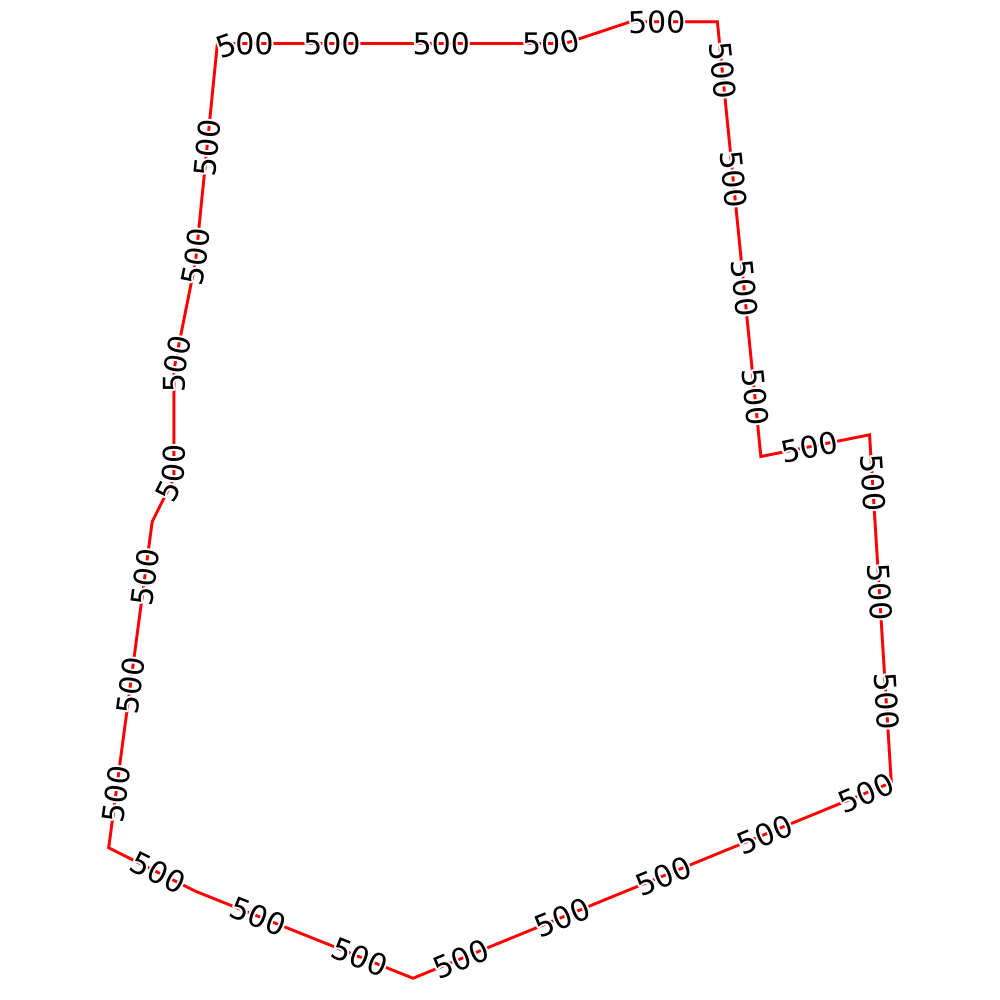
After setting spacing="50" to the TextSymbolizer:

Some more information - the problem happens when using python 2.7 on OS X and mapnik is installed via pip install in a virtualenv. Does that help narrow it down? Perhaps it's down to the environment?
Does your Mapnik see fonts? This should print out a list of fonts available to Mapnik by default:
python -c "import mapnik; print '\n'.join(mapnik.FontEngine.face_names());"
But you should get some error in the console if DejaVu Sans Book cannot be found.
Looks as if I have all the fonts registered.
>>> '\n'.join(f.face_names())
'DejaVu Sans Bold\nDejaVu Sans Bold Oblique\nDejaVu Sans Book\nDejaVu Sans Condensed\nDejaVu Sans Condensed Bold\nDejaVu Sans Condensed Bold Oblique\nDejaVu Sans Condensed Oblique\nDejaVu Sans ExtraLight\nDejaVu Sans Mono Bold\nDejaVu Sans Mono Bold Oblique\nDejaVu Sans Mono Book\nDejaVu Sans Mono Oblique\nDejaVu Sans Oblique\nDejaVu Serif Bold\nDejaVu Serif Bold Italic\nDejaVu Serif Book\nDejaVu Serif Condensed\nDejaVu Serif Condensed Bold\nDejaVu Serif Condensed Bold Italic\nDejaVu Serif Condensed Italic\nDejaVu Serif Italic\nUnifont Medium'
If I change the placement from 'line' to 'point', the text gets displayed. Puzzled as to why it will not show on the line.
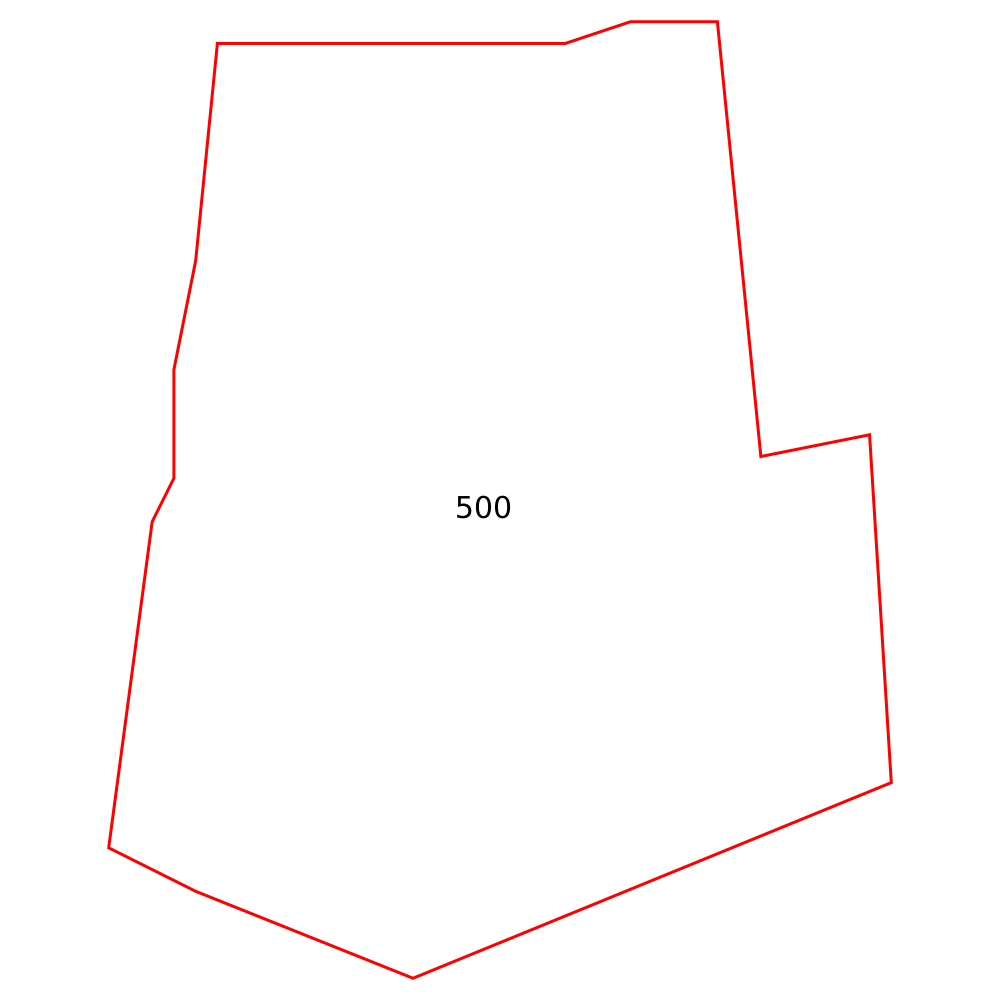
Tried lots of things, including building from master etc. - not sure how to tell python to use built version (I am using pip to install mapnik 0.1, is it an old version? https://pypi.python.org/pypi/mapnik/0.1 ) Unless anyone can suggest a workaround, will resort to rewriting in .js using node-mapnik, which works out of the box on the same machine.
not sure how to tell python to use built version
By setting PYTHONPATH. I'm doing it this way
export PYTHONPATH=/home/talaj/mapnik-build/lib/python2.7/site-packages
while building by
./setup.py develop --prefix /home/talaj/mapnik-build
I am using pip to install mapnik 0.1, is it an old version? https://pypi.python.org/pypi/mapnik/0.1
It probably is. Also I don't know how compatibility is ensured between this Python bindings and Mapnik library. This might be the culprit.
Unless anyone can suggest a workaround, will resort to rewriting in .js using node-mapnik, which works out of the box on the same machine.
It's sad to say that, but development of Node bindings is more active.