

 mapillary
Cannot view the images after loading the reconstruction file
Hi,
I ran the entire SfM pipeline and produced the file data/berlin/reconstruction.meshed.json as output. To view the result, I started the viewer HTTP server and then browse to http://localhost:8080 to select the reconstruction file. I can view the point cloud as shown in the image below but cannot view the image in the thumbnail window at the top right corner when I select a camera. It remains empty. I guess it should be the image captured by the camera I select. Although the name of the image at the bottom of the thumbnail window gets updated when I select different cameras.
Please suggest how this issue can be resolved. Thank you very much!


Hi @Srts1710 ,
The screenshot you shared shows the image in the thumbnail view in the top left corner. Do you mean that it does not load a new image when you click on a camera? You can also try to set cameraVisualization to Street and then you can step through the images.
Can you try to load the reconstruction.json and try if that works?
Good luck

Hi @fabianschenk,
Thank you for your answer. I apologize for the delay in response.
The screenshot I had shared in the earlier post was from the tutorial document. But when I run openSfM at my end and select different cameras, the image doesn't show up in the thumbnail. Although the name of the image at the bottom of the thumbnail window gets updated when I select different cameras. It is shown in the image below.
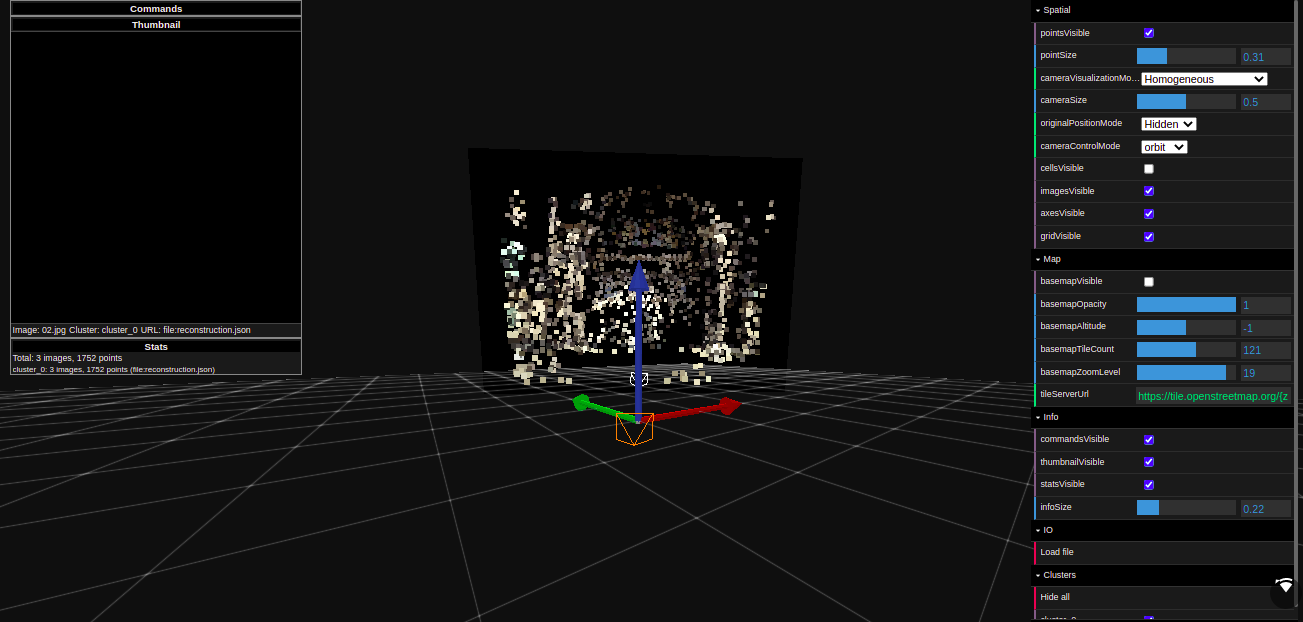
I could not find the option "street" under cameraVisualizationMode. I tried setting cameraControlMode to street instead of orbit but it did not help. I also tried loading reconstruction.json instead of reconstruction.meshed.json. Please let me know if I should try some other options.
Thank you.
Hi @Srts1710 ,
The reconstruction.json just contains the image names and the viewer expects the images to be in a subfolder images, so make sure that you pass in the folder to the viewer that contains the images folder:
-d "OPENSFM_FOLDER/data/berlin
You can also try to open the reconstruction_example.json that comes with the checkout.
Best, Fabian
Hi @fabianschenk ,
I have been passing the folder containing the 'images' folder to the viewer. python3 viewer/server.py -d data/berlin And 'data/berlin' contains the 'images' folder. I also tried to open reconstruction_example.json but it did not help.
Best Regards. Srts
Hi @Srts1710 ,
First, could you try to start the viewer inside the berlin folder as mentioned in #842 .
Could you also try the full path, with/without backslash in the end.
I just assume that you're on linux and your user name is srts. For Windows, the full path would be something like: C:/home/srts/opensfm....
python3 viewer/server.py -d /home/srts/data/berlin
python3 viewer/server.py -d /home/srts/data/berlin/
Best, Fabian
Hi @fabianschenk ,
I am on Linux right now. I tried all the three variations you had suggested but did not help.
Best Regards, Srts
Hi @Srts1710 ,
I tested it again and for me it works on my Mac. There's also a README.txt for the viewer.
My steps:
- Go to the
OpenSfM/viewerfolder and runpython3 node_modules.sh - Go to the
OpenSfMfolder and start the server with:python3 viewer/server.py -d data/berlin/
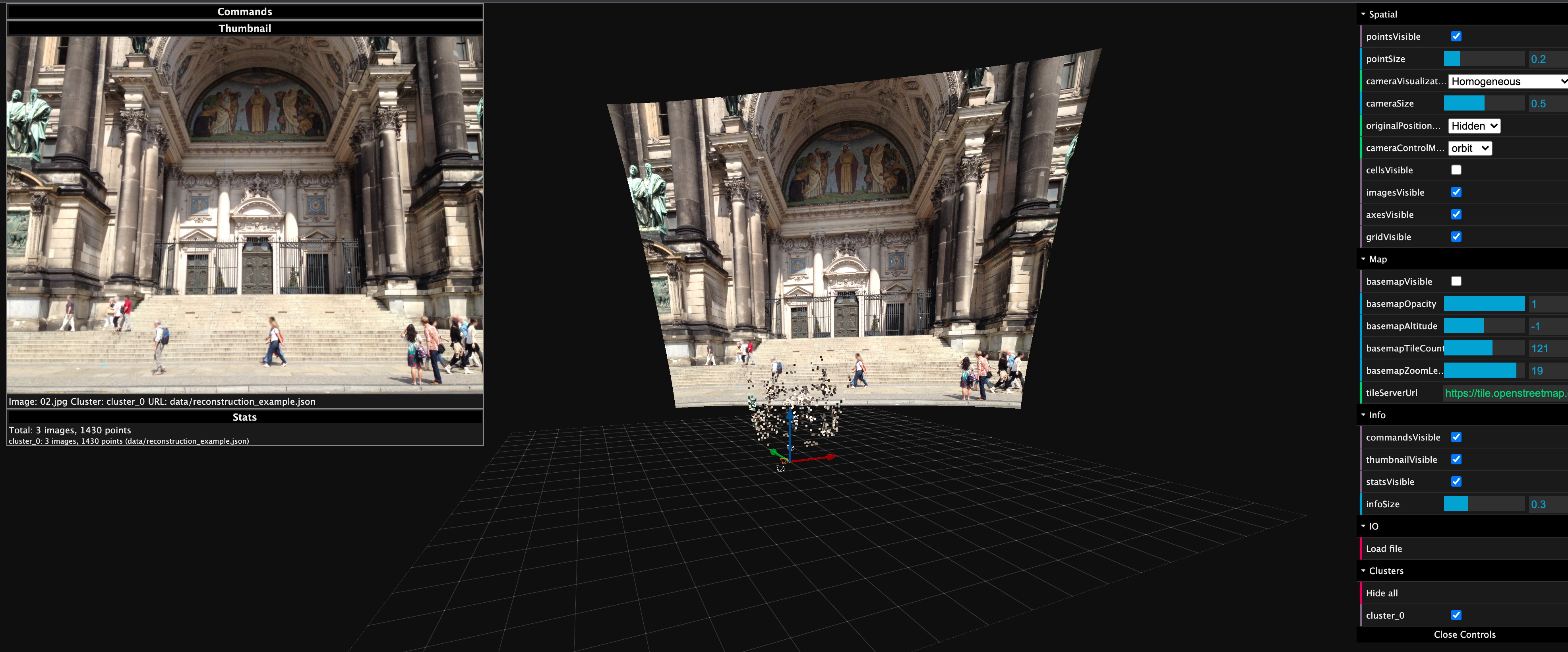
Here's a screenshot from my viewer 😄
Hi @fabianschenk ,
Thank you very much for your help. I followed the steps you had shared in issue #842 and the README file in the viewer folder. The issue for the example dataset "berlin" got resolved at my end. As shown in the screenshot shared in issue #842, if I directly select the reconstruction.json from the "Select files" section and press Submit, it loads the results of dataset "berlin" and the images are displayed properly. Previously, I was browsing the reconstruction.json file after clicking the "Pick files". The flow was working fine except for the display of images. It is also mentioned in the README file in the viewer folder that images will not be loaded if we try to load the dataset manually. Now the problem is if I try to serve a dataset other than berlin, for example lunda by 'python3 server.py -d ./data/lunda', it again points to the reconstruction.json file of the berlin dataset in "Select files" section. If I browse the data/lunda/reconstruction.json file using the "Pick files" section, the results of lunda dataset are loaded but images are not loaded (as expected in case of manually loading the dataset). Could you please check if you are able to directly serve the lunda dataset and load the images at your end?
Best Regards.
Hi @Srts1710 ,
Works for me!
I tried both commands:
python3.8 viewer/server.py -d data/lund
python3.8 viewer/server.py -d ./data/lund
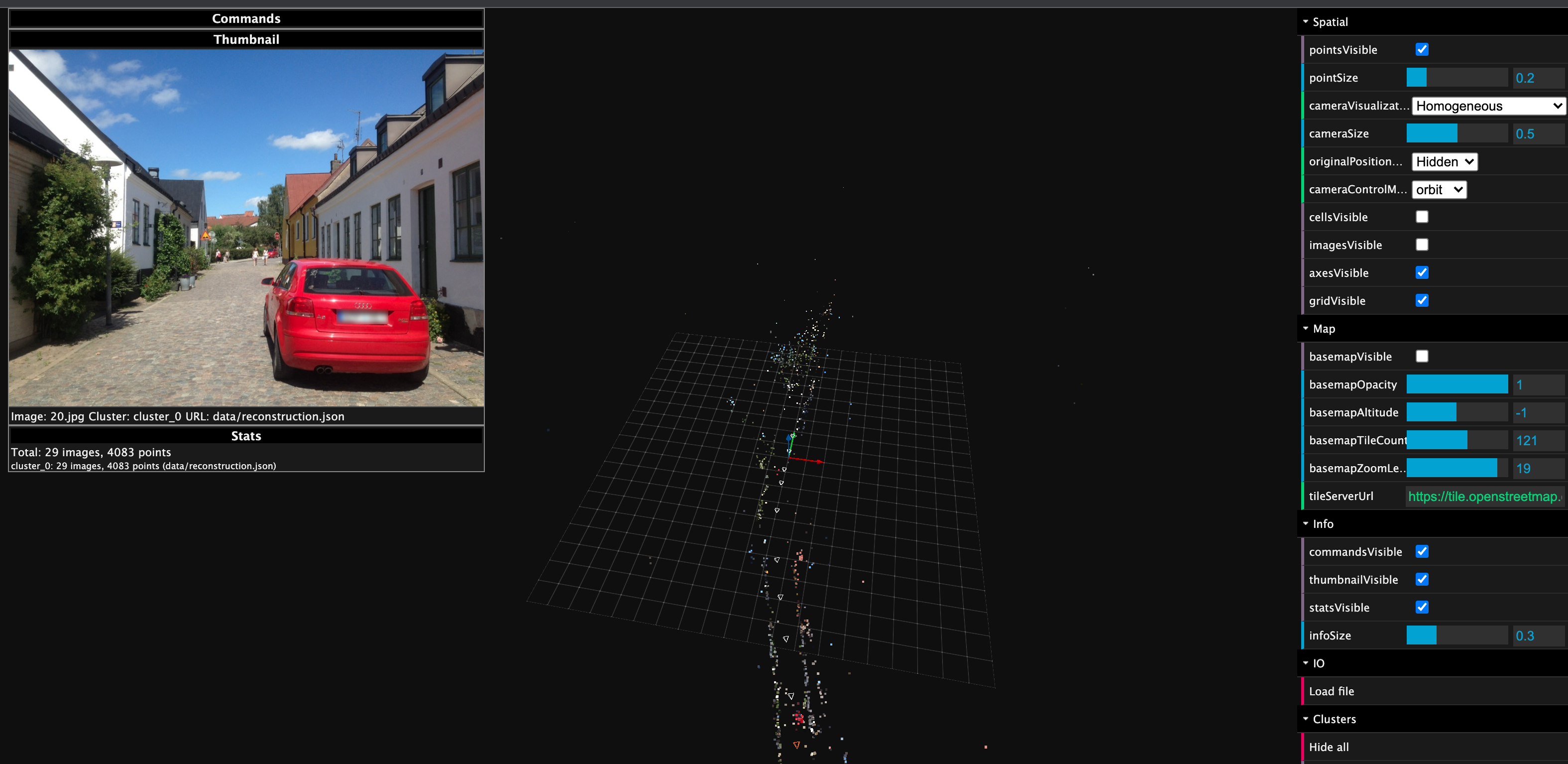
Did you run the OpenSfM pipeline to create the lund reconstruction?
Another thing: In your commands, you write lunda but the dataset is called lund without the a in the end!! Please double-check the parameters.
Hi @fabianschenk ,
I am sorry about the typo in earlier comment. I have been writing "lund" in commands. Also, I had run the OpenSfM pipeline to create the lund reconstruction.
Best Regards.