

 mapbox
Satellite View on power bi
Hi,
I'm not sure if this is the right place to right this. I've written mapbox support and the team redirected me here.
I'm trying to create a new custom visual using mapbox-gl. But I'm having a problem with satellite view. I can't use this project because I need to use the camera option. If the style is not satellite it works ok but for satellite it only shows me a black background with the labels and streets on it.
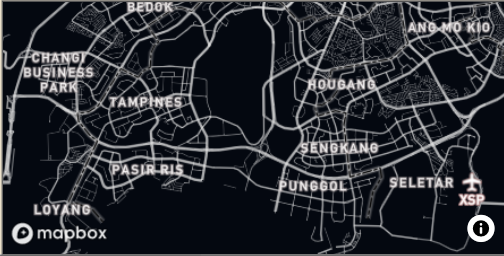
This is what I did..
- Included mapbox-gl on my powerbi project using npm.
- Exclude mapbox-gl from transpilation by using !. (I was having a transpilation error when accessing the visual. Please refer to the attached document).

- Used a satellite view style from mapbox and my own styling (both are having the same problem).
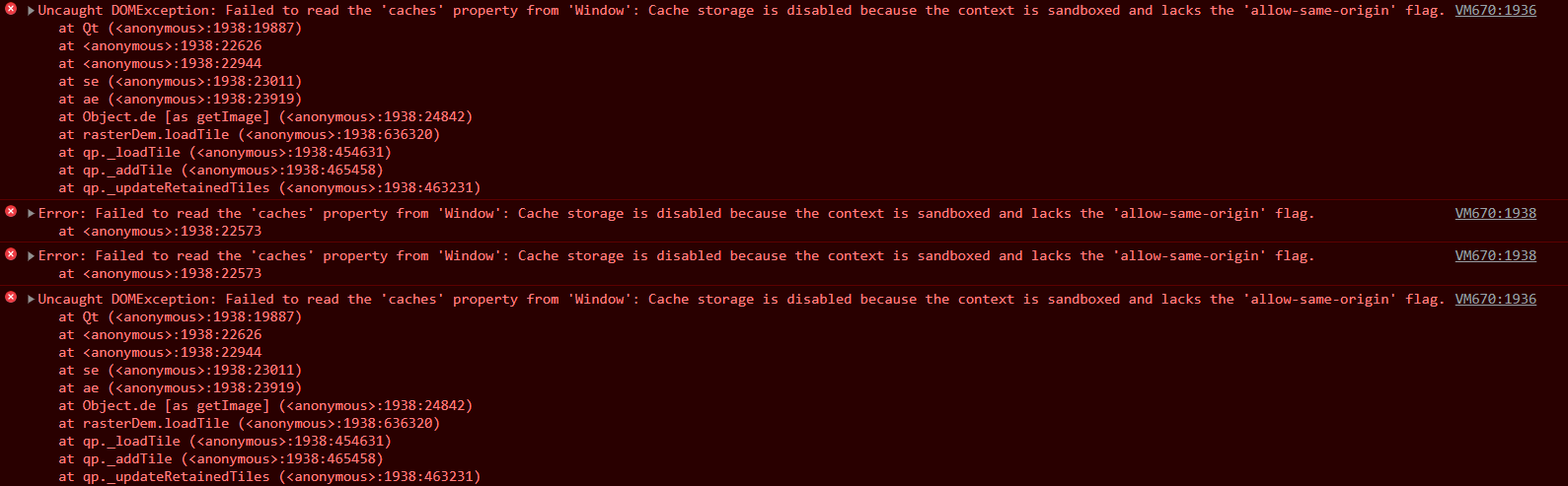
I noticed I'm getting an error Failed to read the 'caches' property from 'Window': Cache storage is disabled because the context is sandboxed and lacks the 'allow-same-origin' flag. Is this the reason I'm only getting black? Is this a version of mapbox-gl? I downloaded the sample pbix and the satellite view is working and there is no allow-same-origin error.
I also downloaded this project but I'm having a version issue with the powerbi and I couldn't make it work.
Thank you very much.
