

 mapbox
Auto zoom not working
When using the map as a tooltip, the autozoom does not work correctly.
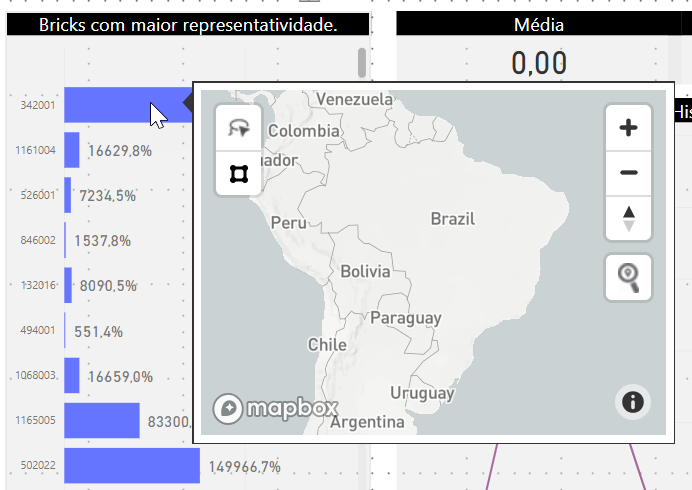
The right one would be the autozoom go to the location of the selection.

@Erik-Goncalves Are you using a choropleth/area map for your mapbox visual? This part is necessary for autozoom to work. It seems like on the right you just have a base map.

@samgehret Yes, I'm using choropleth map and auto zoom work correctly but when I use the same map as tooltip it not working.
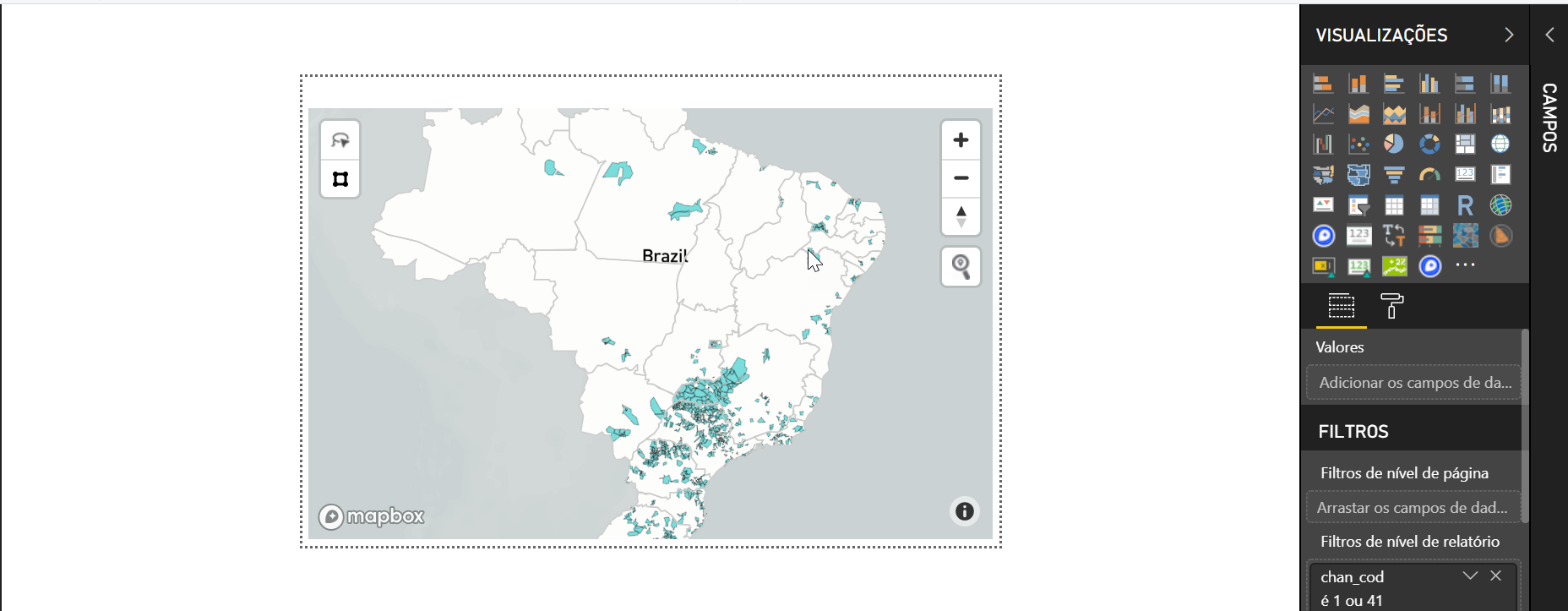 thanks for your support.
One hypothesis here is that the tooltip maps are very small in size (i.e. only one tile), so even when zoomed all the way out features may not be visible at low zoom levels.
@Erik-Goncalves what is the min zoom zoom extent of your tileset used to power your Choropleth layer in Power BI? Here's an example link to one of my public tilesets, which has a zoom extent down to z0 https://studio.mapbox.com/tilesets/rsbaumann.iucn-mammals-2018-1/

@ryanbaumann, thanks for your support.
I use zoom extent z0 to z22
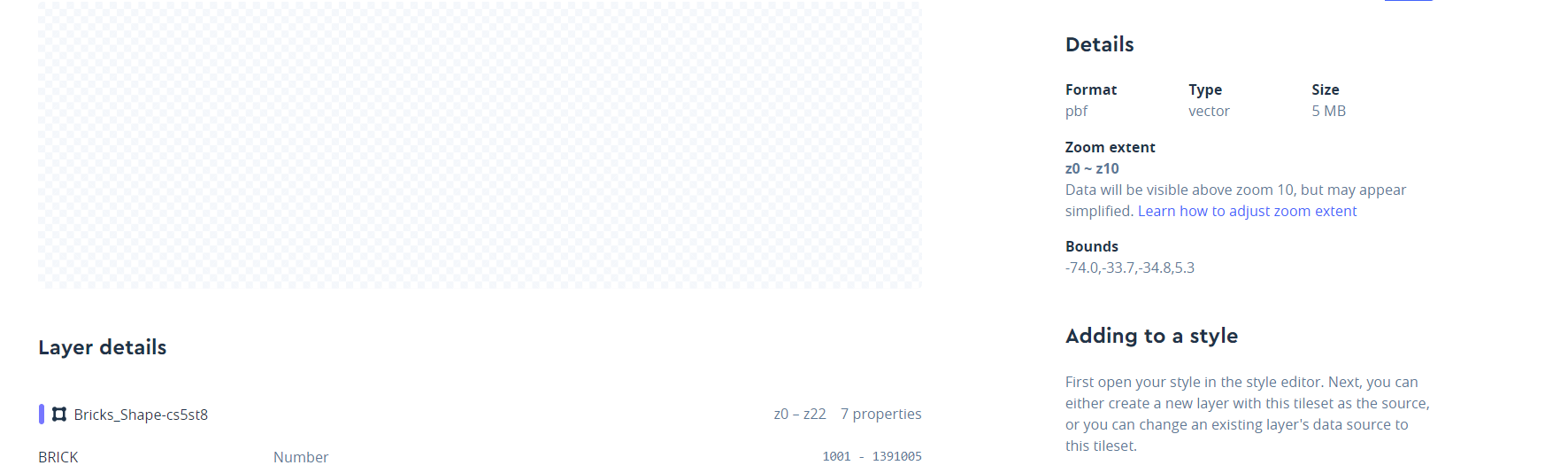 When I make some filters in map and zoom level is modified the tooltip work correctly. but when I do not use filters the auto zoom not work.
When I make some filters in map and zoom level is modified the tooltip work correctly. but when I do not use filters the auto zoom not work.
This is hard to replicate. If possible, can you attach a minimumexample of your PBIX workbook from PBI Desktop? If that's not possible, then please add some additional detail explaining how to replicate.
Thanks @Erik-Goncalves - I'm able to replicate your issue very reliably on the tooltip page.
When I look at the tooltip view of your map, I can see that your tiles do not contain all polygon features at the low zoom level to fit the bounding box of Brazil in a small tooltip screen. See figure below with arrows to what look like dropped polygon features at low zoom levels:

The Mapbox Visual Autozoom feature requires that features to autozoom to are visible at low zoom levels.
To solve your autozoom problem with this dense polygon tileset, I would recommend trying to tile your data using Tippecanoe, and upload the resultant tileset to your Mapbox account. Below are the suggested Tippecanoe settings to use to create your dense polygon tileset of the entire country of Brazil from the readme:
tippecanoe -zg -l "Bricks_Shape-cs5st8" -P -ab -o Bricks_Shape-cs5st8.mbtiles --coalesce-densest-as-needed --extend-zooms-if-still-dropping --generate-ids <my-data-file.geojson>
If you need to install Tippecanoe on a Windows 10 machine, check out this tutorial.
Thanks, @ryanbaumann,
I made the tests with Tippecanoe but in cases of the polygon at the low zoom level, it's necessary to render before using the auto zoom functionality.
@Erik-Goncalves just so I understand actions taken and effect on this bug - did you try tiling your source data with the Tippecanoe settings above and confirming that you have AutoZoom issues still in PBI?
@ryanbaumann yes, I made the update and the problem persists. Do you have another Tippecanoe settings for the test ?
Thanks for the support.
Do you have another Tippecanoe settings for the test ?
There are other options we could test, but they would involve simplifying the geometry more. Specifically you could use the same Tippecanoe settings as above, but first run your data through MapShaper and use the "simplify" options to make the number of geometry points smaller (but still cleanly edge matched). The goal there is to make the geometry simple enough to represent in a low zoom tile without dropping features.
Hi, How low must the Zoom level be in order to get it working reliably? I have tilesets with zoom levels of 5-10 for which autozoom is not working. Also, is Mapbox Studio Classic still an option to fix the Zoom extent?

I followed @ryanbaumann's instructions from scratch to install Ubuntu on Windows, install Tippecanoe, and shrink my geojson file to an mbtiles file (114MB to 13MB!), and this solved it for me, as illustrated with the screenshot below:
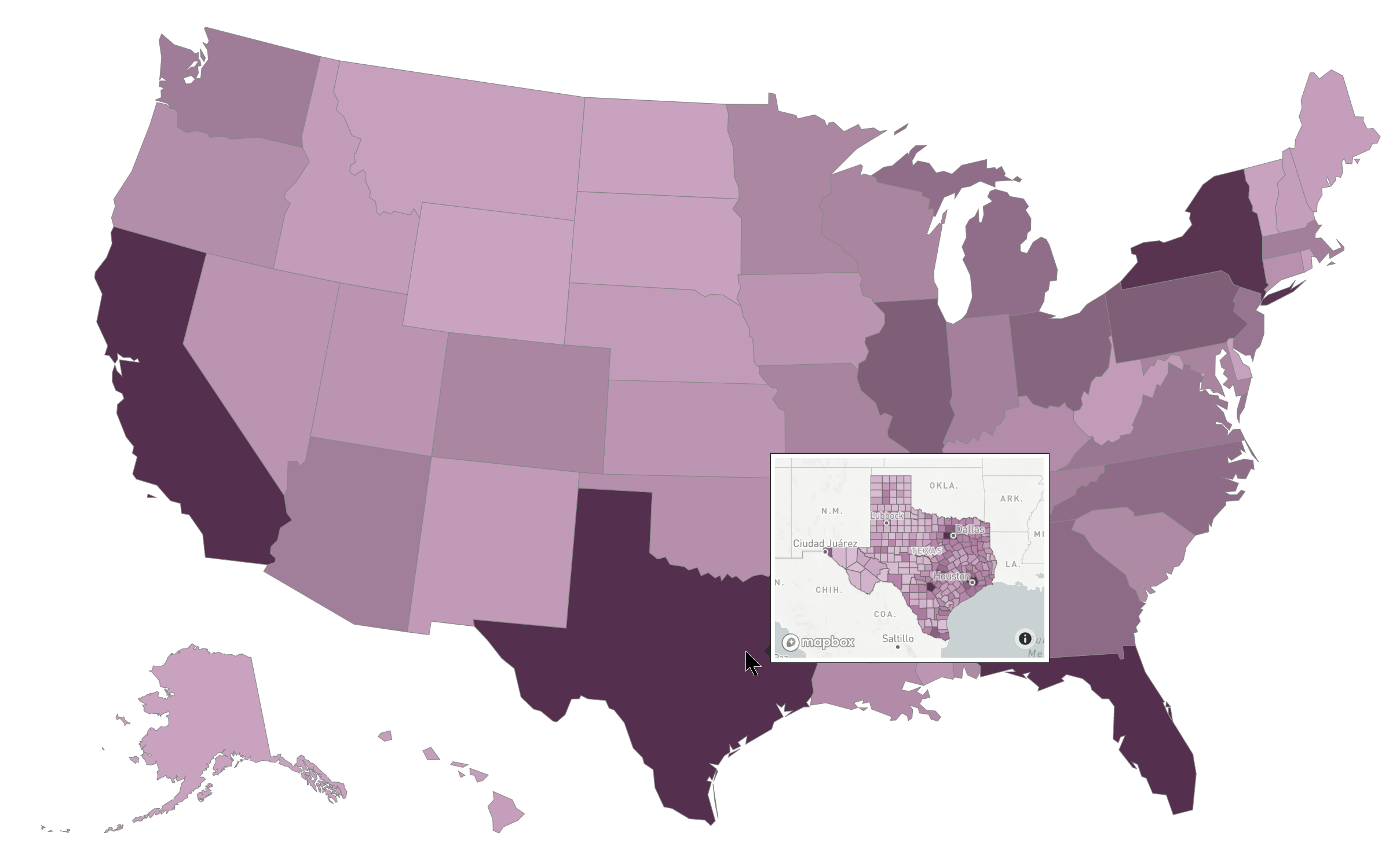
I ended up with these zoom settings: "z0 ~ z4. Data will be visible above zoom 4, but may appear simplified." This type of aggressive shrinkage may not be appropriate for a full-scale map, but I think it makes perfect sense for a tooltip.
Ryan, congratulations on your ELI5 walk-through, it was a breeze to follow. I don't linux often enough to do all of this fluently, and more importantly, this was focused on accomplishing the task at hand.

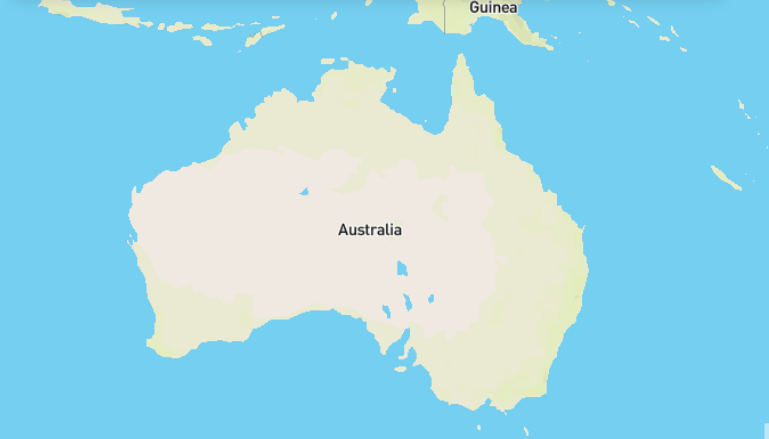
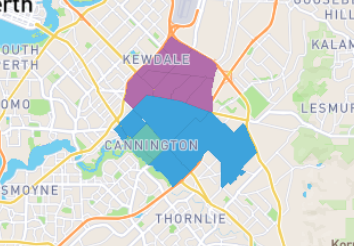
I am getting a similar issue with auto zoom. When I turn auto zoom on it goes to the full layer extent not the area with the data. Here are some pictures to highlight what I am talking about. Any suggestions would be appreciated.
This is where auto zoom goes to.
This is the area of the map that has data and I want to zoom to.
Here is the data showing the only part of the map with Australia with data. I have tried setting the DZ code to can not be blank and this does not make any difference.
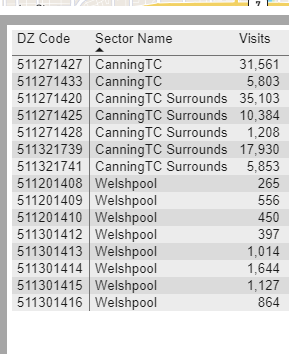
How do I get it to zoom to only the part of the map that has data in it not the full extent of the layer. As I want this map to work for a variety of data I need the layer to have all of Australia in it. Help would be greatly appreciate. Whilst I love the potential of this visual this lack of zoom control is meaning that it does not work for me.
