

 mapbox
Mapbox Datasets Line not perfectly snapping to terrain with elevation
I try to display a line on a Terrain with elevation. I draw the line with Mapbox Datasets and add it to a Tileset. It shows on the map in Unity. But the elevation is not perfect. Is it because the line is a linear interpolation of the points positions with elevation ? Any possibility to display a line perfectly snapping the terrain?
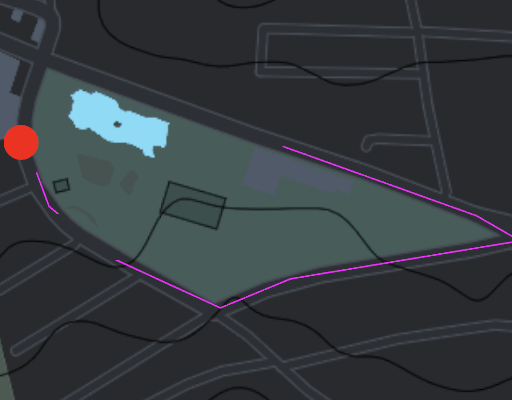
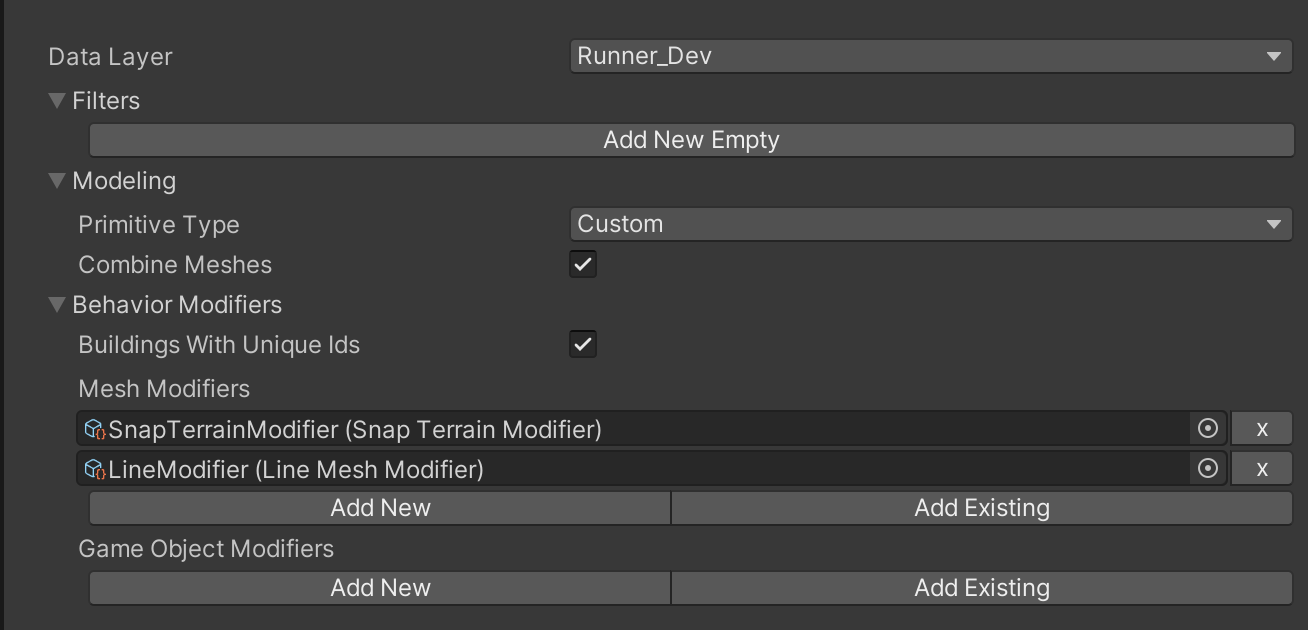

Hey @vincentborcard!
I'm afraid only easy solution here is increasing sampling points using Smooth Line Modifier as the first mesh modifier. It'll simply subdivide line into smaller segments so snapping will look better. It's not a perfect solution but if you are using it for low amount of lines (like showing a few lines instead of whole road network), you should be able to increase it quite a bit without effecting the performance and it should look much smoother that way.
hope that helps!

Im having the same issue I've tried adding the modifier but I'm not seeing any effect or change. I am just rendering buildings and roads as solid colors. I don't want to increase the road heights more than necessary. I don't want them peeking out of the flood waters.
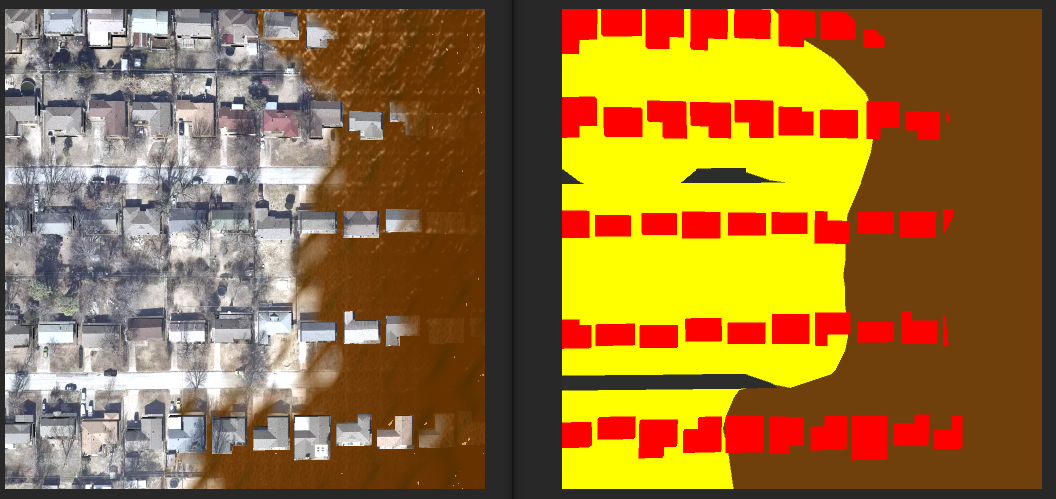
Not sure if I have applied this incorrectly but it doesn't seem to do anything regardless of what I set the parameters to.
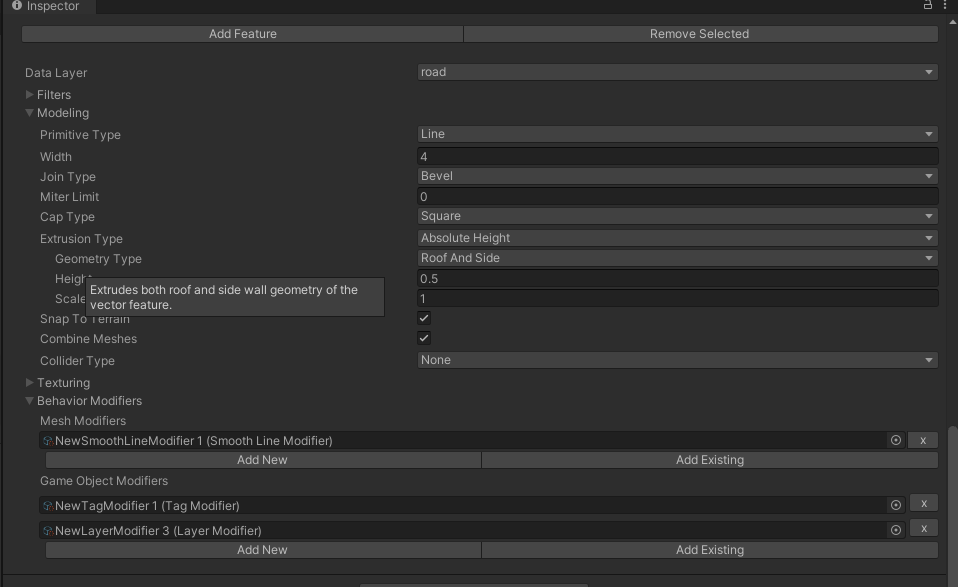
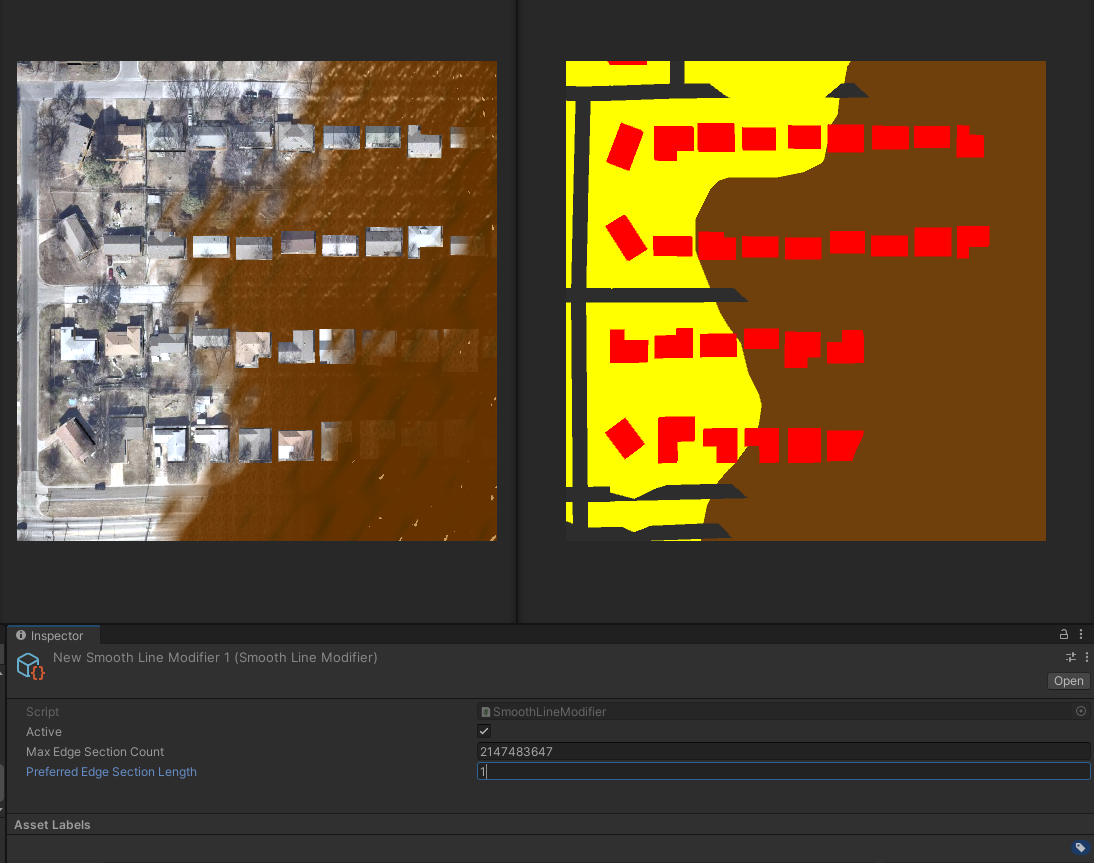
Any advice would be appreciated!

@memeQueenPaulaDeen I think it might be an issue with Smooth Line Modifier settings. You probably already tried it but decresing preferred edge section length might help (depending on your map scaling). but max edge count is so high that it might freeze your pc if you decrease too much.
Edit: oh and I just noticed, you might want to try using custom styling (instead of line) then add (1)smooth line (2) line mesh modifier under mesh modifiers manually.