magic-script-components

magic-script-components copied to clipboard
 magic-script
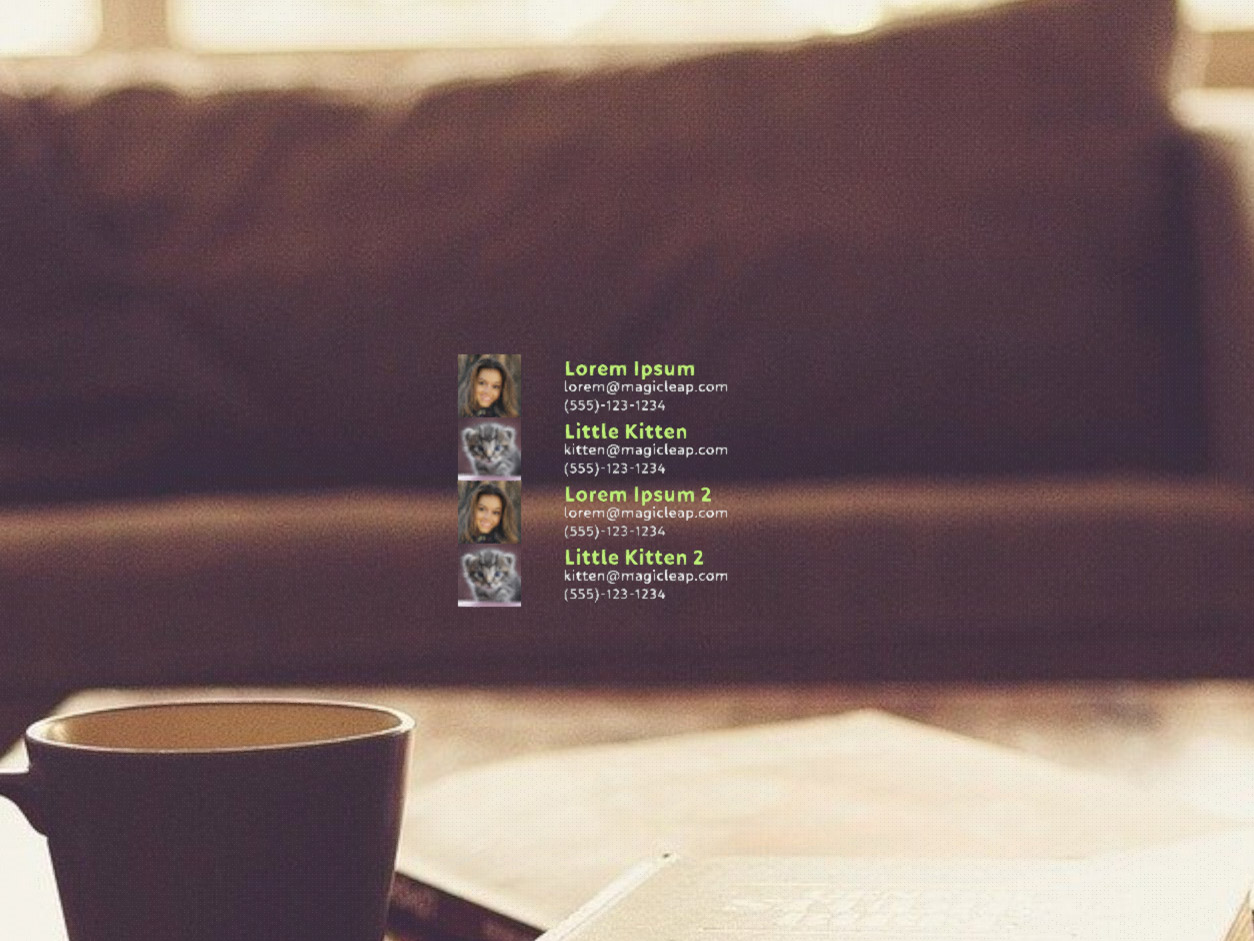
[ListViewItem] Behaves differently depend on the platform
Based on example code and screenshots from the documentation we should unify the behavior of more complex ListViewItems.
Lumin: defaultItemPadding is not respected
IOS: defaultItemAlignment work incorrectly
IOS: When we'll put an additional image into ListViewItem, the LocalPosition is not working properly
IOS: defaultItemPadding is bigger than it should be
Android: Scrollbar should be hidden if all items are fit without scroll
All Platforms: the size of the ListViewItem looks different
<View>
        <ListView localPosition={[0, 0, 0]} width={0.7} height={0.5} defaultItemAlignment={'top-left'} defaultItemPadding={[0, 0, 0.01, 0]}>
          <ScrollBar length={0.5} thumbSize={0.03} />
          {contacts.map((contact, index) => (
            <ListViewItem key={index}>
              <RectLayout width={0.35} contentAlignment={'top-left'}>
                <View>
                  <Image localPosition={[0, 0, 0]} height={0.17} width={0.17} filePath={contact.image} />
                  <Text localPosition={[0.2, 0.05, 0]} alignment={'center-left'} textSize={0.07} weight={"bold"} textColor={"#85D834"} >
                    {contact.name}
                  </Text>
                  <Text localPosition={[0.2, 0, 0]} alignment={'center-left'} textSize={0.05} textColor={"#e0e0e0"} >
                    {contact.email}
                  </Text>
                  <Text localPosition={[0.2, -0.05, 0]} alignment={'center-left'} textSize={0.05} textColor={"#B5B5B5"}>
                    {contact.phone}
                  </Text>
                </View>
              </RectLayout>
            </ListViewItem>
          ))}
        </ListView>
      </View>
lumin:
ios:

android: