

 macvim-dev
FZF/bat preview pane is not loading the correct color scheme
Describe the bug
Neovim has known color scheme issue with bat's preview utility which is usually used together with fzf.vim. Basically, Neovim unsets the COLORTERM envvar which bat relies on. This was fixed already on Neovim's nigthly builds.
https://github.com/sharkdp/bat/issues/634
https://github.com/neovim/neovim/issues/10836
Since I'm not using the Neovim nightly builds yet, my workaround is to add this in the .vimrc which also works:
let $FZF_PREVIEW_COMMAND="COLORTERM=truecolor bat --style=numbers --color=always --line-range :500 {}
Recently, tinkering with MacVim also since it's a great, fast, and lightweight alternative for quick preview of files/folders when I'm not in the terminal. Much better than Sublime Text, VC Code, or Atom. Just surprised that the fzf's preview again has an issue even I have the Neovim's workaround already, that is, the MacVim app renders the wrong color scheme:

Expected behavior
My Vim/Neovim shares common settings, and MacVim shares it also via .vimrc. Likewise, I use the One Dark theme, and the same file/folder has no color scheme issue in Vim:
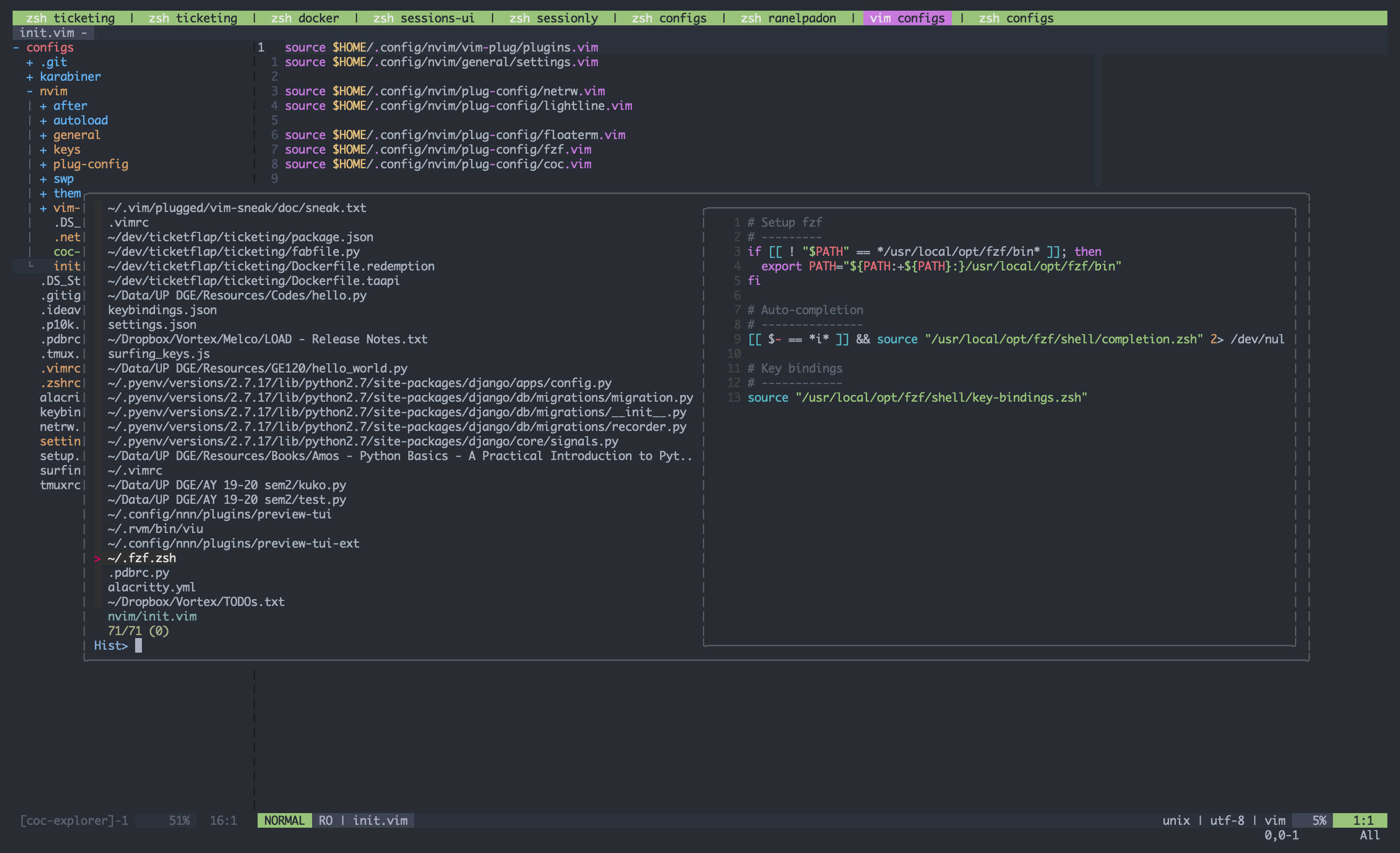
No issue in Neovim as well:
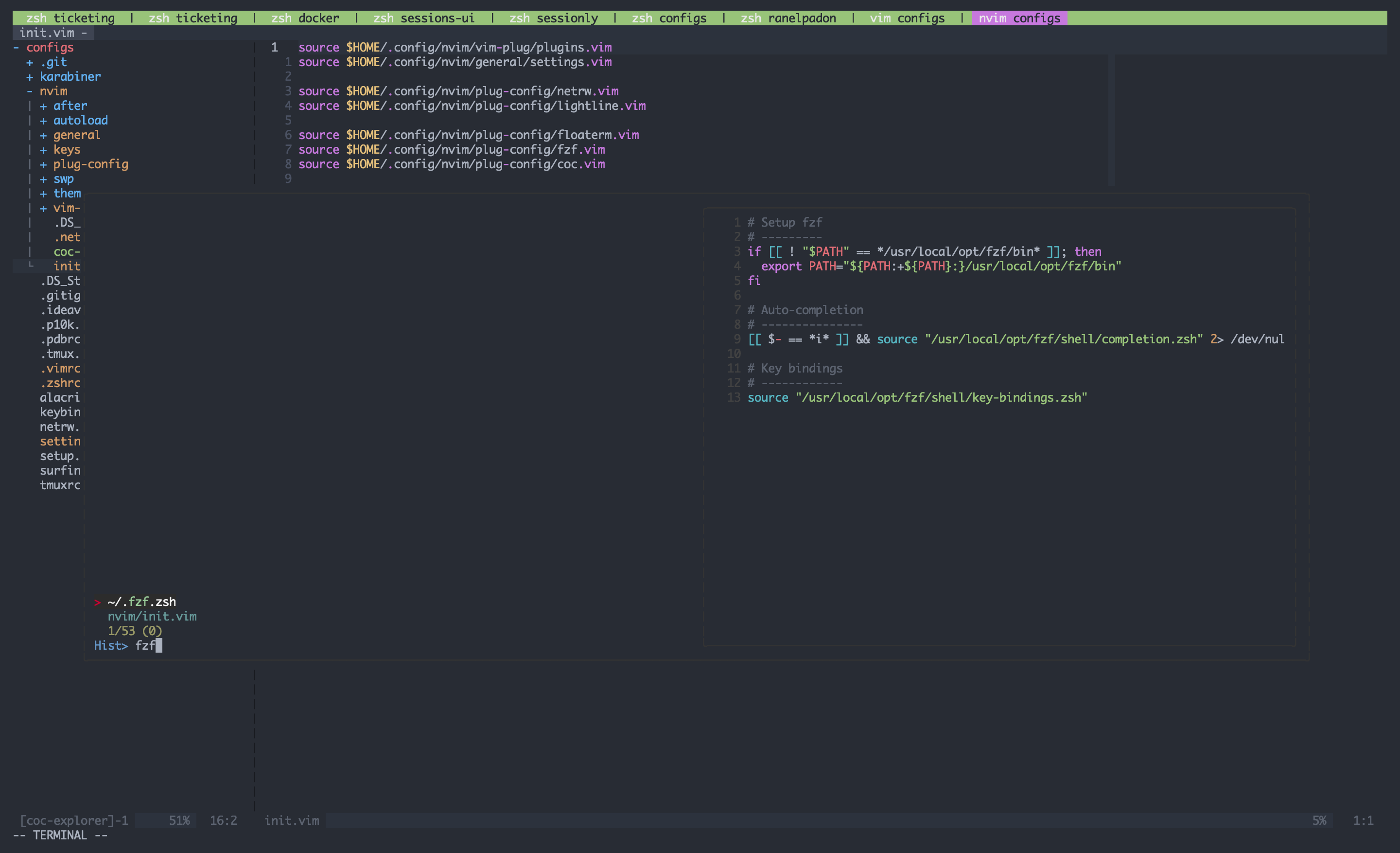
Workaround
Interestingly, if I add this in the setting, the MacVim app will have the expected behavior:
let $BAT_THEME="TwoDark

Environment:
- Vim version [8.2] / Neovim [0.4.4] / MacVim [Snapshot 170]
- OS: [macOS 10.14.6 Mojave]
- Terminal: [Alacritty]
Additional context
My Vim/Neovim/MacVim shares the same settings, so it's kinda strange if MacVim is the odd man out. I set this export BAT_THEME="TwoDark" envvar in my .zshrc file which Vim/Neovim most likely recognizes, but MacVim seems to not utilize.
Thanks
