

 logseq
Updated content in files (in iCloud) not appearing in Logseq
What happened?
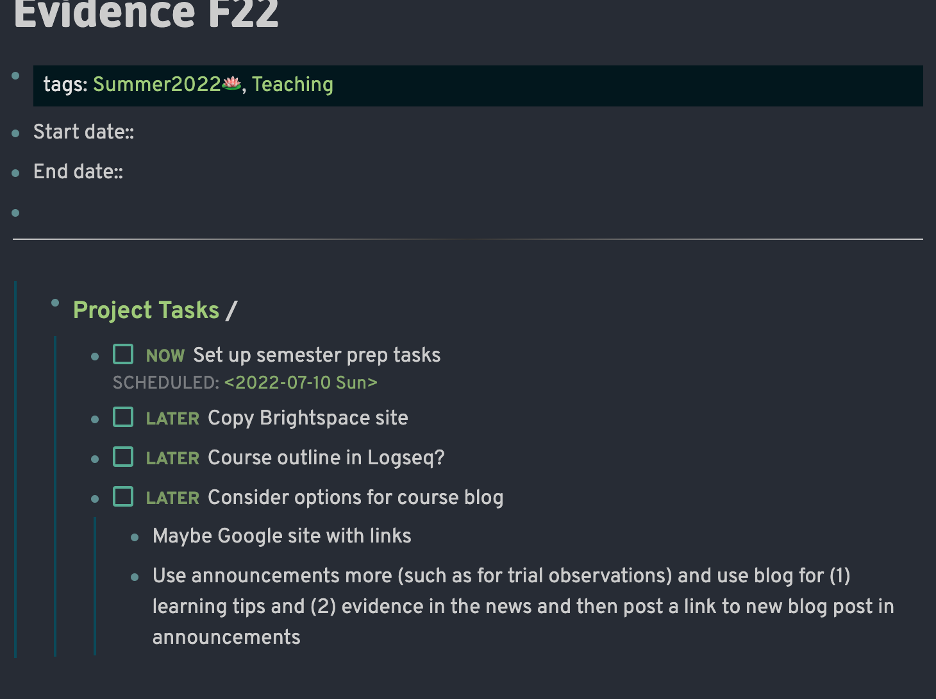
This has happened a few times .... content that I've added to a page in one device and which syncs to the iCloud file isn't visible when I open the app on other devices. I can see the updated content when viewing in the Finder and it shows up if I open the file in another app (such as Drafts or Bear) but it doesn't appear when I open Logseq and navigate to that page. It doesn't happen in all pages. I can copy and paste content from the updated page in another app but it can take awhile I lose the formatting. Overall this undermines my confidence in what I'm writing in Logseg. I need to be able to use it across devices.
Reproduce the Bug
- Type content on a page
- Close app
-
- Open app on another device
- Not see content on that other device
- View the file in Finder to confirm that new content is saved there
Expected Behavior
I expect content I type in the app and gets saved to the local and synced file will show up on another device.
Screenshots

Desktop Platform Information
OS Monterey 12.4 and Windows (I don't recall the version offhand)
Mobile Platform Information
iPad;
Additional Context
No response


0.7.6. I always make sure to keep the app up-to-date. Also, if I make any changes to the page in the app (which does not show the recent content) it will replace the file (which had the new content) entirely, and that version (which had synced to iCloud) does not show up in the version history. The only way to protect against data loss is to open the iCloud file in another .md app and copy and paste the content into Logseq.
Thanks very much.
On Sat, Jul 16, 2022 at 1:33 AM Junyi Du @.***> wrote:
What's the version of your Logseq?
— Reply to this email directly, view it on GitHub https://github.com/logseq/logseq/issues/6055#issuecomment-1186094356, or unsubscribe https://github.com/notifications/unsubscribe-auth/AW6L3KUKDWY3JK3GLV74TO3VUJCTDANCNFSM53WR2IZA . You are receiving this because you authored the thread.Message ID: @.***>
I can see the updated content when viewing in the Finder and it shows up if I open the file in another app (such as Drafts or Bear) but it doesn't appear when I open Logseq and navigate to that page
@llcc
I'm also having the same issue, Logseq ui doesn't show recent changes that are in the iCloud Drive file

@halfnhalf @profwordsmith Just for confirmation: the issue happens on iOS or macOS? I assume you are using macOS as Finder/Draft/Bear are available
macOS for sure. I can’t remember if I’ve seen it in iOS too.
On Tue, Jul 19, 2022 at 21:11 Junyi Du @.***> wrote:
@halfnhalf https://github.com/halfnhalf @profwordsmith https://github.com/profwordsmith Just for confirm: the issue happens on iOS or macOS?
— Reply to this email directly, view it on GitHub https://github.com/logseq/logseq/issues/6055#issuecomment-1189697335, or unsubscribe https://github.com/notifications/unsubscribe-auth/AW6L3KWF4Q5CNPHBHQ5W3LLVU5G5VANCNFSM53WR2IZA . You are receiving this because you were mentioned.Message ID: @.***>
Definitely happens between two macs but I also just tested on iOS and see the same behavior.
@profwordsmith
I can see the updated content when viewing in the Finder and it shows up if I open the file in another app (such as Drafts or Bear) but it doesn't appear when I open Logseq
It seems that Logseq doesn't recognize this file. Can you send me the exact file for debugging? My email address is [email protected], thanks.

@profwordsmith
I can see the updated content when viewing in the Finder and it shows up if I open the file in another app (such as Drafts or Bear) but it doesn't appear when I open Logseq
It seems that Logseq doesn't recognize this file. Can you send me the exact file for debugging? My email address is [email protected], thanks.
I'm not the OP but from my case it's just the standard markdown files used by Logseq. Contents.md for example
A general guide for iCloud users: https://discuss.logseq.com/t/im-using-logseq-with-icloud-but-experiencing-data-loss-or-file-conflict-errors-whats-going-on/13393