

 logseq
Ctrl+Shift+V behaves the same as Ctrl+V
What happened?
Ctrl+Shift+V behaves the same as Ctrl+V
Reproduce the Bug
Copy the same text and paste it with Ctrl+V and Ctrl+Shift+V to see the difference
Expected Behavior
Ctrl+Shift+V is supposed to paste the text into the same block, but it doesn't
Screenshots
No response
Desktop Platform Information
Windows7 Logseq 0.7.6
Mobile Platform Information
No response
Additional Context
No response


There is a fail-back logic here. When HTML to markdown conversion fails, plain text format will be used. I'll check it.

There is a fail-back logic here. When HTML to markdown conversion fails, plain text format will be used. I'll check it.
Thanks for checking! For me it happens in the cases that I copy and paste from Web pages. But Ctrl+Shift+V indeed pastes text into one block when copy from PDF.
@skydtrtzmr I can not reproduce the buggy behavior. Could you provide some URL pages?
@andelf
Hi! I've tested on some pages and found that, this unexpected behavior seems to happen only when <p>...</p> exists in the corresponding html of target text.
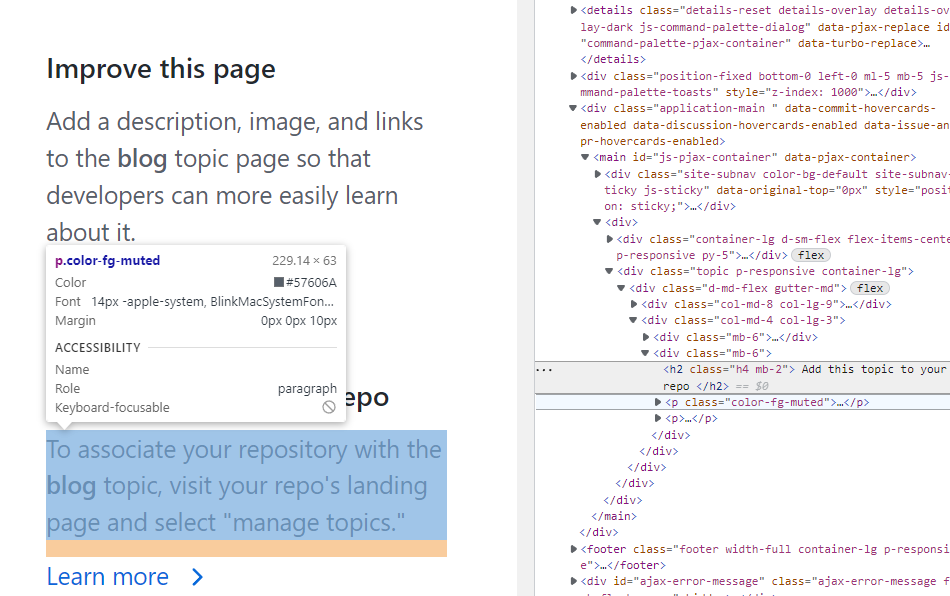 But it won't happen if the html uses
 <br> to start a new line.
Not sure. Need more tests.
Example:
https://policies.google.com/privacy?hl=en
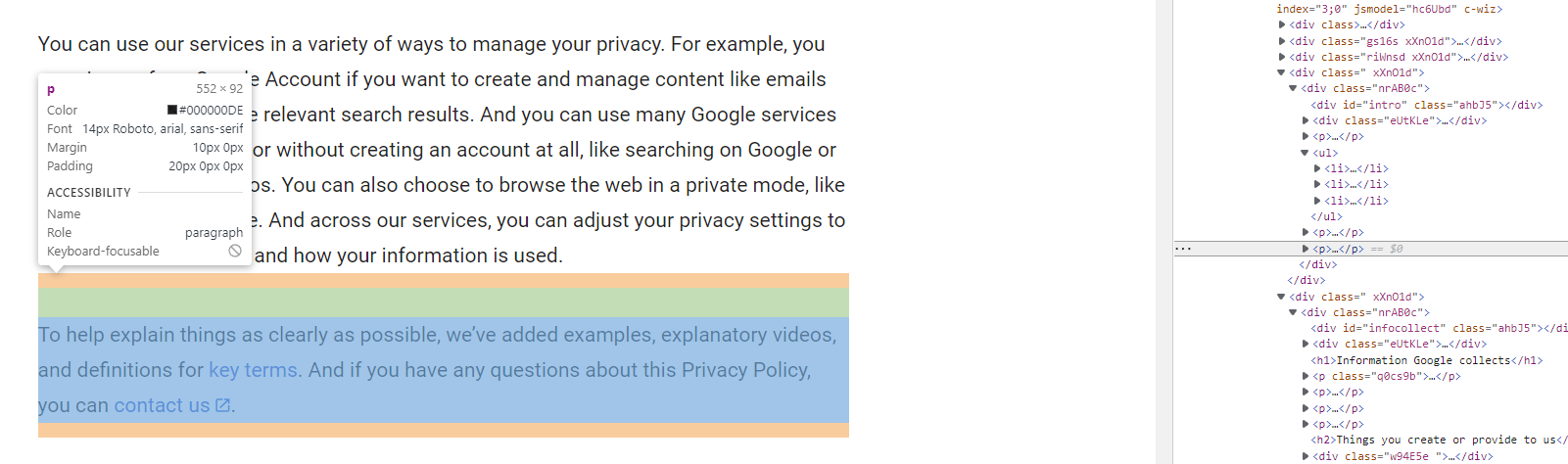
Happens when I want to copy multi-paragraph content involving <p>...</p> .
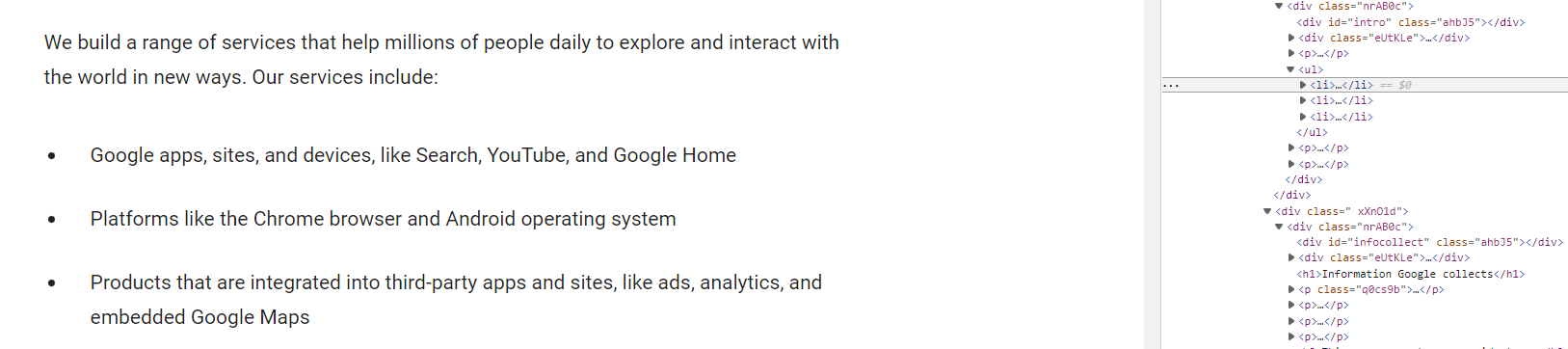 In this case, when I paste with
 ctrl+shift+v:
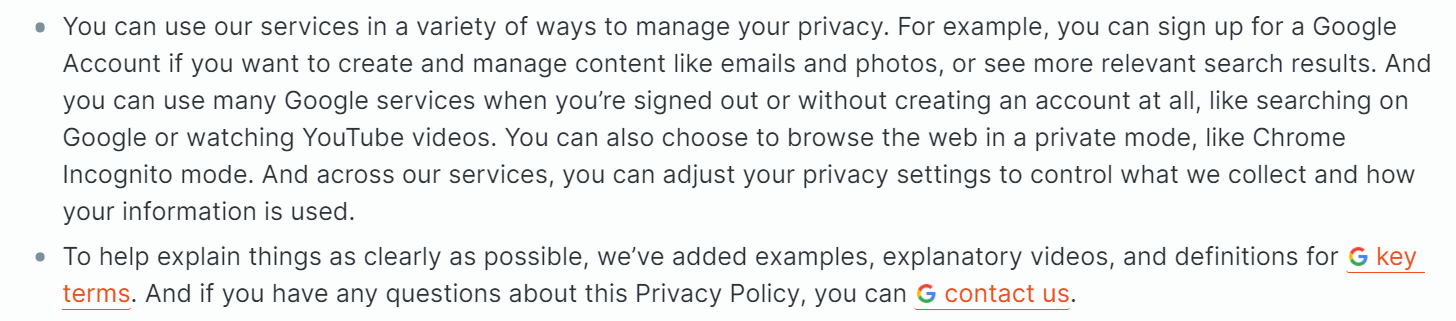
 when I paste with
 ctrl+v:

Another case:
@skydtrtzmr Many thanks. This is caused by buggy HTML to markdown conversion and plain-text to markdown conversion logic.
Hi There! 👋
We haven't seen any activity on this issue in a while :sleeping:, and we just wanted to make sure that it's still relevant. If you're still experiencing this issue, you might find it helpful to update to the latest version of Logseq. The latest version includes bug fixes and new features that may help to resolve this issue, and you can download it from our website. If updating to the latest version doesn't help, please let us know by adding a comment 💬. We're here to help!
If the issue has been resolved or is no longer relevant, that's great news! 🎉 We'll go ahead and close this issue to keep our backlog organized. Please note that this issue will be closed automatically in 20 days if there is no further activity. If you need more time to resolve the issue or provide more information, please just let us know by adding a comment.
Access additional Logseq 🚀 resources:
- Forum: https://discuss.logseq.com
- Blog: https://blog.logseq.com
- Docs: https://docs.logseq.com
Thanks for your contributions to Logseq! If you have any other issues or feature requests, please don't hesitate to let us know. We always welcome pull requests too!
![github-actions[bot] avatar](https://avatars.githubusercontent.com/in/15368?v=4 "Published by a pub.dev verified publisher")