

 log69
log69
Conflict with CanvasBlocker extension
For some reason the CanvasBlocker extension prevents YesScript from working. This can be demonstrated by looking at the results given at https://browserleaks.com/javascript on a fresh Firefox profile.
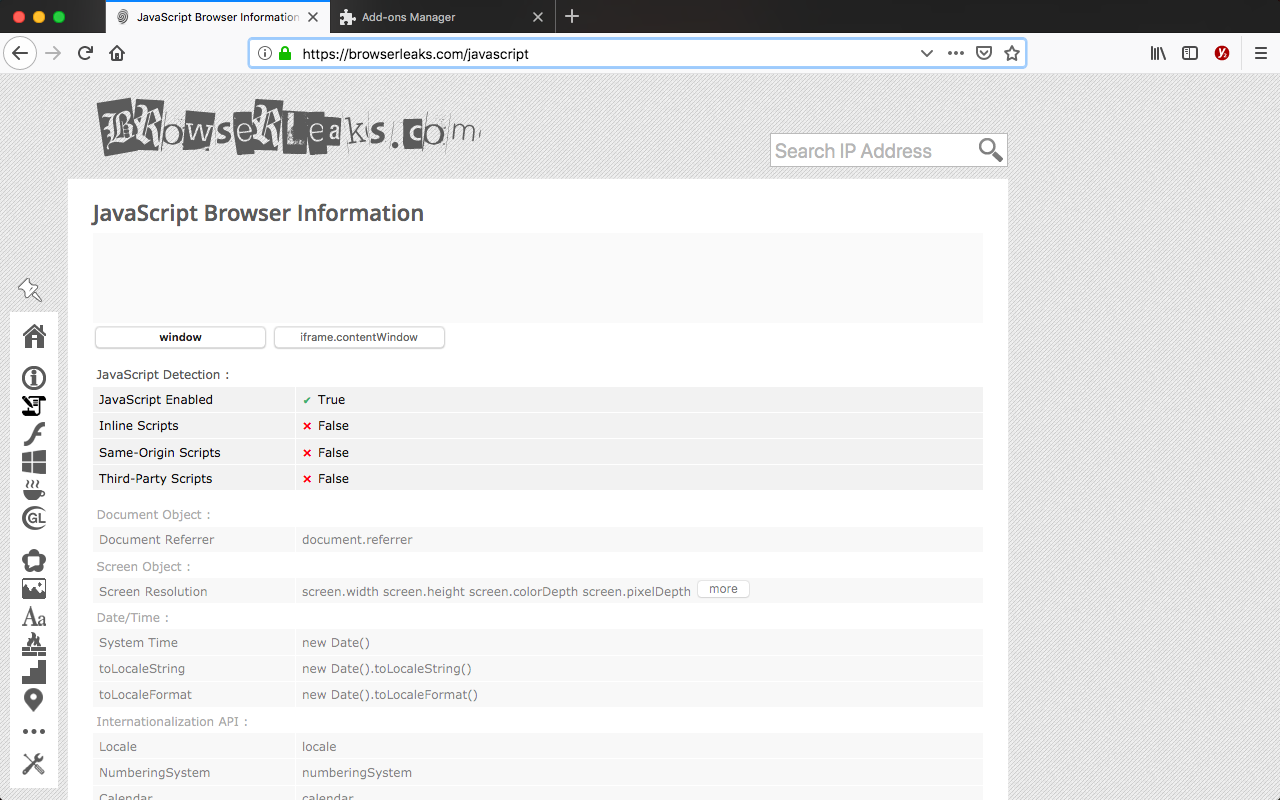
Results with only YesScript2 enabled (as expected, although I'm not sure why the site can detect javascript is enabled):
Results with both YesScript2 and CanvasBlocker enabled (not as expected):

And finally the results with NoScript and CanvasBocker enabled (and YesScript2 disabled):
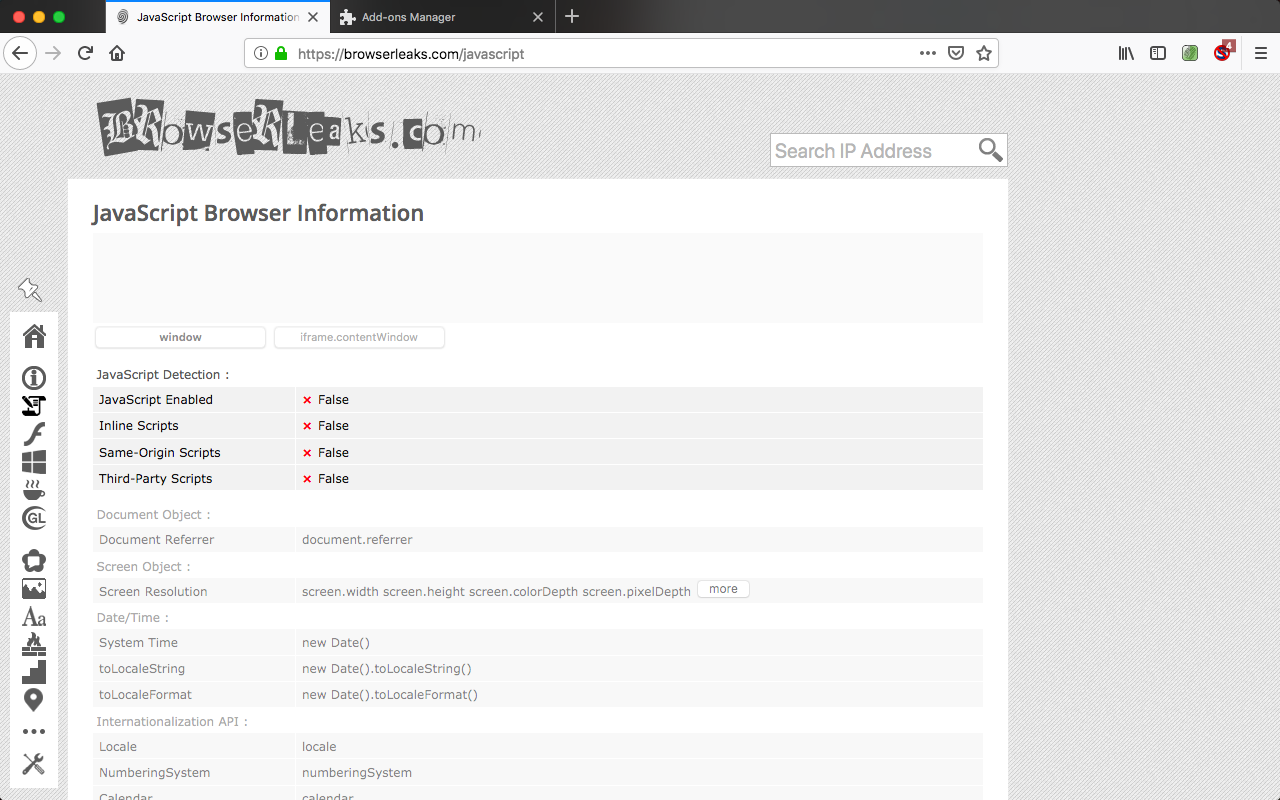
The last screenshot is simply there to demonstrate that NoScript is able to prevent javascript from running despite CanvasBlocker, but for some reason YesScript2 isn't.
Using YesScript2 v 4.3, CanvasBlocker v 0.5.5 with default settings, Firefox 64.0.2 on macOS 10.13.6.
Thanks for maintaining this extension, it can really be quite useful!

Dear @neekt, I can't really say why the site marks JS enabled when YesScript2 is enabled because I am not aware how that site works. I suggest you to test it with other websites as well that can show whether JS is enabled or not.

I can confirm that JavaScript works even when I set YesScript2 to red when I have CanvasBlocker running.
An easy way to test it is to right-click on the Kappa on this page, which has a copyright alert when you right-click. So it's not just a website that "detects" that JS is working, it's JS actually working.
Note that in my main setup, I have some other conflicting extension(s) (not sure which one(s), I didn't test them all), so it doesn't happen only with CanvasBlocker

I can confirm, YesScript is completely broken with CanvasBlocker enabled, toggles has no effect. (CB also partially breaks uBlock origin, so I think this issue should be addressed to CB to be solved together)
-- About the first screenshot, I tried to figure it out and that's what I understood:
It shows "Javascript Enabled" because it's technically enabled but blocked by Content Security Policy (inline js / first-party.js / third-party.js).
So if the extension blocks JS using CSP - it will still display "Enabled".
The problem is that after inline scripts blocked in this way, the extension should be able to handle the <noscript> tag. But YesScript does not do this.
This is how https://browserleaks.com/js test works. The first line will show "Disabled" only if <noscript> has been processed.
For example, when NoScript (extension) or uBlock Origins completely blocks JS, it shows warning in console:
Content Security Policy: The page's settings blocked the loading of a resource at inline (“script-src”).
but it also shows <noscript> tag content in the same way if you disabled JS via browser dev tools:
<p>[<noscript>this is noscript content</noscript>]</p>
