

 lbryio
Image orientation turns 90deg CCW after upload
When uploading pictures to Spee.ch, some pictures end up 90 degrees CCW.
This is true for both Phone Snapshots and Camera Snapshots. This is true when uploading to See.ch from Safari on a Mac or iOS. Tested with iPhone 7 and FujiFilm XT1.
On my iphone. Took a picture of my Mac vertical (or portrait). I Then went to spee.ch on my phone to upload the picture. The picture is oriented correctly. I air dropped the picture to my mac I then went to Spee.ch on my mac to upload. The picture is turned sideways.
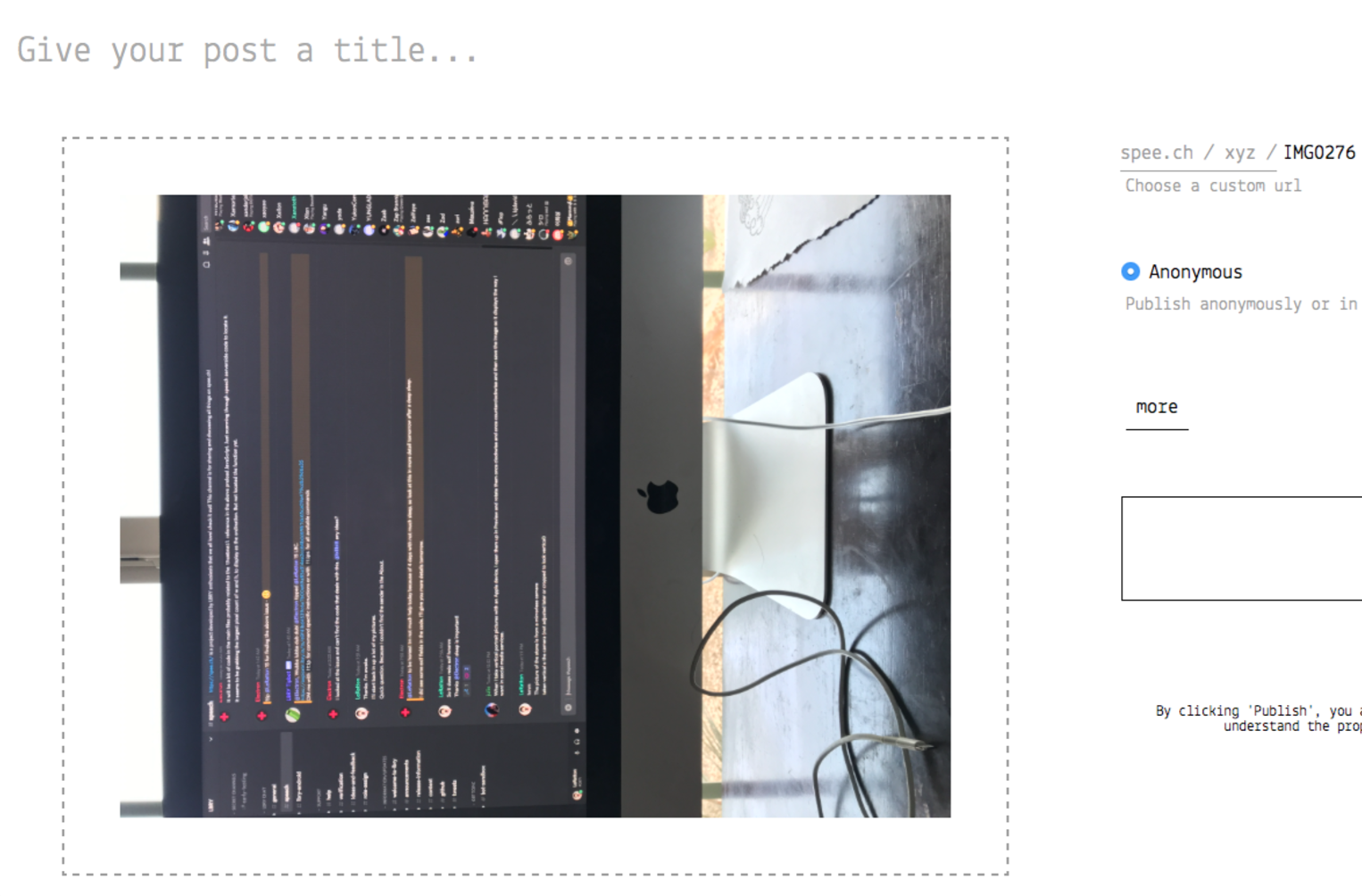
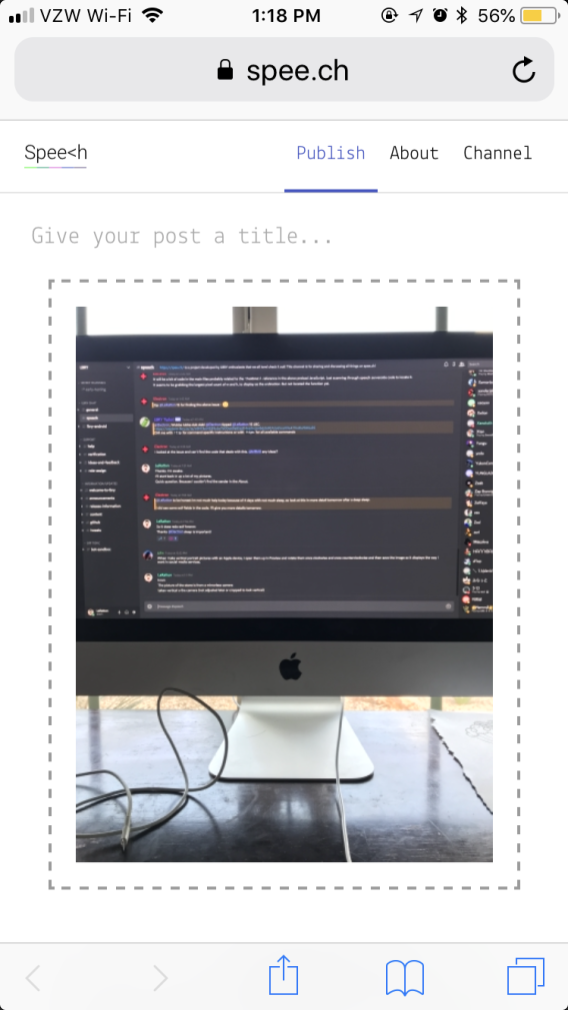
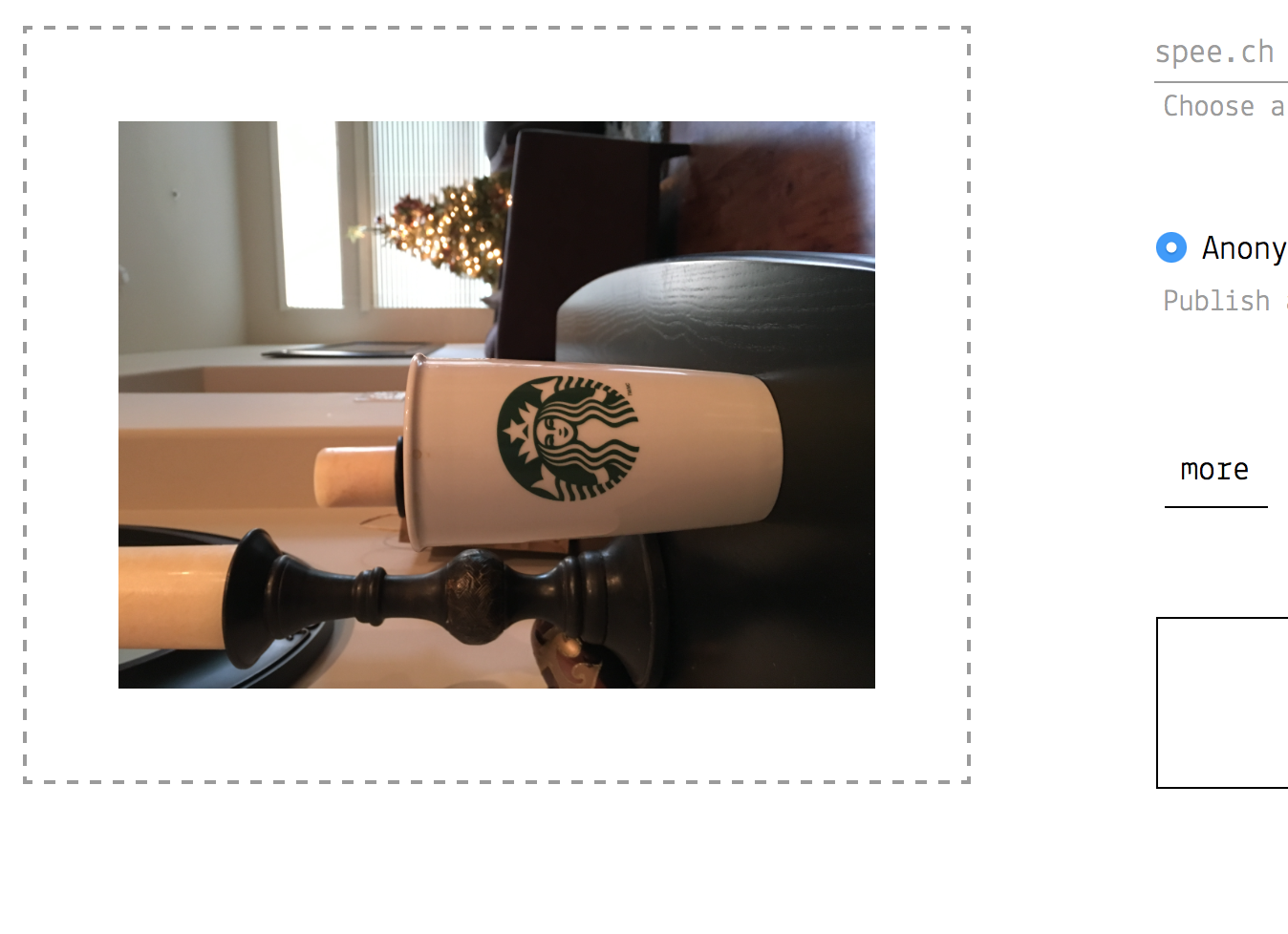

This seems to be an EXIF orientation error.
I duplicated the image and stripped out all the EXIF/metadata. When I did this, the one with no EXIF/metadata displayed correctly; however, the original didn't (see image).
The original image does display correctly at document level, where Chrome natively handles image orientation. Other media sharing platforms such as Twitter also displays the original image correctly.
What I take from this is, Chrome and other platforms read the width and height attributes to display the image correctly, but Spee.ch might be looking at EXIF/metadata to orientate an image and gets it wrong or It could be that the image EXIF/metadata was wrong due to camera error.
However, I could not find anything in the code to suggest this.
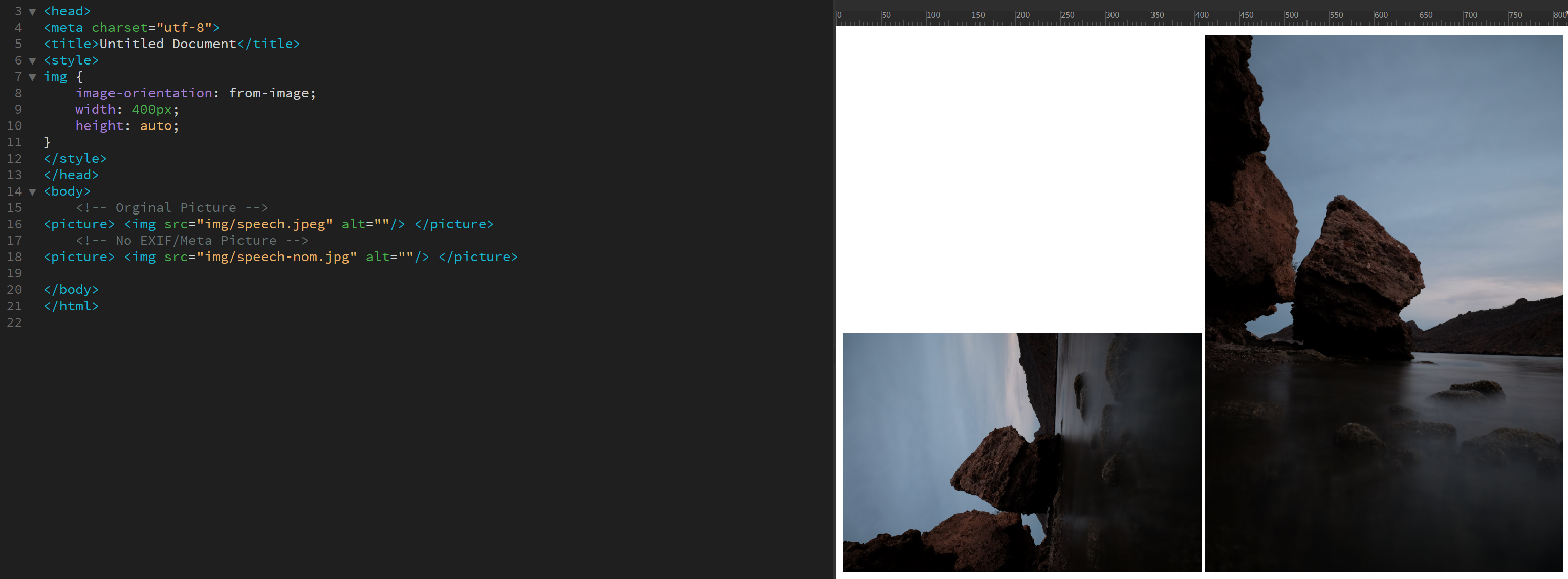

*Note Adobe Dreamweaver imports the original image incorrectly also, this points towards it being a camera EXIF/metadata error.
Below is the HTML created when both versions are imported to Adobe Dreamweaver automatically.
<img src="img/speech.jpeg" width="4896" height="3264" alt=""/>
<img src="img/speech-nom.jpg" width="3264" height="4896" alt=""/>
Key: nom = No metadata.
My image of a mysterious cloud formation is also the wrong orientation.
https://spee.ch/2/20170509154009.jpeg
I am checking the EXIF data on some of my files:
The ones that are not oriented correctly, all show the height as the width (as you mentioned above). But they also show the following:
EXIF DATA Orientation: Rotate 90 CW
On the other hand, the pictures that show correctly have:
Orientation: Horizontal (normal)
This leads me to believe that perhaps the cameras are not smart enough to adjust width/height based on orientation but just rather add information to the orientation tag and keep everything with Width as the longest side.
The picture of the sea and boulder shows correctly everywhere else I tried: Twitter, Flickr, Google Photos.
So I believe there is added code that needs to be injected to fix this on Speed.ch
I found this that may help:
https://github.com/blueimp/JavaScript-Load-Image

@jessopb @skhameneh @tzarebczan @alyssaoc if there is fully generalizable processing behavior, it is a candidate to be added to the SDK rather than done in the app.
