

 kushview
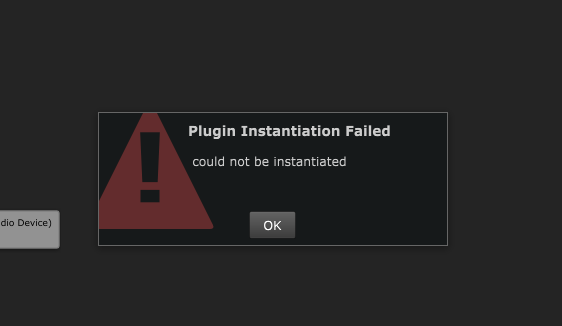
Plugin could not be instantiated- error
Describe the bug With a lot of VST plugins, trying to load a plugin gives an error "Plugin could not be instantiated." Looking around, I found only one other acknowledgement of a similar issue: here on KVR audio.
To Reproduce Steps to reproduce the behavior:
- Download this plugin: https://plugins4free.com/plugin/971/ (this is one of the many plugins that cause this issue)
- Save it in default VST path, re-scan, etc
- Right click on Element graph, add plugin, locate in list
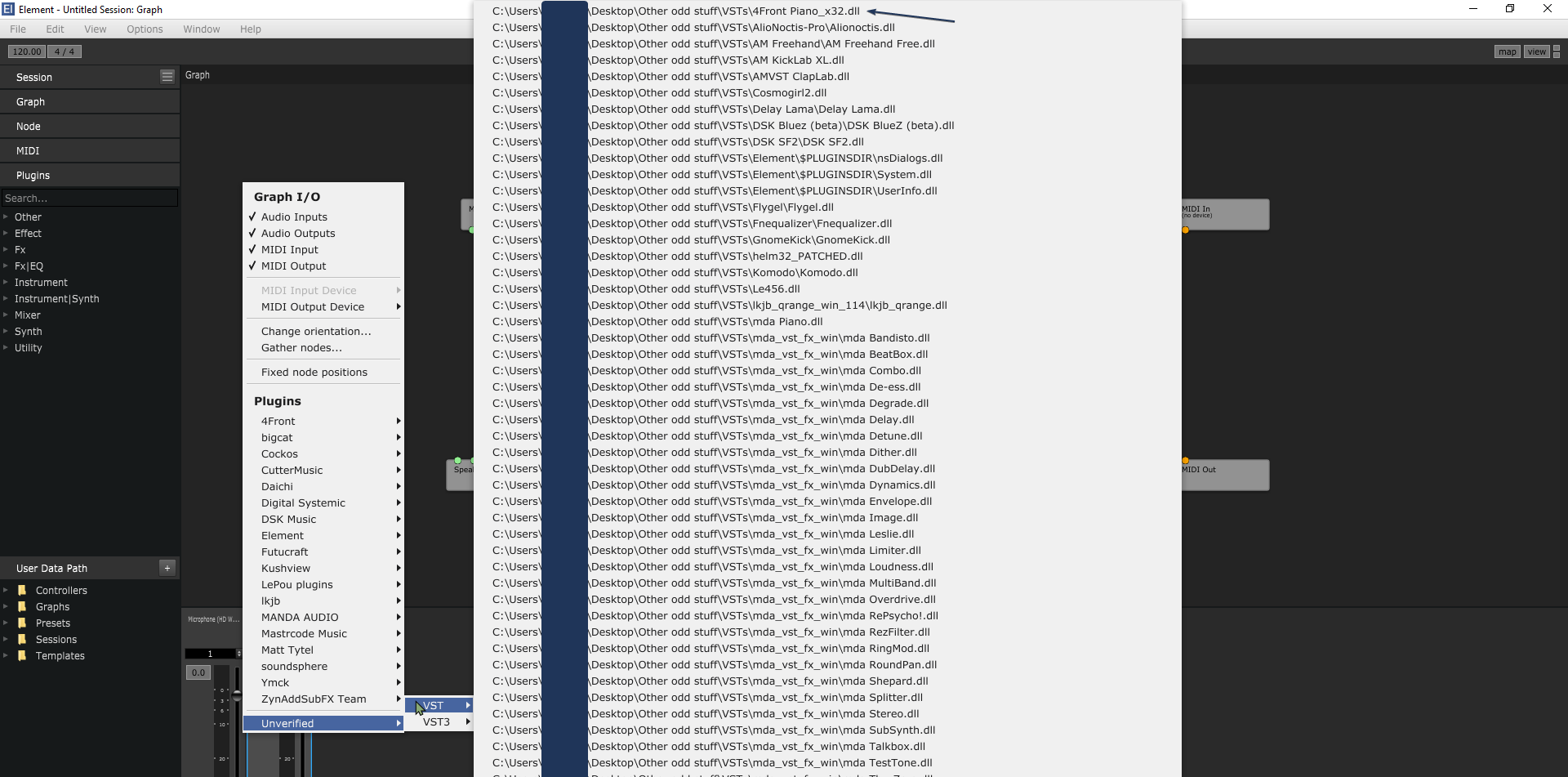
- Click on the plugin you just installed
- See error
Expected behavior VST should open
Screenshots
Desktop (please complete the following information):
- OS: Windows
- Version 0.41.1
Standalone or Plugin Both.
Additional context Happens with a lot of plugins.
Want to back this issue? Post a bounty on it! We accept bounties via Bountysource.

I'm having the same problem - with Eventide Quadravox plugins
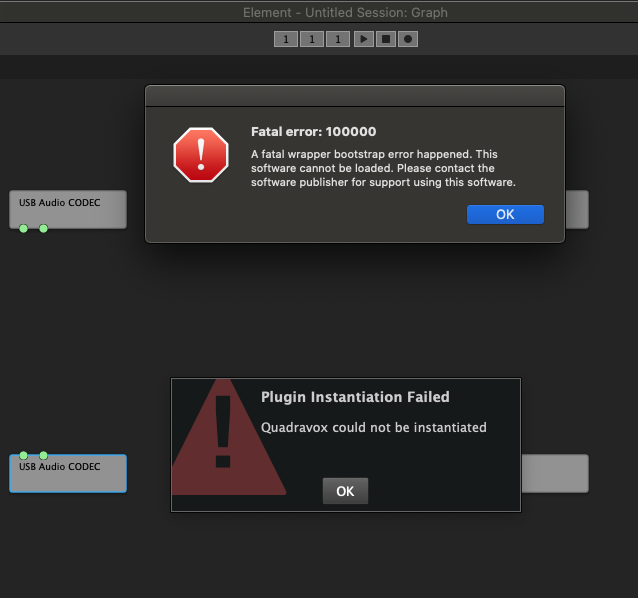
If I load a saved session with Quadravox it will load as a Place Holder - however occasionally by right clicking and adding a new instance of Quadravox it will load correctly.
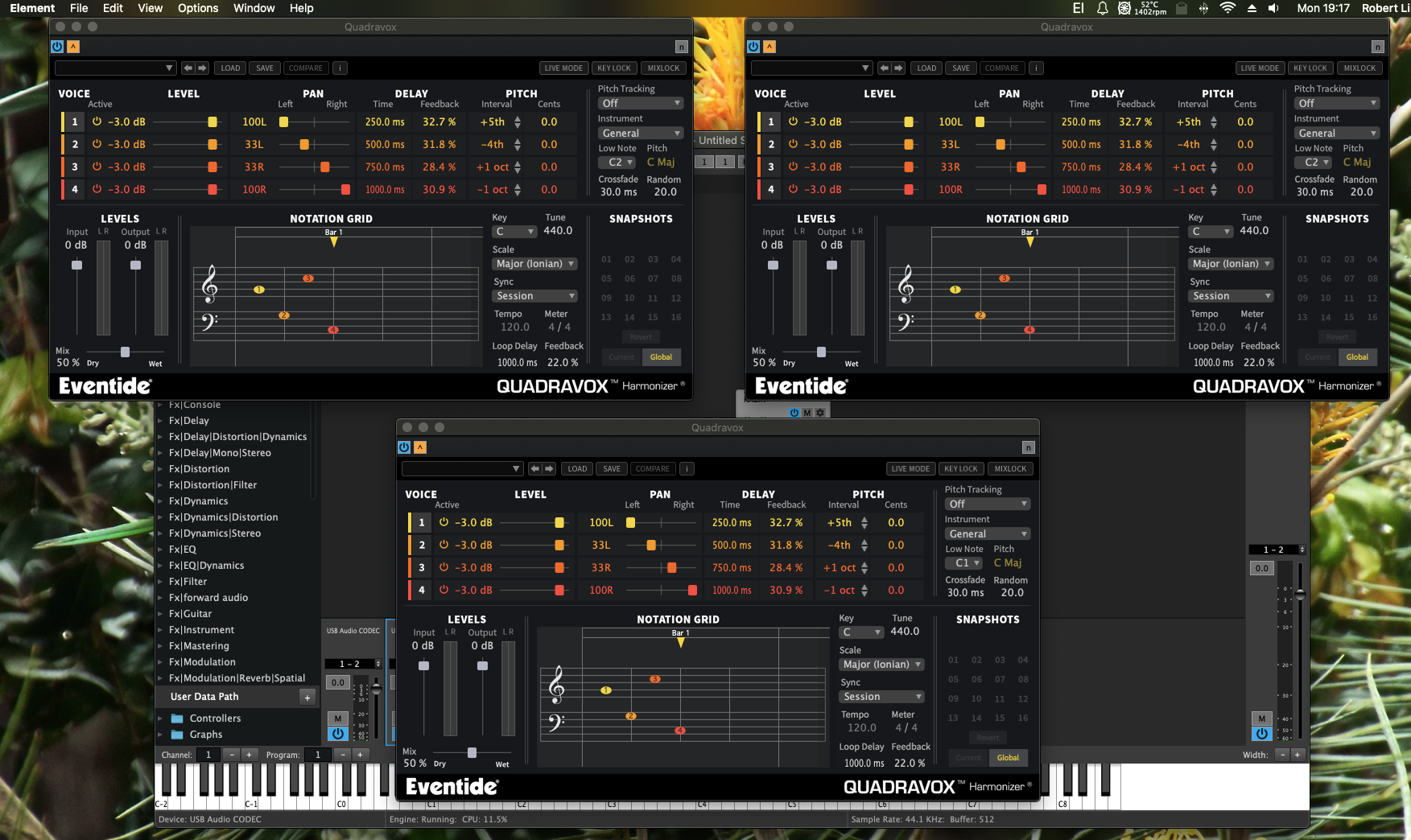
What may or may not load is random. Sometimes it will just be one au, vst or vst3 which loads. Other-times it all three load.
Operating System
- Mac OSX 10.15.7
Additional context
The problem is confined to Element only. Quadravox loads normally in Reaper, MPC 2.10, Ableton Live 10 etc.


I've come across this intermittently, and have found that adding the Allow Unsigned Executable Memory entitlement to Element's code signature fixed my issue. This was an issue especially with PACE protected plugins, so it seems possible that @monkymind's issue might be fixed by this, whereas @Monospace-V's could differ.

This seems like an Apple fix. I'll see if there's an alternative of this fix for Windows.
This seems like an Apple fix
Yes, this would just apply to macOS, and most likely would only prevent PACE protected plugins from loading. I don't know if there's a comparable Windows issue with PACE specifically.
These ones can't instantiate too! OS: Windows 10 x64 version: 0.41.1 Neo Chip https://woolyss.com/chipmusic-plugins.php?s=neochip Some SF2 Players https://www.bestfreeplugins.com/plugins/virtual-instruments/soundfont-sf2-player-01.php 200C by KB Plugs https://ln.sync.com/dl/62c9b9f70/bbjdawxt-cu57as74-uwgfww69-q3tygvzs?sync_id=8648986960004 FB-3300 by full bucket https://www.fullbucket.de/music/fb3300.html

This is also an issue with M1-based Apple systems. Element standalone can run in native (M1) mode or Rosetta mode, and through that switch it can run either M1-native or Intel plug-ins. However, the AU plugin doesn't have that capability it seems.
My use-case is trying to run Intel-only VSTs inside of Logic Pro. It wasn't much of an issue until recently—I could just run Logic in Rosetta mode if needed. However, as more & more M1-native plugins are arriving, many won't load with Logic in Rosetta mode (looking at you, Spitfire Audio...) It leads to a huge hassle trying to get Intel and M1 VSTs to play nice.
I'm wondering if there's some way to either set the "Run using Rosetta" flag on the AU .component? (not that I can see... I tried). Or, if there's the possibility of an Intel-only version of Element (and the AU plugin)—this would solve the issue by having Element run in Intel mode inside of Logic (Logic has a compatibility mode for any non-M1 plugins) and thus Element should be able to load Intel-only VSTs.

"Run using Rosetta" flag on the AU .component? (
I don't think so. Element should load as whichever mode the host is loading it.

Issues like this happen because of anti-piracy in plugins. This issue has moved to gitlab: https://gitlab.com/kushview/element/-/issues