kortina
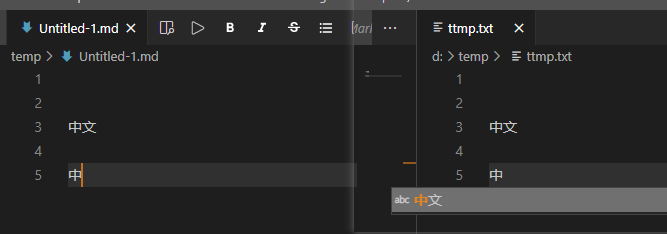
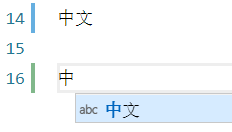
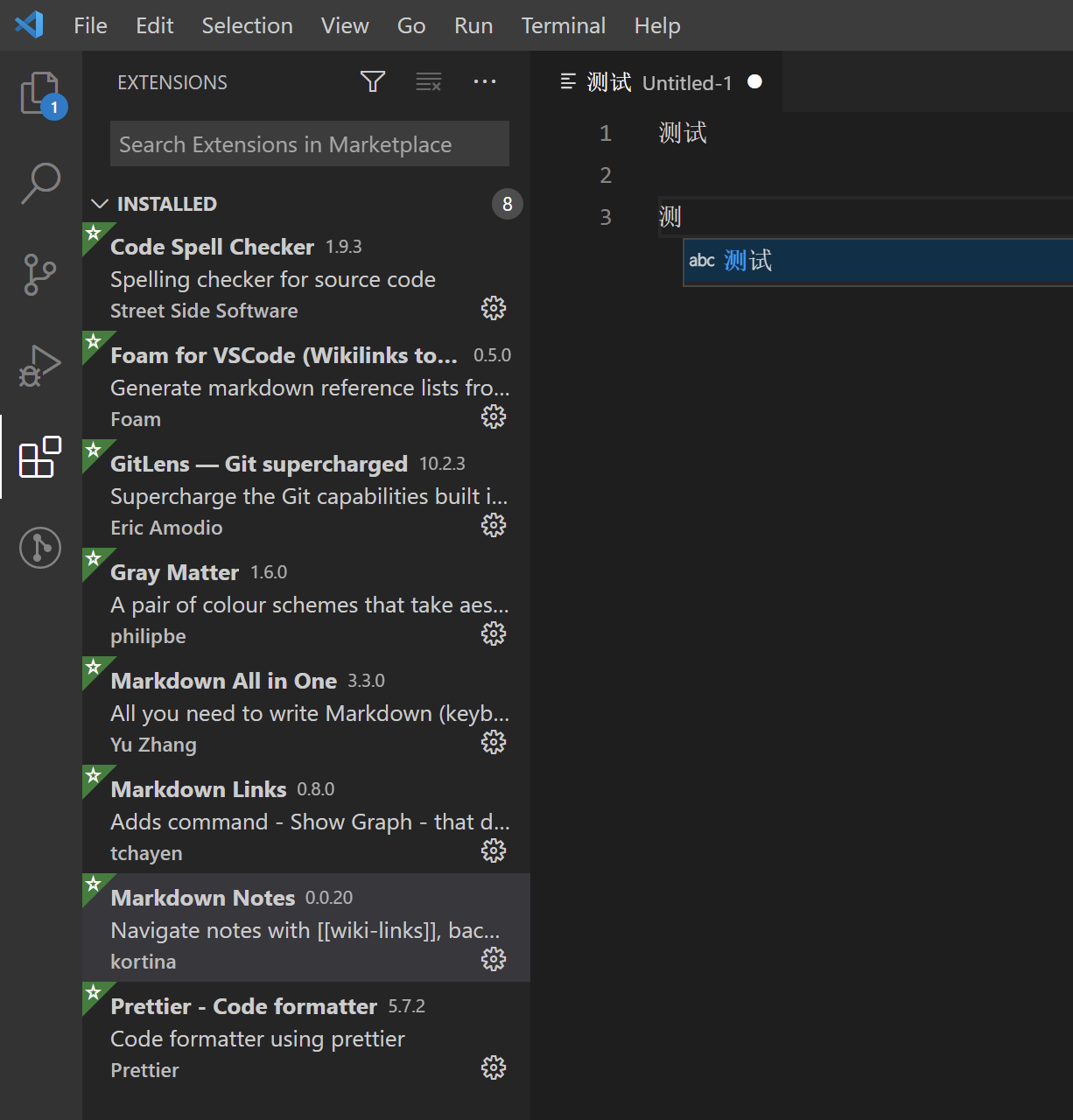
auto complete don't work in Chinese when enable markdown note extension
auto complete don't work in Chinese when enable markdown note extension
When I disable it, auto complete works fine
@Gh0u1L5 @kortina
Versions
- OS: [eg Window 10]
- VS Code Version: [eg 1.50]
- Extension Version: [eg 0.0.20]

Hmmm, does anyone who is more frequently using Chinese want to take a stab at this?
I wonder if it has to do w the changes here:
https://github.com/kortina/vscode-markdown-notes/pull/69/files#diff-04bba6a35cad1c794cbbe677678a51de13441b7a6ee8592b7b50be1f05c6f626R31
@Jackiexiao does messing with that implementation give you any ideas on what the issue is?

Hi @Jackiexiao , I tried to reproduce the bug you reported on Windows 10 + VSCode 1.51.1, but surprisingly, no matter I disable nor uninstall the Markdown Notes extension, this autocomplete functionality never get triggered for Chinese words like "中文". I also tried a fresh installation, still get nothing. Which IME are you using? Sougou? Google Pinyin? or Windows default one?

@Gh0u1L5 hi, I try with Windows 10 + VSCode insider 1.50.0 (no extension enable), I use Sougou pinyin
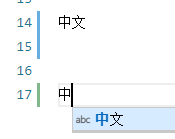

@jackiegeek OK, interesting, I installed Sougou pinyin and tried again. This time I triggered the autocompletion correctly, but interesting thing is, after installing Markdown Notes, the autocomplete thing still works for Chinese words. I'm wondering maybe this is caused by some bug in VSCode 1.50? Would you mind upgrade to VSCode 1.51 and have a try?
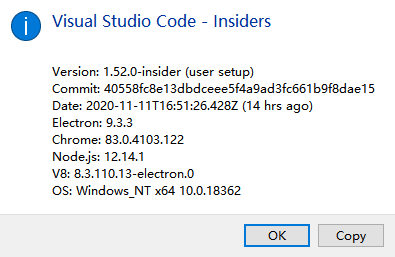
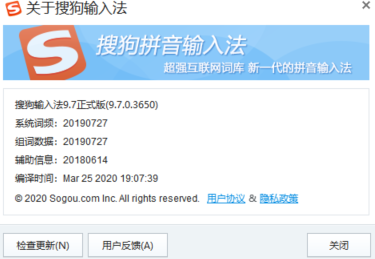
@jackiegeek BTW, what's the version of your Sougou pinyin? I don't think this has any influence on our problem, but it may worth to try.
@Gh0u1L5 chinese autocomplete won't work in markdown file, but in other format of file (e.g. .txt), it works well, you can try in markdown file