

 koalaman
Sandbox resource constraints exceeded
First of all: Thank you for this tool, it helps me really often to improve my code and find spelling issues or unused variables. The explanations are really helpful for beginners to understand what's the problem with the script and shows solutions how they can be fixed. Here I've learned a lot of sting comparisons and equality comparisons (-eq, -ne, -lt and -gt), things i didn't know before.
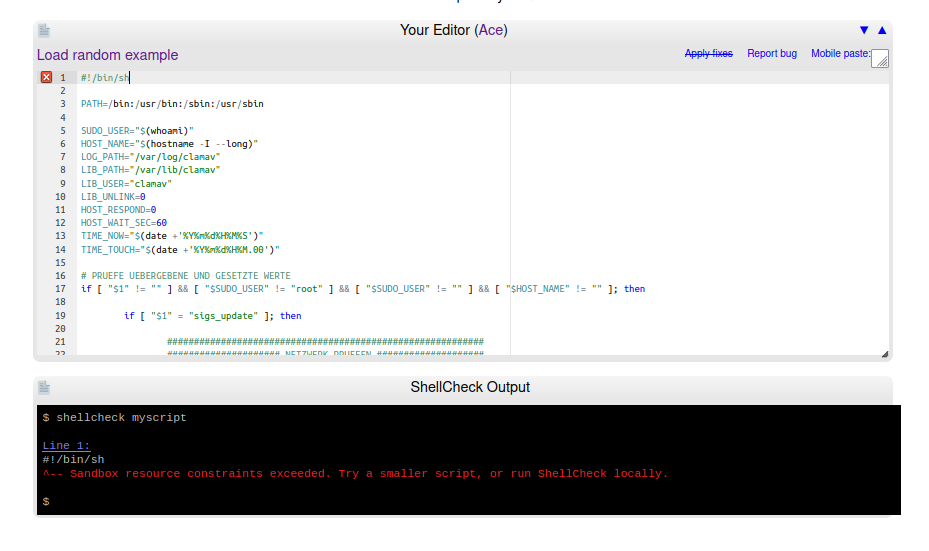
Now to my Problem: if i paste some code, the error "Sandbox resource constraints exceeded. Try a smaller script, or run ShellCheck locally." comes up.
Q: Is it possible to increase the limit of pasted code? AND/OR is it in any way possible to program an ignore case for comments and blank lines (so often as needed), so that these are not included in the calculation of the limit, or isn't that the main problem?
I really need this online tool here, the terminal version for Linux is nowhere near as informative as this tool here.
I do test really lot of with this tool, but I can't understand its logic, when the message "Sandbox [...]" is triggered and when not. Sometimes it is when you remove code from input (why?) and sometimes if you only add eg. a single quotes like $SUDO_USER="$('whoami')" and sometimes it helps when I place my variables in another order or add/remove blank lines.
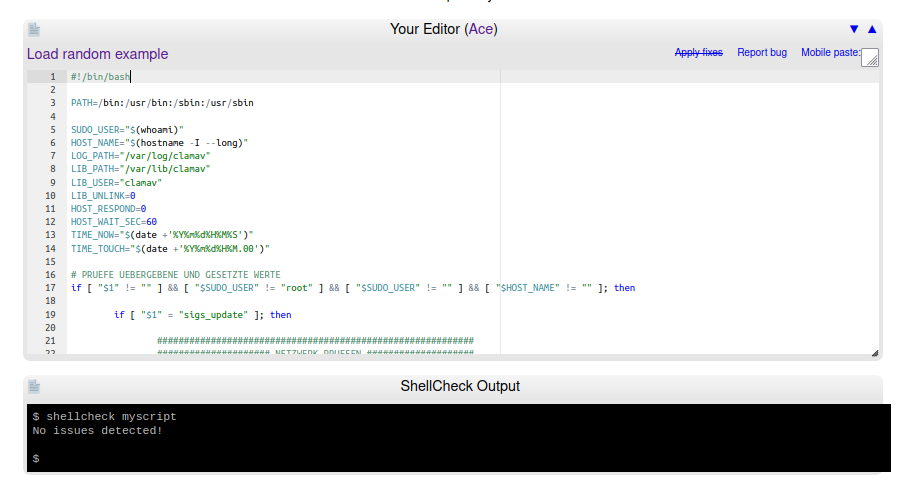
Please help me to understand, the exact same (means 100% identically) script code declared as shebang #/bin/sh will be prompted as "Sandbox resource constraints exceeded. Try a smaller script, or run ShellCheck locally." okay, but when I change it into shebang #!/bin/bash all is fine.
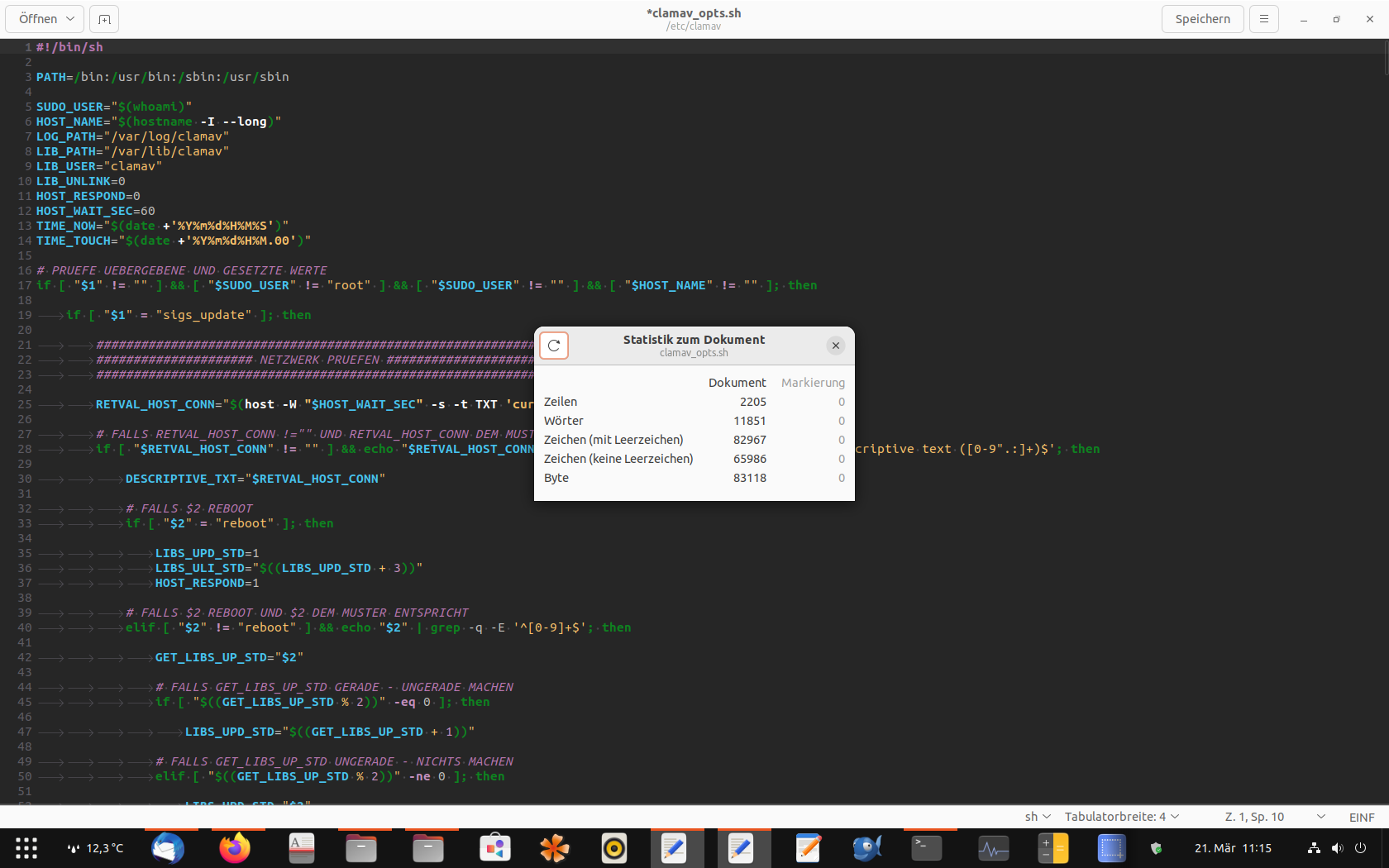
my current statistics for the code file (german only - sorry!):
Current result on shellcheck.net (shebang #!/bin/sh):
Current result on shellcheck.net (shebang #!/bin/bash):
Q: Does the online shellcheck sh really handle correctly? My script written in the same style with more Code and less comments has worked in the online-tool declared as sh and now with less of Code and more comments works in the online-tool only declared as bash - this logic i can't understand. By the way: when I run shellcheck locally, all is fine as sh and bash too. Yesterday I installed additionally VIM and here and the result is the same - no issues. And no, I didn't use build in commands which are only in bash available.
Sure I can change all of my scripts to bash (my code works in both shebang's), but this solves not the problem here in the online-tool ... If you need my script to test, please let me know.

I really need this online tool here, the terminal version for Linux is nowhere near as informative as this tool here.
The two are one and the same, and should be equally informative. Can you check shellcheck --version in your terminal?
Maybe you're using an outdated version. If you're e.g. using an LTS version of Ubuntu, then apt-get install shellcheck may give you a version that's years out of date, and therefore only as helpful as the online tool was years ago.
The online tool was just intended as a demo or showcase promoting the offline tool, and it was never the intention that people use it for their day-to-day work. An offline, sufficiently up-to-date version should give the exact same output.
I can't understand its logic
There is no logic. It's simply not deterministic. There are various random variables affecting runtime and memory usage, and if you're close to the limit you'll bump into it at random.
It's similar to if you drive/bike the exact same route every day. The first time it may take 14:45. The second it could take 15:10. The third it could be 14:55. It depends on what happens on the road that day, like making a green light or having to wait for traffic. If there was a hard limit of 15:00, you'd find that you sometimes make it and sometimes not, and there's no logic, just the luck of the draw.
Ideally the online version should be compiled to WASM or JS so it can run on the client instead of the server, and then it wouldn't need any memory limits because you'd only be using your own resources.

I really need this online tool here, the terminal version for Linux is nowhere near as informative as this tool here.
The two are one and the same, and should be equally informative. Can you check
shellcheck --versionin your terminal?Maybe you're using an outdated version. If you're e.g. using an LTS version of Ubuntu, then
apt-get install shellcheckmay give you a version that's years out of date, and therefore only as helpful as the online tool was years ago.The online tool was just intended as a demo or showcase promoting the offline tool, and it was never the intention that people use it for their day-to-day work. An offline, sufficiently up-to-date version should give the exact same output.
I can't understand its logic
There is no logic. It's simply not deterministic. There are various random variables affecting runtime and memory usage, and if you're close to the limit you'll bump into it at random.
It's similar to if you drive/bike the exact same route every day. The first time it may take 14:45. The second it could take 15:10. The third it could be 14:55. It depends on what happens on the road that day, like making a green light or having to wait for traffic. If there was a hard limit of 15:00, you'd find that you sometimes make it and sometimes not, and there's no logic, just the luck of the draw.
Ideally the online version should be compiled to WASM or JS so it can run on the client instead of the server, and then it wouldn't need any memory limits because you'd only be using your own resources.
yes, I'm on Ubuntu 22.04.2 LTS and installed shellcheck from snap-store
$ shellcheck --version
ShellCheck - shell script analysis tool
version: 0.9.0
license: GNU General Public License, version 3
website: https://www.shellcheck.net
and when I check my script with this tool, I get only error messages in terminal, but no success information.
Online-Tool:
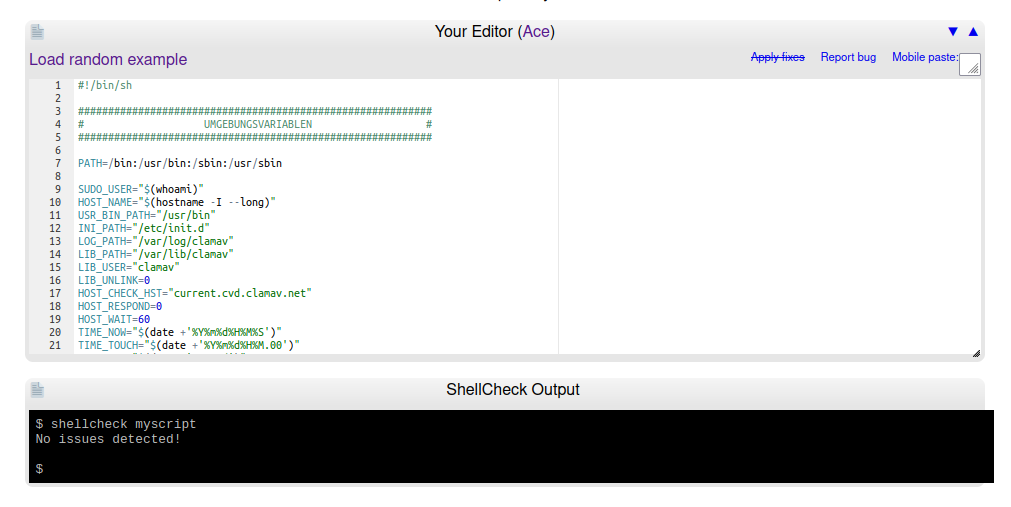 as you can see "No issues detected!"
local check:
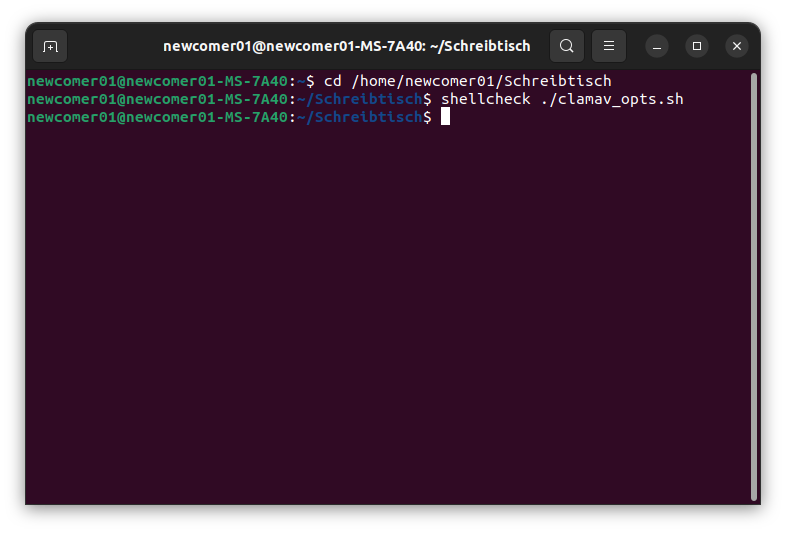 as you can see (same script) - no success Information