

 johnwalley
Allotment not working on vite + react + ts project

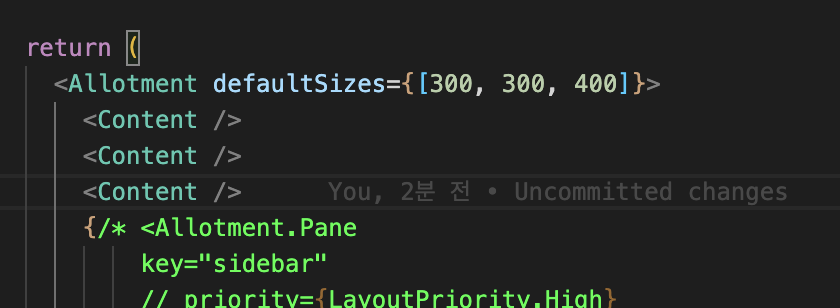
In the forked project, the function worked fine. but in the new project, horizontal alignment is not possible and resizing is not possible.
How can I solve this problem?

Hi @ekdldksp123. Do you have a reproduction/repo I could look at?
I'm sure you have already done this but it's worth checking that you are including the css file from the allotment package.

@johnwalley This might be an unrelated issue but I've also been having trouble getting panes to display correctly with vite. Here's an example project which uses vite+preact with three panes:
import { Allotment } from 'allotment'
import "allotment/dist/style.css";
import './app.css'

function Panel({text}: any): JSX.Element {
  return (
    <div>{text}</div>
  )
}

export default function App() {
  return (
    <div className="app">
      <Allotment defaultSizes={[200, 200, 200]}>
        <Panel text='abc' />
        <Panel text='123' />
        <Panel text='def' />
      </Allotment>
    </div>
  )
}
And here's what it looks like when you run yarn dev - only the last pane shows up:

With vite+react I get the same result, so it must be something that vite is doing. With create-react-app, the three panes show up as expected. I've inspected the styles of each section and divider but haven't spotted anything obvious here - but they are present in the DOM. Any idea what's going on here?

I can reproduce using the repo you linked. I'm not sure what's going on. I'll have to do some digging.
It's not that it won't work with Vite at all. I've created a little example @ https://stackblitz.com/edit/vitejs-vite-qtfb6v.
Technically it looks like the library is treating the two missing panes as not visible but I'm not sure why!
maybe this was fixed somehow? I use React + Vite + TS and it does work like it says in the documentation 🤷♂️

:point_up: Looks like the stackblitz example is working too. @johnwalley I have no idea why, but it seems like this issue is resolved.