

 jnothman
Functionality to style axes based on keys
I wanted to highlight the axes, to indicate missing or excessive occurrences of some keys.
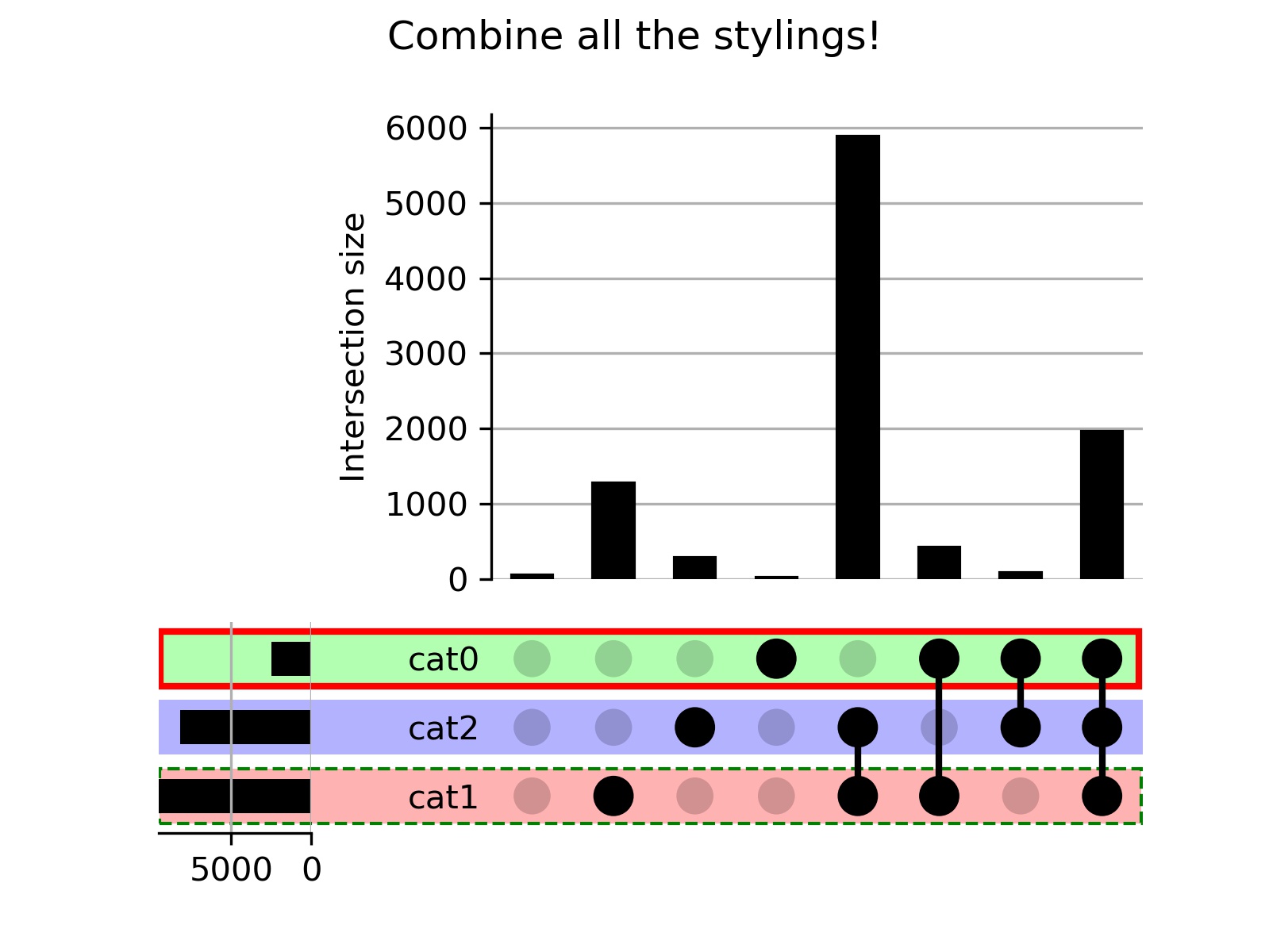
However, I could find this neither in the docs nor in the code, so I included style_axes and updated style_shading accordingly. If you, @jnothman, can find a more descriptive name for this function, I'm happy, but I couldn't come up with one...
The result can be seen here:

Thanks @ipa-maa! Can you give me an example use case to motivate this? Can we rename style_axes to style_categories perhaps??

Sure, I renamed them to style_categories, like this naming more.
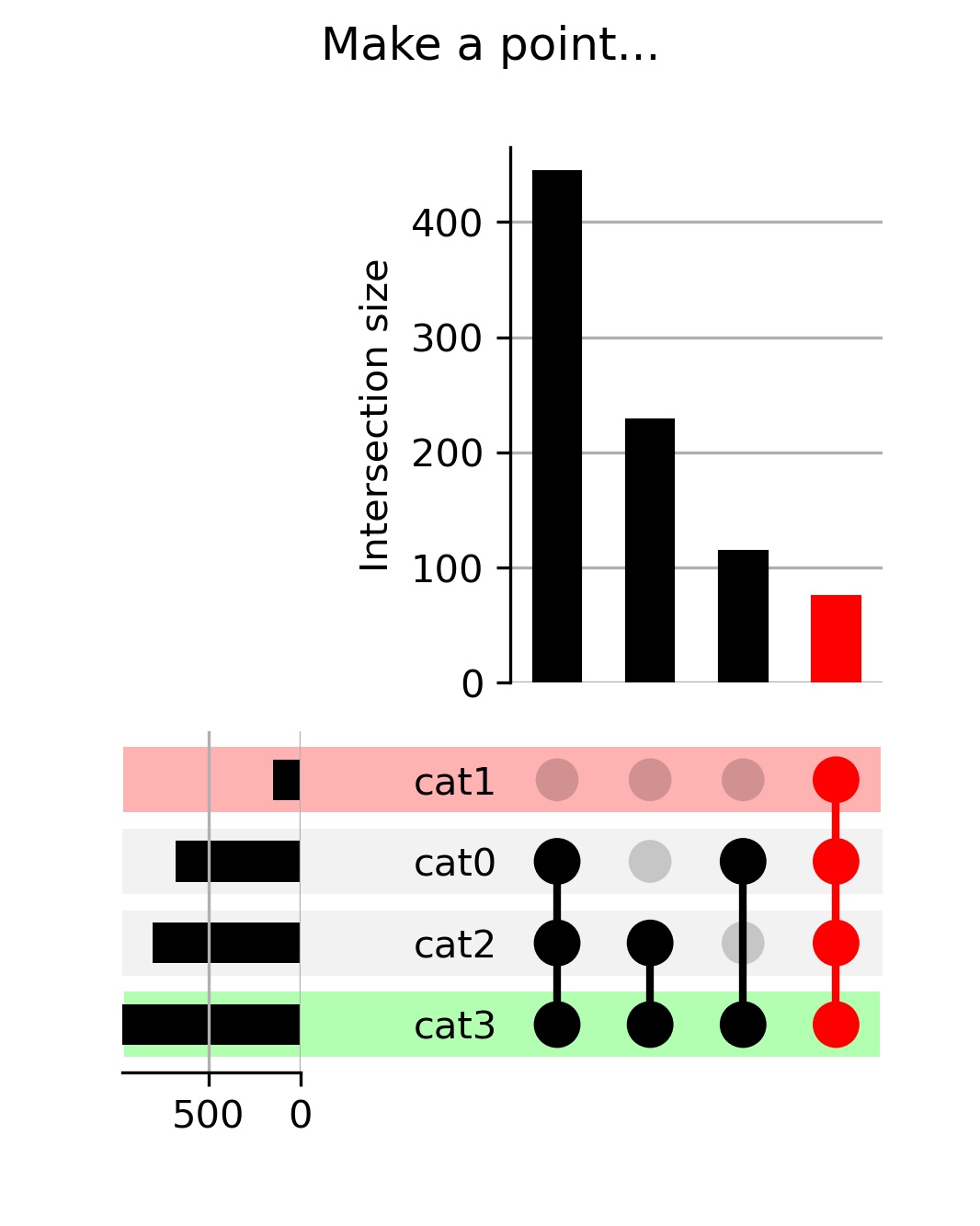
As for motivation, look at the cat backyard sightings figure below.
One can clearly see that cat1, most beautiful and seldom of all (highlighted in red), can only be seen in combination with cat3 (highlighted in green). Never together with cat0 or cat2, thus we assume that cat1 maintains a close relationship with cat3, but detests the fur colour of sparkle cat0 and neon-grey cat2.
Hope this get's the point across, somehow. I had some data and wanted to showcase three distinct categories out of 25, where highlight came in handy. For just four categories, as in the graph, it's not that useful...
If you are still keen to pursue this (oof!) most of the merge conflicts can be resolved by first applying black.