

 javascript-tutorial
horizontal scroll bar
This is rather a strange behavior. In Chrome browser (Firefox doesn't affected) when you start scrolling downward horizontal scrollbar appears at the very bottom. Interestingly enough it only happens at certain view port width - in my case when the browser window is maximized (1920). The css apparently fixes the issue however I don't sure if it's a right choice to do. Can you confirm/reproduce?
.page-wrapper {
  overflow-y: hidden;
}


My bad if it was vague 1920 x 1080 so it's actually 1920 width in this case. This happens on Linux PC. I'm going to boot Window 11 to see if it persist
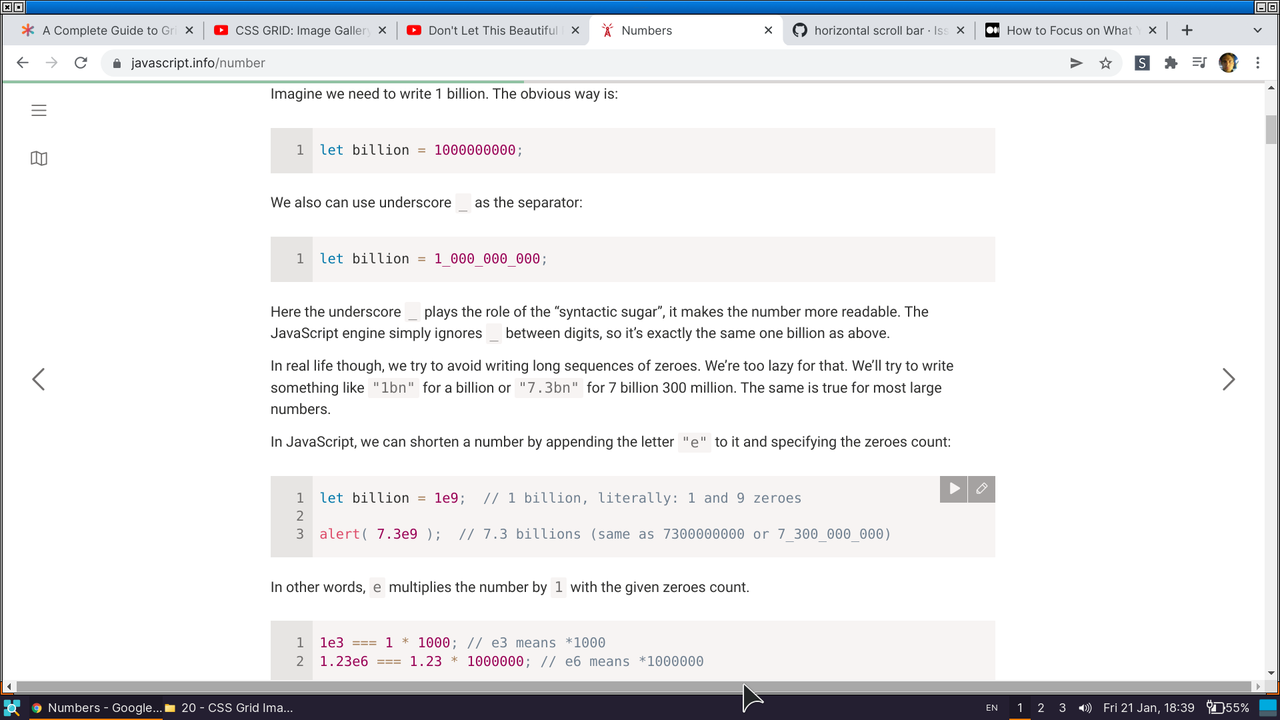
This is very inconsistent. Sometimes there no horizontal scrollbar sometimes it appears (which is a little bit annoying). On Windows on full screen I have no scrollbar however shrinking the size of a window a little bit and the scrollbar appears.
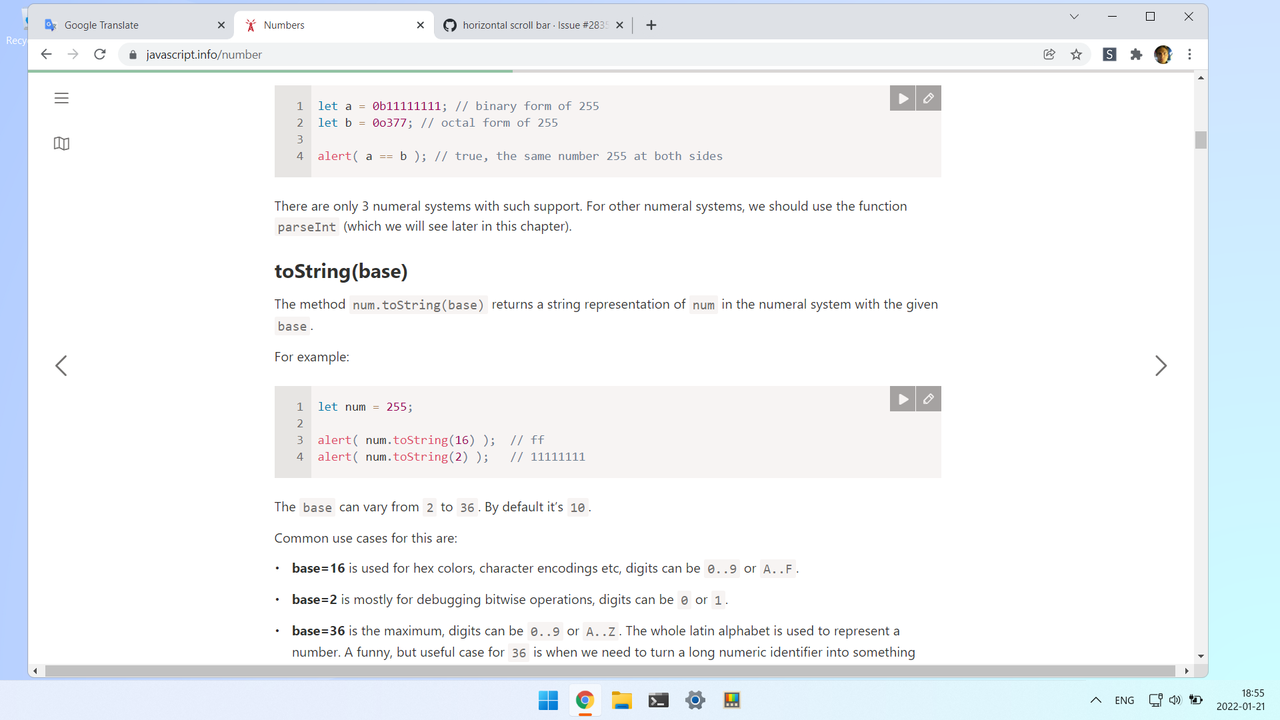
Yep it's inconsistent. It may or may not happen just after you scrolled pass through javascript info logo.
In windows, the horizontal scroll bar appears when the top sitetoolbar is out of view and window size is reduced.
https://user-images.githubusercontent.com/75935539/150638247-de6960f9-a1c2-4b5e-83be-8385852a5a23.mp4
It may have something to do with this empty div inside the sitetoolbar since setting its width to 0 removes the scroll bar. Adding overflow: hidden; to .sitetoolbar fixes it too:

