

 jamesstringerparsec
Resolution locked low while using Parsec
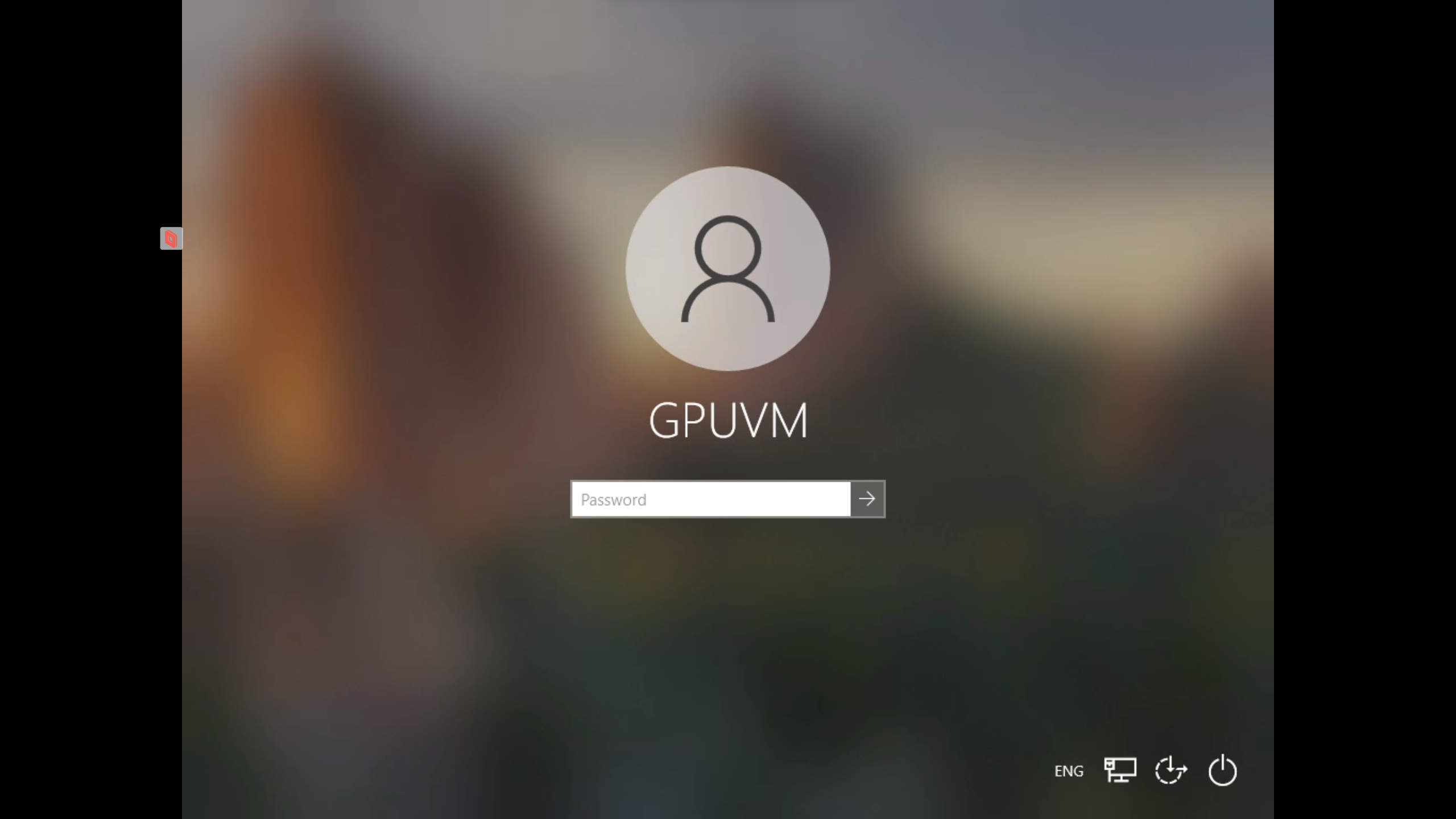
Graphics acceleration works fine, drivers are installed and runs great, when connected via RDP I easily run in 1080p but for some reason when using Parsec or Steam Remote play (and im assuming other Remote desktop software solutions as well) the display is locked at 1024 x 768.
Thank you in advance.

While connected to the VM using Parsec, please visit device manager and screenshot the display adapters section and post it here.

Graphics acceleration works fine, drivers are installed and runs great, when connected via RDP I easily run in 1080p but for some reason when using Parsec or Steam Remote play (and im assuming other Remote desktop software solutions as well) the display is locked at 1024 x 768.
Thank you in advance.
If the monitor resolution is stuck just use CRU and create a custom resolution:
-
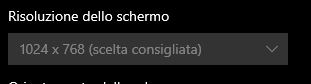
The resolution is locked
-
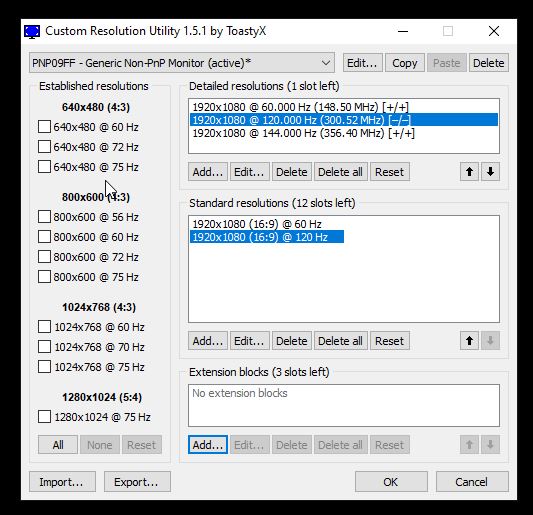
Download and open CRU, then fill all the blank parameters with your desired resolution
-
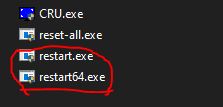
Close CRU and run restart.exe or restart64.exe
-
Enjoy the resolution you chose

While connected to the VM using Parsec, please visit device manager and screenshot the display adapters section and post it here.
I also had this problem, the reason is very simple: the screen information is blank and windows is automatically falling back to the low resolution driver, edit the resoluton with cru and restart the driver. the host will automatically use the new resolution.
@codygamer666 Hi, I appreciate your enthusiasm, but telling users to do this is not helpful. This information is causing users to setup their VM incorrectly. There is a Parsec Virtual Display Driver installed which will allow the user to steam any resolution they want, and at a varying number of refresh rates. This monitor is created on connection and also disables other monitors at the same time. If this is not working I want to fix it, rather than tell people to do a bunch of random stuff.
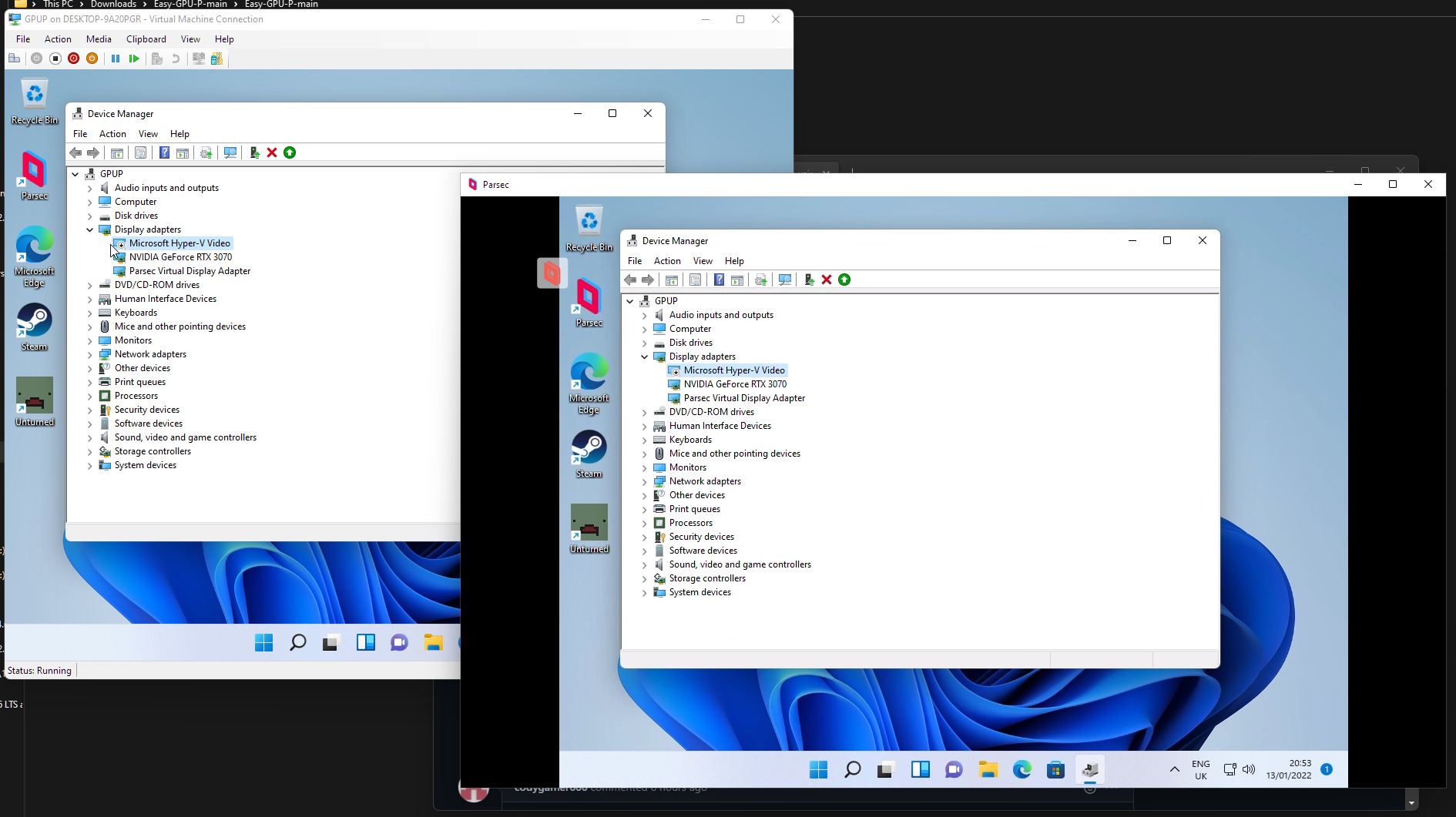

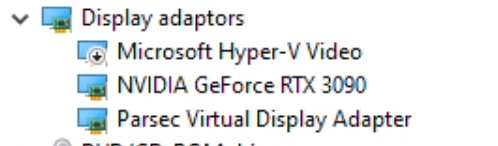
Graphics acceleration works fine, drivers are installed and runs great, when connected via RDP I easily run in 1080p but for some reason when using Parsec or Steam Remote play (and im assuming other Remote desktop software solutions as well) the display is locked at 1024 x 768.
If the monitor resolution is stuck just use CRU and create a custom resolution:
1. The resolution is locked  2. Download and open CRU, then fill all the blank parameters with your desired resolution  3. Close CRU and run restart.exe or restart64.exe  4. Enjoy the resolution you chose
While this did work for me its definitely not optimal and I kept the original problem VM untouched to get to the root cause.
I have found a solution: Enabling and then disabling the HyperV display driver seems to fix it.
Odd think I just noticed. When viewing the active display while remoting through parsec it seems to be telling me the Hyper-V display adapter is the active monitor.
