

 ithaka
Tables: A way to organize information, especially large sets of information
What is the use case for the component you're requesting? Displaying structured information in a format of columns and rows can greatly increase the readability and scannability of that information for the end user. Presenting information in this way also presents an opportunity for the reader to then have additional features like sorting and filtering to reduce the amount of information being presented so that it is more meaningful and even take an action if necessary for the given situation.
Landscape analysis
Lists of content available
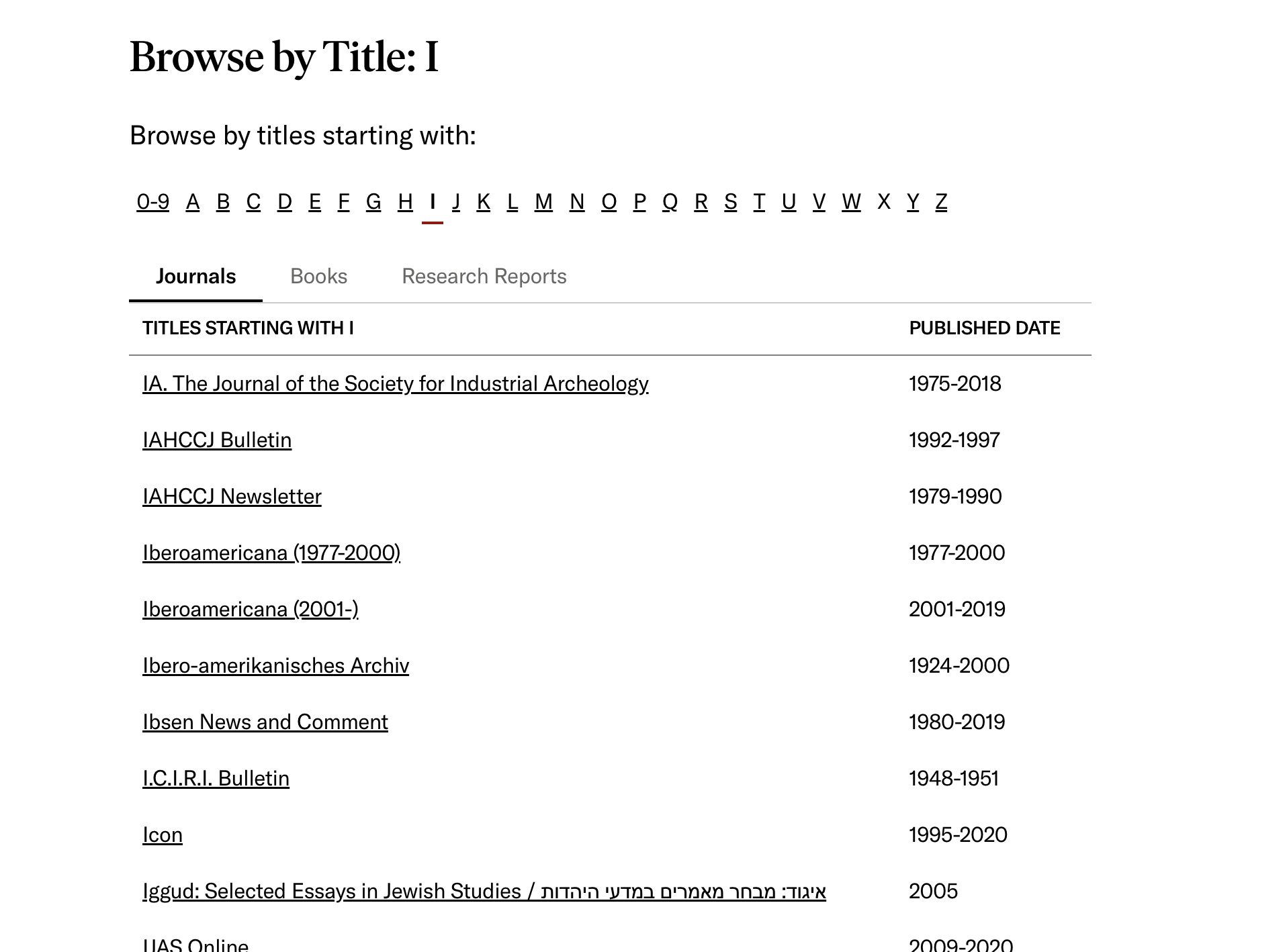
The JSTOR Browse pages are a way to list the content titles available on the platform.
Report requests
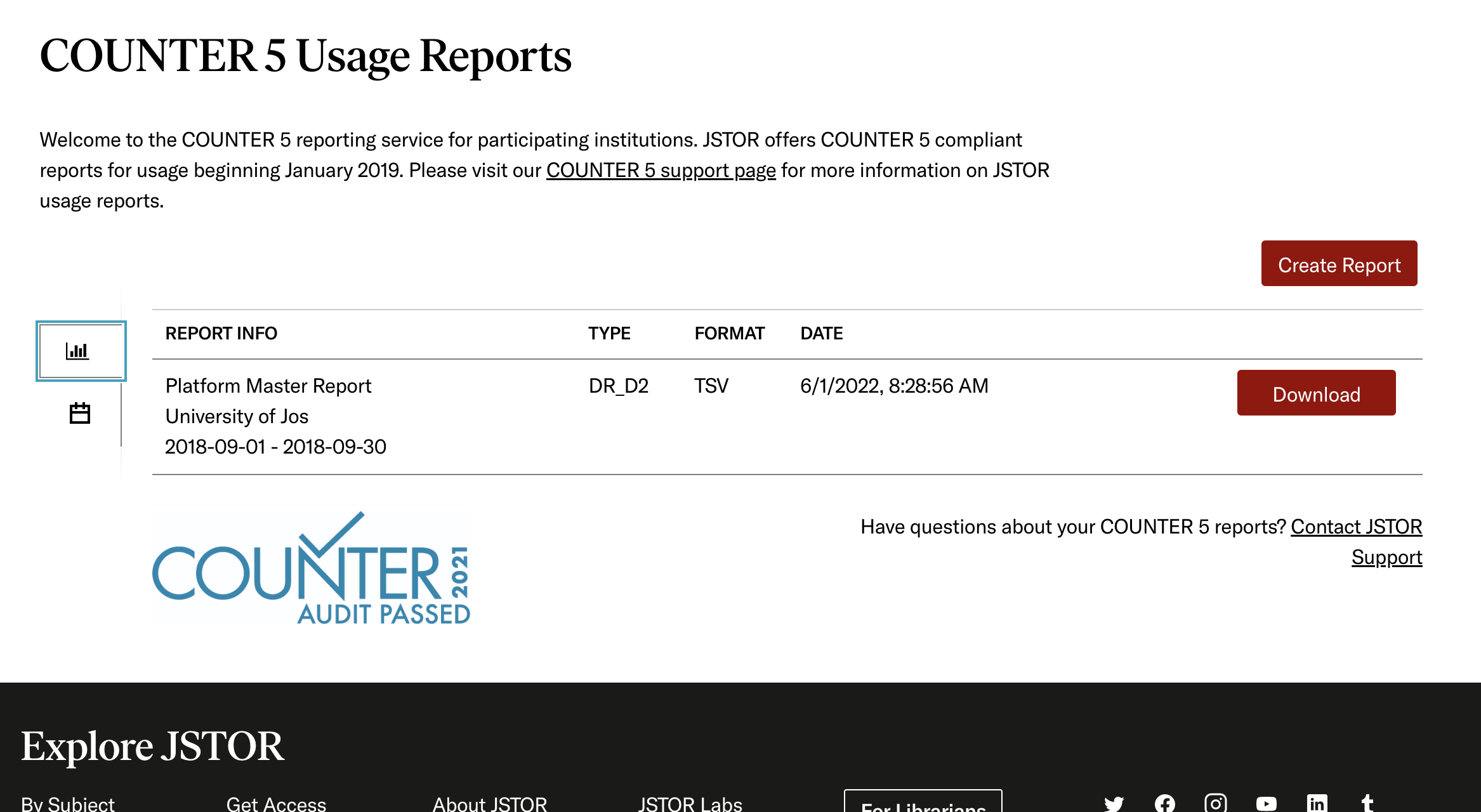
JSTOR Administrators are able to request usage reports for making purchasing or other decisions based on how content is used, or not used.
Content curators and publishers
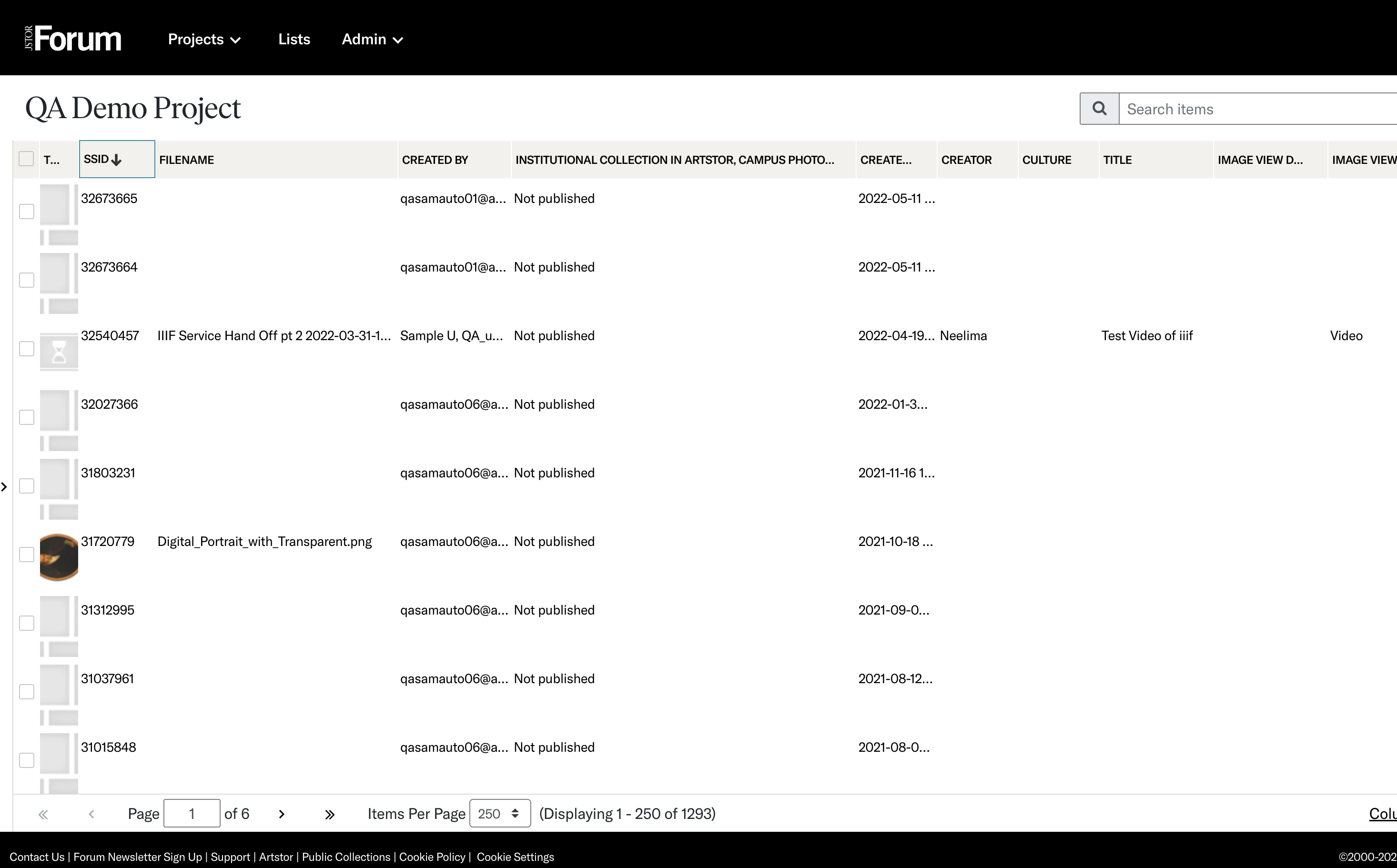
Ingesting and publishing content metadata onto the JSTOR Platform.
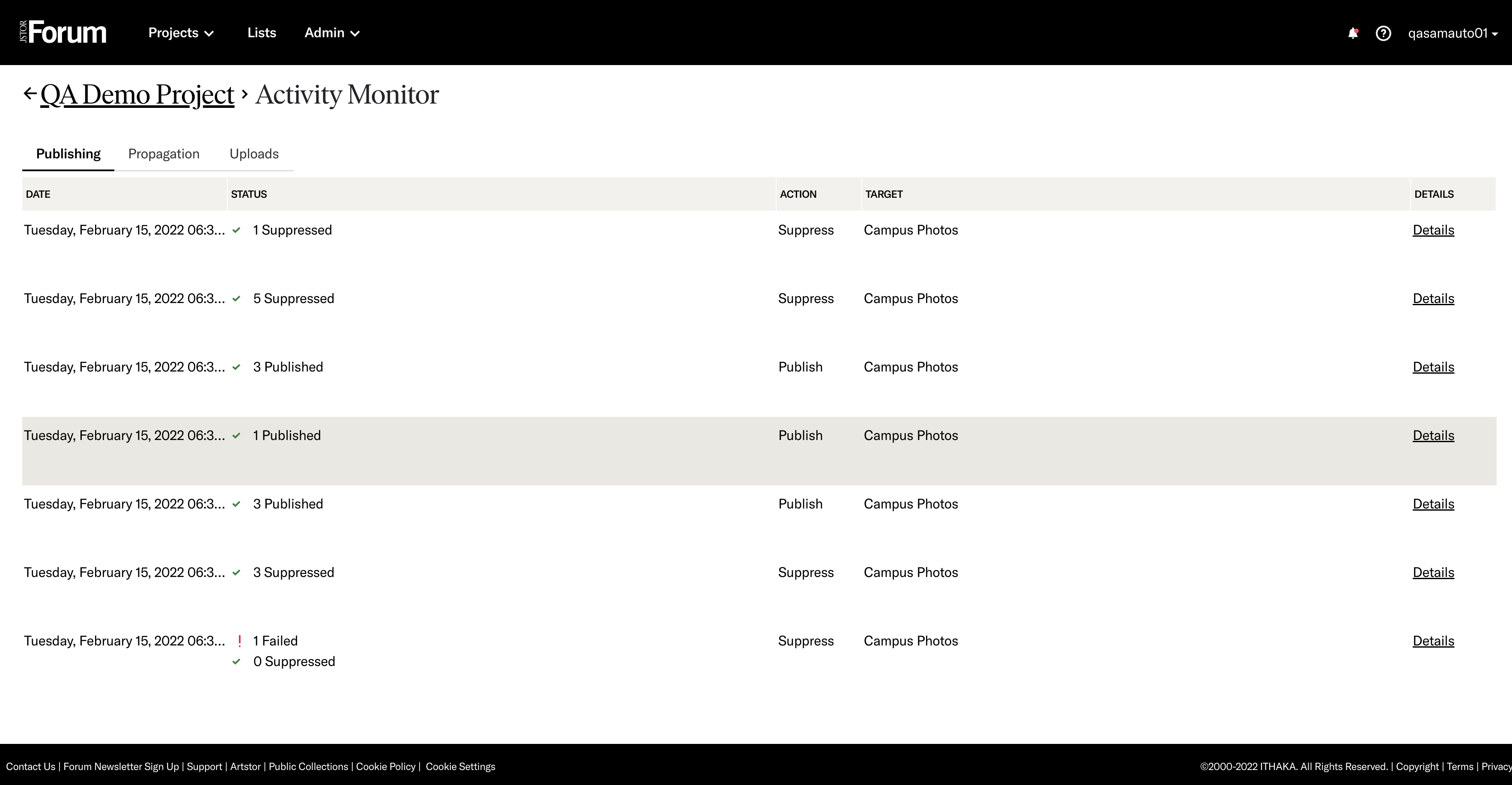
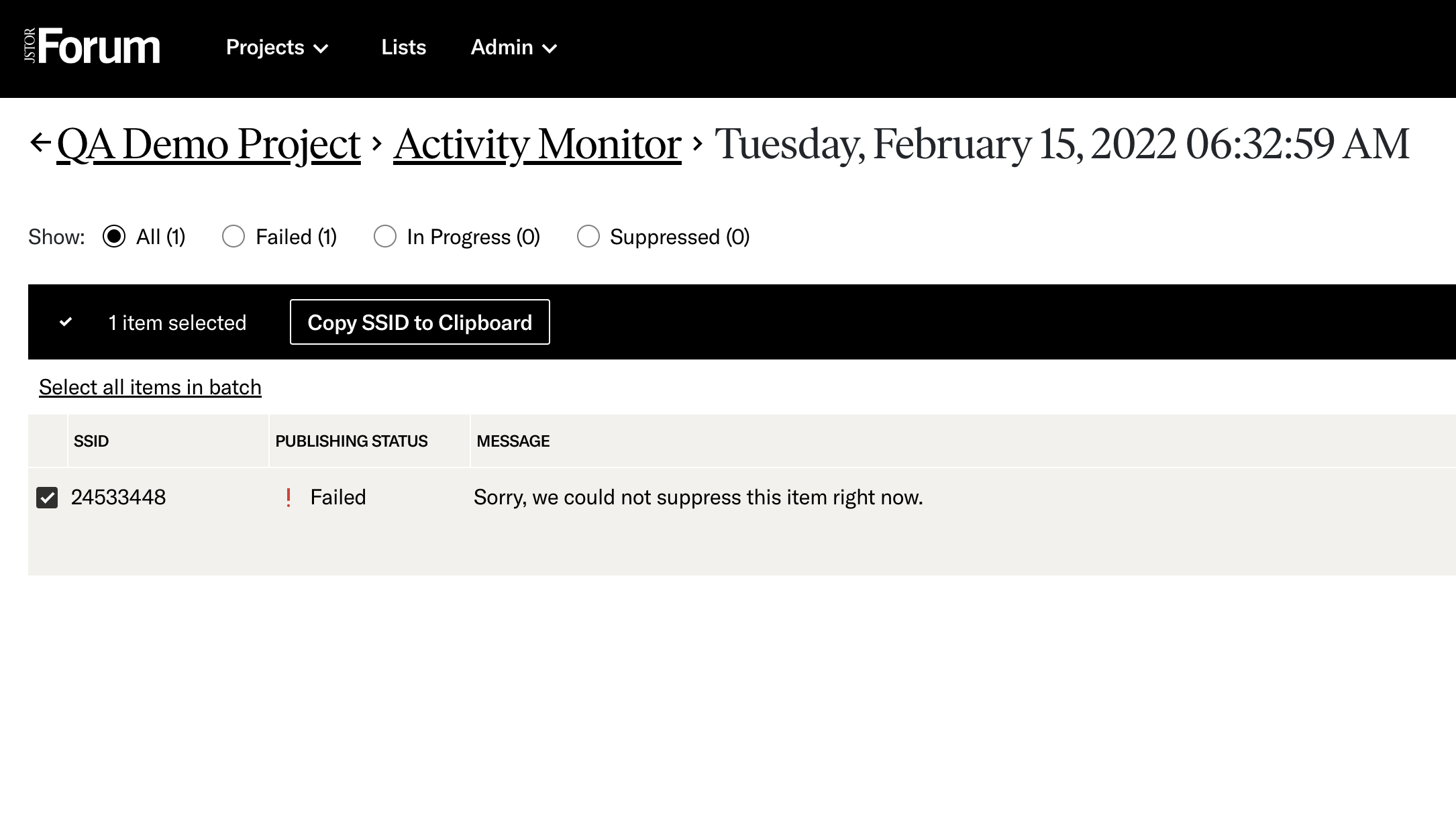
Another use case for content curators and publishers is understanding the success and failures when publishing content. Being able to quickly see what failed among potentially thousands of items so the user can correct and republish.
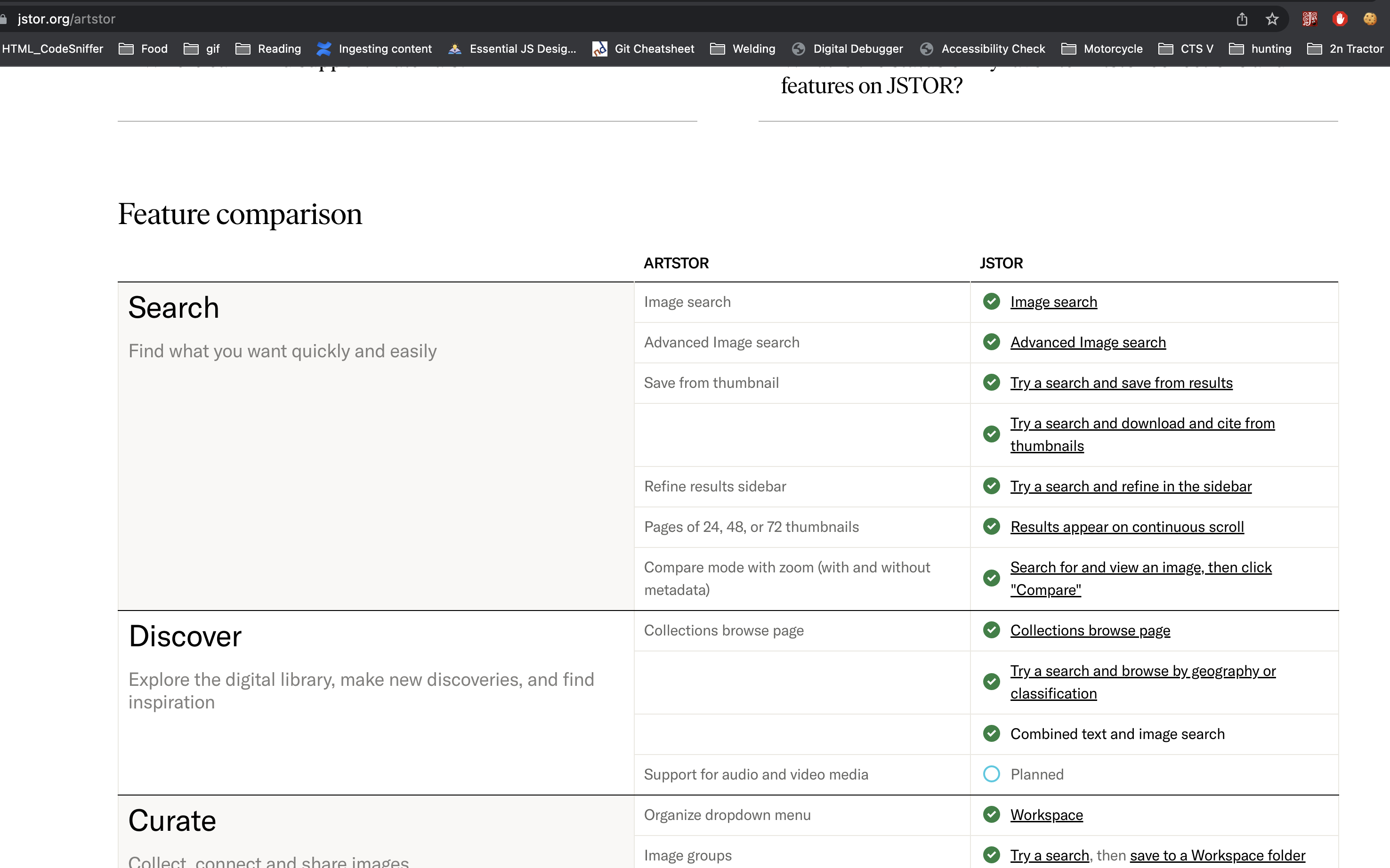
Feature comparison/evaluation
The JSTOR Welcome Mat for bringing Artstor content onto the JSTOR platform
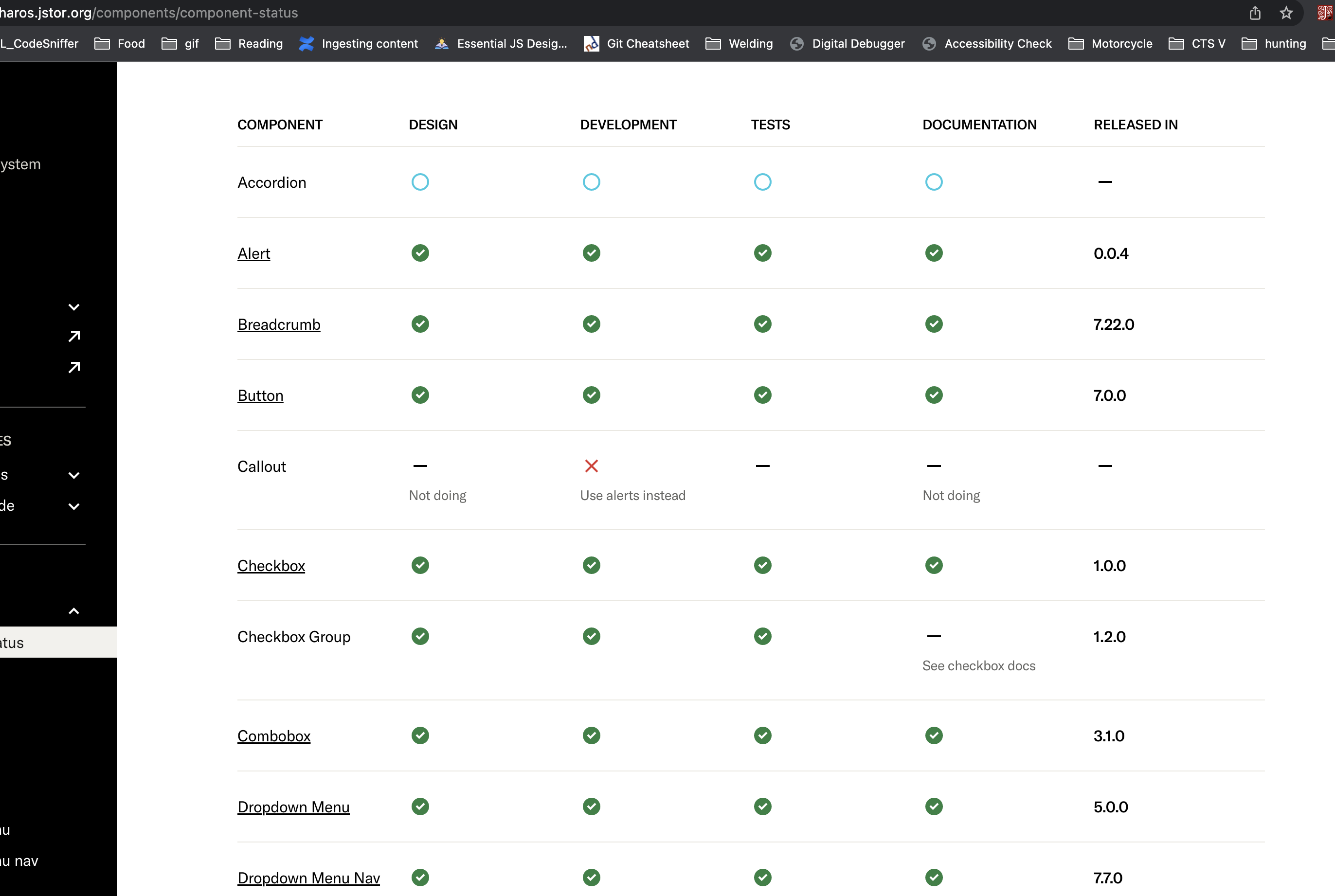
Status of features
Directly in the Pharos site there is a list of components and where they currently stand in development and release
Additional considerations Tables can get complex. There are a few cases located on the WCAG site like multiple heading levels, headings for both columns as well as the rows and captions/summaries to help explain the context of the table to a given assistive technology.
Dynamic display for multi-device support. Another potential consideration is around the ability to change the amount of columns/rows being displayed based on the viewable area of a given device. This allows for reducing/increasing the amount of information being presented to optimize the readability based off the viewable area the given user has.
Keeping context for large amounts of information. There are some cases where maintaining the headings of the table in the device viewport while the user is scrolling/navigating so as they are reading the information, they are quickly able to understand what a given column/row value is in reference.
Extensibility. Being able to layer features like sorting and filtering into a table empowers a user to customize the information they are presented so that it's more meaningful or take an action like making a purchase or correcting an error on a given task.
