

 iperov
GPU not being used while faceset extract
THIS IS NOT TECH SUPPORT FOR NEWBIE FAKERS POST ONLY ISSUES RELATED TO BUGS OR CODE
Expected behaviour
Extracting facesets will utilize the selected GPU (1050ti mobile) it will work with the integrated GPU (but slow af) Even tried the stock footage.
Actual behaviour
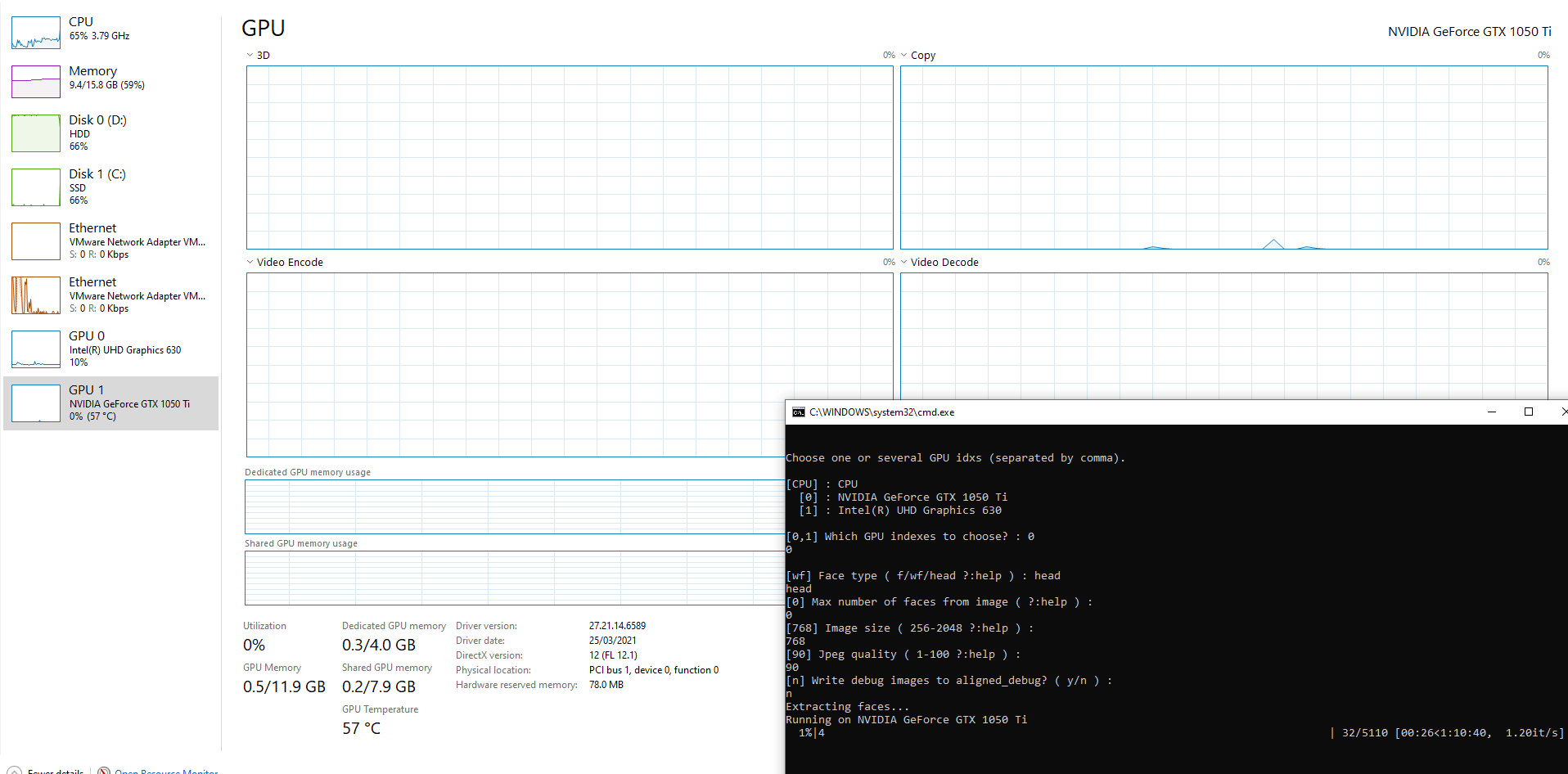
GPU utalization stuck a 0% and progress dose not move
Steps to reproduce
Run the "4) data_src faceset extract.bat"
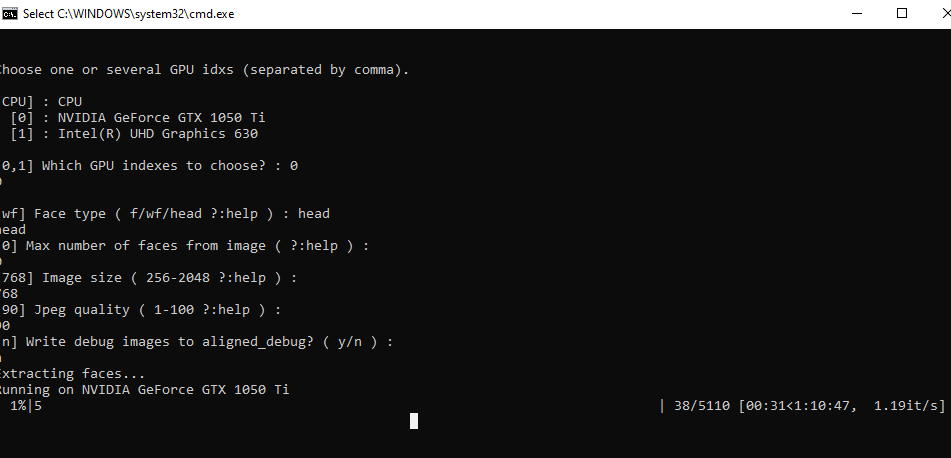
Select the setting shown above
Nothing happens on the progress
Even tried the stock footage
Other relevant information
DeepFaceLab_DirectX12 Edition Windows 10 Pro Version 21H1 Installed on 1/02/2021 OS build 19043.1237 Experience Windows Feature Experience Pack 120.2212.3530.0
Thanks, Lilly

Use software as MSI Afterburner to watch GPU usage. Moreover if you have nvidia why do you use DirectX version? Please use 2080ti version.

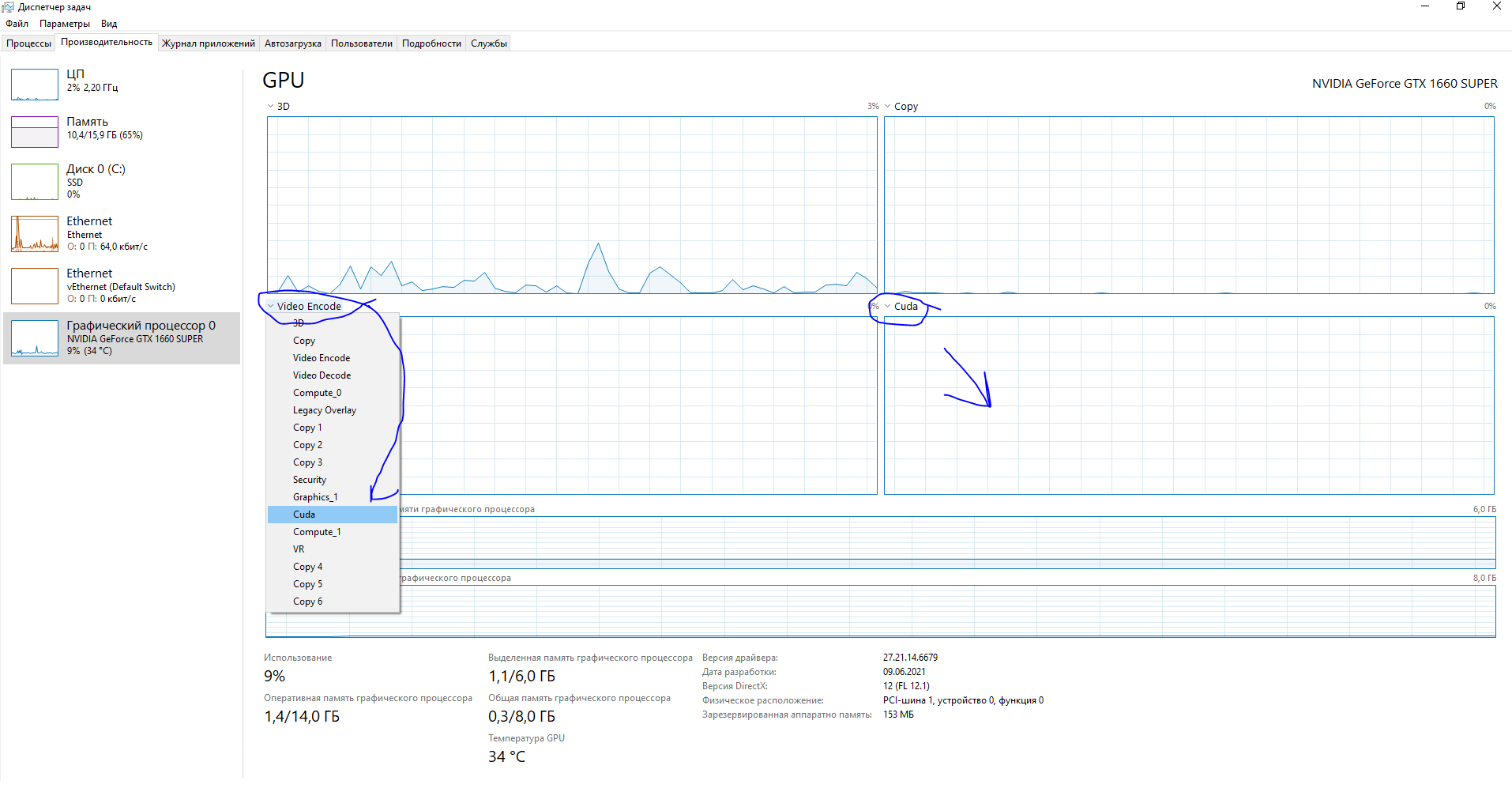
Change graph to CUDA, then you can see using GPU, because this project using CUDA cores and you can see it in CUDA graphs, if there is no use in CUDA part, then it not using GPU

I don't even have CUDA option in Task Manager even though I have Cuda compilation tools, release 11.6, V11.6.55 Build cuda_11.6.r11.6/compiler.30794723_0

I don't even have CUDA option in Task Manager even though I have Cuda compilation tools, release 11.6, V11.6.55 Build cuda_11.6.r11.6/compiler.30794723_0
Microsoft removed that feature from Windows 10.
Issue solved / already answered (or it seems like user error), please close it.
