

 invoke-ai
[bug]: In Unified Canvas, after long processing, there is no staging area toolbar buttons
Is there an existing issue for this?
- [X] I have searched the existing issues
OS
Windows
GPU
cpu
VRAM
4GB
What happened?
I'm using cpu only processing. For large images, after a couple of minutes the server gets "disconnected" status. After processing is finished, the server is reconnected - but the staging area toolbar buttons are not appearing, and the final image is not shown (it could be found in temp only). The "automatic save" option doesn't help as well. The similar option is also in Text2Image and Image2Image - but then simple screen refresh helps. In unified canvas nothing can bring the final image to the screen.
Screenshots
No response
Additional context
No response
Contact Details
No response

There has been no activity in this issue for 14 days. If this issue is still being experienced, please reply with an updated confirmation that the issue is still being experienced with the latest release.
![github-actions[bot] avatar](https://avatars.githubusercontent.com/in/15368?v=4 "Published by a pub.dev verified publisher")
I confirm, that this issue is still being experienced.
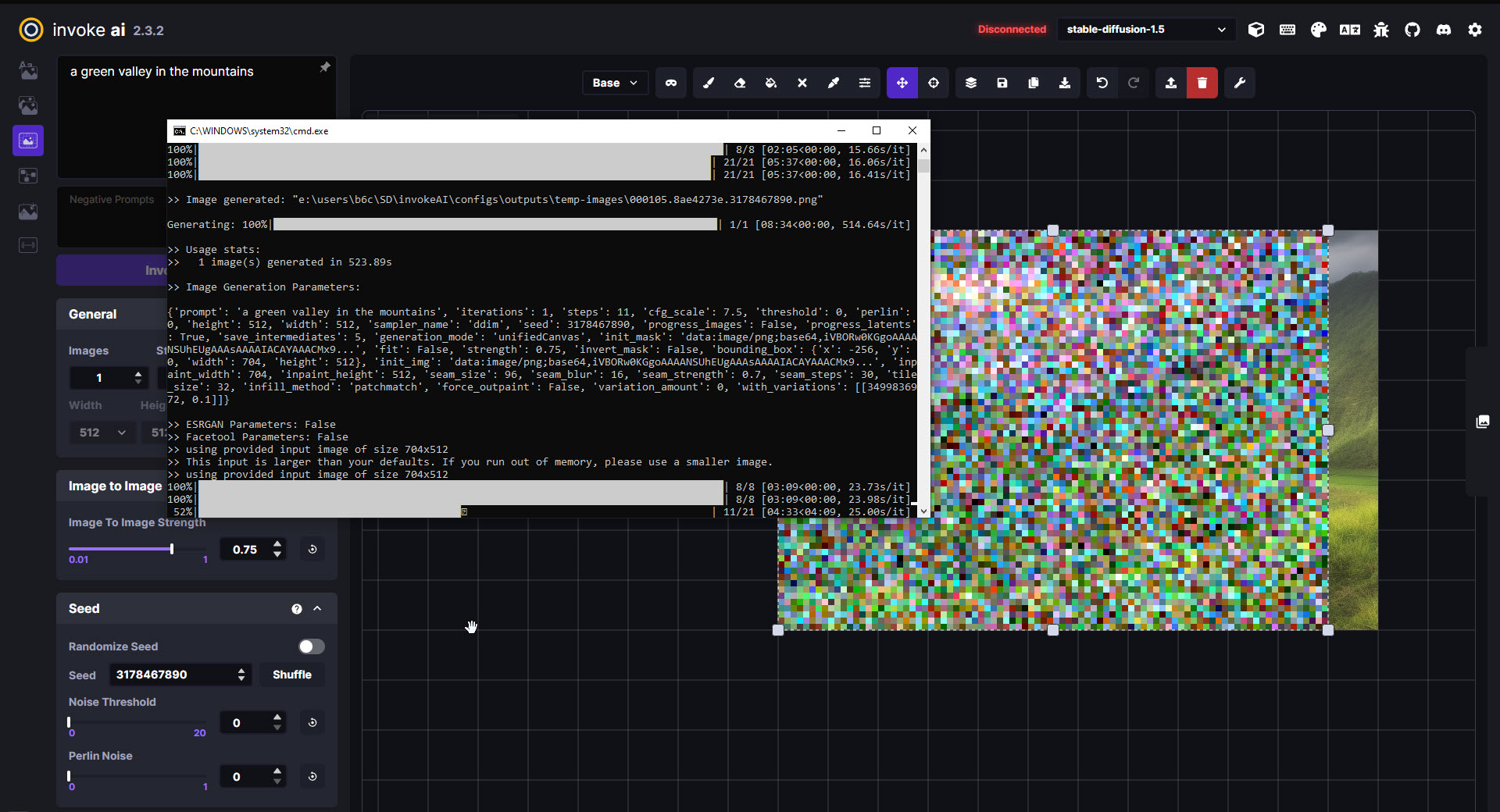
During the processing, server gets disconnected:
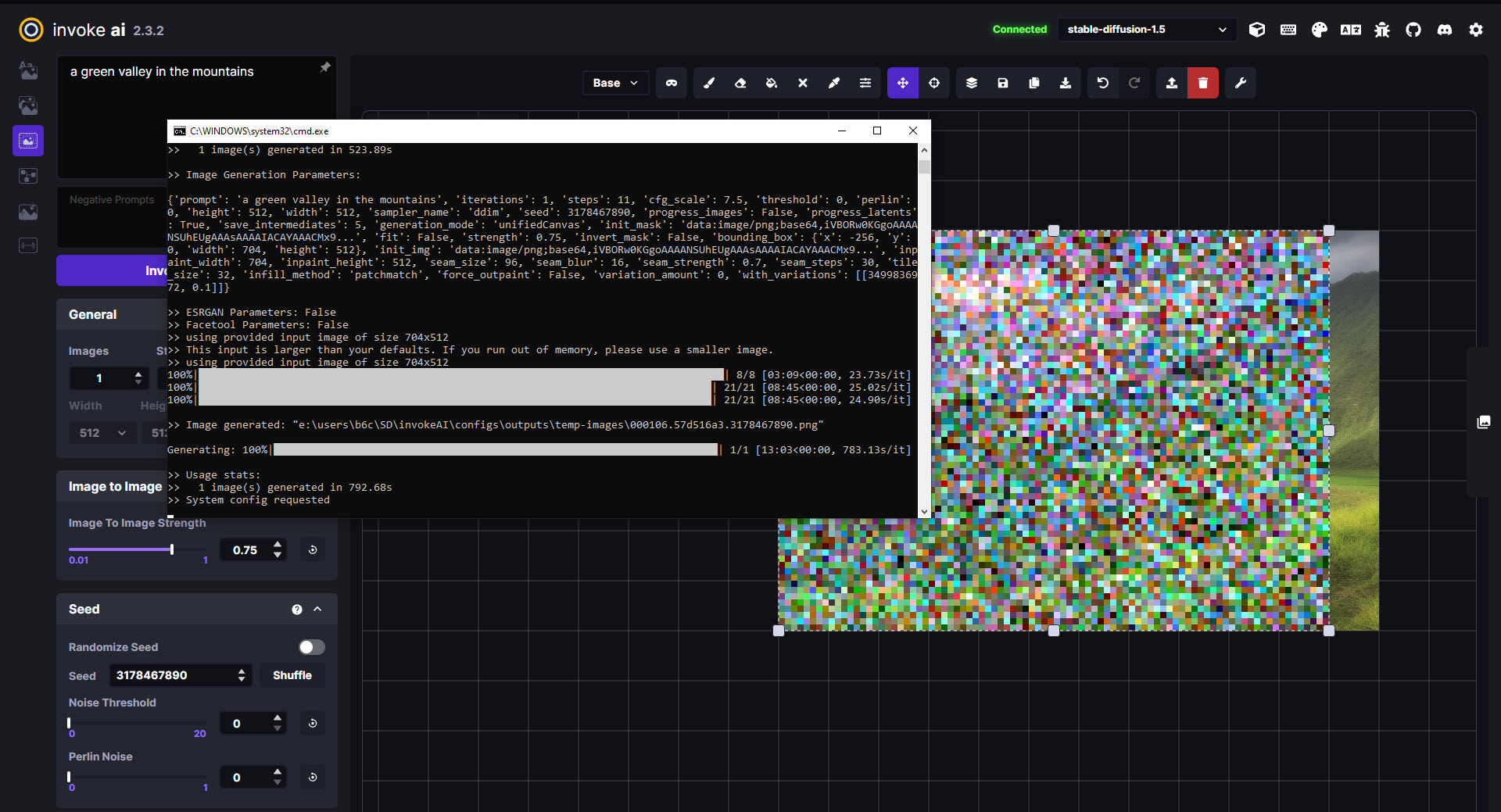
 after processing is finished, the server reconnects, but the finished picture is not received and the staging area toolbar doesn't appear:
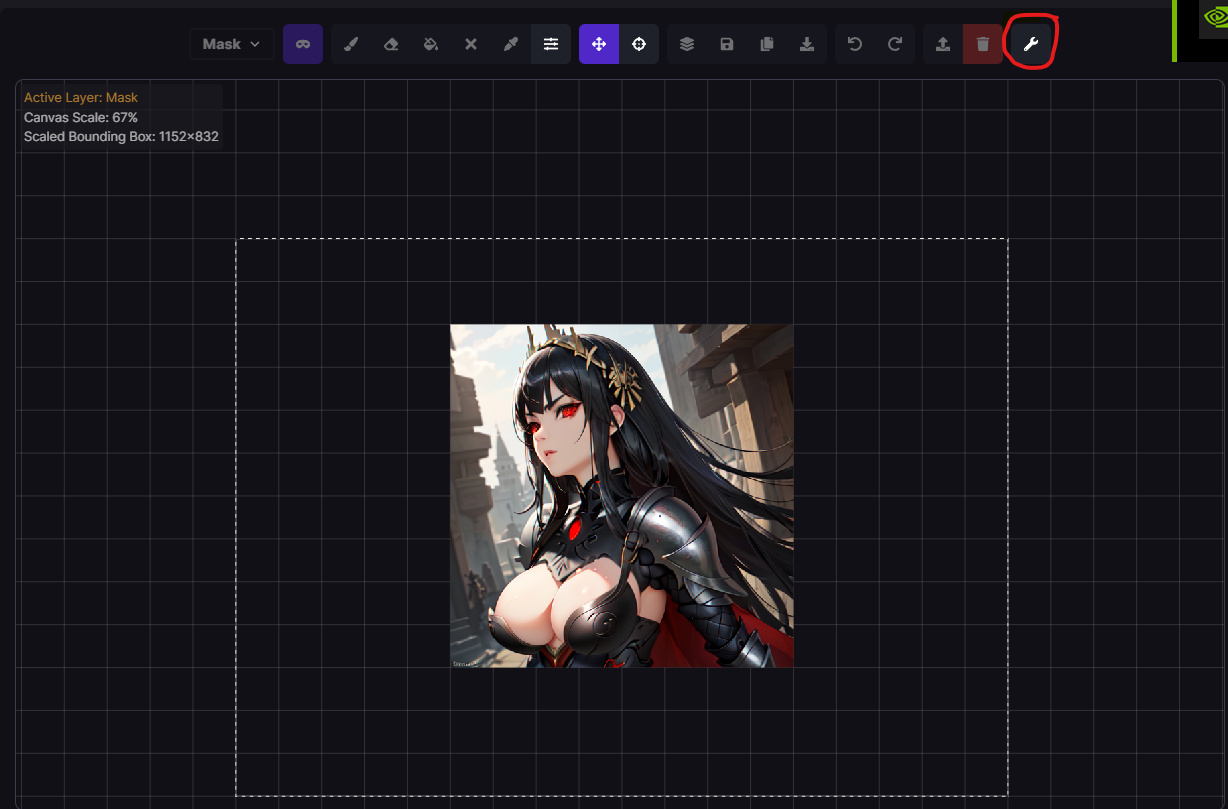 just empty temp image folder on setting, it works on me
This will not be a problem after we finish migrating to the nodes server.

I've been experiencing this issue on one of my underpowered computers. Been running CPU rendering, so rendering is slow. After about 4 minutes it disconnects every time. I thought it was a simple browser timeout, but probably a memory or caching issue. Once image is done it reconnects so no biggie. It's my travel laptop, so not the end of the world. This makes using Unified Canvas completely unusable, because upon reconnection, there are no buttons. I wish there was a way to force a "System config requested" call from within browser or disable timeouts (if that's even the cause). If memory related, its maybe a more difficult thing to deal with. Would be nice if someone could find out the actual cause. Who knows. Invoke has a long way to go in development, so maybe in the future it won't be an issue.

This is related to the synchronous nature of the web server script (socketio connection times out). It's not really possible to fix the web server due to how it was built.
We have a massive backend redesign that resolves this issue (new web server, engine, etc). This will be in our 3.0.0 release. You can try it out on the main branch, but we can't offer support for it as it is pre-alpha.
So patience wins again. Good to see the team working so diligently on so many items. Invoke has the potential to evolve into the gold standard for SD. Time will tell.
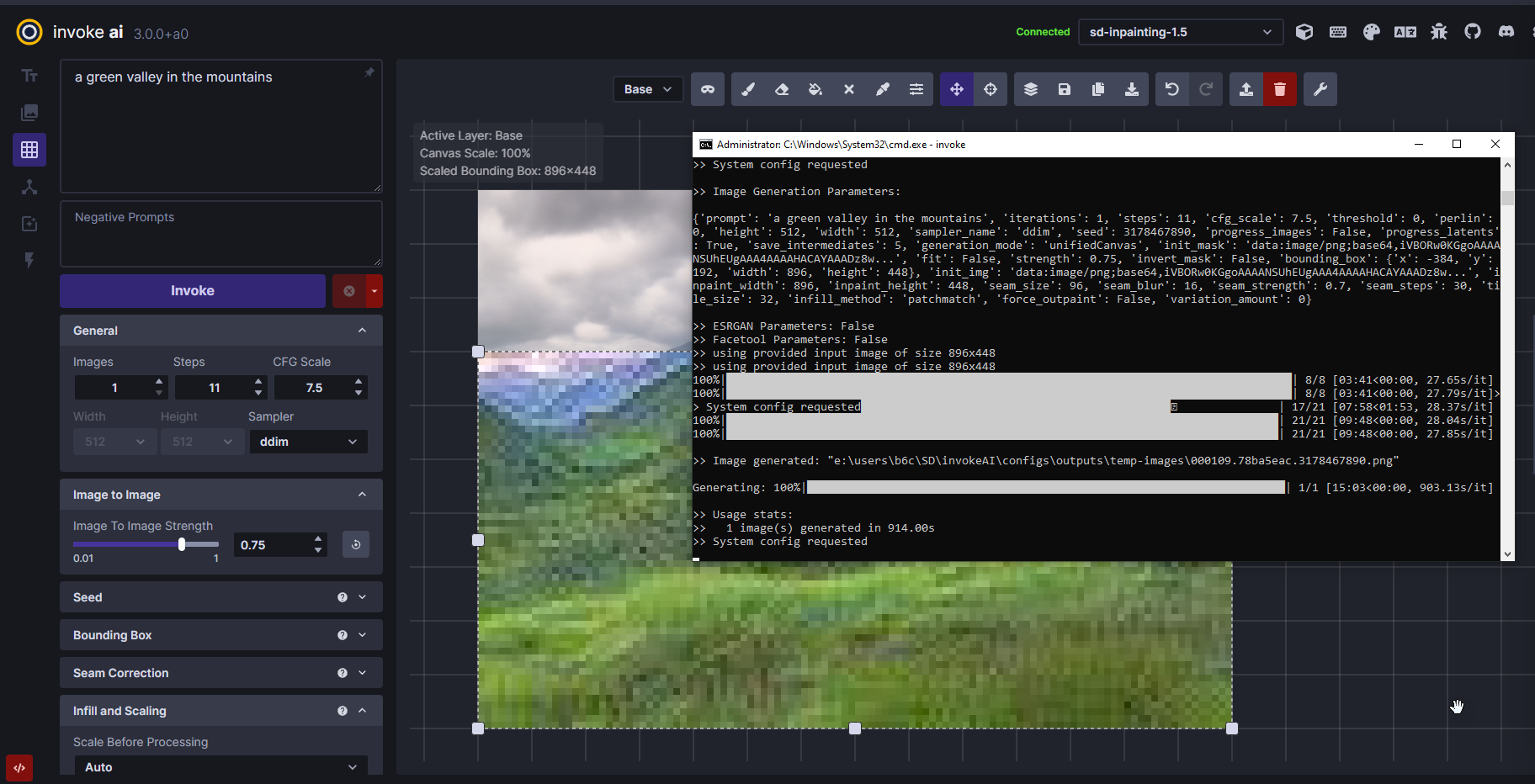
I updated to main branch - and still the same. @psychedelicious Is it the release with the new web server?