

 increpare
Remove margin from body on mobile
By default, most browsers apply a default margin of 8px to the body element. On mobile, PuzzleScript applies the following style the body element:
        var style = {
            height: "100%",
            overflow: "hidden",
            position: "fixed",
            width: "100%"
        }
The position: "fixed" creates a new document flow root, which means that any children with position: absolute are going to be positioned with the 8px offset, including the game canvas.
This can be seen by simulating a mobile device (or using a real mobile device) and inspecting the body and game canvas elements (note the orange margin at the top and left):
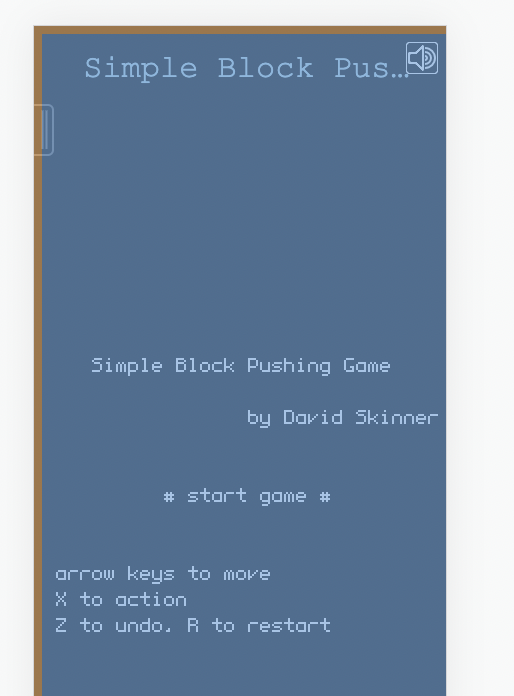
Here's another example where I've set the viewport size so that the game should fit perfectly on the screen, but you can see everything is offset slightly:
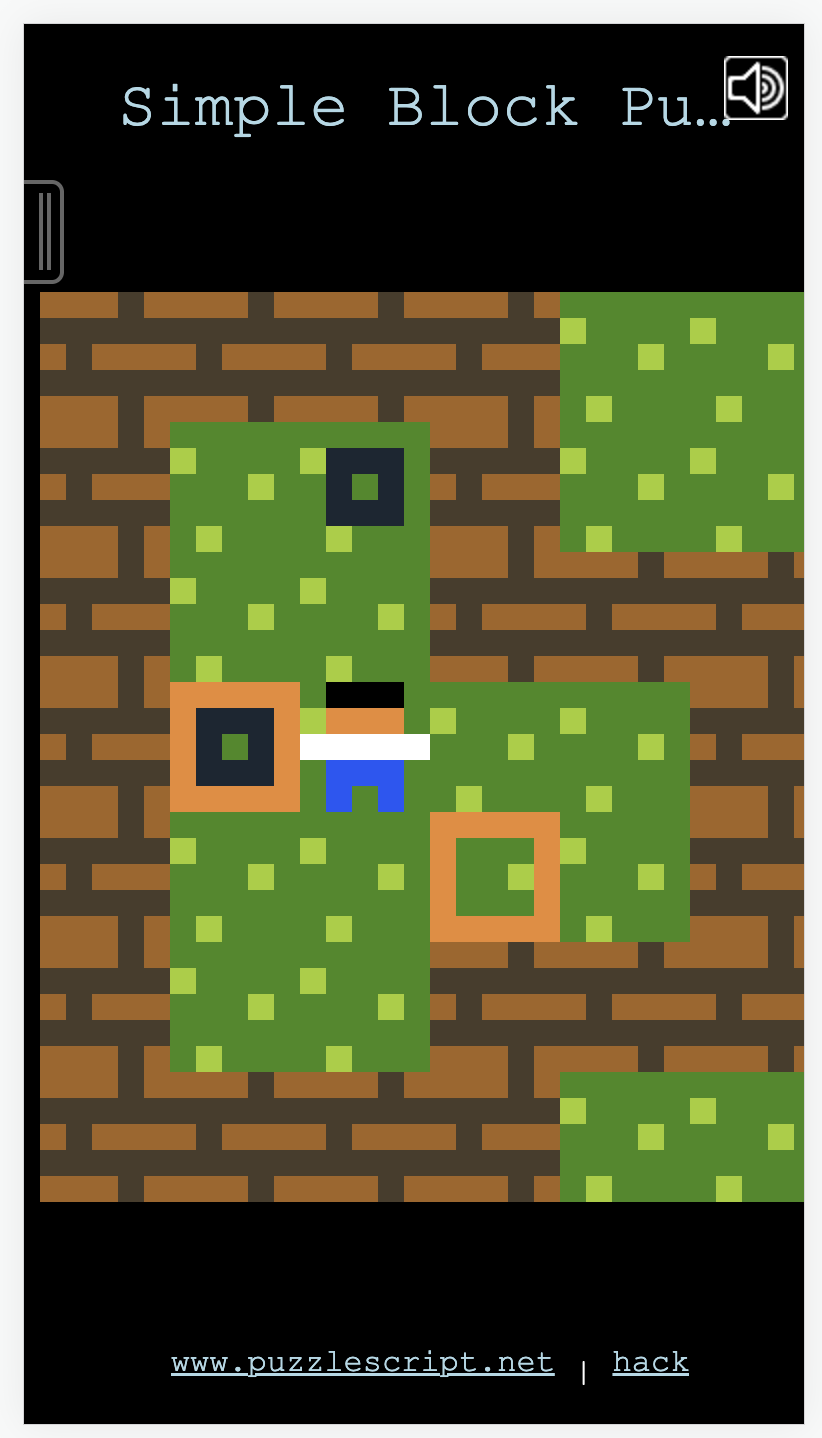
This caused two issues:
- The game canvas is slightly outside the viewport.
- Touch coordinates computed by
relMouseCoordsininputoutput.jswere offset by 8px. This was most noticeable when using the PuzzleScript Plus fork with support for touch controls.
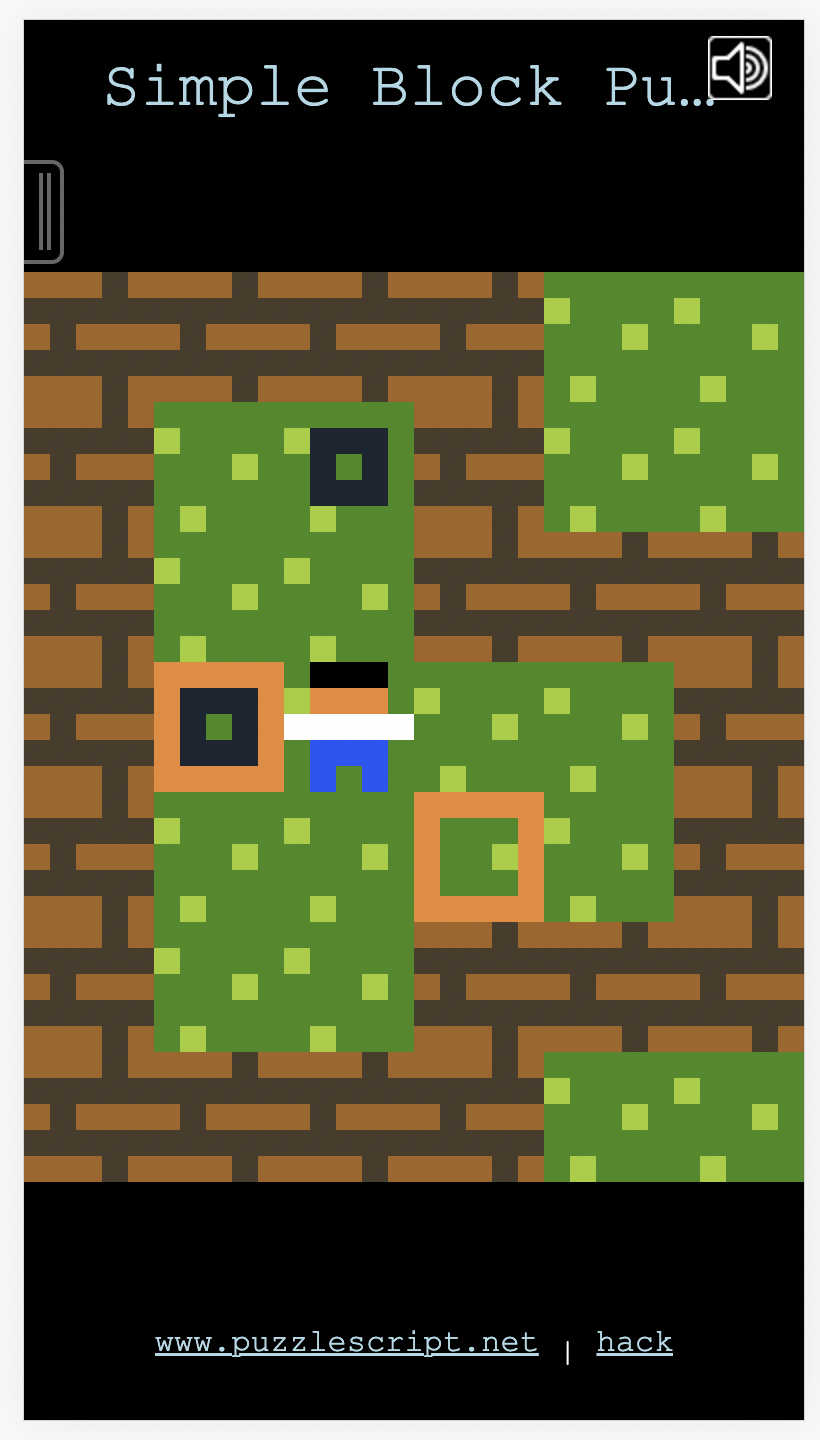
The fix is just to set the body margin to 0 and make sure the mobile pull-out menu is still positioned correctly. After the fix, the above game fits on screen as expected:

I do also have code that I think makes relMouseCoords more robust, even if the margin remains, but a) it's not necessary if we just remove the margin, and b) I don't have 100% confidence that it works in all cases and on all devices.