

 in2code-de
Clientside validation of "simple" checkbox fields fails
I'm upgrading a project to T3 11 and powermail 10.4.2 and a custom checkbox field that was added to the form is not properly validated with the new clientside validation.
It is a single checkbox and thus the <f:form.checkbox viewhelper generates a hidden field with the exact same name
<input type="hidden" name="tx_powermail_pi1[field][datenschutzerklaerung]" value="">
<input data-powermail-required="true" aria-required="true" data-powermail-required-message="Dieses Feld muss ausgefüllt werden!" class="powermail_checkbox powermail_checkbox_51" id="powermail_field_datenschutzerklaerung_" type="checkbox" name="tx_powermail_pi1[field][datenschutzerklaerung]" value="">
As far is i understood the JS validation (Special case for radiobuttons & checkboxes: take first field) it fetches the hidden field and tries to run the configured validation from there. The builtin checkboxes are multivalue and thus it won't target the hidden field.
Should let fields = form.querySelectorAll('[name="' + name + '"]'); maybe be extended to skip hidden fields? When i change the name attribute of the hidden field the validation seems to run properly

I just tried with a single checkbox, but can't see a problem in the JS validation. What else should I do to reproduce this issue?
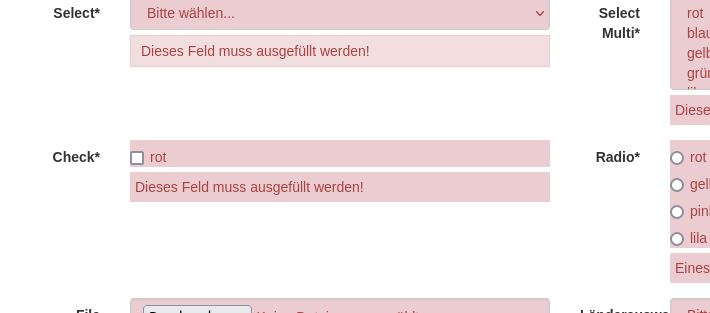

I cannot reproduce this either, with a new form containing a single checkbox. Multiple checkboxes also work.
@akiessling Did you change the partial? If yes, could you add the partial code here?

I've added a simple extension to demonstrate the issue: https://github.com/akiessling/checkbox It's copy&paste from a project that i took over and it adds a simple checkbox with a predefined label and link (i replaced it in the demo case to skip the locallang file). I guess it was implemented that way to not allow html in the labels but have a "fixed link" to the privacy page.
When fluid renders the checkbox, the html code looks like this:
<div class="checkbox">
  <label>
    <input type="hidden" name="tx_powermail_pi1[field][checkboxgdpr]" value="" />
    <input
      required="required"
      aria-required="true"
      data-powermail-required-message="This field must be filled!"
      class="powermail_checkbox powermail_checkbox_3"
      id="powermail_field_checkboxgdpr"
      type="checkbox"
      name="tx_powermail_pi1[field][checkboxgdpr]"
      value="yes"
    />
    checkbox gdpr
    <span class="mandatory">*</span></label
  >
</div>
The JS validation fails since the name of the hidden field is exactly the same as the actual field.
The checkbox field from powermail itself is different since it's in a loop
name="tx_powermail_pi1[field][regularcheckbox]" for the hidden field,
name="tx_powermail_pi1[field][regularcheckbox][]" for the field
Because we have the same issue for our client, we just use a small workarround by adding [] to the checkboxes name:
<f:form.checkbox name="powermail_privacy[]"
as a quick win.
In addition I just pushed a fix to develop branch, so powermail form validation will now ignore those hidden fields. Will be released asap.
Update: Release is available now with 10.6.0