
ContextMenuForWindows11

ContextMenuForWindows11 copied to clipboard
 ikas-mc
Multiple submenu entries appear but are not working
Like the title says, if I make multiple submenu entries, the submenus appear but clicking on either does not work.
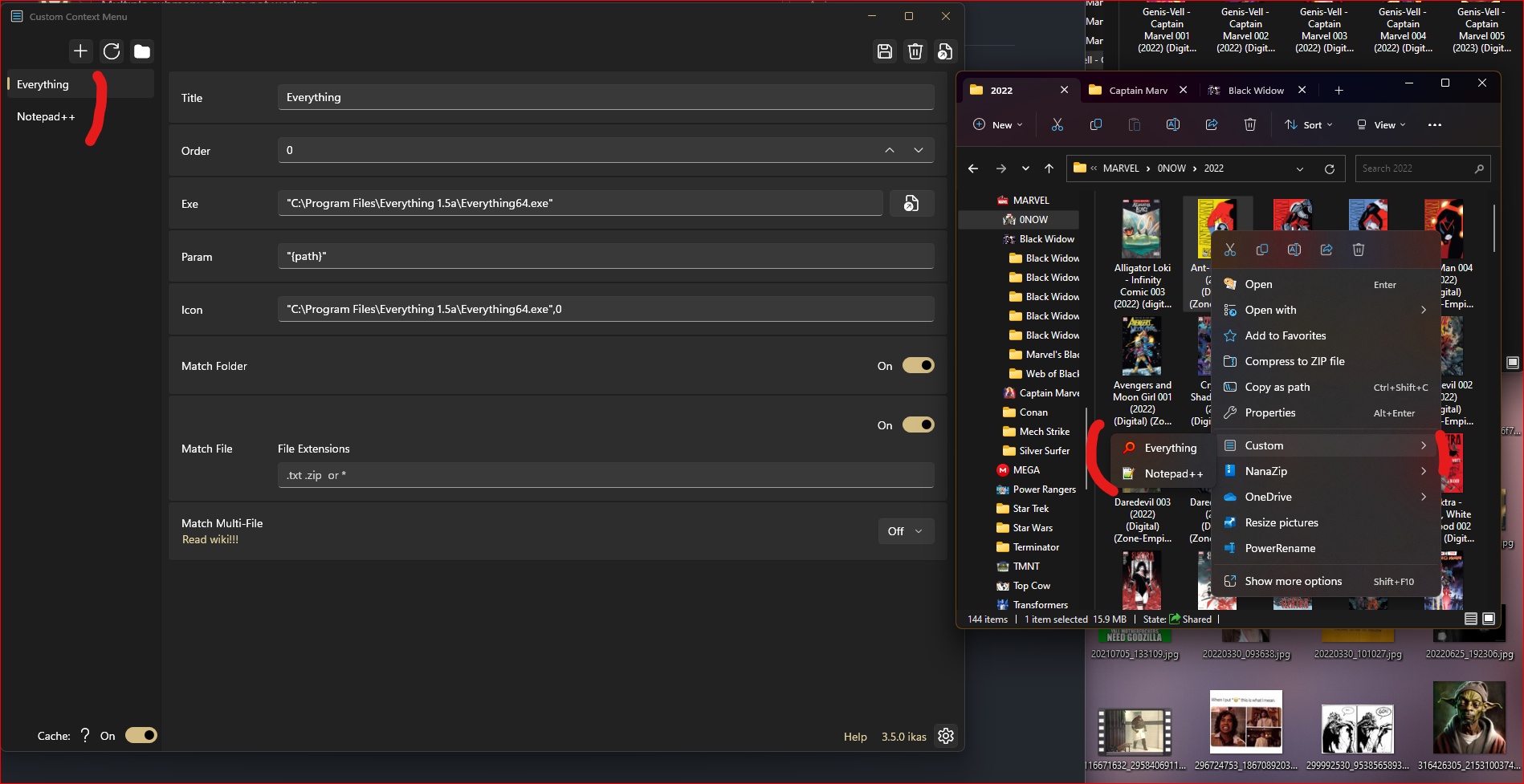
If I delete either of the submenus so only the top-level entry appears, then clicking on it will work
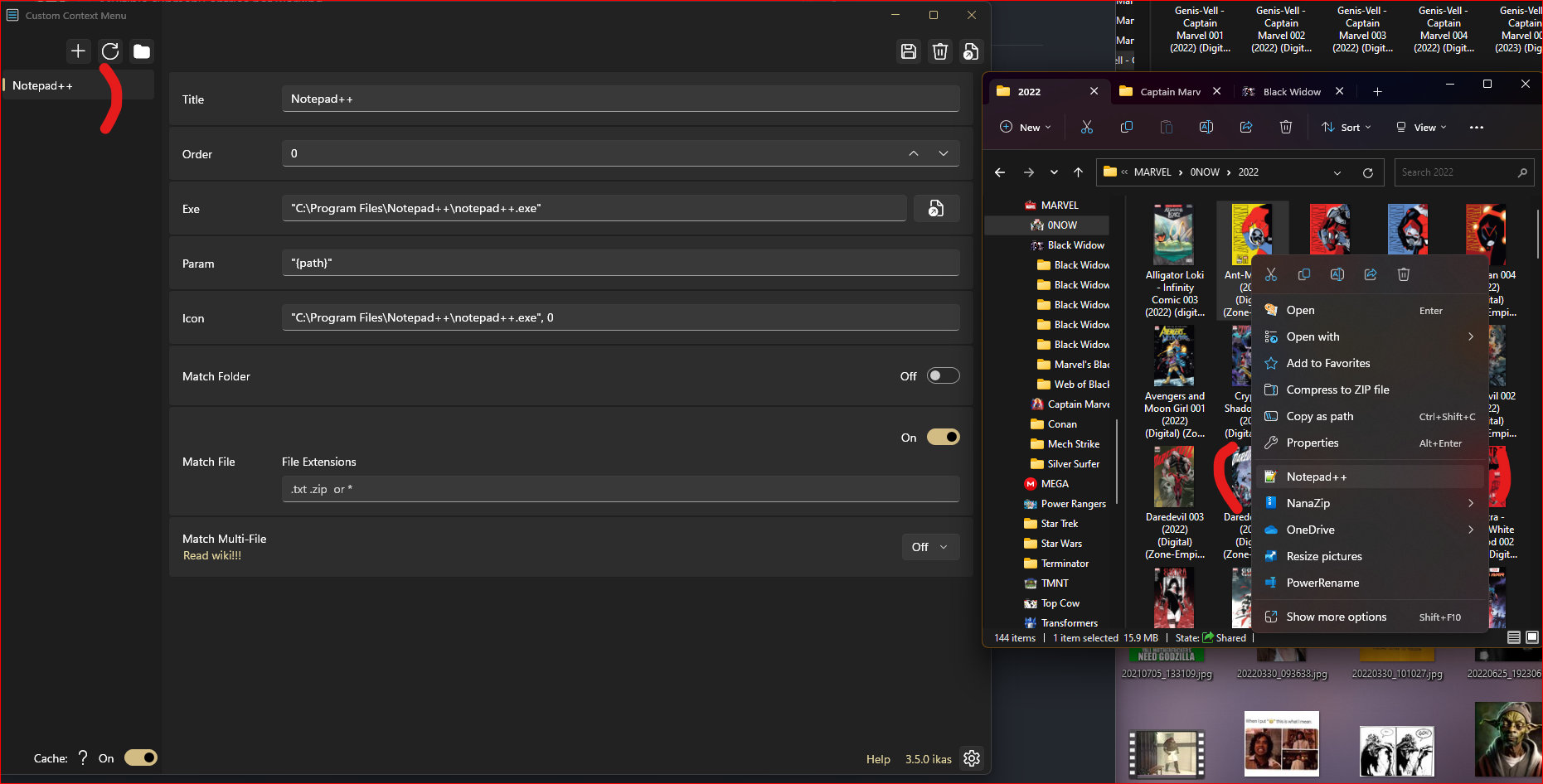
This was working previously. I had Everything Search and Notepad++ entries under the Custom menu, and clicking on either would bring up the application.
I uninstalled the Windows Store version and reinstalled it, and I had the same experience.
Is there anything I can try differently?


For a long time, I couldn't reproduce this issue on different computers I also had this issue with my computer after an update the latest version, I tried to fix this bug