

 huri000
Keyboard adjustment should be ignored if the virtual keyboard isn't displayed
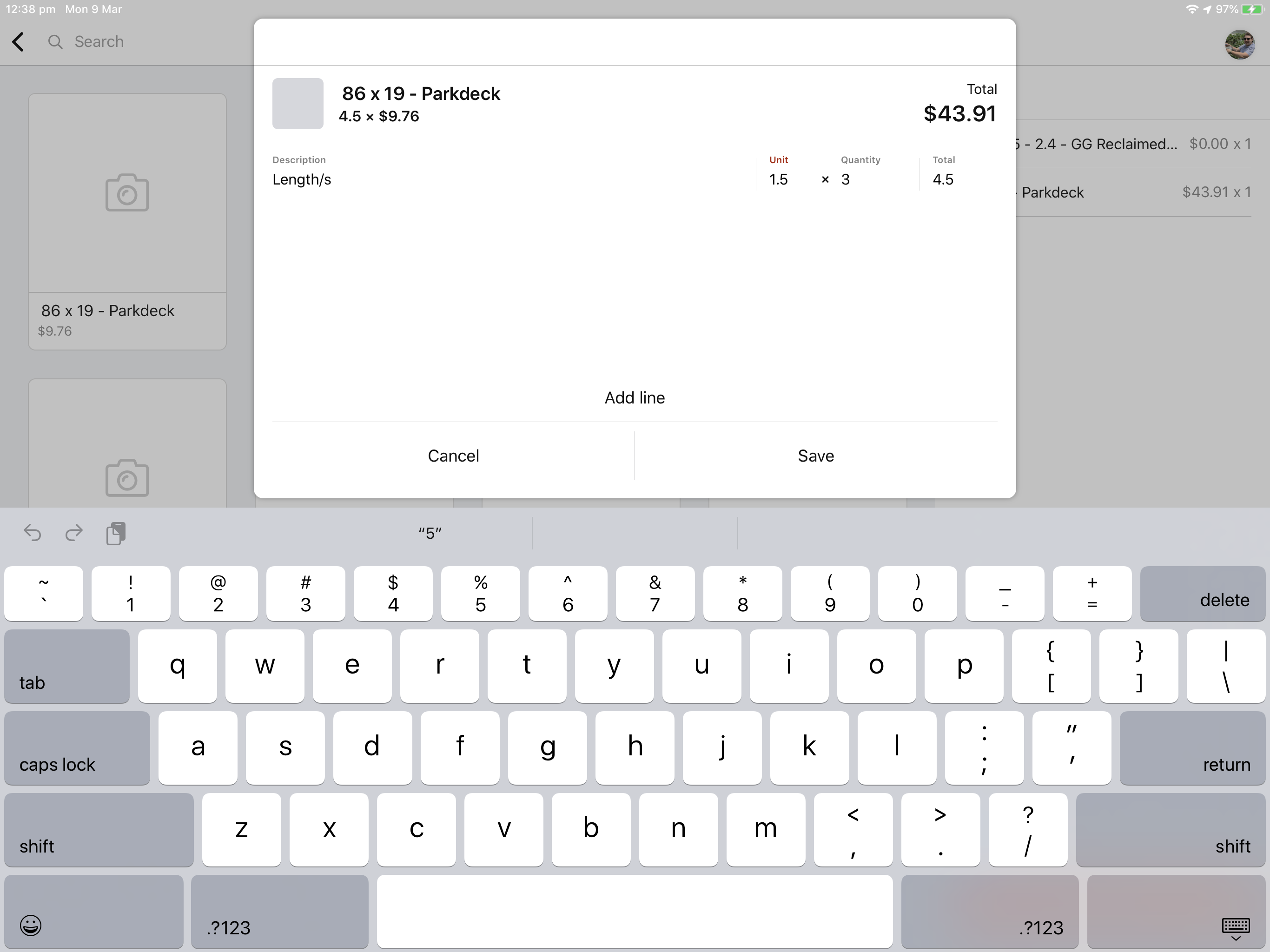
Describe the bug When binding to a keyboard I have noticed that when the keyboard is active the bottom offset is adjusted even if the virtual keyboard isn't visible i.e when using a smart keyboard. This makes the view stick to the bottom of the screen whenever a field is active.
To Reproduce Steps to reproduce the behavior:
- Create a view with a basic text field
- Present it with SwiftEntryKit with the following: float, center, bind at 20px, size ratio of 0.6 x 0.6
- While using a smart keyboard, enter the text field in the view. The view will move to the bottom of the screen.
- Run step 3 with the keyboard disconnected and the view will adjust normally
Expected behavior The adjustments should only be made if the keyboard's actual frame is going to overlap the view. In this case, it is adjusting to the keyboard frame change but not taking into account the height is roughly 90px and not the usual keyboard height
Screenshots
Default state
 Field active with smart keyboard
 Field active without smart keyboard
iPad (please complete the following information):
- Device: iPad Pro (12.9-inch, 2nd generation)
- iOS Version: iOS 13.3.1
- Xcode Version 11.3.1
- Dependency Manager Version CocoaPods 1.9.0
- SwiftEntryKit Release # 1.2.3
