

 home-assistant
NSURLErrorDomain - 1200
iOS device model, version and app version
Model Name: iPhone 12 Pro Software Version: 16.1.1 App version: 2023.4
Home Assistant Core Version 2023.4
Describe the bug On iOS app I see a NSURLErrorDomain when I open the app
To Reproduce Open the app
Expected behavior No error
Screenshots
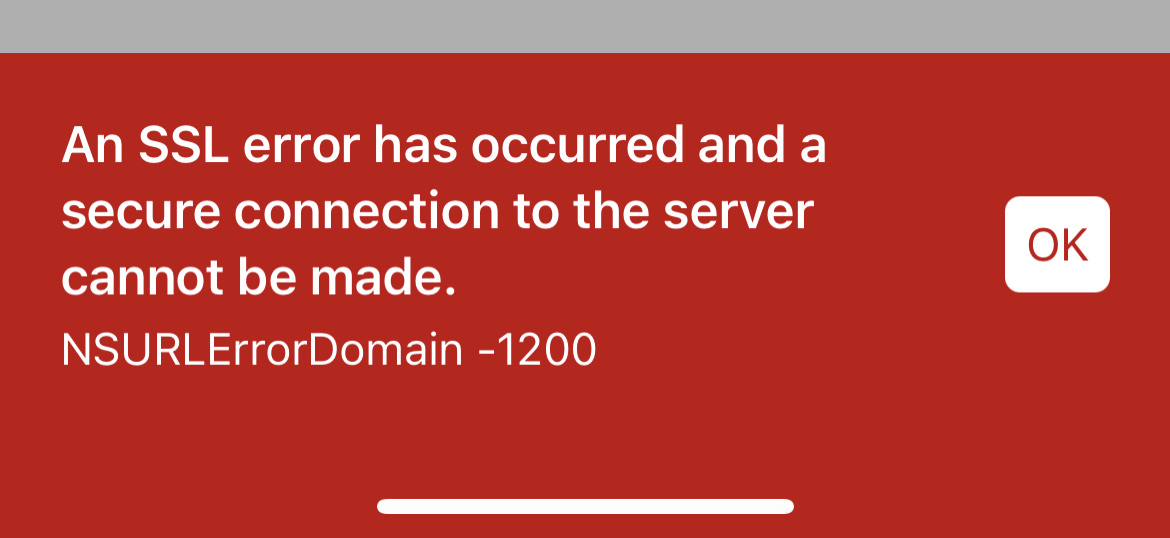
Additional context None at this time

I'm having the same issue after updating to 2023.6.2 on Home Assistant Core with app version 2023.460, except my error code is -1202. Works fine if I switch to 5G but internal does not work.

-1200 is a general SSL error, please confirm SSL works from another (preferably iOS/iPadOS/macOS) device. -1202 is a certificate vs accessing host name mismatch. You should try connecting to your HA via the host name on the certificate.

So I am having the same issue on an iOS version 16.6.1 iPhone 11 Pro Max. This has been a recurring issue in all my crash reports have now come to believe it is some sort of malware running private reports, and then sent to a user externally

The issue for me was that, for my setup, I HAVE to use the same internal address as the external because I'm using SSL. If I left the internal address to the IP in HA settings then it would run into this issue.

I have the same issue. App Version 2024.9.3 I'm a beginner, so please be patient :) HA will be working fine, then become not available either remotely or at home via either the iPhone (15 Pro Max) app, browser window, or HA app on a Mac Mini computer. I believe HA is still running at this time, because an automation occurred while it was inaccessible. Unplugging HA Green for 10 seconds and allowing time to reboot brings it back online, but this has happened 4 times in the last 3 days and requires me to be at home to physically unplug the HA Green. The Zigbee sensors can then take hours to become available again.
I am subscribed to Nabu Casa. It says my instance is "not connected", but no option to reset it.
Remote UI Your instance is not connected to Home Assistant Cloud Remote address: Not available
What can I do to fix this problem? Thank you for any help you can offer!

@glennferguson888 in your case, since also happens in the browser, the issue is not app related, drop a message in Core to get help with that, the issue could perhaps be wrong configuration left somewhere
