

 home-assistant
HassApp fails with "Timeout while looking up redirect_uri https://www.hassapp.com"
iOS device model, version and app version
Model Name: iPhone 13 Pro Software Version: iOS 15.5 App version: HassApp 1.7.3
Home Assistant Core Version
2022.7.6
Describe the bug
Sorry, if this is not the right repository, but I have found no other way to contact the author of HassApp, and I hope you know him.
I am struggeling with getting the HassApp connected to my home assistant. Everything is set up correctly, and I can run the Home Assistant companion app without problems. But when I try to connect HassApp (at initial setup of the app) with Home Assistant server, I always get the following error:
- In the HassApp UI:
Invalid Client ID or Redirect URI - In logs of Home Assistant:
Timeout while looking up redirect_uri https://www.hassapp.com
Notice that the resolution of www.hassapp.com is failing.
I run Home Assistant with a domain name that is registered with duckdns.org. Certs are fine, and I use IPv6 addresses to expose the home assistant server to the outside world via my ISP (Vodafone).
Since I run Home Assistant from Docker, I opened a shell inside the container and checked if I can resolve www.hassapp.com to makes sure it's not a DNS issue as described here.
In fact, I can resolve the name, and I can even curl it and get a page back.
However, when I try to curl the page using IPv6 like so: curl -v6 https://www.hassapp.com
... it fails. It keeps showing * Trying 2001:41d0:302:2200::ce5:443... and then times out.
Looked up the IPv6 address of https://www.hassapp.com online (via one of those lookup pages) and it yields the same IPv6 address, however that does not seem to be resolvable. I also tried to ping the IPv6 address from my ISP's home gateway. No luck there either.
So my guess is: the IPv6 DNS entry pointing to https://www.hassapp.com is wrong. Probably the box running that server has a different IPv6 address, and wherever this address is DNS-managed, an old entry is still maintained.
I have the same issue every now and then, when my ISP assigns a new IPv6 address to my Hass server, and I usually have to update my duckdns.org entries then.
Could you please relay this message to the Author of HassApp and ask him to fix this problem? Basically it may boil down to making sure the IPv6 address in DNS is correct.
Thanks.
To Reproduce
- Setup Hass Server and expose it via IPv6 (e.g. using duckdns.org and let's encrypt certs)
- Get latest HassApp and try to access
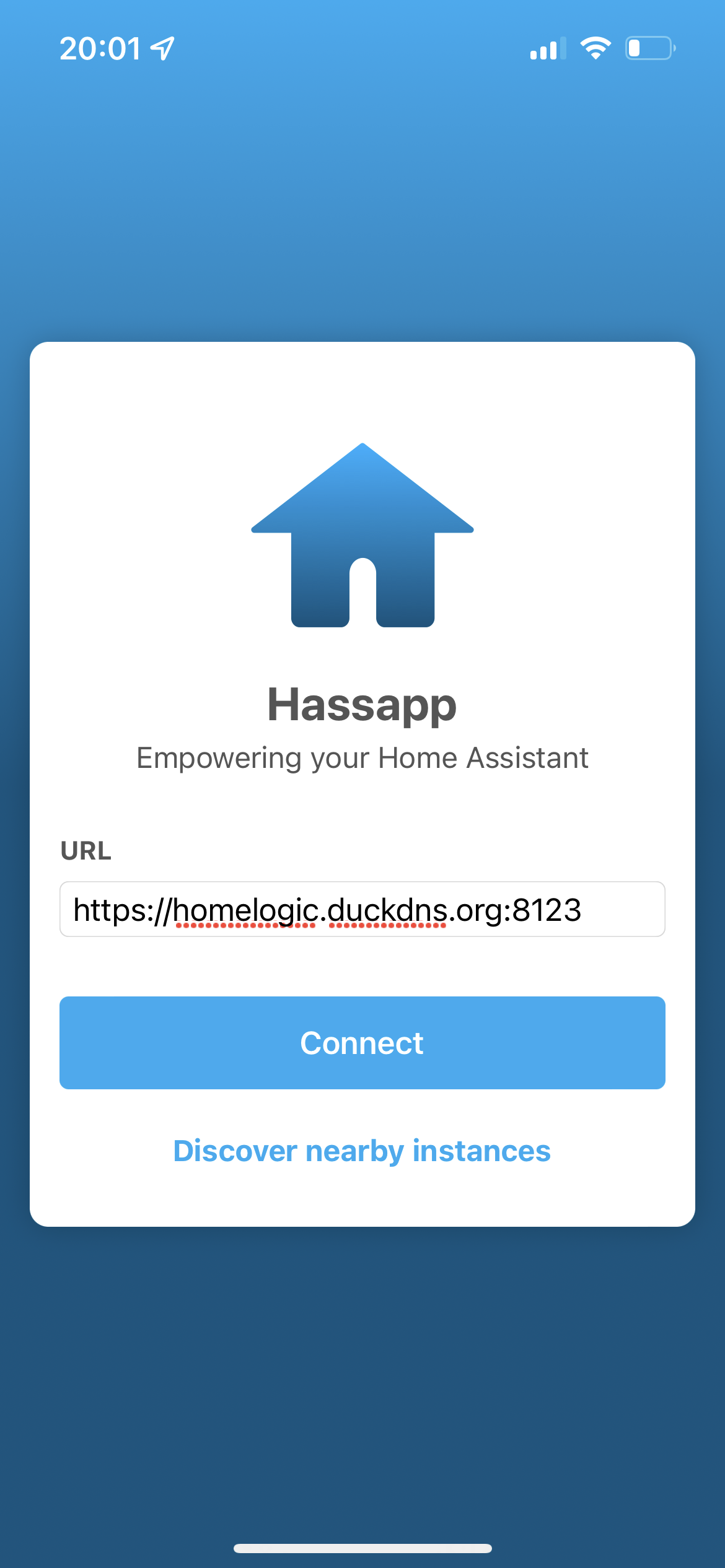
https://your-domain.duckdns.org:8123from an iPhone. That will result in IPv6 traffic if (as is the case with my ISP) the IPv4 address is not reachable from the outside world. - Follow initial app setup and when connecting to server, specify
https://your-domain.duckdns.org:8123. - Click Connect
Expected behavior
Connection should succeed and OAuth token should be retrieved by application.
Screenshots

Additional context
N/A
