

 home-assistant
Magic Trackpad scrolling in Visual Studio Code Supervisor AddOn does not scroll the document contents
Device model, version and app version
Model Name: MacBook Pro (15-inch, 2019) macOS Version: 12.0.1 (21A559) App Version: 2021.11.1 (2021.266) Safari Version: 15.1 (17612.2.9.1.20)
Home Assistant Core Version core-2021.11.5
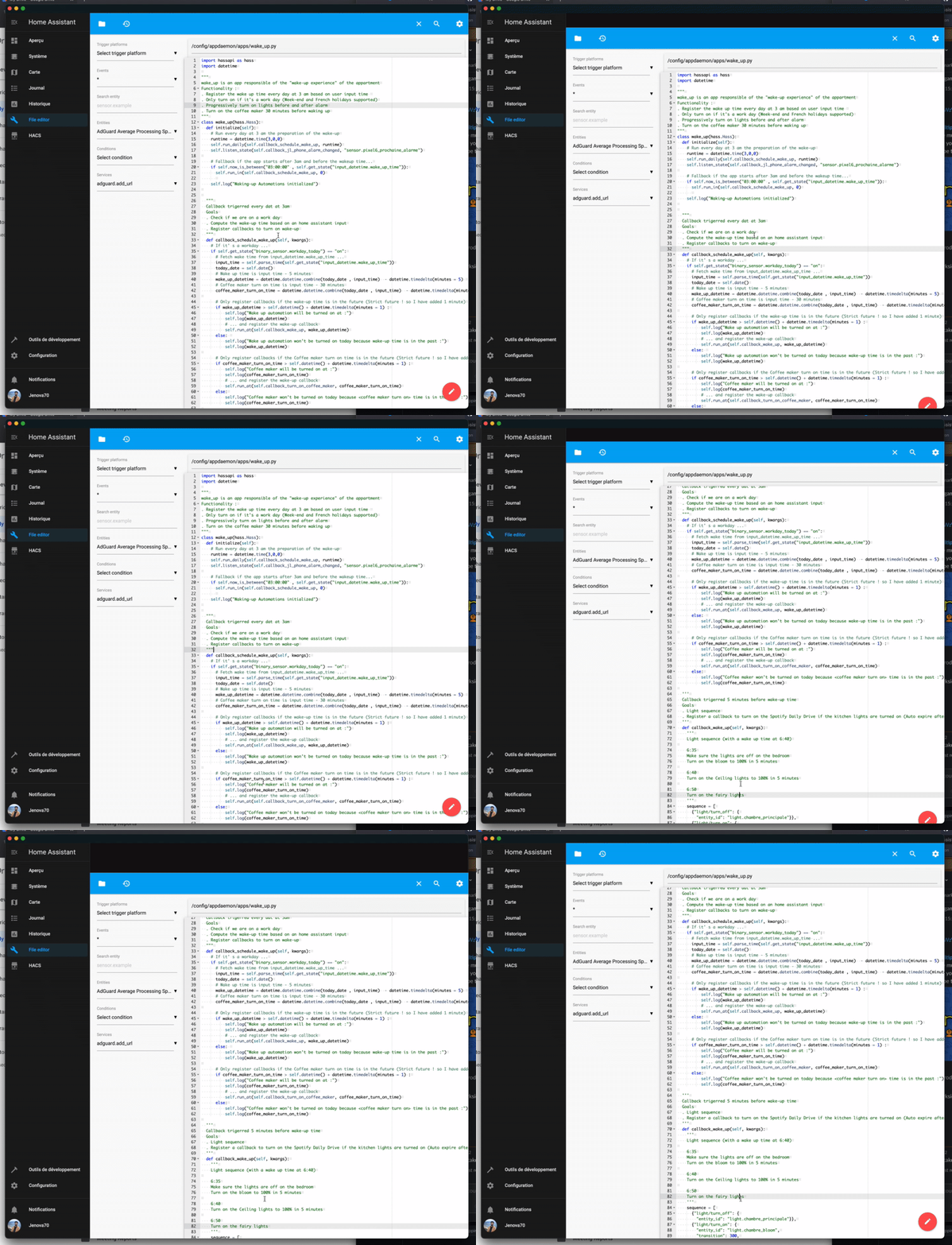
Describe the bug In the "Studio Code Server" AddOn, when using the gestures (2-finger swipe up/down on magic trackpad) it does not scroll the contents of the document being edited. Instead, it scrolls the entire AddOn window (including for example the explorer view of files etc). Scrolling works properly in Home Assistant in Safari.
To Reproduce Install Studio Code Server AddOn. Open a long file (eg. the homeassistant.log) and try to scroll using the trackpad. I suspect this also occurs when using the Magic Mouse. Same issue with the MacBook built-in trackpad.
Expected behavior Contents of document being edited should scroll, not the Studio Code Server's entire window.


I've experienced this as well, but only in the Chrome web app ... it doesn't happen if I open Home Assistant in a Chrome tab.

I'm also seeing this issue with Safari / MacOS Sonoma 14.3.1 and HA (and addons) updated to the latest version.
