
BidirectionalHorizontalLayoutGroup
 BidirectionalHorizontalLayoutGroup copied to clipboard
 hk1ll3r
A horizontal layout group for Unity UI that supports both left-to-right and right-to-left.
Bidirectional Horizontal Layout Group

:warning: This component is only useful for Unity 2019.4.x and earlier. In Unity 2020.1 and newer the default Horizontal Layout Group supports reverse layout of its children so you won't need this asset.
A Unity3D horizontal layout group that supports both left-to-right and right-to-left. Useful if you are building a UI for an RTL language such as Arabic, Persian, Hebrew, etc. or if you support multiple languages in your app.
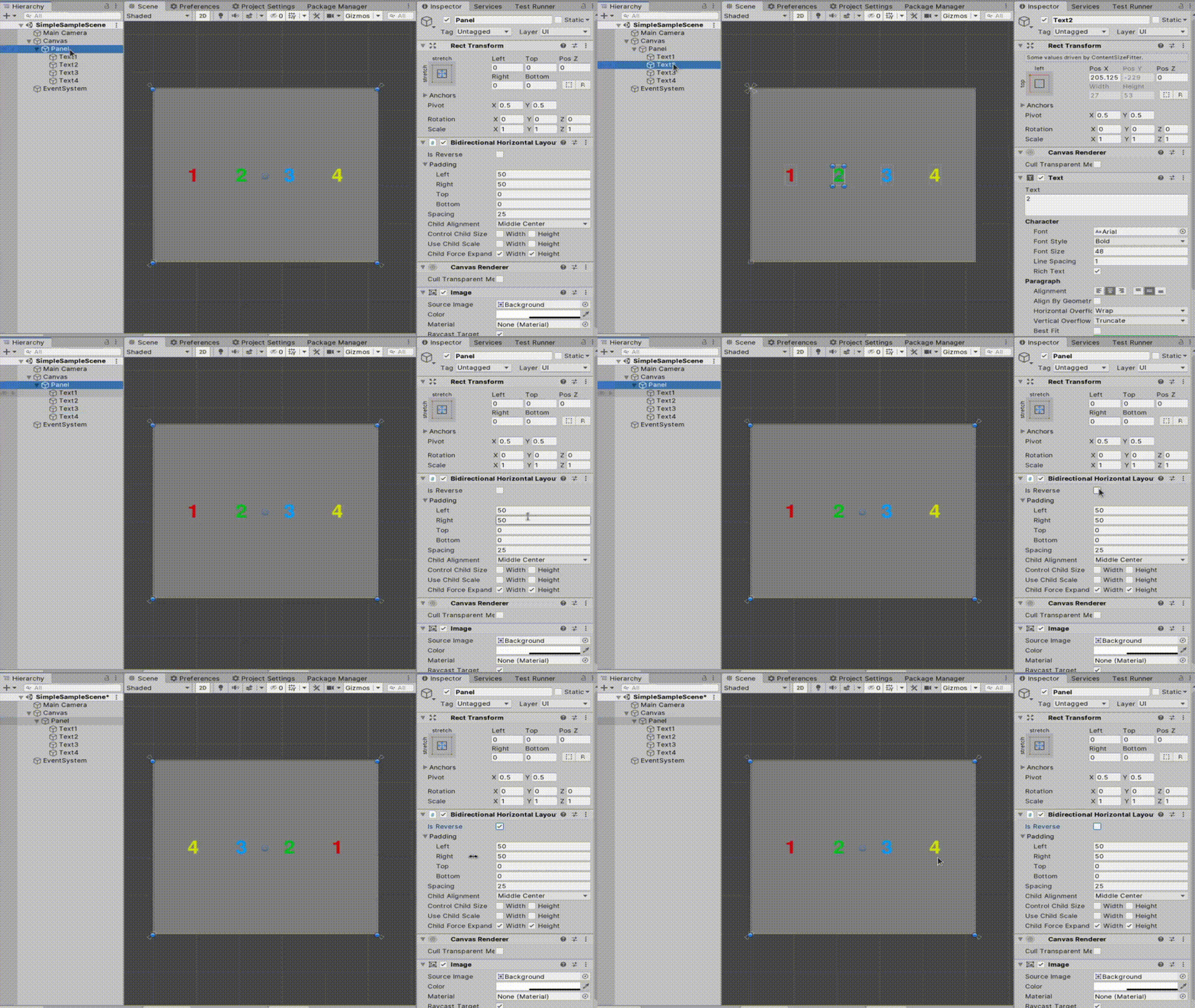
The component works just like the default HorizontalLayoutGroup. The only difference is the addition of the "reverse" field. When "reverse" is checked, the layout is done from right to left.
Installations
Install via Git URLs
Add this git URL in Unity's package manager.
https://github.com/hk1ll3r/BidirectionalHorizontalLayoutGroup
Install via Unity Asset Store
This package is also available on Unity Asset Store.
Install via OpenUPM
openupm add com.nosuchstudio.ui.bidirectionalhorizontallayoutgroup
Notes
Check out the showcase project to see a sample Unity project that uses this package. https://github.com/hk1ll3r/ShowcaseOfBidirectionalHorizontalLayoutGroup
The implementation is based on Unity's HorizontalLayoutGroup located below. https://bitbucket.org/Unity-Technologies/ui/src/2019.1/UnityEngine.UI/UI/Core/Layout/LayoutGroup.cs
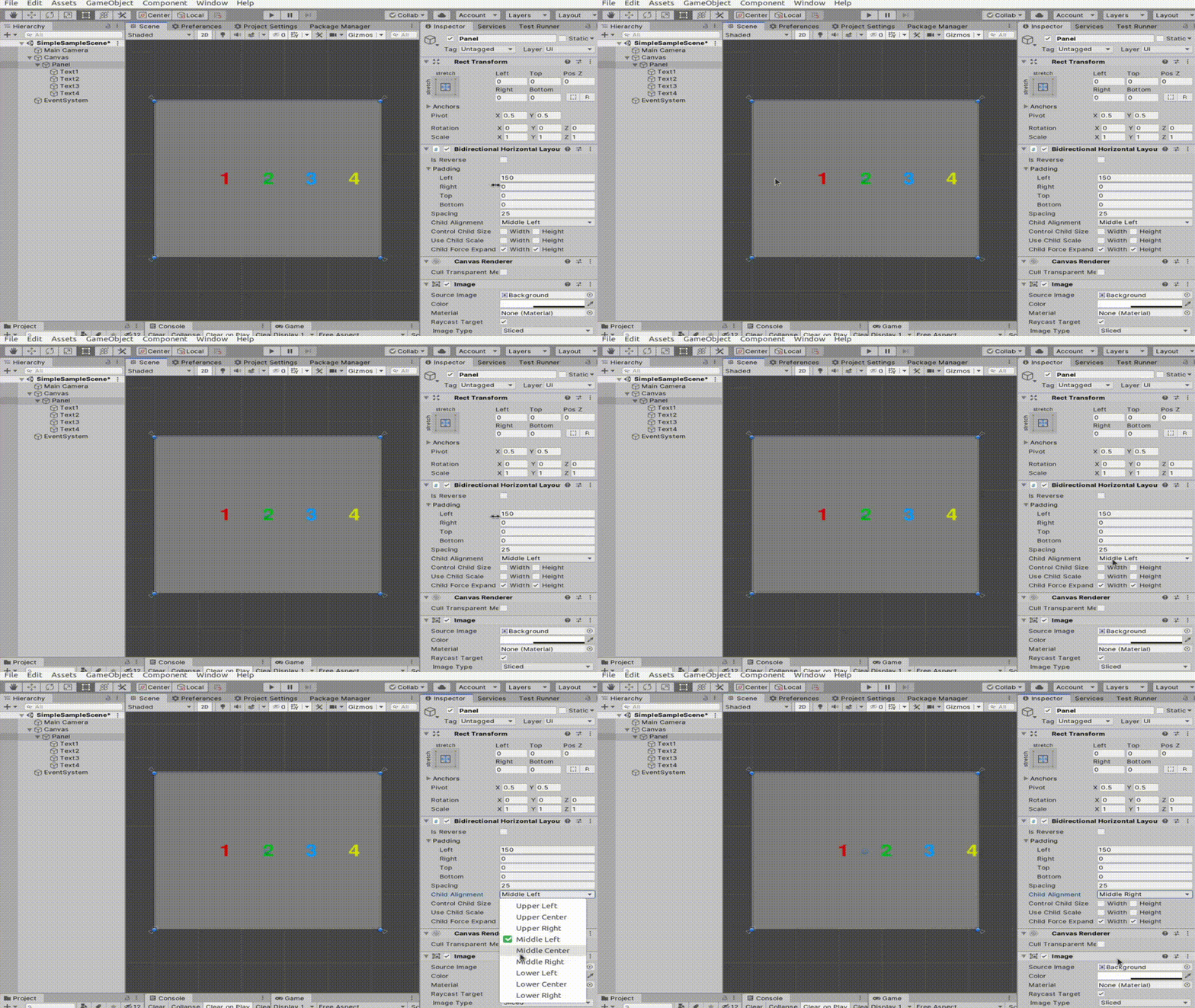
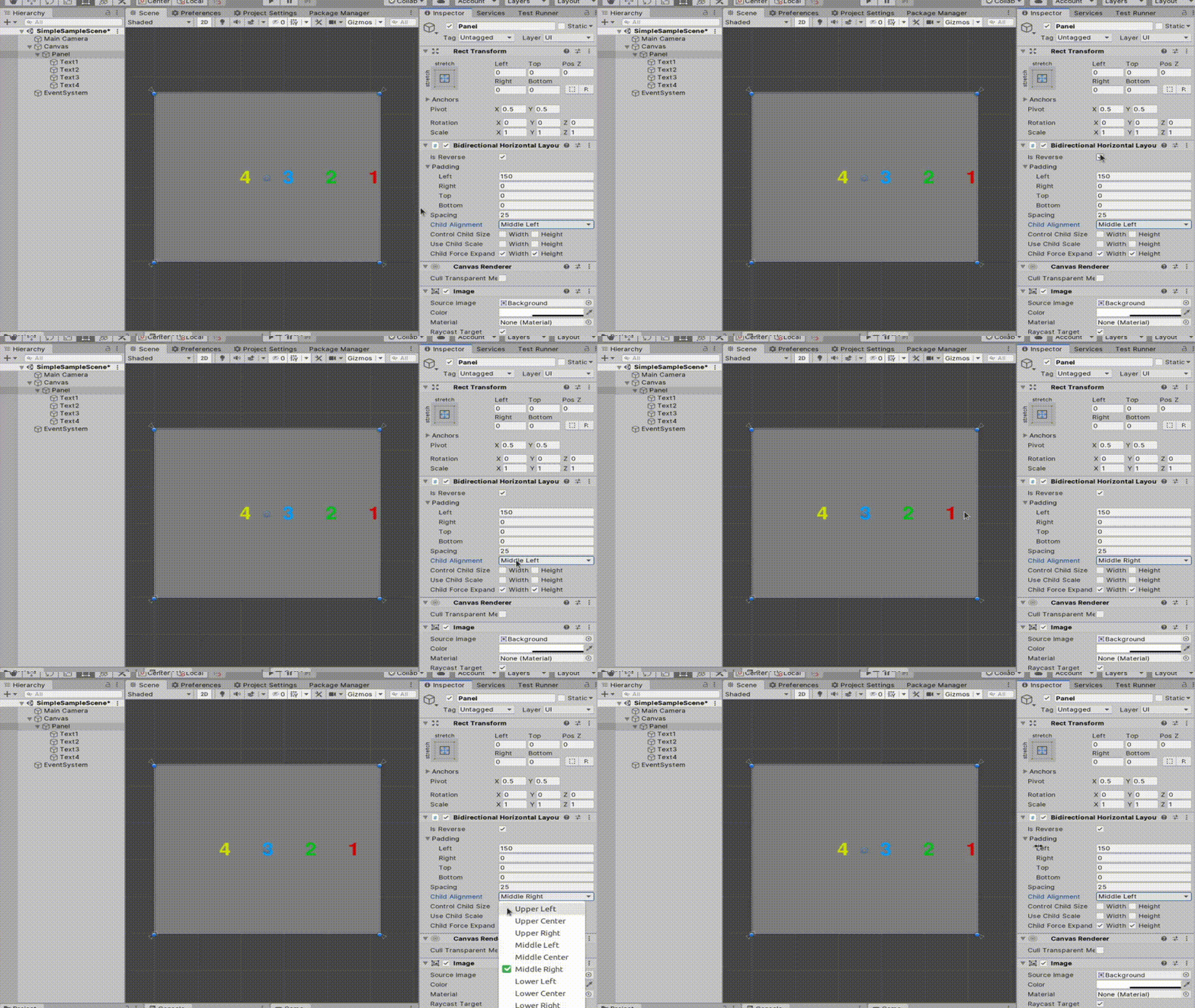
The Left and Right padding fields always refer to Left and Right respectively regardless of whether "reverse" is checked. However "children alignment" field gets reversed along with the children's order. Take the following examples.
LTR mode
RTL mode
 hk1ll3r