

 hjalmers
How to change the column header style.Please guide me

Could you be a bit more specific about what you're trying to do perhaps? It's just a normal table in the end so if you're just referring to css styling you style it using normal css, e.g.
table thead tr th {
  background: red;
}


@sahilkatia are you referring to my example from the 18th of July? If you add it to your css/scss file it should turn the background of the table headers read like this:
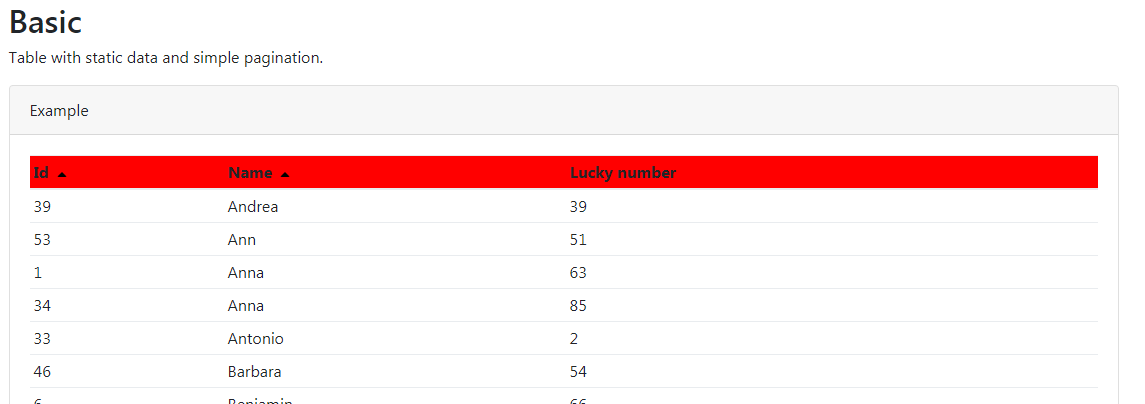
Unless you have some other css overriding it of course:) Also checkout this example for more ideas on how to style the table.
A side note is that if you want to style the table using css rules you've add to your own component you either have to turn of ViewEncapsulation for that component. Or use ::ng-deep selector see example here.