

 hediet
Could not parse evaluation result as JSON: Unexpected token b in JSON at position 0 Evaluation result was: beta@15 "100 4 2 6 5 10 " Used debug adapter: java
When I debug Java file, it doesn't visualize data, it just give me this message. Help me! How can visualize my data?


In case of java, you can only visualize json strings! Your toString method needs to return proper json, also you need to enter "this.toString()", not "this".

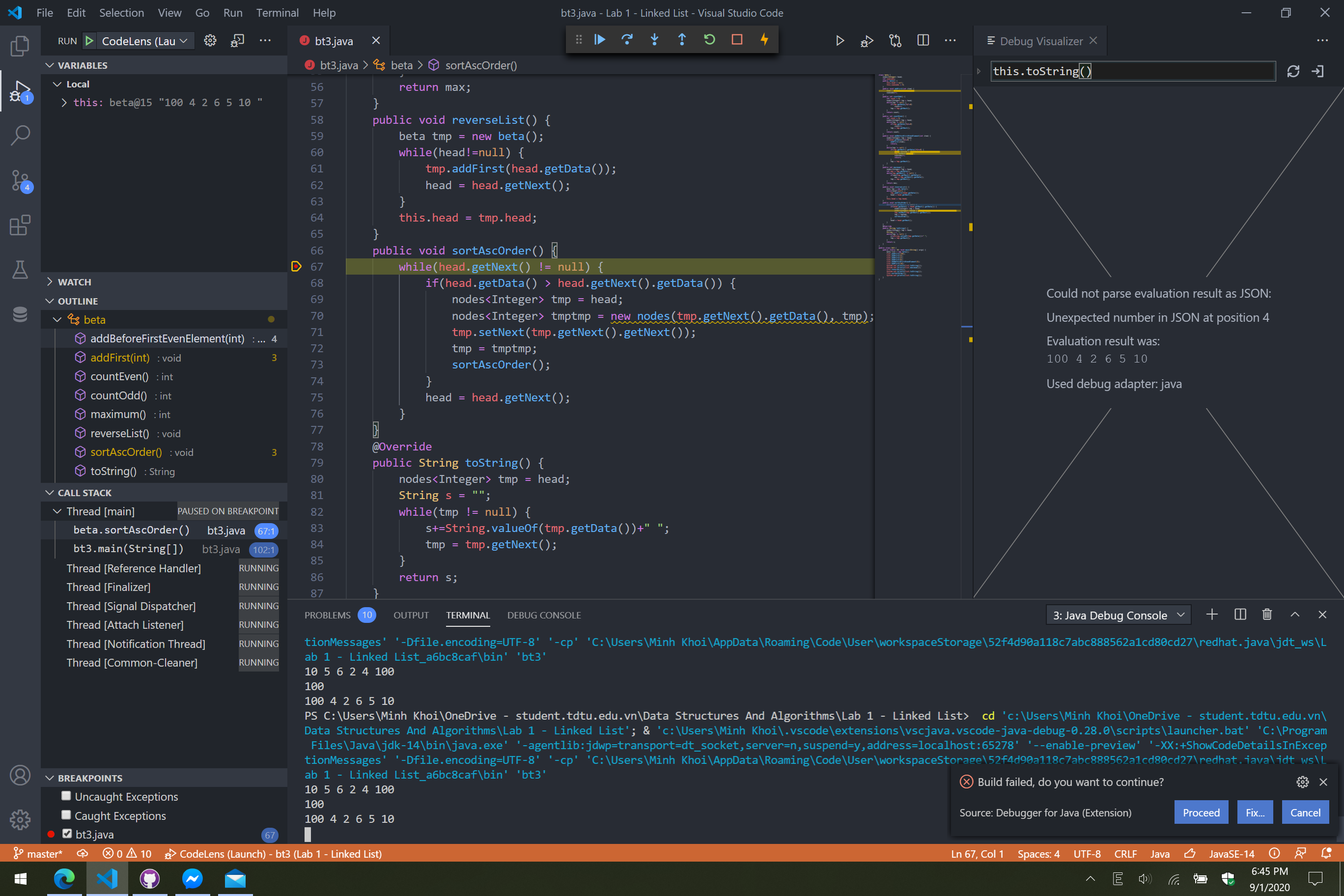 I got same issue
In case of java, you can only visualize json strings!
See the readme for further explanations ;) There is also a java demo.
I guess then I would run str(variable_name) in the case of python. Could I also run python import commands, e.g. import pandas as pd or import numpy as np in the debug visualizer? I ask because np.array(str(variable_name)) results in NameError: name 'np' is not defined.
