

 headwirecom
Feature/personal hp
As discussed here's draft PR so the team is aware about about the initiative and can review as it develops.
Scenarios
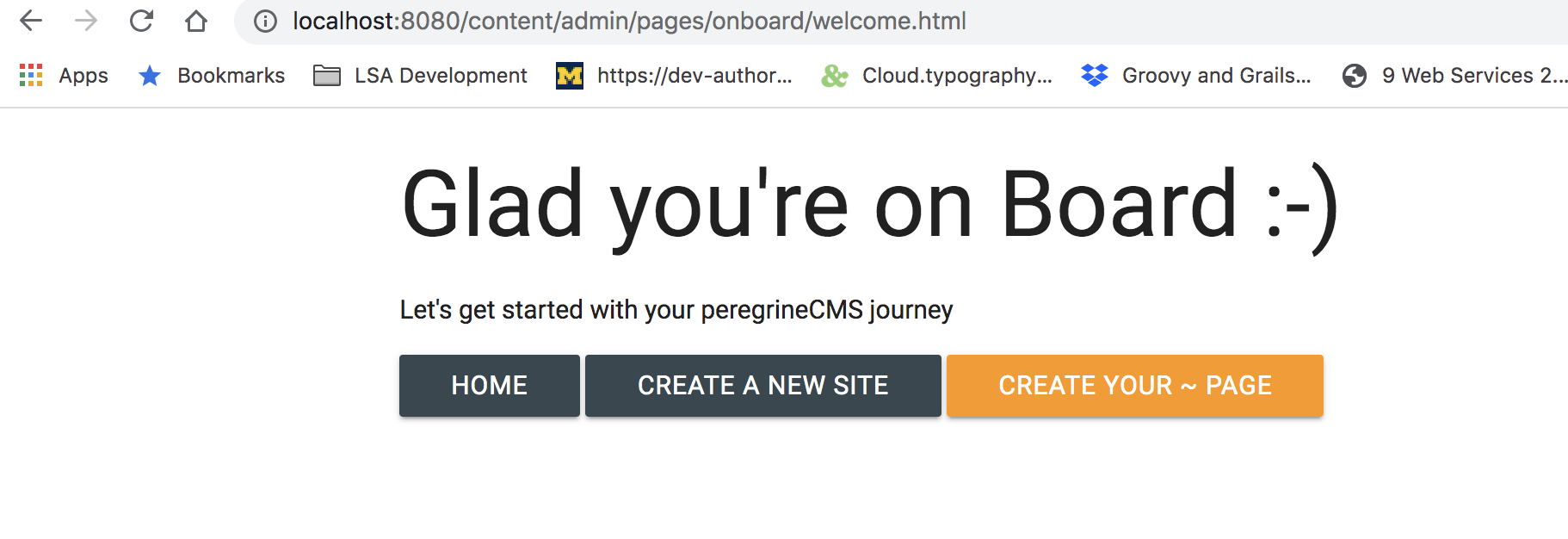
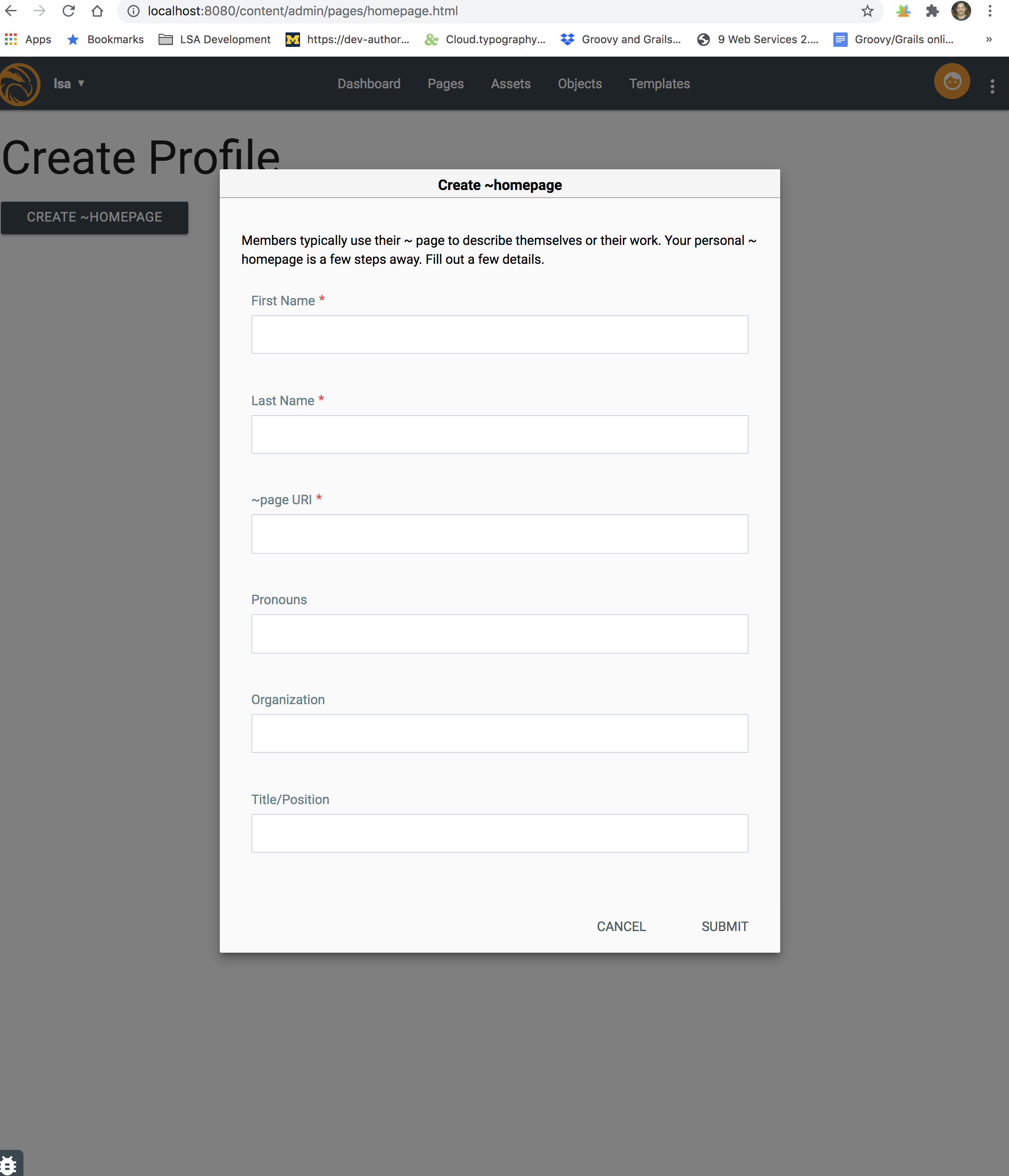
- Given I am a new user on first login, and I accepted the terms. Then I see the welcome screen (/admin/pages/onboard/welcome.html) having three buttons. Given I click on "Create Your ~ Page," then I go /admin/pages/homepage.html and a modal opens.
Initialization Modal
-
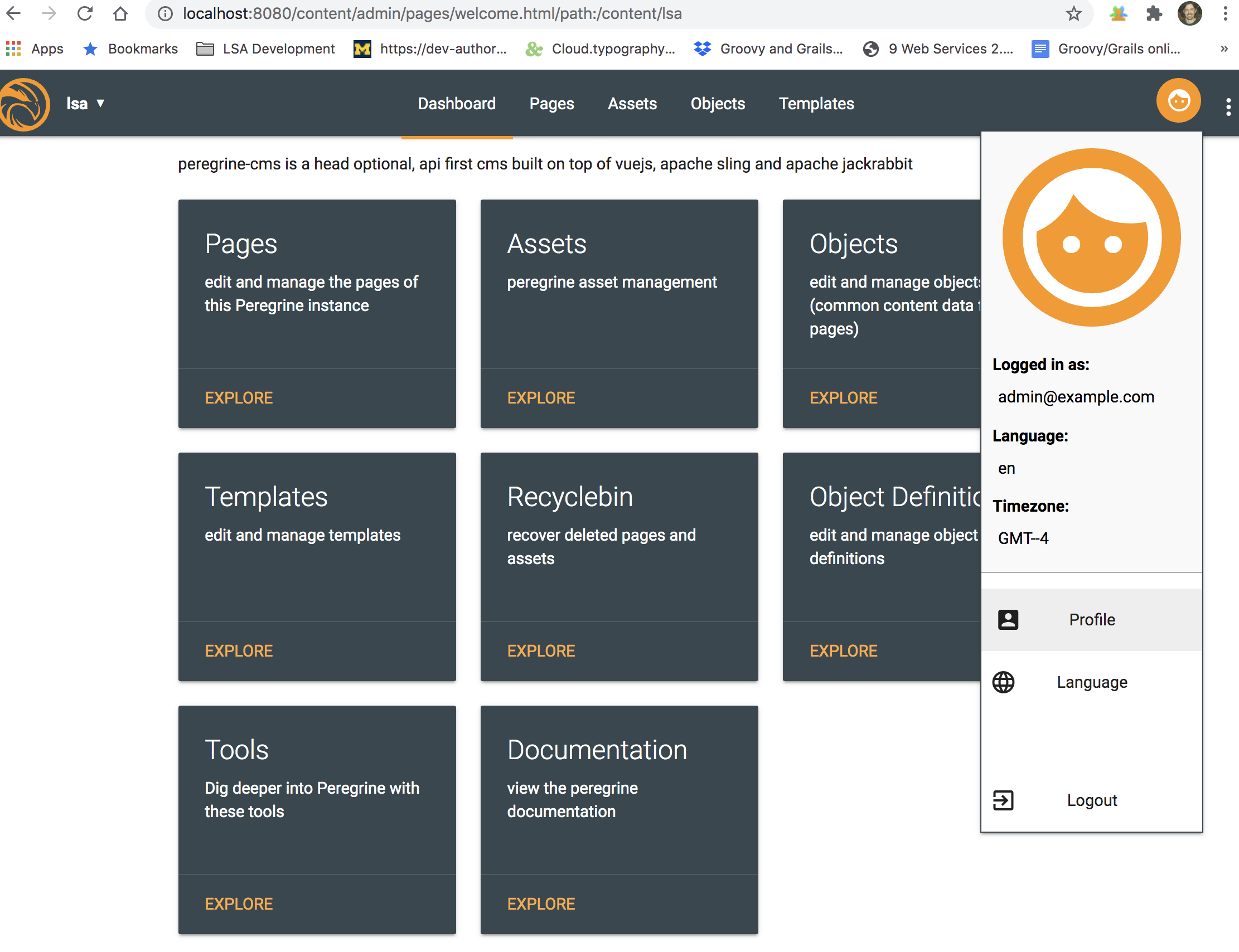
Given I am not a new user, and I am on any tooling page having the global Peregrine CMS nav. When I click on the user icon in the upper right, the Profile button is enabled. Given I click on the Profile button, I will then go to page /admin/pages/homepage.html
-
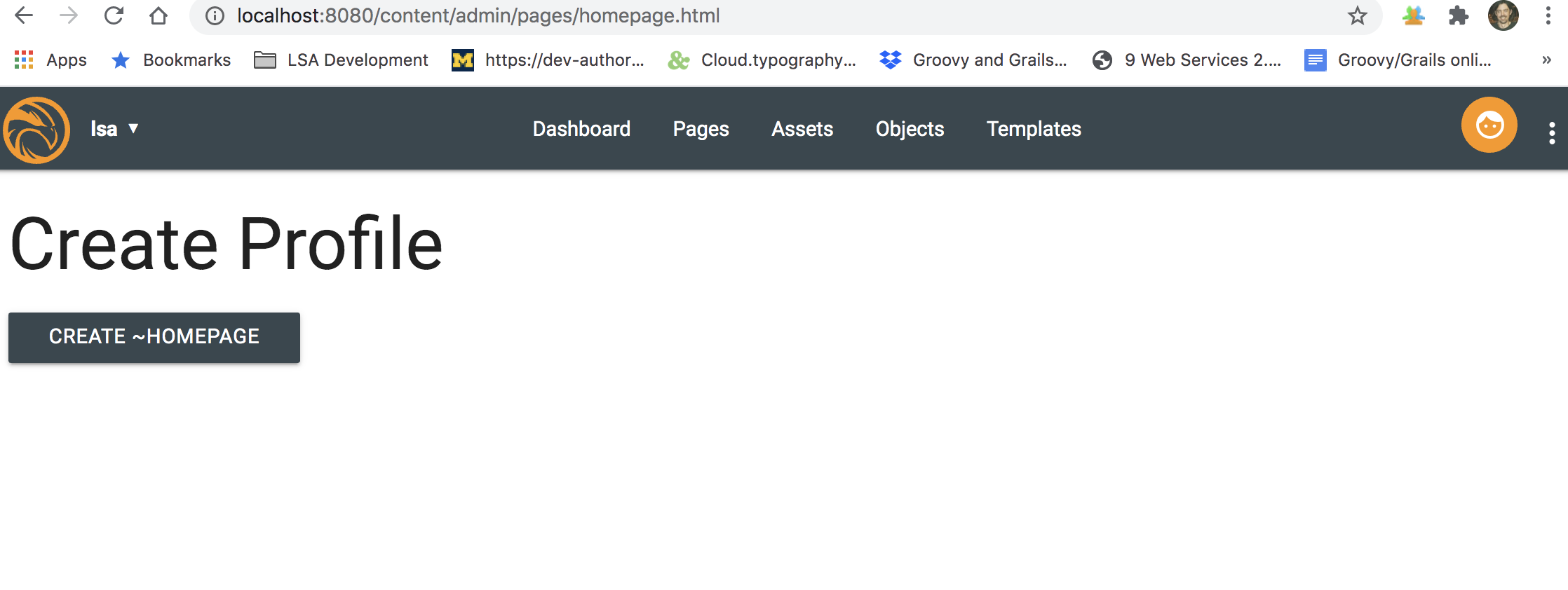
Given I am on /admin/pages/homepage.html, and I have not initialized my ~page, then preferences['tildaPage'] should be false. Then the initialization modal will open upon first loading. If I cancel the modal or it closes for any reason, and I still have not initialized my ~ page, then the modal reopens using the button on /admin/pages/homepage.html "Create Your ~Page"
-
Given I have initialized my ~ Page, adding rich text content
-
Given I have initialized my ~ Page, and I want to change the tildaURI and other initial ~page properties
Tasks / Inventory
UI Flows both link user to /admin/pages/homepage.html
[X] Button for Personal ~Page on the on-boarding page
[X] Enable Profile button from toolingpage user drop-down
[X] Tooling-page /admin/pages/homepage.html consumes /perapi/admin/access.json
[X] AccessServlet respons preferences['tildaPage'] =
Out of scope
Some features are needed but will be out of scope for this PR
- A way to upload files including images to ~ Page
- A maximum amount of disk space available to ~ Page
- An image component available to the ~ Page editor
- User ~Page fragment rendering selector
- Tenant users "Team Page" aggregation
- Invite users to Tenant group
