
xcode-themes
 xcode-themes copied to clipboard
 hdoria
Color themes for Xcode
Xcode Themes
-
Blackboard

-
Coal Graal

-
Cocoa Frooties: A theme made by Michael Mangold

-
Dusk

-
Dusk v2

-
EGO v2: A theme from Enormego. An Xcode3 version can be found here:

-
EGO v2 (darker): The EGOv2 was too bright for me for some colors, so I toned them down.

-
Foggy Bottoms: A theme made by Michael Mangold

-
GlitterBomb

-
Humane: This theme was originally made for Xcode 3 by Damien Guard. I've made some modifications to it (including a switch to Menlo 12 pt. instead of Panic Sans 11 pt., though the two typefaces are nearly identical).

-
Kellys

-
Mangold: A theme made by Michael Mangold

-
Midnight

-
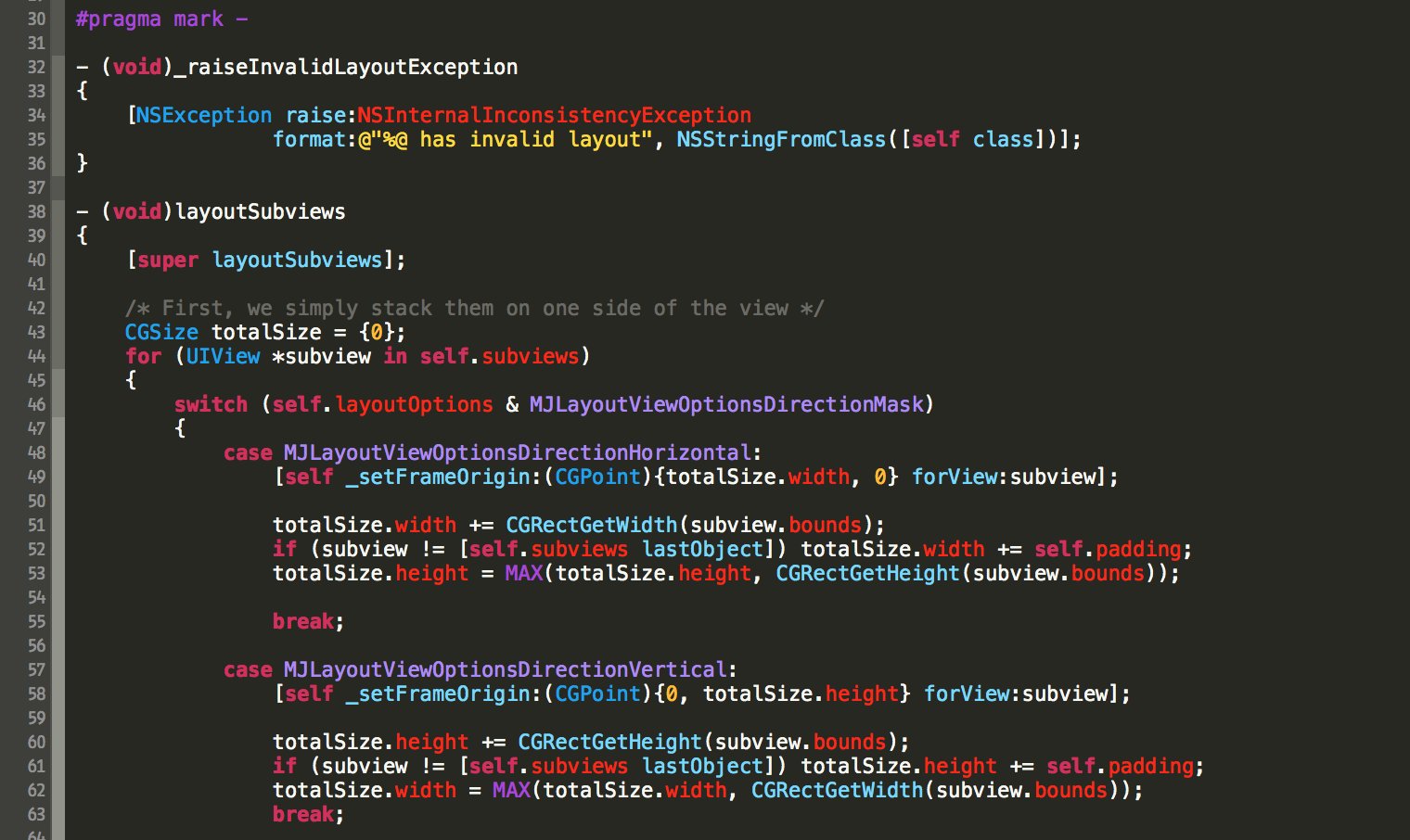
Monoguy: Monokai-hacked theme by Mazyod.
-
Monokai

-
Moodnight

-
Morrowind: Great theme based on the Tango palette. By Nate Stedman

-
Night

-
Objective Sheep: Works especially well if combined with some good Jazz through your headphones… something like Miles Davis’s “Kind of Blue” for example :-). Found here

-
Obsidian Code: A theme made by Ben Scheirman. An Xcode 3 version can be found here

-
Pastel - Menlo

-
Rearden Steel: A theme made by Michael Mangold

-
Raspberry Sorbet: A theme made by Michael Mangold

-
Resesif

-
Salander: A theme made by Michael Mangold

-
Scratch Art

-
Sidewalk Chalk

-
Solarized Dark and Light: Both themes are based off the amazing work for the original Solarized theme. Github user varikin took the Solarized palette and made the Solarize Dark theme for Xcode 4. I forked his repository and added the Solarize Light theme as well. I'm including both in this repository, but both have been pushed back upstream to his repo.


-
Space Gray: A Hyperminimal Theme. Found here

- Spacedust: This amazing theme was created by Mikael Hallendal (m5h).

- Tomorrow Theme: A Pastel Coloured Editor Theme. Found here

- Twilight: Port from Textmate's Twilight theme. Found here

- XCasts: a dark theme loosely based on Ryan Bates' excellent Railscasts theme for Textmate. Found here

- WWDC2016: A color scheme for Xcode based on the WWDC 2016 invitation. Found here

-
Yo: a color theme that is based on Yo.

Installation
Using the installation script
$ git clone https://github.com/hdoria/xcode-themes.git
$ cd xcode-themes
$ ./install.sh # And then restart Xcode
Alternative way
$ git clone https://github.com/hdoria/xcode-themes.git
$ cd xcode-themes
$ mkdir -p ~/Library/Developer/Xcode/UserData/FontAndColorThemes/
$ cp *.dvtcolortheme ~/Library/Developer/Xcode/UserData/FontAndColorThemes/
ThemeInstaller app
Find and install ThemeInstaller app from the Mac App Store. Open theme you want to install and it's done. Themes are visible after Xcode is restarted.
 hdoria