

 haydenull
Menu doesn't work after starting logseq
Hi,
Thanks for writing the plugin. Makes synching a lot easier. However I have an issue where the menu doesn't work after starting logseq. The buttons are not visible and the menu is empty. I have to restart, sometimes a couple of times, before it appears again.
Screenshot attached.

Thanks!

It seems that you might not have an enabled button in your settings. Please check your settings to ensure everything is properly configured.
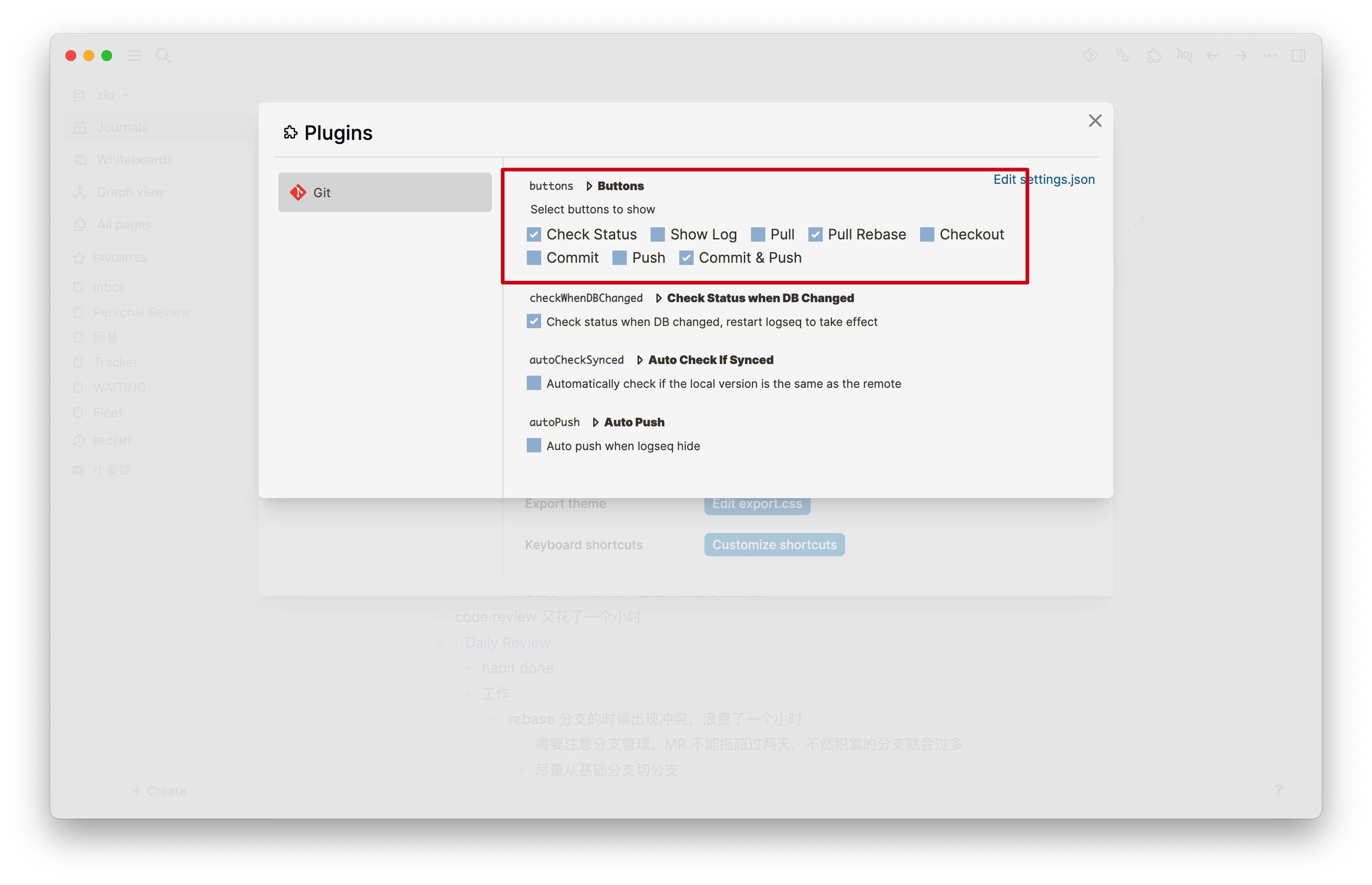

Thanks. It's configured correctly as you show in the screenshot. It works sometimes and sometimes it does not. I need to restart logseq if it doesn't appear, sometimes two times in a row. This happens both on my home PC and on my work laptop. Not sure if there are any logs I can send you?
I'm also getting this issue.
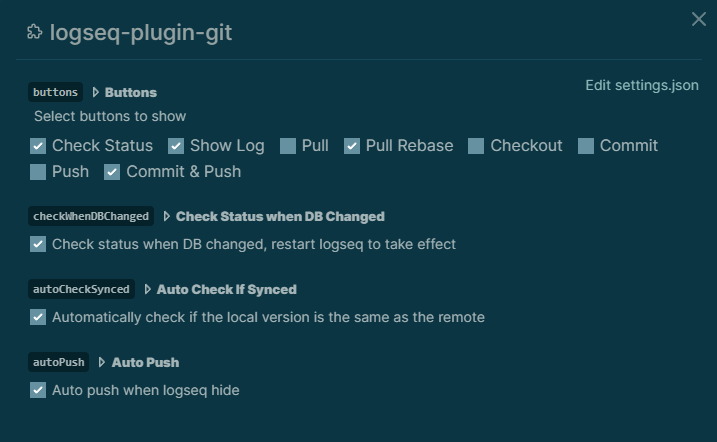 However, it won't work even after restarting the app.
I just get a scrollable area that will intermittently show the options if I scroll down, but more often than not it's just blank space.
However, it won't work even after restarting the app.
I just get a scrollable area that will intermittently show the options if I scroll down, but more often than not it's just blank space.

Here's a screenshot of the options barely visible if you scroll down:
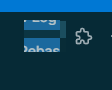
I can send logs if needed, just let me know which ones. Thanks

Not currently. I had been using a theme so I uninstalled it to check and still getting the same behaviour. Currently just set to the dark theme included with logseq. I don't have any custom CSS.
I have the same problem. Disabling all other plugins and using the standard theme does not change anything.
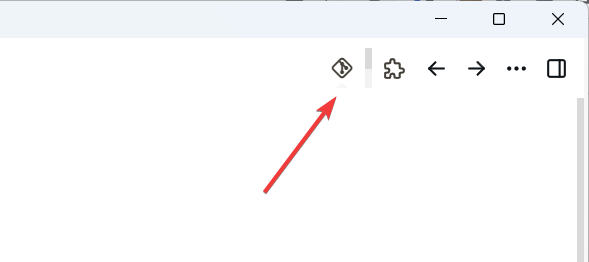

Same here, Getting the scroll bar.
Tried:
- disabling all themes.
- Restarting multiple times.
Still same result.
Only now appeared, sadly I haven't been paying enough attention to any plugin or app updates that may have marked the beginning of this issue.


I had the same problem after update to latest version. 2023-4-13 23:40:56
There is no other operation
Logseq version 0.9.2 has modified the style of the toolbar, which has affected the git panel as it is embed within it. To temporary fix this issue, you can add the following code in custom.css. The plugin's next version will is expected to address this problem.
.ui-items-container[data-type=toolbar]>.list-wrap {
  overflow: visible;
}
I have nothing in my custom.css apart from pasting that suggested workaround in. It doesn't make the git button work, unfortunately - it changes the behavior so that instead of showing what others depicted above, it drops down a tiny box containing nothing (too small to contain much).
I do have options checked in my settings, so something should be in there.
GREAT plugin, I'm crossing my fingers for the release.

The plugin DOM structure has bee re-modified in version 1.5.1 , you can try it again.
Worked for me too -- thank you!
On Tue, Apr 18, 2023 at 10:37 PM Edan @.***> wrote:
Can confirm that at least for me 1.5.1 solved the issue.
Cheers
— Reply to this email directly, view it on GitHub https://github.com/haydenull/logseq-plugin-git/issues/31#issuecomment-1514158578, or unsubscribe https://github.com/notifications/unsubscribe-auth/AAJ7H6ISOIMTFXIR4TTY5HTXB52ZPANCNFSM6AAAAAAWOJEJSA . You are receiving this because you commented.Message ID: @.***>
The plugin DOM structure has bee re-modified in version 1.5.1 , you can try it again.
@haydenull after 1.5.1 this plugin works again but i started having problems with logseq's main view (or maybe sidebar too, i can't remember) losing focus very often, and i have to click on it to get its focus back. when that happens, i notice the only element i can select via the devtools is the plugin-git-mask, so i'm suspecting this is the cause. if it is indeed caused by this plugin, could there perhaps be a better workaround? 😆

May I know which version of logseq are you using? Please try restarting logseq and see if it works. @lef-est
losing focus very often
Faced with the same problem. Reproduced on Logseq versions 0.9.2 and 0.9.3. I use the standard theme, with only Git plugin enabled.
does "losing focus" means that clicking anywhere doesn't respond? Also, Is the computer experiences this issue a Mac or a Windows computer? Will the issue still persist after restating logseq?
does "losing focus" means that clicking anywhere doesn't respond?
No. Losing focus means that, for example, in order to edit a line, you must first click anywhere in the Logseq window to bring it back into focus, and then click again to edit the line. That is, instead of one click, you have to do two. This was not the case before Logseq 0.9.2.
Also, Is the computer experiences this issue a Mac or a Windows computer?
I use Windows 11.
Will the issue still persist after restating logseq?
Restarting has no effect. The problem occurs all the time after updating Logseq to 0.9.2+.
I can't say if it's logseq 0.9.2's bug or this plugin's bug, but I only started noticing it after I updated this plugin to 1.5.1 (which coincides with the release of logseq 0.9.2 so tough call), and frequently had devtools selecting the plugin-git-mask as the top element. Windows 10 here.
The version 1.5.2 has just been release. please update the plugin , restart logseq and see if the problem persists.
The problem seems to have been solved. After updating the plugin to 1.5.2 the focus was no longer lost. Thank you.
Hi! After updating to v1.5.5 I am getting this error. Menu with buttons does not show up after clicking the plugin icon. I am using standard theme. Reproduced on both Windows 11 and Arch linux.

Hi! After updating to v1.5.5 I am getting this error. Menu with buttons does not show up after clicking the plugin icon. I am using standard theme. Reproduced on both Windows 11 and Arch linux.
@mateuszkochanek May I ask which version of logseq you are using?
@haydenull Sorry for bothering you, I just realized that I didn't update logseq on Arch - thats why it didn't work. On Windows it was the other way, it didn't work because I updated logseq, but didn't have newest version of your plugin. So all in all it was all due to my oversight, works great, thank you for your contributions :)