hawtim.github.io

hawtim.github.io copied to clipboard
 hawtim
Github 创建个人主页以及绑定域名
创建个人主页
-
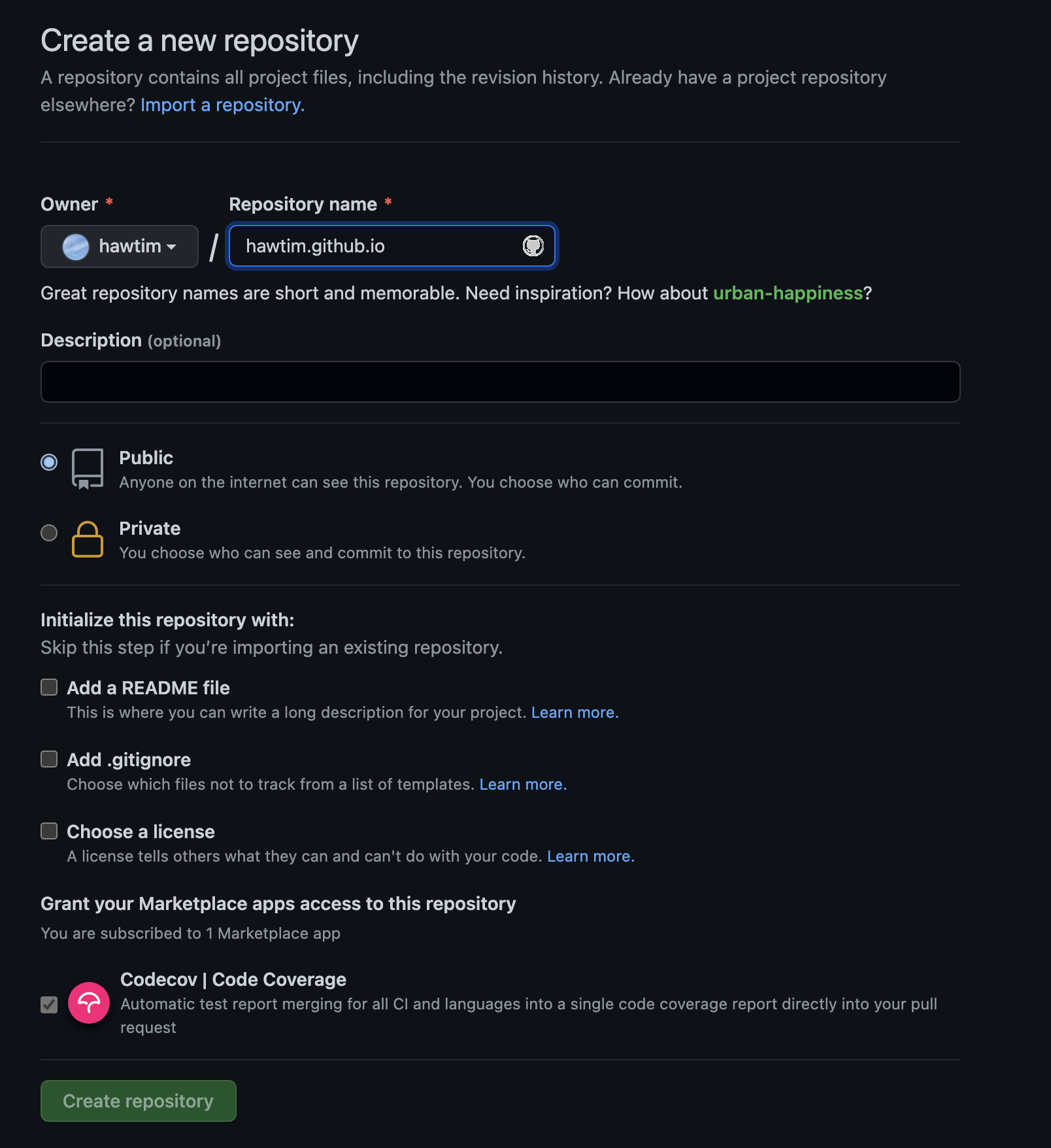
New Repository

-
填写 hawtim(修改成自己的名字).github.io
-
选择一个主题


-
这时候访问 hawtim(修改成自己的名字).github.io 就可以看到刚刚创建的个人主页了
绑定自己的域名
-
假设你已经有了自己的域名,例如笔者的,hawtim.com
-
在刚创建的个人主页的项目的根目录下,添加 CNAME 文件并在文件中填写绑定的域名

-
进入项目的 settings 下,找到 Custom domain 添加域名后保存即可

-
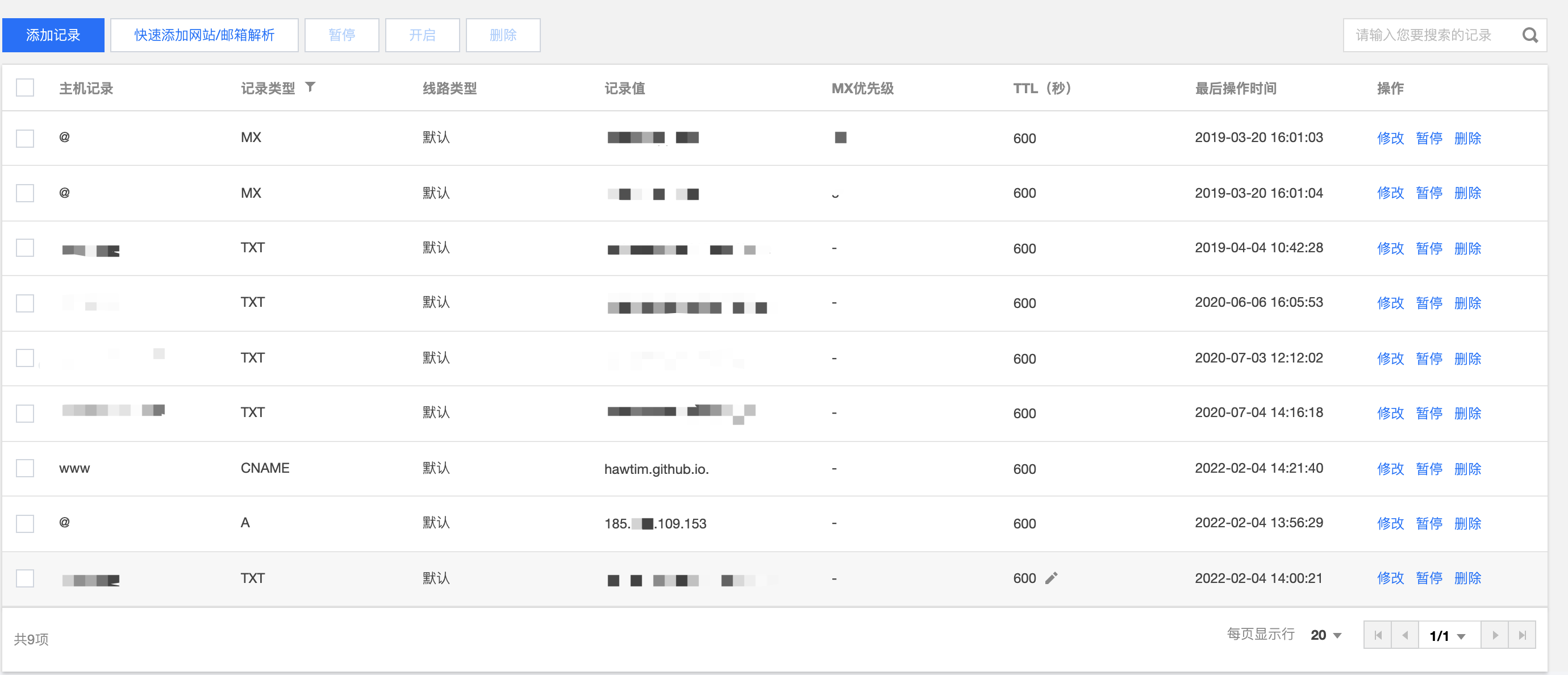
添加域名解析 ping hawtim.github.io,获取 IP 地址

-
域名添加解析