
love-console
 love-console copied to clipboard
 hamsterready
Simple Counter-Strike-like console for LÖVE games
love-console
Simple Counter-Strike-like console for LÖVE games
What is it?
Tap ` to toggle console visibility:
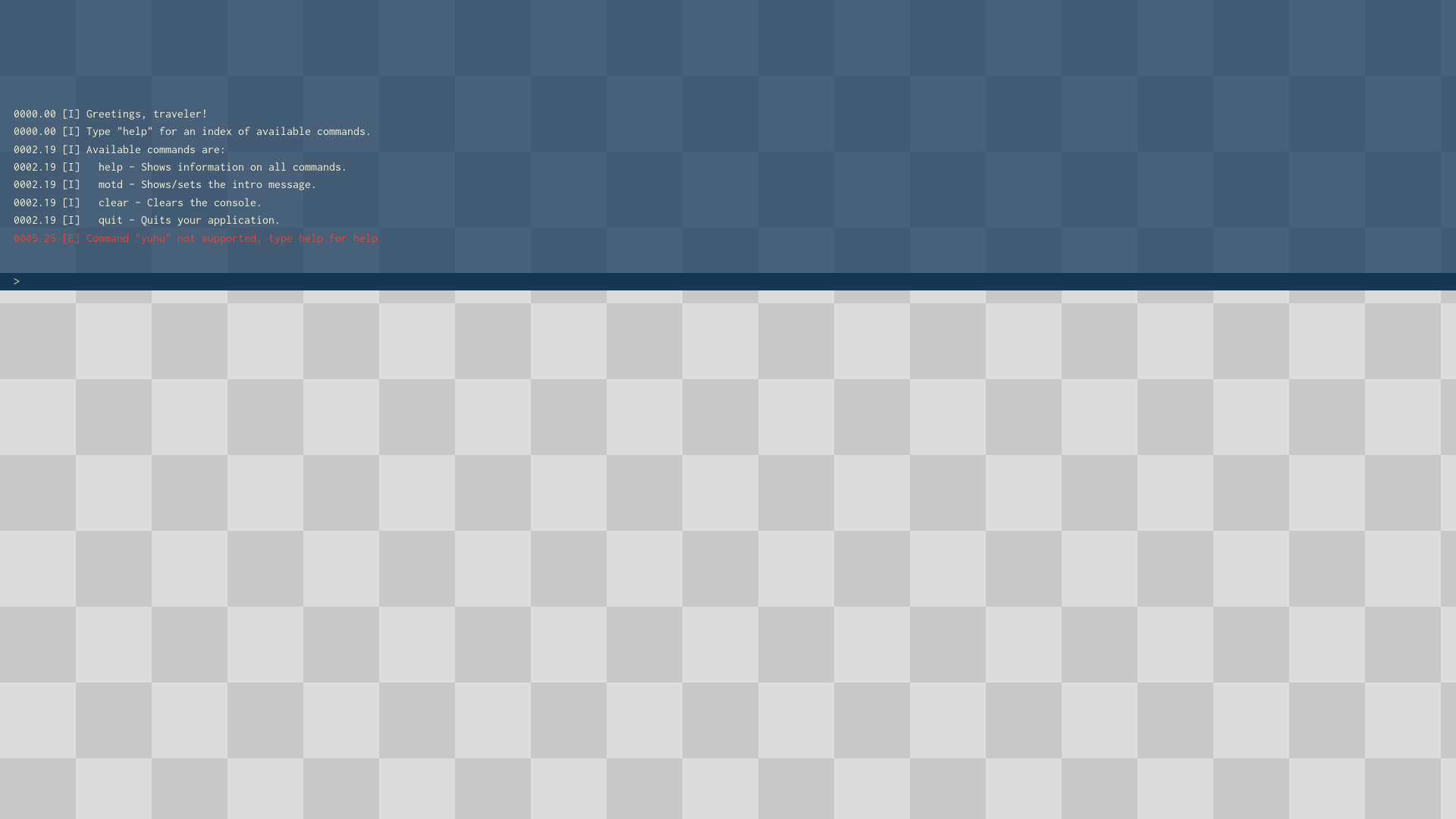
When console is visible it can consume love.keypressed and love.mousepressed callbacks (if you wish it to). If you do not want to pass events to console callbacks then you can always open console by calling console.visible = true.
Useful for simple debugging and changing game parameters in runtime.
How to use it?
Check main.lua for complete example.
Minimum working example:
-- load and initialize console with defaults
local console = require 'console'

function love.draw()
	-- draw console, should be last statement in love.draw function,
	-- otherwsie other elements may be drawn on top of it
  console.draw()
end

function love.keypressed(key)
  -- let console consume keypress events, if only it is visible
  -- should be first code block in love.keypressed function
  if console.keypressed(key) then
    return
  end
end

function love.resize( w, h )
	-- if your application window is resizable,
	-- then update console with new width and height
  console.resize(w, h)
end


function love.mousepressed(x, y, button)
  -- let the console consume wheel up and down mosuepress events
  -- (only when console is visible)
  -- should be first code block in love.mousepressed function
  if console.mousepressed(x, y, button) then
    return
  end
end
API
-
console.load(keyCode, fontSize, keyRepeat, inputCallback)- initializes consolekeyCode- KeyConstant, default`, it is used to toggle console visibilityfontSize- number, default 20keyRepeat- boolean, default falseinputCallback- function, ifnilis being passed then default implementation is being used, seeconsole.luafile for details
-
console.draw()- draws console,console position and size
x, y, w, h = 0, 0, windowWidth, windowHeight/5; please remember to callconsole.resize()so thatw, hcan be recomputed -
console.update(dt)- updates console state withdttime, not required, but strongly recommendeddt- delta time
-
console.resize(w, h)- call when window is resized, not required but recommended when your application window is resizablew- new window widthh- new window height
-
console.keypressed(key)- handles keypress eventskey- KeyConstant
shall be invoked as first block in
love.keypressed(key); returns true if key was consumed by console, false otherwisethis one is rather required, it allows to toggle console visibility without pain and you do not have to deal with visibility state, however you can always use
console.visible = true or falseto show/hide the console -
console.mousepressed(x, y, button)- handles mousepress events -
x- mouse position -
y- mouse position -
button- mouse button being pressed
calling this method allows console to support scrolling through messages (if only console is visible )
shall be invoked as first block in love.mousepressed(x, y, button); returns true if button was consumed by console, false otherwise
-
console.d(t), console.i(t), console.e(t)- appenddebug,infoorerrormessage to the console -
t- string, message content -
console.defineCommand(name, description, implementation)- Define a command like/help.name- The name of the command which must include the forward-slash (if desired).description- An explanation of the command shown by/help.implementation- A function providing the logic for the command. It receives no arguments and the package ignores any return values.
Metadata
Owner
 hamsterready
Metadata
Simple Counter-Strike-like console for LÖVE games