hackiftekhar
Bug on iOS 15.x when clicking "done" with bad UI repositioning
Describe the bug
It seems to occurs only with iOS 15.X. Seems to work fine with iOS 14.8.1 UIViewController which contains : UINavigationBar and UITabBar components. And between them, 2 UIVIew, the second one including UITextFields.
On the 2nd view (See screenshot below) the user fill in the UITextViews, then he clicks the done's button . The UI is not OK as the "Top up" button appears under the TabBar. It should appears like the screenshot "UI OK", above the TabBar. If the user select another tab and then return to the previous, now, the UI is OK.
To Reproduce Steps to reproduce the behavior:
Expected behavior On "done" the UI should redraw correctly.
Screenshots
UI OK:

UI NOT OK :
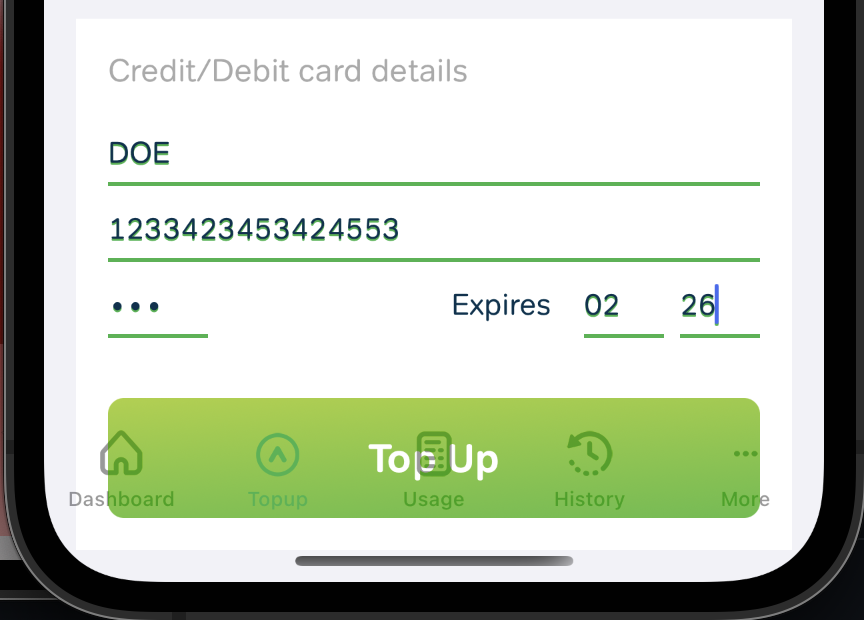
Demo Project
Versions
Xcode: 13.2.1 Mac OS: 12.0.1 Simulator/Device: 12 Simulator/Device Name: iPhone XR / 12 / 12 PRO Library Version: 6.5.9
Additional context


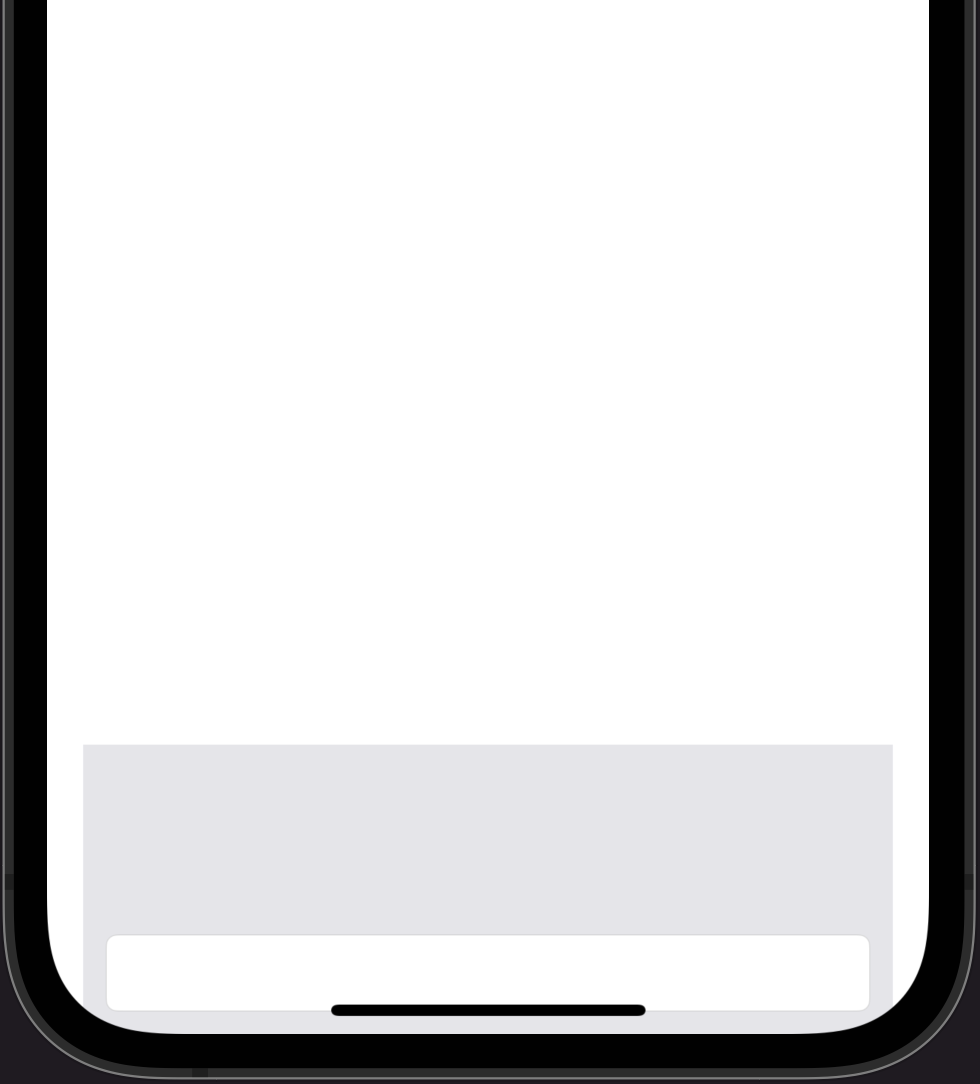

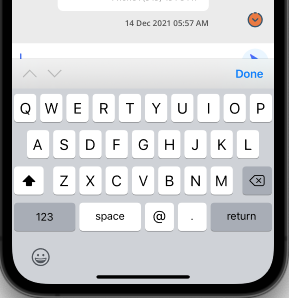
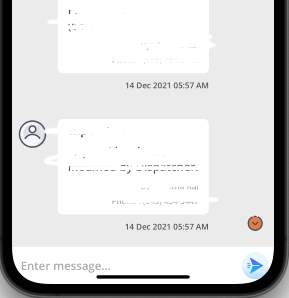
same issue. For me the textview overlaps with keyboard when goes up and goes a bit down the safe area when DONE is pressed..
When keyboard is up :
When keyboard goes down :


setting IQKeyboardManager.shared.layoutIfNeededOnUpdate = true worked for me on 15.2

@MuneebaMeer10 where did you write that code in willAppear or didLoad?