hackiftekhar
Textview get scroll up when tap on the textview second time
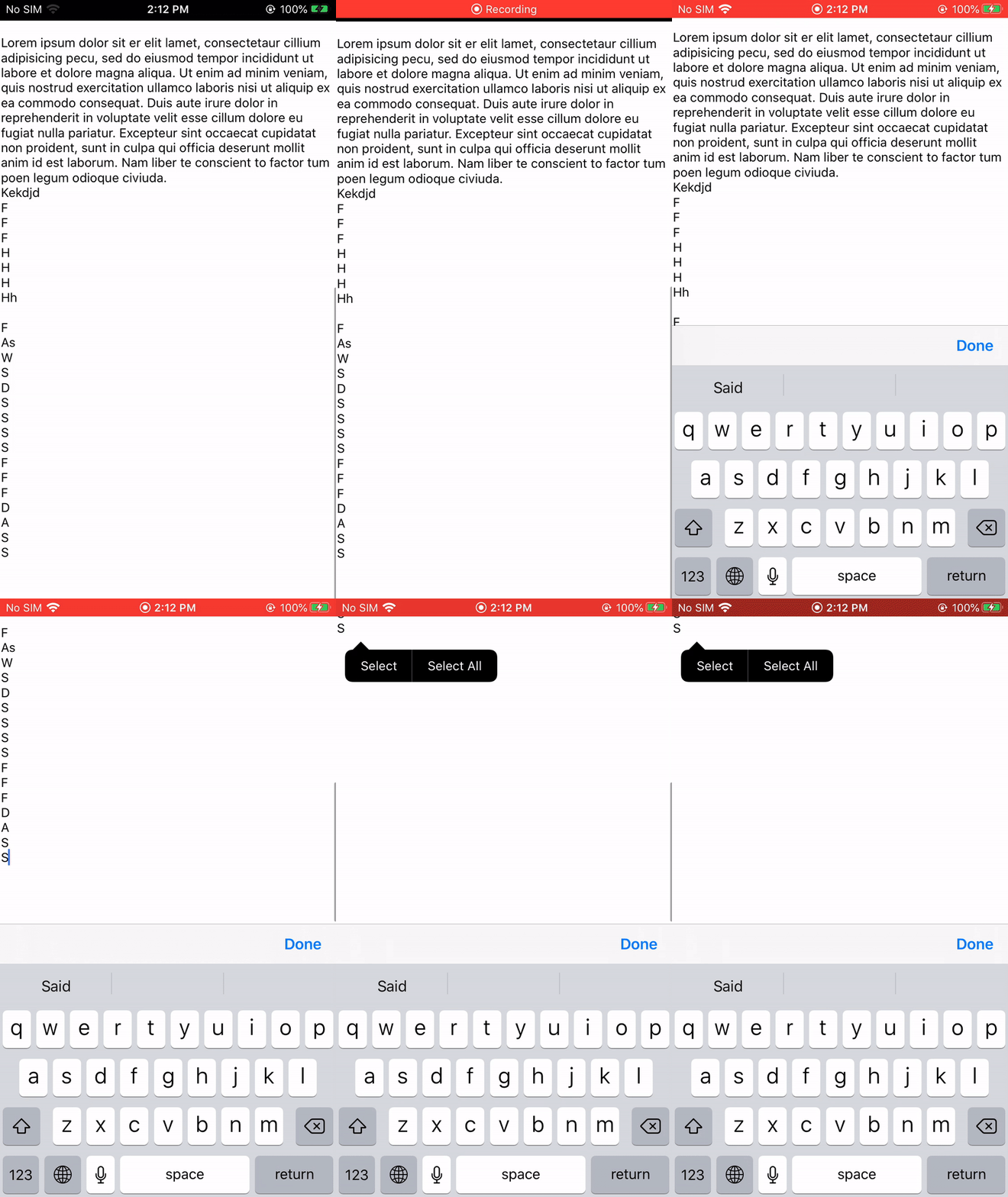
Describe the bug Don't know anyone face a problem that when you have a UITextView inside a UIScrollView, and the text view height is expanding according to the content and the scroll view content size will updated at the same time. The text view will get pushed up when u tap on it again.
To Reproduce Steps to reproduce the behavior:
- Add a text view inside a scroll view
- Make text view height dynamic according to content input
- Type long text
- Dismiss the keyboard
- Tap on the text view to become first responder
- Tap on the text view again and the text view will get pushed up
Screenshots
Xcode: 11.6 Mac OS: 10.15.5 Library Version: 6.5.0

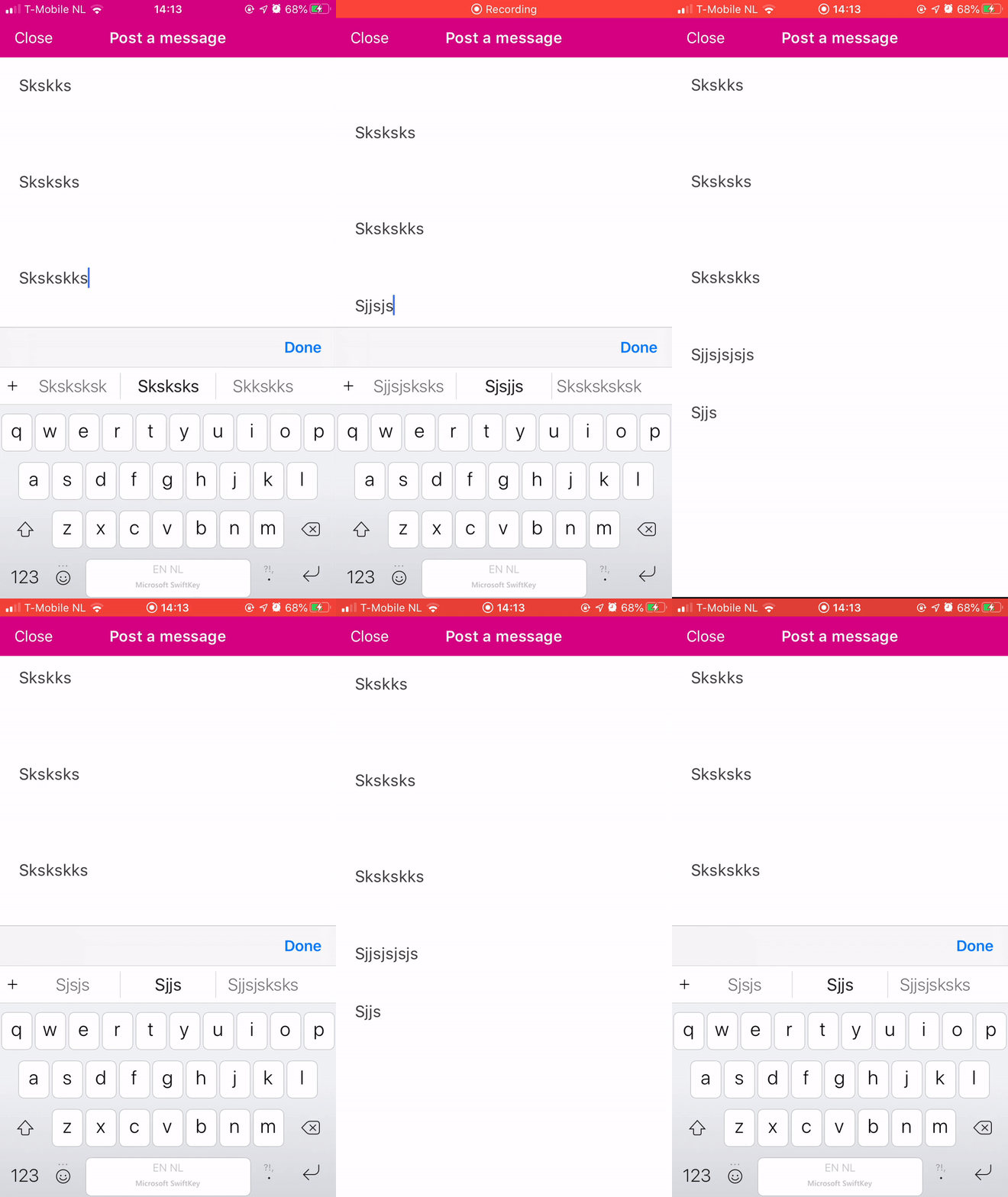
I'm experiencing the same issue (I have the same implementation in regards to UITextView and UIScrollView) however for me the text gets put in the correct position initially and then the scrollview gets scrolled to the top (as with you after your second tap) automatically (without the second tap).
Note: For me the UITextView is embedded in a UIStackView. That UIStackView is then embedded in the UIScrollView. The UITextView has isScrollEnabled = false. Using version 6.5.5


If you would like to not scroll the scrollView then you could try setting scrollview.shouldIgnoreScrollingAdjustment = true. This is library variable to ignore scrolling adjustment on that particular scrollview. I hope this would solve your cases.