

 hackforla
Tech issue: Unable to change Toolkit page
Overview
The first item on the toolkit page says "HackforLa requires 2FA...". I changed every occurrence of the phrase and the change does not show up.
Action Items
TBD
Resources/Instructions
- Deploy HfLA to Docker following instructions in Contributing.md.
- Change everywhere in source code it says "HfLA requires 2FA" to "Elephant"
- The change does not show up on the Toolkit page on localhost:4000
Similar issue when I add or delete an HTML directory into _guide_pages directory
- I don't see the added page
- The description for the deleted page shows up on the toolkit page. When you click on it, you get an error message because the file does not exist.
Is there a dependency?
No
If Yes, please explain
No response

Hi @ethanstrominger.
Please don't forget to add the proper labels to this issue. Currently, the labels for the following are missing: Size, Role, Feature
NOTE: Please ignore the adding proper labels comment if you do not have 'write' access to this directory.
To add a label, take a look at Github's documentation here.
Also, don't forget to remove the "missing labels" afterwards. To remove a label, the process is similar to adding a label, but you select a currently added label to remove it.
After the proper labels are added, the merge team will review the issue and add a "Ready for Milestone" label once it is ready for prioritization.
Additional Resources:
![github-actions[bot] avatar](https://avatars.githubusercontent.com/in/15368?v=4 "Published by a pub.dev verified publisher")
@ethanstrominger I investigated this issue. If deleting the _site folder doesn't work, then it seems we need to hit the refresh button after every change made to the code files. Here are the steps I took to test this:
- I ran docker per our
Contributing.md - Tested by changing "HfLA requires 2FA" to "Elephant" as well as "Our toolkit" to "Our Elephant" using code files
pages\toolkit.htmland_guide-pages\2FA.html. - Hit the refresh button and the changes will appear as seen below.
Please feel free to reach out if have any further questions. 👍

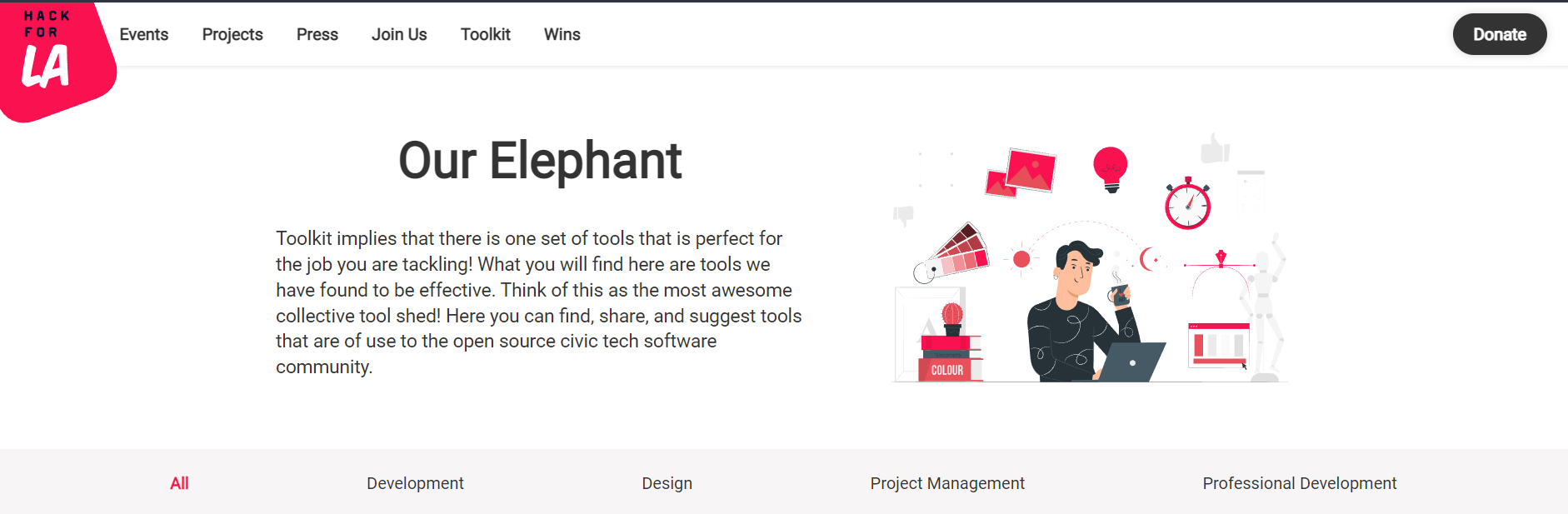

@alyssabenipayo Clearing the cache did not work for me but deleting _site did, followed by docker-compose-down and docker-compose up. I will experiment later and once I get something that works, I will update the guide.
@ethanstrominger Hello, checking in - Have you informed dev leads regarding this issue? Was it viewed by dev leads as well? It seems like this issue was used as a Q&A which I'm not sure it's meant to be used this way.
@ethanstrominger This issue with not being able to see changes made on the website is already addressed in our CONTRIBUTING.md section 2.7.b.i. What if you cannot see your changes locally within Docker?.
In the future, if you have questions, please reach out to us on Slack in the #hfla-site channel. Thanks.

Closing this issue because CONTRIBUTING.md section 2.7.b.i. What if you cannot see your changes locally within Docker? already exists on how to address this problem