

 h2non
h2non
Imaginary adds border after resizing
Original image:
https://www.sightful.nl/media/catalog/product/6/a/6acee5cbbb0157a6c49d7f467f15ff87e3ff99c4_Sightful_dailies_aqua_comfort_plus_30pcs_front_overview.png
Resized:
https://images.sightful.nl/fit?width=200&height=200&type=webp&url=https://www.sightful.nl/media/catalog/product/6/a/6acee5cbbb0157a6c49d7f467f15ff87e3ff99c4_Sightful_dailies_aqua_comfort_plus_30pcs_front_overview.png
You can best see the border when setting the background of the body element white.
This issue should have been fixed by https://github.com/h2non/imaginary/issues/261
Our version: {"imaginary":"1.2.4","bimg":"1.1.4","libvips":"8.10.0"}
After some research we can see that the src image is 2402x2402 pixels. We expect that imaginary doesn't handle half pixels too well which causes a grey border.

Hello, I am having the same issue.
The following problem happens only on a small subset of images i am testing, for the most of them the regular /resize endpoint works fine.
When calling /resize on some images, some unwanted borders appear.
Example:
- original image
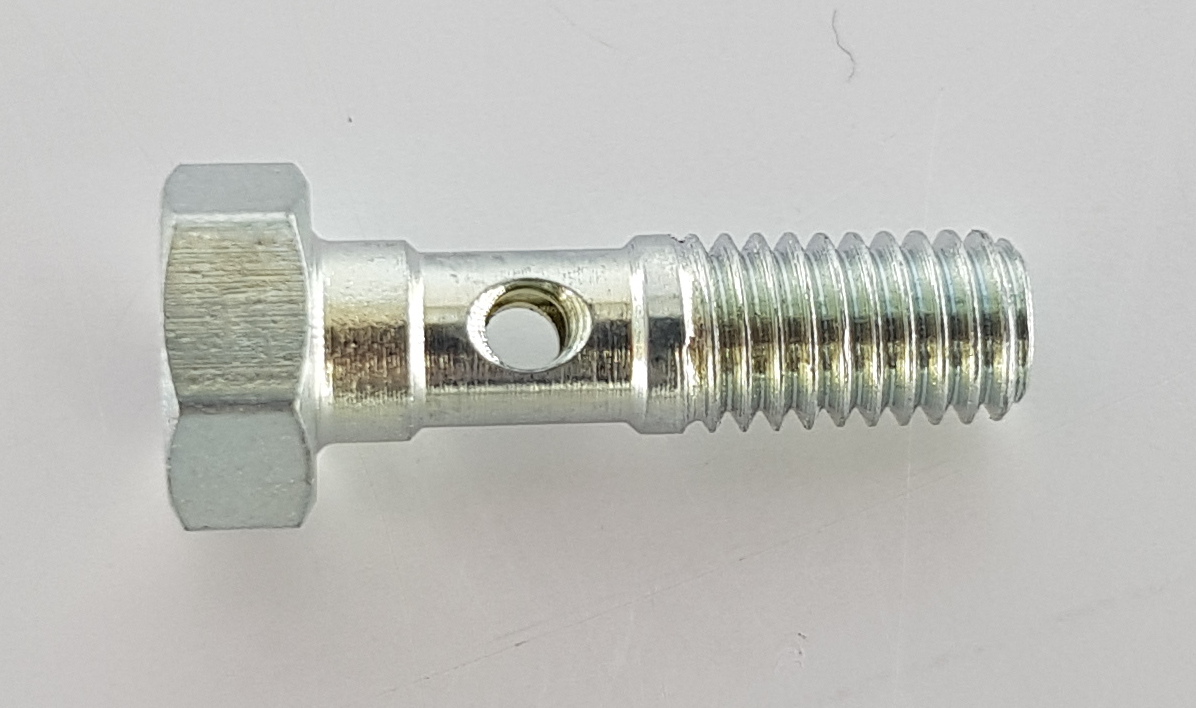
- detection of resizing coordinates
- height: 196
- width: 332
- resized image calling
resize?type=jpeg&width=332&height=196You can see that some additional bordering appears on the sides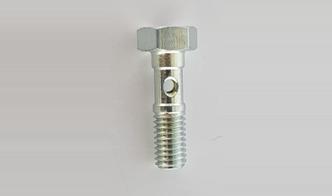
WORKAROUND
- call
/enlargeendpoint with resizing coordinates:enlarge?type=jpeg&norotation=true&width=332&height=196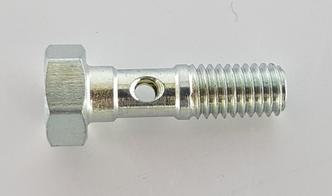
We are using docker image h2non/imaginary:1.2
